
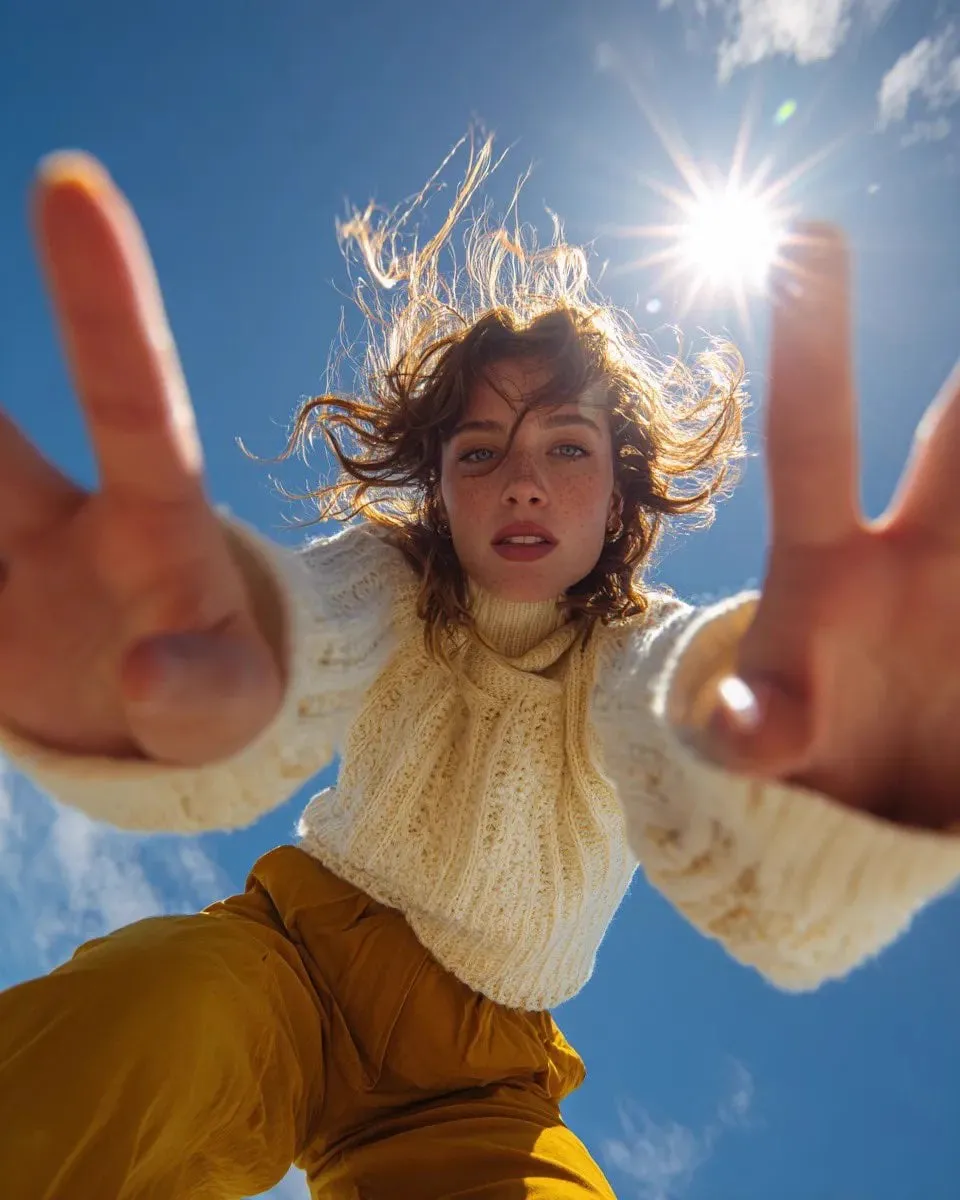
The most practical way to use AI video generation today starts with an image, not a blank prompt. You have a product photo, a piece of concept art, a frame from a storyboard, and you want it to move. Image-to-video generators turn that static asset into motion, and they do it with far more control than pure text-to-video, because the subject is already decided.
The hard part is choosing among them. Every tool demo looks impressive, but real production work exposes differences in coherence, prompt adherence, speed, and cost. This review evaluates the leading image-to-video generators against criteria that actually matter in production, and matches each tool to the jobs it does best.
What Makes a Great Image-to-Video Generator
A great generator takes an input image and produces video that respects the original while adding believable motion. That sounds simple, but it fails in a dozen ways: the subject distorts, the background flickers, the motion is too fast or too slow, the style drifts from the source image.
The core quality is temporal coherence, how smoothly objects and backgrounds transition between frames. A generator can produce one beautiful frame and still be useless if the clip falls apart in motion. Watch full clips at normal speed and at half speed, because coherence problems hide between the frames you notice.
The second quality is fidelity to the input. The output should preserve the identity of the source image: the same face, the same product, the same lighting. If the model reinvents your product halfway through, it has failed, no matter how pretty the result.
The third quality is controllability. Can you specify the direction and speed of the camera, the type of motion, and how long the clip runs? Controllability separates production tools from toys.
The Evaluation Criteria That Matter
Temporal coherence
Coherence is the single most important metric for image-to-video, especially with high-fidelity stills. Test it with a detailed image, such as a portrait or a product shot, and look for warping, flickering, and texture shifting during motion. Models trained on larger and cleaner datasets generally win here, but results vary by subject matter.
Prompt adherence
The input image sets the subject, but the prompt controls the motion. A good system executes layered instructions: the camera moves left while the subject turns, and the background blurs slightly. Test prompt adherence by asking for specific, multi-part motion and checking how much of it appears in the output.
Speed and cost
In commercial work, quality must be balanced against time and budget. Measure generation time for the resolution and duration you need, and calculate the cost per usable clip, not per attempt, because you will discard a share of outputs. Speed affects iteration, and iteration affects the final quality you can achieve.
The High-Fidelity Tier: Sora, Runway, and Flux
Sora set the bar for realism when it launched, and its image-to-video capability inherits that strength. It produces physically plausible motion and handles complex scenes with impressive coherence. It is best suited to projects where realism is the priority and where the budget and waiting time are acceptable.
Runway is the production workhorse. Its tools are built around a complete workflow, from generation to editing, and its image-to-video output is dependable for commercial use. For teams that need consistent, controllable results with professional tooling around them, Runway is the safest bet in the top tier.
Flux brings strong prompt understanding and style control to the table. Its non-destructive approach to style, which applies a look without erasing the source content, makes it valuable for brand work where the same asset must appear across different treatments. When iteration on style matters more than raw realism, Flux earns its place.
Asian Market Leaders: Kling and MiniMax
Kling became a reference point for what image-to-video could achieve outside the usual Western names. It handles human motion and physical realism well, and its prompt adherence is strong in professional use. For product shots and human-centric scenes, Kling frequently matches or beats more expensive options.
MiniMax, best known through the Hailuo series, is the value leader. It delivers surprisingly strong physical realism relative to its cost, which makes it the default choice for high-volume work where budgets are tight. Teams that need many clips per week get the most from MiniMax's balance of quality and cost.
Both models have active communities and frequent updates, which matters because image-to-video quality improves quickly with each release.
Specialized and Open-Source: Tencent, Alibaba, and Vidu
Tencent's Hunyuan represents the open and adaptable end of the market. Its quality is solid, and because it can be self-hosted and fine-tuned, teams with engineering capacity can integrate it deeply into custom pipelines, remove per-clip costs, and keep data on-premises.
Alibaba's video models are strong contenders in the same region, with competitive quality and platform integration that suits teams already working in Alibaba's ecosystem. They are worth including in any comparison if your workflow touches those platforms.
Vidu is the specialist in reference-driven generation. It excels at taking a style or image reference and building video around it, which makes it particularly strong for brand work and any project where visual identity must carry across clips. When consistency of look is the priority, Vidu deserves a test.
Matching the Tool to the Job
E-commerce and product content
For product shots, start with the real product image and choose a model that preserves fidelity: Kling and MiniMax handle product motion well, and Runway offers the editing workflow around it. Test with your own photography, because results vary with product type.
Marketing and social content
Speed and volume dominate here. MiniMax gives the best quality-to-cost ratio, while Runway and Kling provide stronger controls when the campaign needs a consistent look. Use variation tests: generate multiple versions from the same image and pick the winner.
Film and narrative work
For previsualization and concept animation, control over camera and mood matters most. Sora excels at realism, Runway offers the strongest production tooling, and Vidu preserves style references across a series of shots. Combine them in stages if your pipeline allows.
Production Workflow Tips
Prepare the input image carefully, because image-to-video inherits everything about the image. Clean up the subject, remove unwanted elements, and set the composition before generating. A weak input produces weak motion.
Write motion prompts with the same discipline as text-to-video prompts: subject, motion, camera, duration, and style. Keep the motion description physically plausible, because models reproduce the physics they learned, and unrealistic requests produce unstable results.
Generate in batches and review systematically. For each candidate clip, score coherence, fidelity, and prompt adherence on a simple scale. Keep the scoring record, because it builds a dataset of what works for your specific subject matter.
One habit separates good teams from average ones: keep a changelog. Note which model versions, prompt templates, and input images produced the best results, and review the log before every new project. Past outputs are the cheapest training data you will ever have.
Finally, assemble and check in context. A clip that looks great alone can feel wrong inside the edit. Review image-to-video results within the surrounding footage before committing to a final cut.
Realistic Expectations: What Image-to-Video Still Struggles With
Even the best generators fail in predictable places, and knowing them saves you from wasted runs.
Hands and fingers remain a weak point for many models, especially during complex motion. Faces are better, but extreme angles and fast movement can still distort. Text inside the frame is unreliable; if your product has packaging with words, expect errors.
Long durations are difficult. Most models are tuned for short clips, and extending duration often degrades coherence. Plan for shorter segments and assemble them in editing.
Complex physics, such as liquids, cloth, and hair, stress models heavily. Results vary by model and by the specific scene. Test these elements before you commit a campaign to a particular tool.
None of these are reasons to avoid the technology. They are reasons to test early, plan around known weaknesses, and keep a human reviewer in the loop.
How to Build a Repeatable Production Pipeline
Moving from one-off experiments to steady production requires a pipeline, not just a tool.
Define the input standard first: resolution, composition, and quality bar for the images that feed generation. A consistent input standard produces consistent output, and it makes team members interchangeable.
Create a prompt template library for the motion types you use repeatedly, such as product turnarounds, camera orbits, and walking cycles. Reusing tested templates raises your usable rate far faster than writing fresh prompts each time.
Set a review protocol. Every batch should be checked by a named reviewer against a short checklist: subject fidelity, coherence, prompt adherence, and brand safety. Record the pass-fail result for every run.
Measure your economics. Track cost per usable clip and discard rate per model, and review the numbers monthly. This data drives the decisions: which model becomes the default, which jobs go to budget tools, and when it is time to re-test a new release.
What to Test Before Committing to a Platform
A short evaluation phase saves you from a long, painful migration. Run these five checks before standardizing on any tool.
First, fidelity test. Feed the same product image to every candidate and compare how faithfully each preserves the subject. Second, coherence test. Generate motion-heavy clips and watch for warping and flicker. Third, prompt test. Give each tool an identical multi-part motion prompt and score adherence. Fourth, volume test. Generate at the volume you expect in production and measure time and cost. Fifth, workflow test. Confirm the tool integrates with your editing and delivery stack, because a model that cannot reach your final output is not a solution.
Frequently Asked Questions
What is the best image-to-video generator overall?
There is no single winner. For realism, Sora leads. For dependable production workflow, Runway. For value at volume, MiniMax. For style consistency, Vidu. Choose by matching the tool to your job, not by rankings.
How important is the input image quality?
The input image is the single biggest factor in output quality. A sharp, well-composed image with a clear subject produces dramatically better motion than a mediocre one, regardless of the model.
Can image-to-video keep my character consistent across clips?
Better than text-to-video can, because the image fixes identity. For full consistency across many clips, use the same reference image plus any character-reference features the tool offers, and keep the prompt's description of appearance identical.
Do I need expensive tools to start?
No. Start with the value option for volume work and one high-quality option for hero shots. Learn the workflow, build a review process, and upgrade specific stages only when the work demands it.
Is there a significant quality difference between free and paid tools?
Yes, for now. Paid tools generally deliver better coherence, higher resolution, and more control. Free tiers are useful for learning and low-stakes testing, but plan on paid capacity for anything client-facing.
How often should I re-evaluate my chosen tool?
Every few months. Image-to-video quality jumps with each major release, and a tool that was mid-tier two months ago may now lead the category. Keep a fixed test suite so re-evaluation takes an afternoon.
What is the most common mistake teams make?
Feeding poor input images and expecting the model to fix them. Generation inherits everything about the input, so a mediocre photo produces mediocre motion. Prepare the input like you would prepare a shoot.
How do I reduce the share of unusable clips?
Improve the input image, write precise motion prompts, and stay within physically plausible motions. Expect some discard rate, budget for it, and track which prompts generate the highest usable rate for your content.
The right image-to-video generator multiplies the value of assets you already own. Product photos, concept art, and storyboard frames become motion with controllable quality and cost. Test against real projects, match the tool to the job, and the transition from prompt to production becomes a repeatable process instead of a gamble. The review cycle never really ends. New models ship, old ones improve, and your subject matter evolves. The teams that win are the ones that keep a fixed test suite, measure their results, and re-evaluate on a schedule. That habit turns a chaotic landscape of tools into a manageable production asset.
