
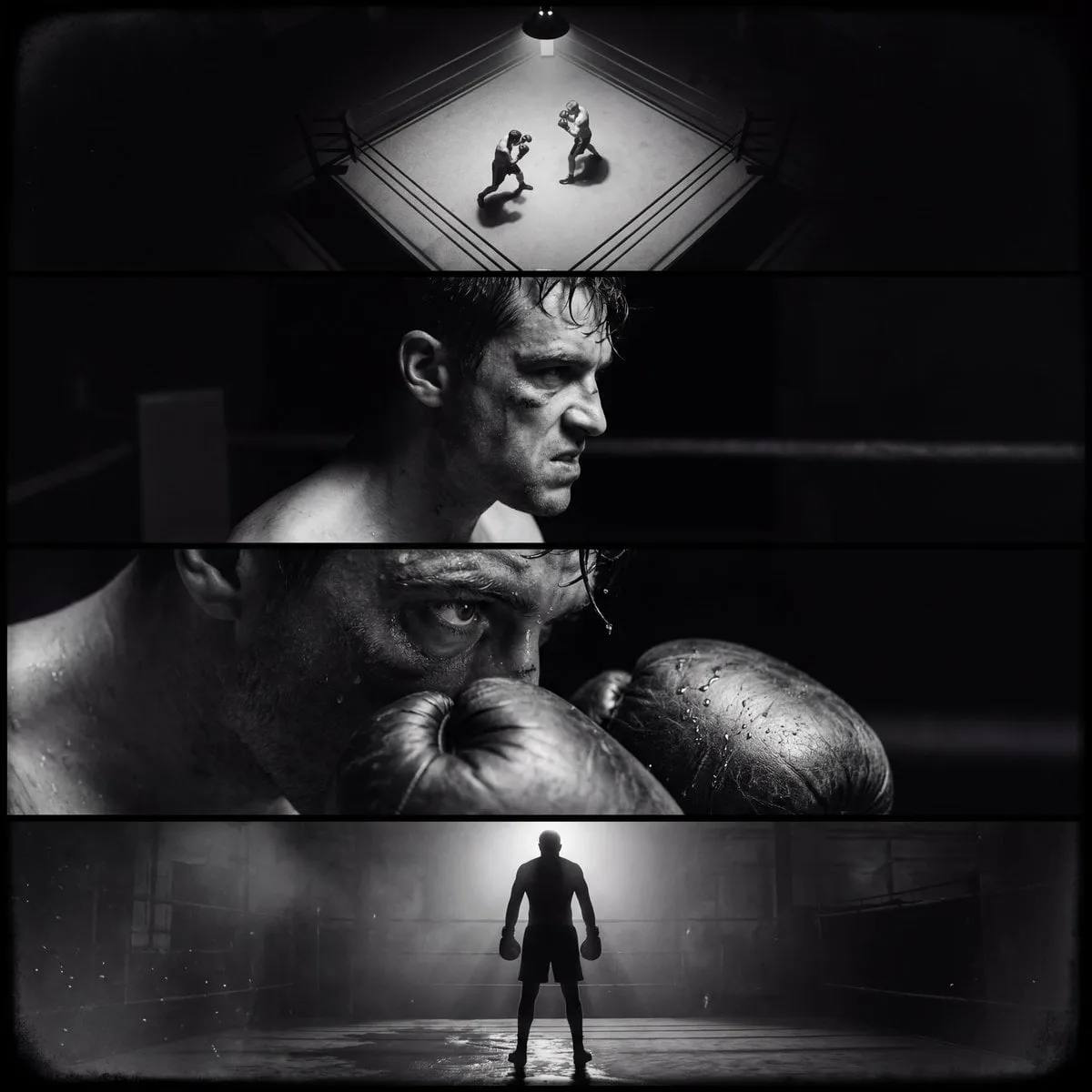
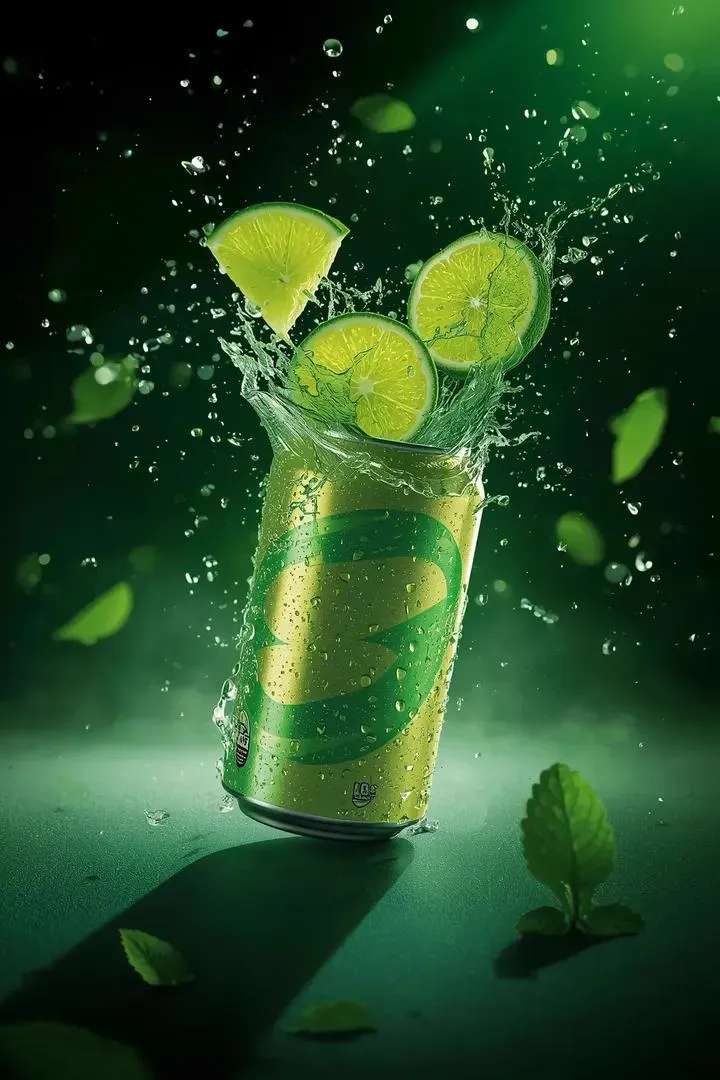
Black background videos are everywhere on TikTok, and not by accident. The look is striking, the subject pops, and the format hides a dozen production sins that would be obvious in a busy scene. Best of all, the style is one of the easiest to produce with AI, because the model only has to get one thing right: the subject floating in darkness.
This guide shows you how to create black-background TikTok videos with AI from start to finish. We will cover why the style works, how to set up your project, how to write prompts that render cleanly, and how to fix the common problems that trip up beginners.
Why Black Backgrounds Work on TikTok
The black background is a cheat code for short-form video. It isolates the subject completely, which means the eye has nowhere to look but the product, the character, or the message. In a feed where every video competes for a fraction of a second, that focus is gold.
The style also forgives AI's weaknesses. Generative models struggle with complex environments, messy backgrounds, and interactions between many objects. A black background removes most of those variables, leaving the model to do what it does best: render a subject with dramatic lighting. The failure rate drops, and the success rate looks expensive.
There is a practical bonus too. Black backgrounds composite easily into other content. A subject shot on black can be overlaid on any background in an editor, which turns a simple generation into reusable asset material.
Setting Up Your Project
Start with the right settings before you generate anything. The format is vertical: 9:16 aspect ratio, which means width under a thousand pixels and height around 1920 for standard output. If your tool supports resolution presets, choose the vertical video preset and save yourself the cropping.
Next, decide on the subject. A single subject works best: a product, a character, or a text element. Multiple subjects on black create clutter and give the model more chances to make mistakes. If the video needs several elements, generate them separately and composite them later.
Finally, choose your model with the subject in mind. For products and texture-heavy subjects, use the model with the finest detail. For characters and movement, use the model with the best consistency. The black background is forgiving, but the subject still needs the right specialist.
Writing Black-Background Prompts That Render Cleanly
The prompt for a black-background shot has a simple structure: subject first, lighting second, background third, camera last.
Name the subject with full detail: a silver perfume bottle with a glass cap, a woman in a flowing red dress, a neon-lit sneaker. Then describe the lighting, because on a black background the light is the scene: dramatic rim light, soft key light from the left, glowing edge highlights. Then state the background explicitly: pure black background, isolated on black, black void. Finally, add camera and motion: slow push-in, slight rotation, camera orbits the subject.
The word choice matters more than you think. Saying pure black background, not dark background, prevents the model from inventing a smoky gray scene. Saying isolated prevents extra props from creeping in. If the output keeps adding unwanted elements, add negative guidance to the prompt: no props, no reflections, no other objects.
Keep the prompt under two sentences. On black, the model has fewer variables, and a short, precise prompt outperforms a long, ambitious one.
Using an AI Director Agent for Composition
If your tool includes a director agent, let it handle the scene composition. Describe the shot in plain language, the subject, the mood, the motion, and the agent will write the model-ready instructions and pick a suitable model. For black-background shots, the agent also keeps the composition centered, which is where the style needs it.
The agent's biggest value is consistency across a series. A TikTok account built on black-background videos needs every piece to feel like part of the same feed: same lighting, same framing, same pacing. When the agent answers to the same style brief every time, the account starts to look like a real brand instead of a random clip generator.
Step by Step: From Prompt to Published Video
Follow this sequence for your first black-background video.
Write the brief. One paragraph: what the subject is, what it does, what the viewer should feel. Lock this before opening any tool.
Generate a still to lock the look. Use image generation to find the right subject, lighting, and framing. The still is your reference, and it is far cheaper to iterate on than video.
Animate the still. Use image-to-video with the approved still as the input, and a motion prompt that describes the movement: the bottle rotates slowly, the dress flows, the camera pushes in. Keep the motion simple.
Generate variations. Run two or three takes so you have options at the edit. On a black background, differences between takes are dramatic, and the extra generation is cheap.
Edit in an editor. Cut to the best moment, add captions for muted viewing, and layer in sound: a beat, a whoosh, ambient noise. On black, audio does more of the emotional work than in busy scenes.
Export and publish. Export at 9:16 with a high bitrate, upload, and write a caption that tells the viewer what to watch for. The video is short; the hook is everything.
Post-Production: Clean Up, Captions, and Sound
The black background makes post-production easier and harder at the same time. Easier, because the subject is already separated, and harder, because every dust, artifact, and compression block is visible against pure black.
Check the edges of your subject first. Generation often leaves soft halos or flickering edges against black. A quick pass with a matte tool or a slight contrast lift fixes most of it. If the subject sits in the center with generous margin, you can also crop in slightly to hide edge artifacts.
Captions are non-negotiable on TikTok. Most viewers watch with sound off, and the caption is the video. Keep it short, place it where the platform does not cover it, and let the black background make it readable.
Sound fills the space the black creates. A clean black video with no audio feels empty; add a beat or ambient bed, and the same video feels intentional. If the subject moves, sync a sound to the motion, a whoosh for the push-in, a chime for the reveal.
Solving Common Problems
Every black-background workflow hits the same wall, and each has a fix.
Character drift between shots is the most common issue. The character's face changes because there is no shared reference. Fix it by creating a character sheet image and passing it to every shot that includes the character.
Artifacts on the black are the second issue. Watch for noise, banding, and ghosting in the dark areas. Raise the key light in the prompt, keep the subject away from the frame edges, and reduce the clip length, since longer clips accumulate artifacts.
Blending errors happen when the subject interacts with the background. A dress that merges into the black, a product that melts at the base. Fix by separating the subject from the background in the prompt, adding a clear shadow or reflection to ground it, and avoiding actions that require contact with the floor.
Slow generation is the fourth problem, and it is usually a model choice problem. If the premium model is too slow for your volume, prototype on the value model and only use the premium model for the takes that ship.
Managing Long Runs and Batch Production
If you are producing black-background videos regularly, batch the work. Generate all the stills in one session, all the animations in the next, and edit everything at the end. Batching minimizes context switching and keeps the style consistent because the same references are in play.
Watch the queue. Long generation runs can stall on a single bad prompt, so check the first few outputs before launching a full batch. One failed prompt in the middle of a run wastes the whole queue.
Keep a template folder: the style brief, the standard prompts, the reference images, the caption structure. Every new video starts from the template, and the account stays coherent without reinventing the wheel.
Idea Starter Prompts for Black Background Shots
Sometimes the fastest way to learn is to steal a working structure. These starter prompts are templates, not final answers, and you should adapt the subject and lighting to your own brand.
Product hero: a sleek matte-black wireless speaker, floating in the center of the frame, pure black background, dramatic rim light tracing the edges, slow 360-degree rotation, soft reflection below, cinematic, photorealistic.
Character intro: a woman in a long silver dress, walking toward the camera, pure black background, cold blue key light from the left, warm rim light from behind, slow push-in, confident expression, cinematic, photorealistic.
Food shot: a steaming cup of coffee on a floating saucer, pure black background, warm side lighting, gentle steam rising, camera slowly orbiting, shallow depth of field, hyper-realistic detail.
Text and product combo: a glowing neon sign reading the product name, mounted on a black void, sparks and light flares, camera drifting sideways, cinematic, high contrast.
Fashion detail: a close-up of a leather jacket collar, pure black background, soft studio light, slow macro push-in, visible stitching and texture, photorealistic, shallow depth of field.
Abstract brand piece: liquid gold swirling in a black void, forming the shape of the logo, backlit, slow motion, premium, cinematic.
The pattern across all of them: subject, pure black background, specific lighting, one camera move, quality qualifiers. Swap the subject and the light for your brand, and the structure does the rest of the work. Keep a folder of your own best prompts, because after a few weeks of production, your personal library will outperform any starter list.
Building a Repeatable TikTok Workflow
A sustainable workflow is a pipeline, not a series of happy accidents.
Monday: pick three hooks from the week's trends and write briefs. Tuesday: generate and approve stills. Wednesday: animate takes and select the winners. Thursday: edit, caption, and sound. Friday: schedule the week and review what the data said about last week.
The pipeline produces a steady stream of on-brand content, and the black-background style keeps the account visually unified. Consistency plus volume is the formula, and AI provides the volume while the style provides the identity.
Captions, Covers, and the Last Mile
The video is generated, the edit is done, and the video still loses to a worse video with a better cover and caption. The last mile of TikTok publishing is where most of the performance is won or lost.
The cover image is the first impression in the grid and in the recommendation flow. For a black-background video, the cover should be the single strongest frame: the subject at its most dramatic, the light at its most striking. Do not let the platform pick a random midpoint frame. Choose the cover deliberately, and if no frame is strong enough, generate a dedicated still for the cover instead.
The caption does more than describe; it sets the expectation for what the viewer will see and why they should watch. Lead with the hook from the video, add a line of context, and end with a soft call to action: save this for later, or follow for more. Keep it short enough to read in two seconds, because the caption is competing with the scroll, not with literature.
The hashtags should be a small, relevant set, not a spray of trending noise. On a black-background style account, the tags should signal the niche and the format so the algorithm can route the video to the right audience. Review which tags actually deliver views every few weeks and prune the dead ones.
Publish at the platform's preferred times for your audience, then watch the first hour closely. Early engagement signals whether the piece will fly, and the data from the first hour tells you which hooks to double down on tomorrow.
FAQ
Why does my black background come out gray?
The prompt is probably describing dark rather than black. State pure black background explicitly, and check that the lighting description does not imply a gray wash over the whole frame.
How long should a black-background TikTok video be?
Fifteen to thirty seconds. Long clips on black tend to accumulate visible artifacts, and short clips match the platform's rhythm better.
Can I use black-background videos for products?
Yes, it is one of the strongest formats for product content. The isolation makes the product the hero, and the style reads premium when the lighting is right.
Do I need special equipment?
No. The entire workflow runs in the browser. A phone is enough to review and publish, and a laptop makes editing easier.
What if the subject keeps changing between takes?
Build a reference image for the subject and reuse it across every take. Consistency comes from shared references, not from luck.
Is the black-background style overdone?
It is common because it works, but the style is a tool, not a trend. Use it for hero products and key messages, and vary the feed with other formats so the account does not become a one-note loop.
