
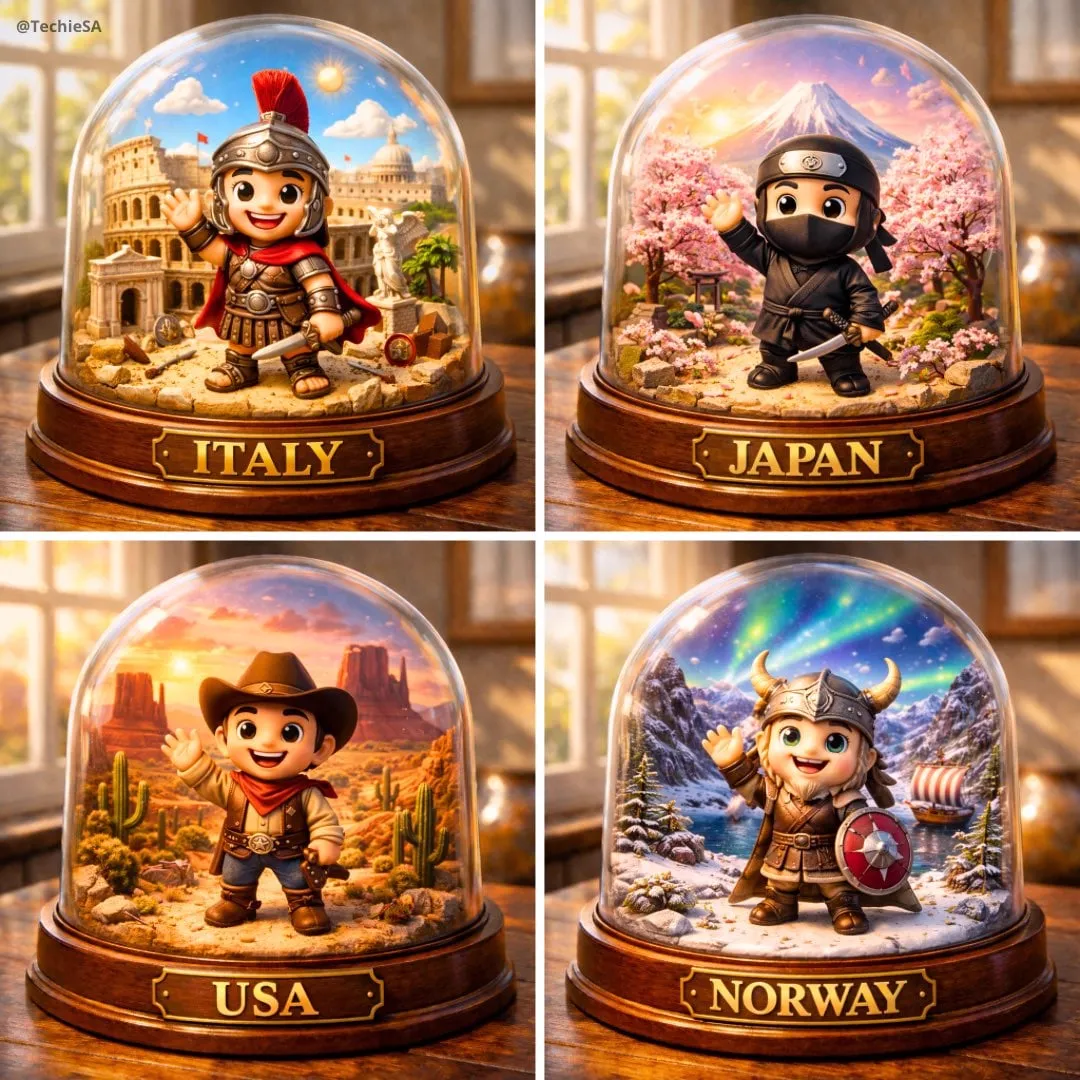
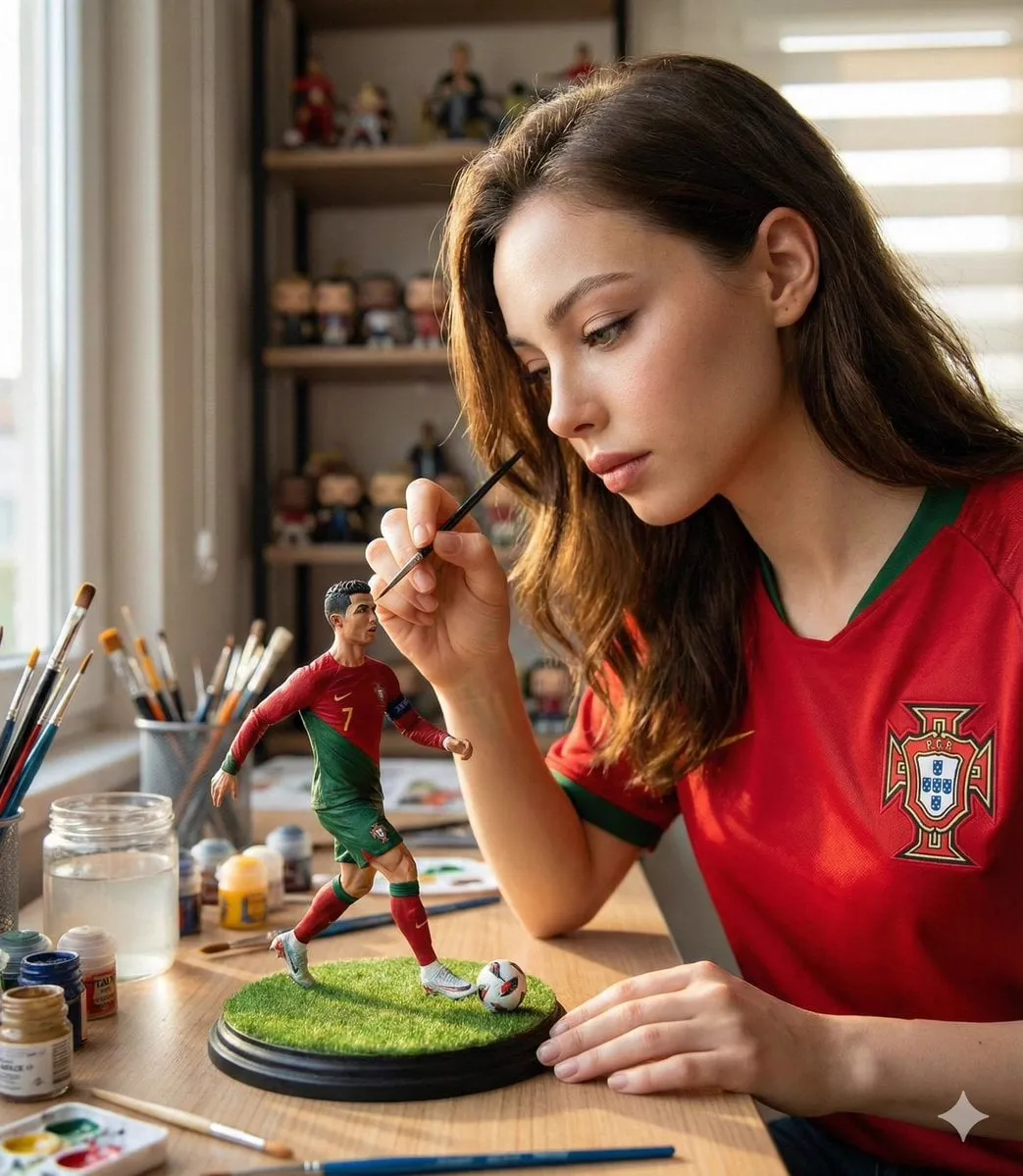
If you have spent any time generating AI video, you have met the problem: your hero looks perfect in the opening shot, and by the third scene she has different eyes, a different jacket, and a face the audience barely recognizes. Character drift is the single most frustrating obstacle in AI-assisted production, and it is the reason many creators still cannot take AI video seriously for real projects. The good news is that the problem has a technical solution. Multi-image fusion, the practice of feeding a model several reference images of the same character so it can lock onto a stable visual identity, has matured into a practical workflow that keeps characters consistent across scenes, styles, and even different models. This guide explains how it works, why characters drift in the first place, and how to build a consistency workflow you can rely on.
The real cost of inconsistent characters
Inconsistent characters are not just an aesthetic annoyance; they are a production problem with measurable consequences. When a character changes appearance between shots, the viewer loses immersion within seconds. In commercial work, that means redoing shots, extending deadlines, and burning budget on manual correction. Studios that rely on AI-assisted pipelines report that fixing character inconsistencies eats a significant share of post-production time, time that would be better spent on storytelling, lighting, or sound.
There is also a trust dimension. Audiences are getting better at spotting AI-generated content, and a character whose face morphs from scene to scene is a dead giveaway. For creators who want to build a series, a recognizable cast is the whole point: viewers return for the characters, and if the characters cannot hold their identity, the series cannot hold its audience. Consistency is not a technical nicety; it is the difference between content that feels produced and content that feels generated.
Why characters drift between scenes
To fix the problem, it helps to understand its causes. Video generation models work frame by frame, predicting what comes next based on a text prompt and any reference material. If the reference material is weak, the model has to improvise, and improvisation produces variation. Every change of scene, lighting, camera angle, or action introduces new conditions, and without a strong anchor, the model resolves those conditions differently each time.
The classic mistake is relying on a single seed image. One image captures one angle, one expression, one moment. The model can imitate that image for a while, but as soon as the character turns around, changes clothes, or moves into a new environment, there is no information left to guide the reconstruction. The result is drift. Text-only prompts are even worse: describing a face with words leaves enormous freedom, and the model fills that freedom with plausible but different faces every time.
What multi-image fusion actually does
Multi-image fusion addresses the root cause by giving the model several views of the same identity before generation begins. Instead of guessing what the character looks like, the model extracts a stable description from the reference set and conditions every frame on it.
Extracting the visual identity
The first step is analysis. The system processes the reference images and identifies the features that define the character: facial structure, hair, skin tone, clothing, distinctive accessories. These features are encoded into a compact representation, sometimes called a visual profile or identity embedding, that travels with the generation request. The key insight is that the profile captures what stays the same across the images, not the accidental details of a single shot.
Conditioning every frame
During generation, the model uses that profile as a conditioning signal for every frame, not just the first one. This is what separates fusion from simple image-to-video: the identity is enforced throughout the sequence, so a change of camera angle or lighting does not trigger a change of face. The technique works best when the reference images themselves are consistent: the same character, the same proportions, and a limited range of poses and expressions.
Working across models
One of the most useful properties of a good visual profile is portability. If the representation is stable, you can generate a scene with one model, then switch to another model for a different scene, and the character remains recognizable. This matters in real production, where teams mix models: a fast model for rough drafts, a high-fidelity model for the final shots. Without a portable profile, switching models means starting the consistency battle from zero.
Building a consistency workflow
The technology only helps if you wrap it in a disciplined process. A consistency workflow has five parts, and skipping any of them invites drift back in.
Define the character profile
Before generating anything, create a character sheet. Generate a portrait, a full-body view, and a set of expressions, all in the style you plan to use. Review the set for internal consistency: does the hair color match in every image? Is the clothing design identical? Fix the sheet until the character is stable, because the sheet is the source of truth for every scene that follows.
Keyframes and reference sets
For each scene, build a reference set that fits the moment: a neutral portrait for identity, an action pose for movement, and a style reference for the environment. Feed all of them to the model at once. The neutral portrait keeps the face stable, the action pose guides the motion, and the style reference keeps the world coherent.
Locking style, changing scenes
Keep the character description identical in every prompt. Use the same name, the same clothing description, the same distinctive features, word for word. If you write the description fresh for each scene, you introduce variation by accident. A saved prompt template per character is one of the simplest and most effective tools in the entire workflow.
Tools and models that help
Support for reference-based generation varies widely, so test before you commit. High-end video models such as Sora, Runway, Kling, and Luma have reference features, but their behavior differs: some accept a single image, others accept multiple images, and the quality of identity retention is not the same. Models with explicit character or subject reference modes are the best fit for multi-image fusion workflows. Open-source pipelines also offer control via adapter modules that inject reference features directly into the generation process, which is ideal for teams that want full control and lower per-generation cost.
The practical advice is to run a small bake-off: generate the same test scene with the same reference set on each candidate model, and compare identity retention, motion quality, and cost. Keep a shortlist of two or three models that pass the test, and use them consistently.
Fixing inconsistency in post-production
Even with a good workflow, a shot will occasionally fail. When a character drifts in an otherwise perfect scene, do not regenerate the whole clip and pray; fix the specific problem. Some editing tools now offer face and identity correction passes that can re-project the reference identity onto a generated clip. Inpainting around the face, adjusting the costume, or re-rendering a single segment are all cheaper than regenerating everything.
The discipline that saves the most time is review: check every shot for identity before you move to the next stage. A single review pass on the full sequence, with the character sheet open next to the player, catches drift early, when it is cheap to fix.
Common pitfalls
The first pitfall is a weak character sheet: references that disagree with each other teach the model to be inconsistent. The second is prompt drift: changing the character description between scenes. The third is over-relying on one seed image. The fourth is mixing styles: if the character is photorealistic in one scene and stylized in another, no fusion technique will hold. The fifth is skipping review: inconsistency is always cheaper to fix before the whole episode is assembled.
Character sheets for different styles
The same workflow adapts to different visual languages, and each one has its own pitfalls. In photorealistic work, the sheet must capture subtle identity markers: face shape, eye color, skin tone, hair line. Small differences between reference images, a slightly different angle or lighting, teach the model uncertainty, so photorealistic sheets need the most disciplined curation. In stylized work, like anime or illustration, the identity lives in the design language: hair color, costume silhouette, signature accessories. The sheet can be more forgiving, but the design must be locked, because stylized models happily reinterpret a vague design in every scene. In 3D-like or toy aesthetics, proportions matter most: the same head-to-body ratio must hold across shots, or the character stops looking like the same figure.
Whatever the style, store the sheet with the character description and the style prompt together, and version it when the character evolves. A character who changes costume between seasons is fine; a character who changes costume between shots is a bug.
Testing and iterating on consistency
Consistency is not a one-time setup; it is a quality you maintain with testing. Before you commit to a character for a series, run a stress test: generate the same character in ten different scenes, with different lighting, angles, and actions, and review the set as a whole. If the identity holds across the ten, the sheet is ready. If not, fix the sheet before you start production, because fixing it later means regenerating everything.
During production, build a quick review step into the workflow: after each batch of shots, compare the new output against the sheet before moving on. The cost of catching drift early is one regeneration; the cost of catching it at the end is a redo of the episode. Many teams also keep a "consistency log" per project, noting which prompts and settings produced the best identity retention, so the knowledge accumulates instead of being rediscovered every time.
Scaling consistency across a series
Once a character passes the stress test, the workflow shifts from design to maintenance. For a series, standardize the production kit: the character sheet, the prompt templates, the style references, and the approved model list all live in one project folder that every episode draws from. New episodes inherit the identity instead of redefining it, which is where most long-running consistency failures come from: a new episode, a new prompt, a new interpretation of the same character.
When a series needs a visual evolution, a new costume or a time jump, update the sheet deliberately and record the change. The audience accepts evolution; they do not accept drift. Keeping the character bible versioned means you can always answer the question "what does this character look like in this season?" with a file, not a memory. That discipline is what turns a one-off demo into a sustainable production.
FAQ
Can multi-image fusion keep a character identical forever? It keeps identity stable, not identical. Tiny variations remain, which is actually good: absolute pixel identity across shots would look artificial. The goal is a recognizable character, not a copy-pasted one.
Does it work across different models? Yes, when the visual profile is portable. Test the specific pair of models you plan to combine, because representation formats differ.
Is one reference image enough? Usually not. One image captures one moment; multiple images capture the range the model needs to reconstruct the character in new poses and environments.
Do I need a high-end model for consistency? No, but you need a model with proper reference support. Some specialized models are excellent at identity retention even at lower cost, which is why testing matters.
Conclusion
Character consistency is the threshold that separates AI video experiments from AI video productions. Multi-image fusion attacks the root cause of drift by giving the model a stable identity to hold onto, and a disciplined workflow multiplies the effect: a strong character sheet, consistent prompts, curated reference sets, and early review. The tools will keep improving, but the principles will not change. Define your character once, lock the identity, and let every scene inherit it. When the hero looks like the hero in every shot, audiences stop noticing the technology and start caring about the story.
