

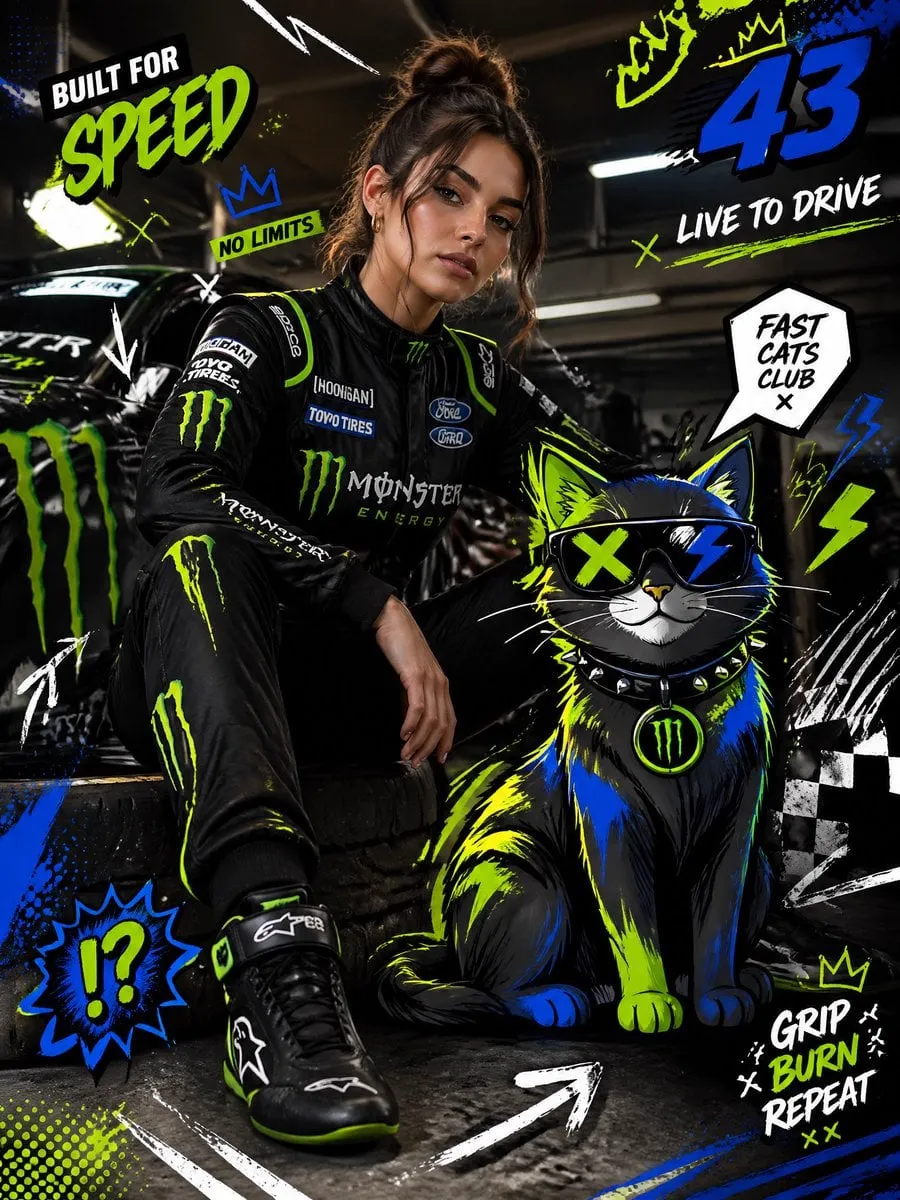
Character persistence is the technical term for a problem every AI video creator knows: keeping the same character recognizable across shots, scenes, and styles. For years it was the weakest link in generative video. A model could render a beautiful face in one frame and a stranger in the next, because each frame was effectively a fresh act of creation.
The solution that has emerged is multi-image fusion, a technique that operates below the surface of the image, in the latent space of the generative model. This guide explains how it works under the hood, how to apply it in production workflows, how to port characters across models, and how to build a quality assurance process around it.
What character persistence really means
Character persistence is not the same as image similarity. It is identity stability under transformation: the character must remain recognizable when the expression changes, the camera moves, the lighting shifts, or the style of rendering changes.
In practical terms, persistence has three levels. Within a clip, the character must not morph mid-shot. Across clips, the same character in different shots must look like the same person. Across models and styles, the identity must survive a switch in the generation engine or the visual aesthetic.
The last level is the hardest, because different models encode visual features differently. A character locked in one model's representation does not automatically transfer to another model's understanding. The technique of cross-model porting exists specifically to solve this.
Latent space: where identity lives
Generative models do not create images pixel by pixel from a description. They work in a compressed representation called latent space: a high-dimensional space where each point encodes a bundle of visual features. Nearby points in this space produce visually similar images.
Identity lives in this space. A face, a hairstyle, a body shape, and a signature jacket are not separate images; they are a pattern of features that occupies a region of the latent space. When you describe a character in words, the model picks a starting point in that region, but the exact location depends on interpretation, which is why text alone produces unstable identity.
Reference images change the game. When you provide images, the model encodes them into the latent space and uses their features to anchor generation. Multi-image fusion takes this further: instead of anchoring to a single image, it merges multiple encodings into a stable identity vector.
How multi-image fusion encodes a character
The fusion process has three conceptual stages. First, encoding: each reference image is passed through the model's encoder, producing a feature map, a structured representation of the image's visual content. Second, merging: the feature maps from all references are combined, typically through a weighted average that emphasizes the features shared across images and suppresses the ones that differ. Third, conditioning: the merged representation is injected into the generation process, guiding every frame toward the encoded identity.
The weighted average is the key detail. Features that appear consistently across references, such as the same face shape and eye color, receive high weight and are preserved. Features that disagree, such as a different expression in each photo, are averaged out or down-weighted. This is why a consistent reference set matters: it is not just about the images looking nice, it is about what survives the merge.
The result is that identity is no longer a prompt constraint. It is a structural constraint, baked into the generation process itself.
Weighted fusion and feature maps
Understanding feature maps helps you troubleshoot. When a model encodes an image, it produces layers of features at different levels of abstraction: low-level layers capture edges, textures, and colors; high-level layers capture objects, faces, and scene composition.
Effective fusion preserves high-level identity features while allowing low-level flexibility. You want the character's face shape and hair locked, but you want the model free to change lighting, angle, and motion. A well-tuned fusion does exactly this: it enforces identity at the high level and leaves room for variation at the low level.
If a fused character looks stiff or unnatural, the enforcement is probably too strong. If the character drifts, the enforcement is too weak. Some tools expose controls for reference strength; if yours does not, adjust the reference set instead: fewer but more consistent images strengthen enforcement, while more varied images loosen it.
Choosing the right generation model
Fusion quality depends on the generation model, not just the fusion technique. Models with strong image conditioning respect references faithfully. Models that were primarily trained on text-to-image may treat references as suggestions rather than constraints.
Test each candidate model with the same reference set and the same prompt, and compare the results directly. Look for two qualities: identity fidelity, whether the face and clothing match the references, and motion quality, whether the animation stays natural while keeping the identity.
Keep a short list of models you have validated for fusion work. When a project demands a specific aesthetic, such as photorealistic or anime, choose the validated model whose style fits, rather than testing new territory mid-production.
A production workflow for persistent characters
The workflow has five stages: design, encode, verify, generate, audit.
Design: write the character brief with three to five anchors that must never change. Encode: build the reference set, keeping lighting and style consistent. Verify: run a fusion test with a single prompt and two different camera moves; if the identity holds, the reference set is good enough. Generate: produce shots using the same fused identity for the whole project. Audit: before assembly, check every shot against the reference set; regenerate any shot where the identity drifted.
The verify stage is the one most creators skip, and it is the cheapest insurance you will ever buy. Ten minutes of testing at the start saves hours of re-generation at the end.
Emotional range without losing identity
A persistent character is not a frozen character. The character must smile, frown, react, and move, and all of it must happen without breaking identity.
The way to achieve this is separation of variables. The fusion locks the identity features, while the prompt controls the expressive variables: expression, pose, action, and environment. Write prompts that state the emotion explicitly, such as "the character looks worried, glancing to the side, medium close-up", and let the locked identity handle the rest.
If a specific expression consistently breaks the identity, generate a reference for that expression and add it to the set. The fusion will then encode the expression as part of the character's stable range, and the model will stop guessing.
Cross-model character porting
Porting a character from one model to another is the hardest test of persistence. The identity vector from model A is not directly readable by model B, because the two models have different latent spaces.
The practical approach is reference regeneration. Take the fused character from model A, generate a set of fresh reference images with model A, then feed those images into model B as the new reference set. The visual identity survives the transfer because the references are actual images, not a model-specific encoding.
This technique also works for style porting. If you want the same character in a different visual style, generate style-matched references and rebuild the fused set. The anchors stay the same; the rendering changes.
GPU and resource optimization
Fusion and generation are computationally expensive. For production, resource management is part of the craft.
Generate at the resolution and duration you actually need, and use fast models for iteration. Reserve the heavy models for final shots. Queue work in batches instead of generating shot by shot, which lets the system fill GPU gaps. If you run local models, keep the reference set small and pre-encoded, so the fusion step does not repeat on every generation.
The goal is not to minimize cost for its own sake. It is to make the expensive generation count by ensuring it happens only after the cheap iteration has settled the creative decisions.
A final operational habit: keep a run log. For every generation batch, record the model, the reference set version, the settings, and the outcome. When a project succeeds, the log explains exactly how to reproduce it. When it fails, the log shows which variable changed. This turns experience into a repeatable system instead of a vague feeling, and it is the cheapest quality control you can buy.
Quality assurance checklist
Before a project ships, run this checklist:
- Identity: does the character match the reference set in every shot?
- Continuity: does the character's clothing and appearance stay consistent within each scene?
- Expression: do emotional moments read clearly without identity drift?
- Style: does the rendering style match the project's style palette across all shots?
- Motion: does the animation avoid morphing or unnatural warping of the face?
- Export: is the resolution, aspect ratio, and frame rate correct for the destination?
Run the checklist twice: once during assembly and once just before export. The second pass catches what fatigue hides.
Evaluating identity stability
Consistency is a property you can measure, not just feel. Build a simple evaluation routine and run it whenever you test a new model, a new reference set, or a new fusion setting.
Create a test scene with three conditions: a static close-up, a camera move, and a lighting change. Generate each with the same fused identity. Compare the results frame by frame against the reference set. Score three things: face fidelity, whether the face matches the references; anchor fidelity, whether the signature details such as hair, eyes, and clothing stay stable; and expressiveness, whether the character can still change emotion without breaking identity.
Run the same test with different reference weights if the tool exposes them. Record the results in a short table per model. Over time you build a map of which models hold identity best under which conditions, and you stop rediscovering it on every project.
The routine also catches drift early. When a long project starts to degrade, run the test again. If the same settings now fail, the problem is upstream: the references, the weights, or the model version changed. Fix the cause, not the symptoms.
The road ahead: consistency as a production standard
Character persistence has moved from a nice-to-have to a production requirement. Audiences have been trained by films and series to expect stable characters, and AI content that violates this expectation reads as broken, no matter how beautiful the individual frames are.
The tools are improving in the same direction. Models with stronger image conditioning, fusion features with finer control, and pipelines that treat identity as a first-class asset are all becoming standard. The creators who adopt these patterns early will have a library of reusable characters and validated workflows when the tools mature further.
Consistency is also a business asset. A recognizable character can be a series, a brand, a licensing opportunity. The technical discipline of persistence, reference hygiene, identity anchoring, cross-model porting, is what turns scattered generations into a catalog of assets.
The practical takeaway is simple: treat identity as data. Define it, encode it, verify it, and reuse it. The creators who do this will not just make better videos; they will build worlds their audiences can follow.
FAQ
What is latent space in simple terms?
It is the compressed internal representation a generative model uses to store visual features. Identity lives in this space, and reference images anchor generation to a specific region of it.
Why does a single reference image not solve consistency?
A single image anchors identity, but it also locks too much else, such as lighting and angle. Multi-image fusion separates the stable identity features from the variable ones, giving more freedom without losing the character.
Can I port a character to a model that does not support image input?
No. Cross-model porting requires the target model to accept reference images. For text-only models, you must rely on prompt descriptions, which will be less stable.
How do I know if my reference set is good enough?
Run a fusion test with one prompt and two different camera moves. If the identity holds in both, the set is good enough for the project.
Is multi-image fusion the same as face swap?
No. Face swap replaces a face after the fact. Fusion guides the generation process itself, so the character is created consistently from the start, which also preserves lighting, motion, and style coherence.
