
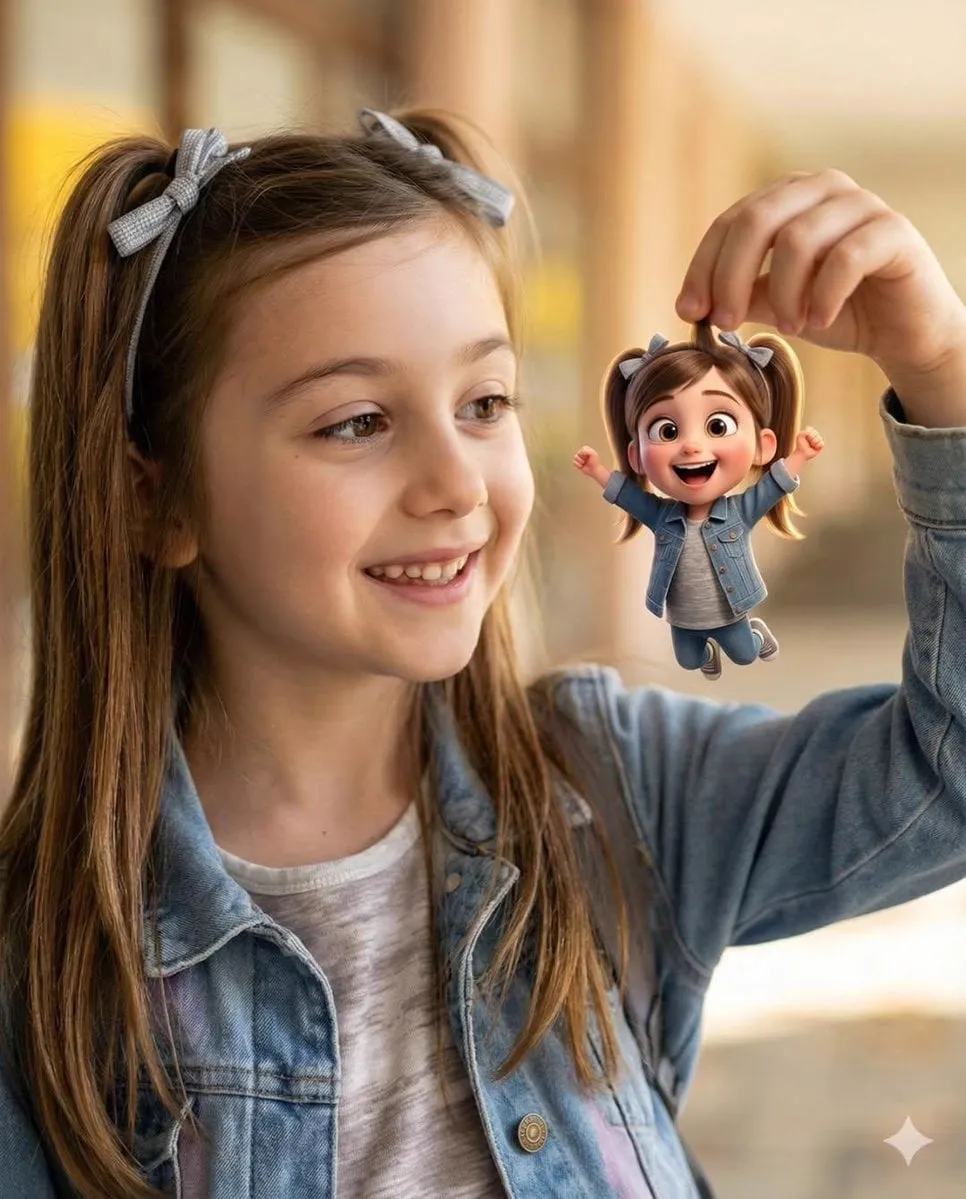
There is a moment, when you first watch an AI-generated clip that genuinely looks like it was shot on a real camera, that you realize the medium has changed. Photorealistic rendering, the ability to produce images and motion that a viewer accepts as captured footage, has moved from the margins of AI video into the center of creative production. Marketing teams, filmmakers, educators, and independent creators now demand results that hold up next to footage shot on set. This guide explains how photorealistic rendering works, what separates the best output from the merely convincing, and how to build a workflow that reliably produces cinematic visuals with AI.
Why photorealism became the baseline
The bar for AI video has risen steadily. Early generations produced recognizable but obviously synthetic images. Today, the audience expects more, especially in commercial contexts where a single unconvincing frame can undermine a whole campaign. What changed is not only the models but the expectations attached to them. Photorealism is no longer a nice-to-have; it is often the baseline for work that aspires to earn a viewer's suspended disbelief.
This shift reflects the practical value of realism. A photoreal render can stand in for footage that would otherwise require a real shoot, real actors, real locations, and real lighting. That has enormous cost and speed implications. For a product that does not exist yet, or a scene too dangerous or expensive to film, photorealistic AI can create the imagery a campaign needs on demand.
But realism is not one thing. It is an accumulation of details: the fall of light, the subsurface texture of skin, the subtle movement of hair, the physical behavior of cloth, the crispness of focus. Excellence in photorealism means getting these details right, and the models that excel do so by attending to many of them at once. The result is imagery that reads as authentic not because of any single trick but because of the combination.
What defines a photorealistic render
When evaluating AI output for realism, look beyond the initial shock. The true test is how the image holds up under scrutiny. Faces are the most demanding subject. Look at the eyes, the teeth, the edges of the hair. Current high-end models handle these remarkably well, but small inconsistencies can still appear. Motion is the next frontier: how bodies move, how cloth follows movement, how light stays consistent as the camera moves.
The physical plausibility of light is a cornerstone. A photoreal render manages specular highlights, shadows, and ambient bounce in a way that matches how light actually behaves. When light behaves correctly, even a stylized scene feels grounded. When it does not, the image is exposed as synthetic almost instantly.
Consistency across a sequence matters as much as a single frame. A viewer forgives a small artifact in one shot, but if the same character changes appearance between two shots, the illusion breaks. The most demanding applications, narrative filmmaking and high-end marketing, need that cross-shot consistency. This is what separates a photoreal clip from a photorealistic project.
Choosing the right model for realism
The quality of photorealistic rendering is ultimately decided by the model you use. Not every model is optimized for realism. Some favor stylization, others favor speed, still others favor specific subject types like landscapes or portraits. Matching the model to the job is one of the highest-leverage decisions you can make.
For premium realism, the leading families are generally recognized by their handling of light, texture, and motion. These are the models you see referenced when professionals discuss pushing the boundaries of plausibility. Beyond the flagship tier, a range of mid-tier and specialized models deliver strong realism for particular contexts, often at a lower cost. A model that excels at scenic environment shots may not be the best choice for close-up performance, and vice versa.
Develop a small, curated set of models with clear roles rather than using one model for everything. Keep a model known for reliably realistic faces, another for environment and atmosphere, and a third for speed when you need rapid iteration. This role-based approach gives you predictable results. Evaluate models with your own test prompts on subjects you actually shoot, rather than relying on marketing samples, because your needs are specific.
Guiding the model with references and keyframes
The strongest lever for photorealistic control is giving the model something concrete to work from. Reference images and keyframes direct the appearance of characters, locations, and objects. Supplying a clear visual anchor dramatically improves the chance that the output matches your intended scene.
A common technique is to provide one or more reference images that establish the look of a subject, then ask the model to animate them in a described scene. The references lock down identity while the prompt controls the action. This approach is powerful for brand work, where the same product or the same character must remain recognizable across many shots.
For camera movement and composition, detailed prompts matter. Describe the shot in cinematic terms, the angle, the focal feel, the depth of field, the motion of the camera. Models have become better at honoring these instructions, and explicit descriptions yield more predictable framing. Combining a strong reference with a precise camera description gives you control over both look and motion, which is the heart of controllable photorealistic rendering.
Building cinematic depth and atmosphere
Realism is more than sharpness; it is also mood. Cinematic footage differs from clinical footage through depth, atmosphere, and grading. You can push an AI render toward cinematic by controlling the elements photographers and directors already use.
Depth of field creates separation between the subject and its context, drawing attention and conveying scale. Fog, haze, and atmospheric perspective add a sense of physical space. Light sources, their color, and their direction set the emotional temperature of a scene. A warm, low-key, dramatic light reads completely differently from a bright, neutral, clinical one.
Grading, the color treatment applied to the footage, is the final signature. Even if the model produces neutral output, applying a consistent grade across all shots gives the material a unified feel. Treat color as an active decision in your pipeline rather than an afterthought. When depth, atmosphere, light, and grade all work together, the result stops looking like generated imagery and starts looking like footage someone chose to shoot a certain way.
Managing consistency across a sequence
The hardest problem in photorealistic projects is keeping everything consistent as you produce multiple shots. Two tools are essential. The first is a documented style guide: the character's appearance, the palette, the light setup, the motion vocabulary. Write it down so every generation follows the same brief. The second is a set of canonical reference images that every shot references, so the model keeps returning to the same visual anchor.
Enforce uniformity in the production pipeline itself. Generate with the same settings, the same resolution, and the same model for a given shot group. Avoid mixing wildly different light setups mid-sequence unless it is intentional. When you do introduce variety, do it deliberately and document why.
Consistency also extends to the final cut. Standardize your output resolution, frame rate, and grade across the entire project. If shots come from multiple models, bring them through the same post-production step so their differences are minimized. This discipline is what turns a collection of impressive clips into a cohesive, credible piece of work.
A workflow for reliable photorealistic output
A reliable workflow removes guesswork and lets you focus on creative decisions. Start every job with a clear brief: the subject, the scene, the mood, the required resolution, and the intended use. This brief becomes the reference that every subsequent step serves.
Then prepare your assets. Gather reference images, define your color direction, and select the model suited to the shot type. For consistency, define a canonical set of references per character or product that you will reuse. Next, generate iteratively. Create a first pass, evaluate the realism, and refine. Evaluation should be honest: zoom in on faces and motion, scrutinize edges, watch for the flickering that betrays synthetic motion.
Iterate on the spots that fail. Adjust the prompt, the reference, or the model. Do not settle for a clip that feels nearly right, because the near misses compound when several appear in one edit. After you have a set of good shots, bring them through a consistent post-production pass: crop to the target aspect, apply the grade, add captions or titles if needed. Finalize and review once more against your brief before you consider the job done.
Ethics and responsible use
Photorealism is powerful, and with power comes responsibility. Realistic faces and footage can be misused to mislead. In your own work, keep the standards that earn trust: be clear about AI-generated content when transparency matters, especially in journalism, advertising, and educational contexts. Avoid generating deceptive imagery that impersonates real people without consent, or fabricates events.
For commercial and personal projects alike, respect the rights of the people whose likenesses you might depict, and of the artists whose styles you reference. Use licensed and allow-listed input material. When you publish, consider labeling significantly altered or fully synthetic footage so your audience understands what they are seeing. Responsible use protects your reputation and the credibility of the entire field.
Choosing a platform to accelerate the work
Working efficiently on photorealistic projects is much easier on a platform designed for it. Look for a tool that aggregates many models so you can compare and select the best fit, rather than learning a separate interface for each one. Access to premium and specialized models in one place reduces friction and lets you spend your time on the craft.
A quality-aware platform makes iteration faster. Features like organized prompting, saved style presets, and consistent output handling help you reproduce good results. The ability to manage reference images and keep a consistent look across shots reduces the administrative burden that slows down ambitious projects.
The right platform should feel like an accelerator, not another learning curve. It should let you move from brief to draft to final with as little between-step friction as possible. Especially for time-sensitive campaigns, the speed and consistency a good tool provides are not conveniences; they are competitive advantages. A platform that lets you save and reuse your prompts, store reference assets, and keep consistent settings across shots reduces the repetitive work so the craft can lead. Over time, the tool you use becomes part of your methodology, and consistency built into the tool compounds into consistency in the final edit.
Frequently asked questions
What makes AI video look realistic? An accumulation of accurate details: light behavior, skin texture, natural motion, and cross-shot consistency. No single element carries the illusion alone.
Is photorealistic AI good enough for commercial use? For many applications, yes. It shines where real shoots are impractical or for products that do not yet exist. Always review output closely and combine with professional post-production.
Is consistency between shots really achievable? Yes, with discipline. Documented style guides and canonical reference images make it reproducible, though you may need to refine individual shots.
Do I need the most expensive model to be realistic? Not always. Models vary by subject type. A capable mid-tier model may outperform a flagship on your specific subject. Test with your own prompts.
Is using photorealistic AI ethical for marketing? It can be, when used transparently and responsibly. Avoid misleading likenesses and be clear about synthetic content where audiences need to know.
Moving forward
Photorealistic rendering has become accessible enough that the ceiling is no longer the technology but the craft. The models can produce genuinely cinematic imagery, and the gap between a practitioner who gets excellent results and one who does not is often a matter of method: choosing the right model, guiding it with references, controlling depth and atmosphere, and enforcing consistency across a sequence. By building a disciplined workflow, you transform impressive one-off clips into dependable, professional output. The field is young and still improving, which means the practitioners who develop good habits now will stay ahead as the tools only get better. Great cinematic visuals are within reach, and it is worth learning the craft behind them.
