
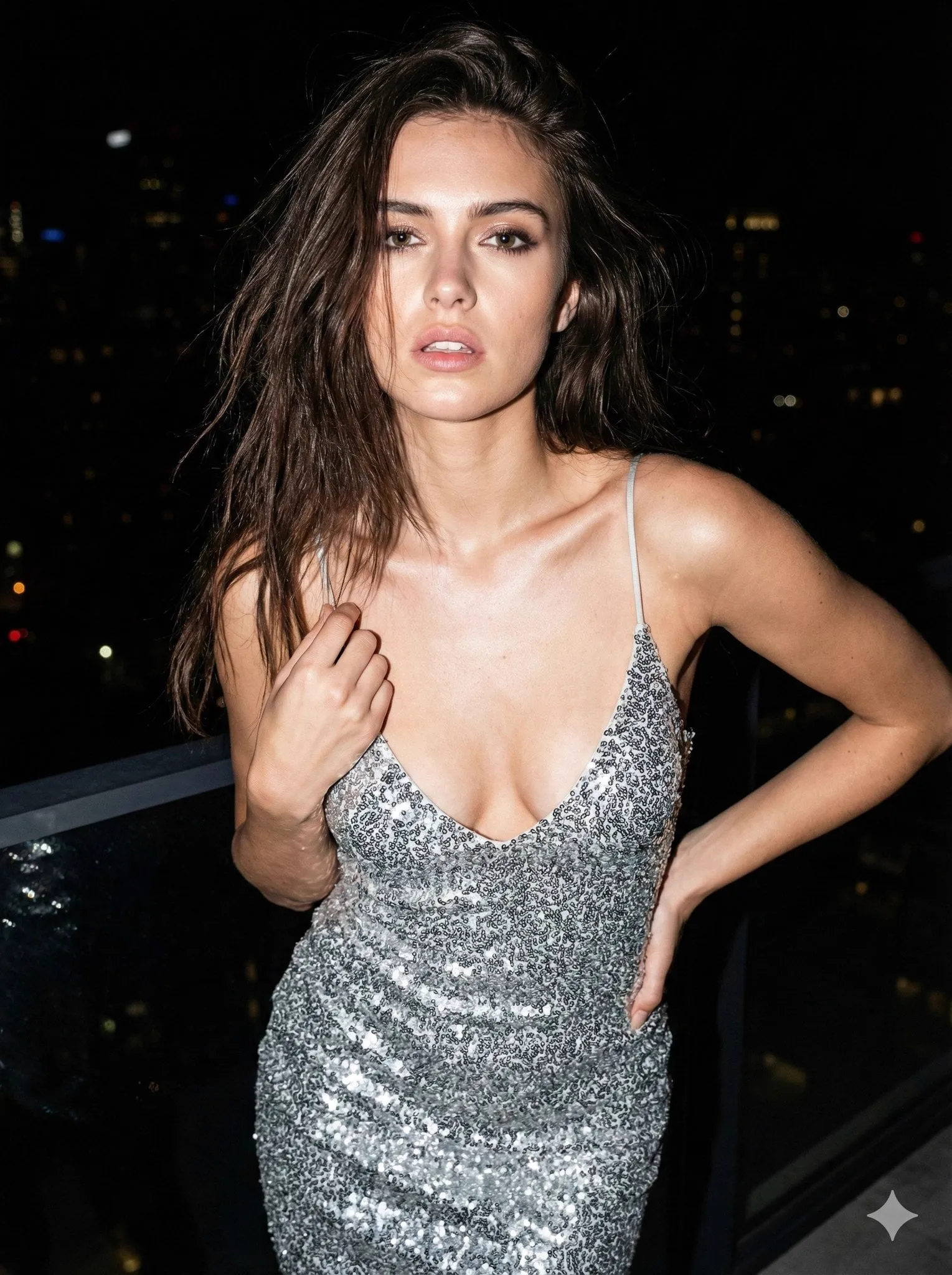
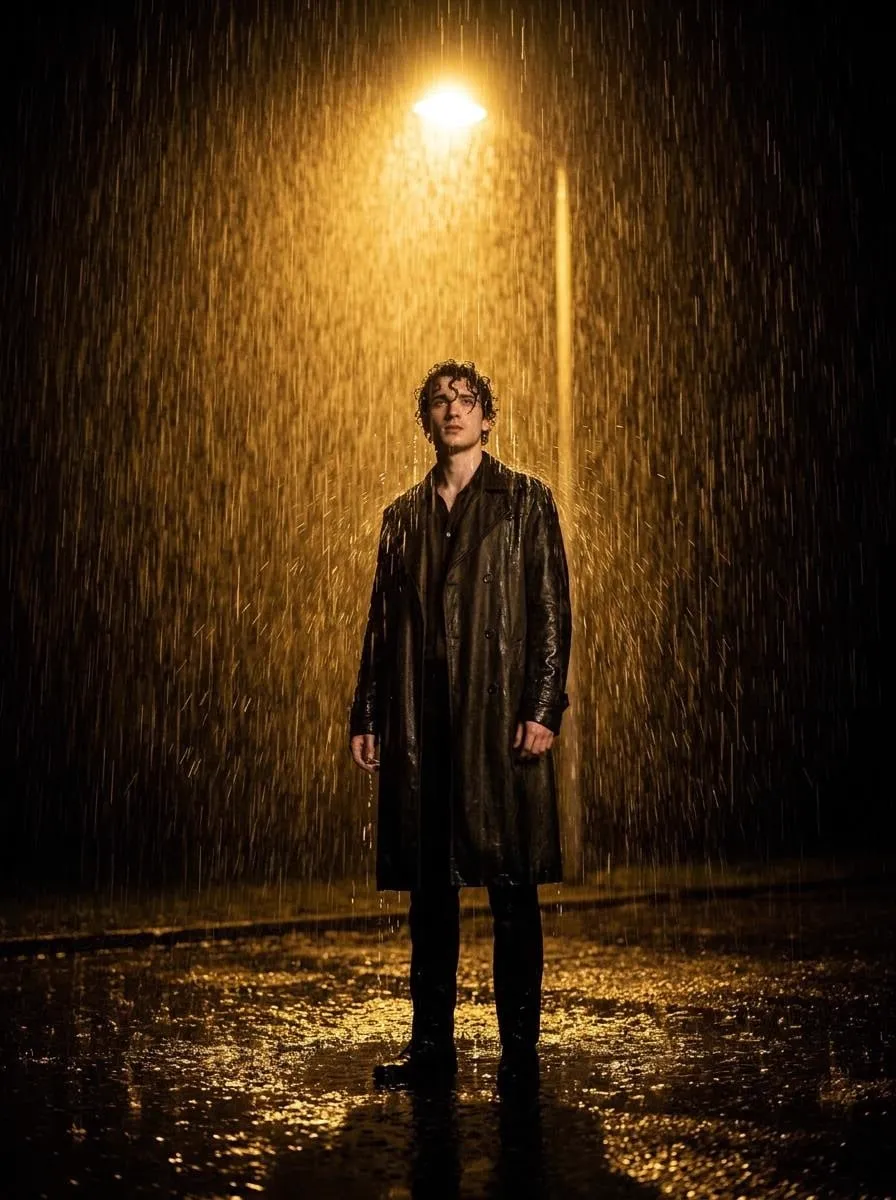
One of the oldest frustrations in AI video is the vanishing identity problem. You generate a character in one shot and they look perfect. In the next shot, the same prompt produces someone who vaguely resembles them, until the scene in the middle where they have a beard and then a blue jacket, and by the final clip it could be anybody. For storytellers who need a protagonist to stay recognizable across an entire film or series, this is not a cosmetic complaint, it is a creative dealbreaker.
That is precisely the problem multi-image fusion was built to solve. Instead of feeding a model a single textual description, you give it several visual references that together pin down a character's identity, wardrobe, and even mood. This guide explains the technique from the ground up: how it works, what it does well, what it still struggles with, and how to fold it into a practical video workflow so your characters stay consistent from the first frame to the last.
Why character consistency suddenly matters
For most of the early generative era, creators accepted a certain looseness between shots. The excitement of actually getting a usable clip outweighed the odd facial drift. But the market has shifted. Modern video models render at a level of realism where audiences notice small errors instantly, and an inconsistent protagonist undermines the suspension of disbelief that narrative storytelling depends on.
Consistency is no longer a nice-to-have polish. It is the foundation of serialized content: web series, brand mascots, explainer hosts, and animated shorts all live or die by whether the audience can recognize the same character from one episode to the next. When a character stays visually locked, creators can also build real arcs around them, because the viewer is tracking one person, not a succession of near-lookalikes.
There is a commercial argument too. Brands invest in recognizable mascots that appear across campaigns and platforms. If the mascot looks different every time, the equity you are trying to build evaporates. Multi-image fusion, by anchoring the visual identity to concrete references rather than a loose text description, gives you a repeatable way to generate that character reliably and at scale.
What multi-image fusion actually does
Multi-image fusion lets a video generation model combine several input images into a single coherent output. Where a typical image-to-video model accepts one reference, a fusion model analyzes multiple images as a set: front view for facial structure, side view for profile, a full-body shot for proportions and outfit, and perhaps a textural detail for the costume.
The model learns from the common thread across these images and treats that as the character's identity. Then, when you prompt it to place the character in a new scene, the generation is conditioned not on a vague description but on the fused identity it has already extracted. The result is a character that carries the same face, hair, and clothing into whatever environment or action you request.
Think of it as building a character dossier instead of writing a one-line description. A single prompt describes; a fusion set defines. The practical difference shows up in problem areas like turning, talking and gesturing, where consistency is hardest to hold: a well-constructed reference set keeps the identity stable through these demanding transforms.
Building a solid reference set
The quality of your fused character depends entirely on the quality of the images you feed in. You cannot skim this step. Here are the principles that separate a useful reference set from a confusing one.
Use consistent lighting per image. If one reference is shot in hard daylight and another in a dark studio, the model may merge lighting into the identity and give your character a muddy look. Keep the lighting style consistent across all reference images.
Lock the physical features. All references should show the same face shape, eye color, nose structure, and hair. Even small changes, like a different parting of the hair, degrade the fused identity. Generate or shoot your references with the same underlying character design.
Vary the angle on purpose. Include a front view, a three-quarter view, and a profile, as well as a full-body shot. These angles teach the model about the character's three-dimensional presence, which improves performance during head turns and movement.
Add a wardrobe anchor. If the character wears a distinctive outfit, show it clearly in at least one reference so the costume becomes part of the recognizable identity. Keep it consistent unless you deliberately want a costume change as a narrative beat.
Keep backgrounds simple. Busy backgrounds confuse the feature extraction. Solid or lightly textured backgrounds help the model isolate the character and focus on identity rather than environment.
Creating the character from a text description
If you do not already have image references, the usual starting point is text-to-image generation. Write detailed prompts that describe the character completely: ethnicity, age, build, hair color and style, eye shape, skin tone, clothing, and a short sentence about their personality so the generated images share a consistent expression base.
Generate several variations and pick a coherent set. A common workflow is to create a few portraits and a full-body shot, then check that they all clearly depict the same person. Because generation is probabilistic, you may need a few attempts before the set locks. Once you have a set you trust, that becomes your reusable identity anchor.
Keep the set organized. Give each character their own folder with clearly named files, such as front.png, profile.png, and full_body.png. When you work on a series, being able to pull up a character's exact reference set in seconds is what keeps your production moving.
Choosing a model that supports fusion
Not every video model supports multi-image fusion, and the ones that do vary in fidelity. When you evaluate a model for this purpose, test it on the things that usually break consistency: a slow head turn, a character walking away from camera, two characters interacting, and a character reacting with a strong expression.
Look for models that let you supply multiple reference images explicitly rather than just pasting them into a conversation. The distinction sounds technical but matters. A model with a dedicated reference slot is designed to respect those images as identity anchors, whereas a freeform paste may treat them as momentary style hints.
Pay attention to resolution. High-fidelity models preserve fine details like freckles, hair texture, and costume embroidery, which are exactly the sort of details that sell a character as real. If a model softens those details, your fused identity will feel generic.
Finally, consider how the model handles fusion together with style. Some models are strong at realistic images, others at anime and illustration. Match the model to your intended art style, because the reference set is only as useful as its ability to express that style faithfully.
A practical step-by-step workflow
Here is a repeatable workflow for producing a consistent character across several scenes. It assumes you already have a reference set and a short script.
Start with a storyboard. List your scenes in order and note, for each one, what the character is doing and what environment they are in. This prevents you from generating out of order and losing track of continuity.
Load the reference set for every scene. Even scenes that only show the character from afar benefit from the same identity anchor. Consistency is cumulative: one off-model shot breaks an otherwise perfect run.
Prompt the action, not the appearance. Since the identity is locked by the references, your text should describe the movement and the environment rather than re-describing the face. Repeating facial details in the prompt can actually conflict with the references.
Keep clips short. Generate clips of a few seconds each and assemble them. Short clips are easier to steer, and if one turn looks wrong you regenerate only that segment rather than an entire scene.
Audit the sequence. Put all the clips together and watch with fresh eyes, looking specifically for the character's face, hair, and outfit across shot boundaries. Fix the weakest link before you color-grad and cut the final.
Handling scene changes without losing the character
The hardest tests for consistency come when the environment changes dramatically. Here are techniques for managing them.
For a change in location, keep the character's lighting consistent where possible, or introduce a clear narrative reason for it, such as stepping from outdoors into a shaded room. Unmotivated changes in lighting read as identity errors.
For costume changes, treat them as deliberate beats. If the character changes outfits at a specific story moment, show the transformation clearly so the viewer understands the new wardrobe belongs to the same person. An unexplained batch of wardrobe mismatches looks like a generation mistake.
For time of day changes, be gentle. A scene at golden hour and a scene at night are fine, but the character's skin tones should stay recognizable across both. If the model shifts the palette wildly, add a reference that matches the intended lighting.
Always return to the anchor. When in doubt about whether a character still looks right, regenerate with the original reference set and compare. Your reference set is the ground truth you come back to throughout production.
Bridging characters across different art styles
Sometimes you need the same character to appear in more than one art style, for example a realistic version for a movie poster and a chibi version for a thumbnail. Fusion can help, but it demands care.
Create separate reference sets, one for each style, that start from the same underlying character design. Keep the facial structure and distinguishing features constant, and let only the rendering approach change. This maintains a conceptual identity even as the visual language shifts.
Reference the crossover openly. If the two versions appear in the same project, an intentional transition shot showing the character moving between styles makes the relationship explicit and feels like a creative choice rather than an inconsistency.
Test on the distinguishing features. Whatever marks the character as themselves, a distinctive scar, a unique hair streak, a signature accessory, must survive the style shift. If it does not, strengthen it in both reference sets.
Managing cost and resources sensibly
High-fidelity fusion models are more demanding than basic generation, so budgeting wisely matters. Build your reference sets once and reuse them across many scenes and projects. The set is fixed capital; the more you reuse it, the better the investment.
Prioritize scenes where visibility is high. A close-up on the character's face deserves your premium resources, while a distant wide shot may work on a lighter setting. Allocate your budget to where the audience is actually looking.
Keep a versioned storage system. When a model improves, you may want to regenerate references. Keep older sets archived so you can recreate past looks if a future project needs to match a previous season's style.
Troubleshooting the common failures
Face drifts between shots. Usually means your reference set is too loose, with conflicting angles or lighting. Tighten the set and reload it for every scene.
Character gains or loses clothing unexpectedly. The wardrobe was not anchoring correctly. Add a clear full-body reference with the full outfit and restate the outfit in the action prompt.
Character looks different in close-up than wide shot. The model may be applying style differently across scales. Generate the close-up from a reference that is itself a close-up so the facial detail is unambiguous.
Two characters in a scene swap identities. Interaction is hard. Give each character their own clearly separated reference set and, where the scenes allow, keep one character visually distinct with a strong color or silhouette anchor.
Frequently asked questions
How many reference images do I need? Three to five well-chosen images usually beat a pile of mediocre ones. Prioritize variety of angle and consistency of identity over quantity.
Can I use multi-image fusion for a real person? You can, but be mindful of consent and platform rules. Using a real person's likeness typically requires their permission, and some platforms restrict or watermark such content.
Does fusion work for non-human characters? Yes. Objects, mascots, and creatures benefit the same way, as long as their defining features are consistent across the reference set.
Do I still need to prompt appearance in the text? Usually not, and often it hurts. Trust the references to define identity and use the text for action, camera, and environment.
Is a consistent character the whole battle? No. Natural motion, believable interactions, and solid pacing matter just as much, but a locked identity gives your story a stable center that all the other elements can build around.
Conclusion
Character consistency is the difference between a collection of attractive clips and a story you can actually follow. Multi-image fusion gives you a concrete, repeatable way to achieve it, by turning a single unstable text prompt into a durable, reusable identity anchor.
Build a careful reference set, choose a model that genuinely respects multiple images, and run a disciplined workflow of short clips and full-sequence audits. Your favorite character will finally make it through an entire video intact, ready for the next scene, and the next, and the one after that.
