

The Problem Nobody Mentions
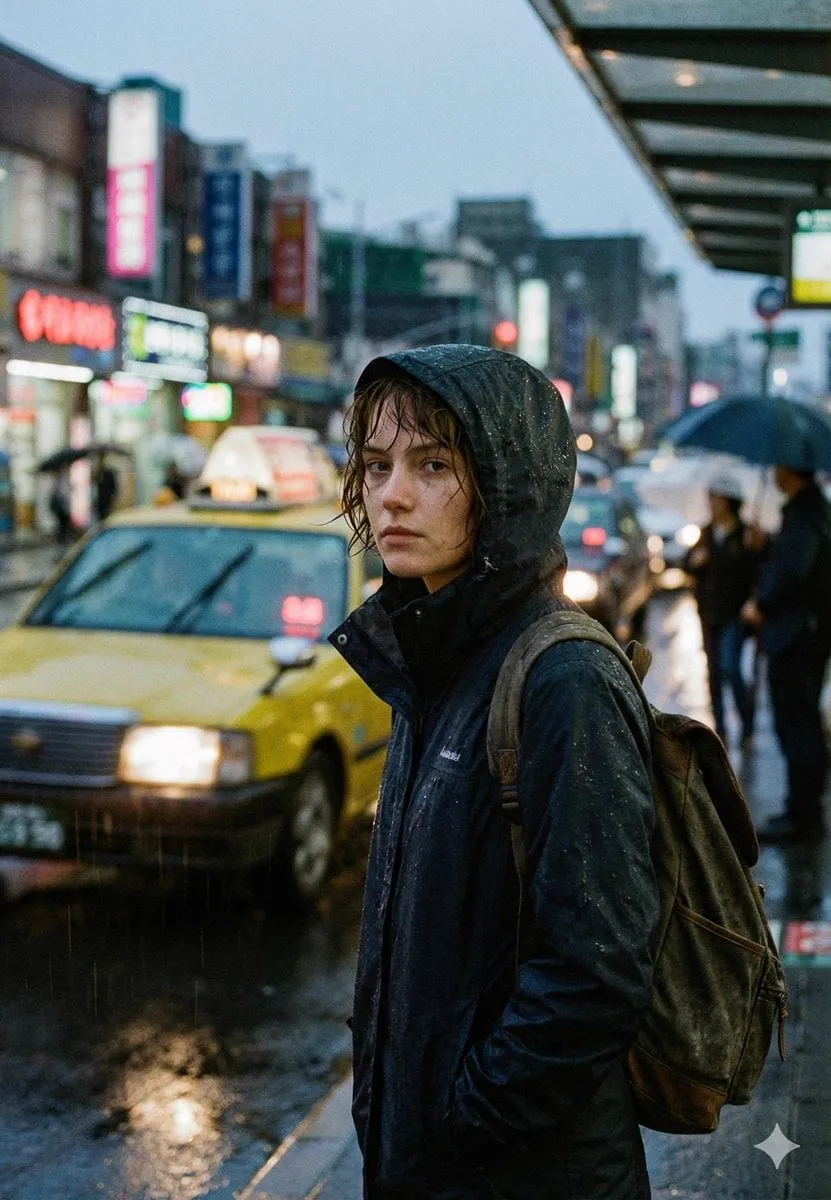
Watch any beginner's AI video project and you will spot the same flaw within seconds: the hero looks different in every scene. New face in scene two, new jacket in scene three, different hair by scene four. The images are beautiful individually, and the story collapses as a whole, because the viewer can never anchor on who the character is.
This is the character consistency problem, and it has been the quiet bottleneck of AI-driven storytelling since the first text-to-video models shipped. The good news is that the problem has a real solution now, and it goes by the name of multi-image fusion. This guide explains how it works, how to set it up, and how to build a production workflow around it.
Why Characters Drift Between Shots
To fix the problem, understand why it happens. A standard text-to-video model has no memory between generations. Each prompt is an isolated event: the model reads your words, invents a character that fits, and renders footage. Refresh the prompt, and the model invents again, with no obligation to match the previous face, costume, or posture.
The drift is not a bug in the sense of an error; it is a property of how the model was built. Identity simply is not part of the contract when the only input is text. The character is a statistical guess, and every generation is a fresh guess.
This is why simple prompt tricks fail. You can write same character as before in the prompt, and the model will nod politely and still invent something new, because it has no idea what before looked like. Text cannot carry identity across sessions. Only images can.
What Multi-Image Fusion Actually Does
Multi-image fusion changes the input contract. Instead of a single prompt, you give the model several images: different angles of your protagonist, reference shots of their costume, maybe a style frame for the world. The system fuses these anchors into a representation that constrains generation.
Think of it as moving from description to direction. A text prompt describes a character; a reference image set shows the model exactly who to draw. The fusion step is what combines those images into a single coherent identity the video model can hold across frames and across shots.
The practical effect is dramatic. Characters stop being re-rolled and start being cast. The same face, the same costume, the same proportions appear in every shot you generate from the same reference set. For the first time, a creator can plan a series of scenes and trust that the cast will show up.
The mechanism is worth understanding at a practical level. When you upload references, the system extracts dense embeddings: compressed descriptions of the face, the silhouette, the colors, the style. During generation it keeps pulling the output toward those embeddings, which is why the character holds together even when the scene changes completely.
Choosing Strong Reference Images
The quality of your references determines the quality of your consistency, so the selection step deserves real attention.
Use multiple angles. One straight-on portrait is a weak anchor, because the model has to guess what the character looks like in profile. Three to four images, including a profile and a three-quarter view, give the fusion step enough geometry to work with.
Keep the costume consistent across references. If your hero wears a red jacket in one reference and a blue one in another, the model will either blend them or flip between them. Shoot or source the reference set as if it were a costume fitting.
Match the intended lighting and tone. A reference lit by harsh studio light will drag that look into your moody night scene. References are not just identity; they are also lighting and color direction.
Keep the face clear and uncropped. References where the face is small, blurred, or partially covered give the model little to anchor on. The face is the single most important element of identity, and it should be the sharpest thing in every reference.
Here is a practical checklist before you lock a reference set. Can you recognize the character from the references alone? Do all images show the same costume? Is the lighting consistent with the scenes you plan? Is the face sharp in every image? If any answer is no, fix the set before generating anything.
Setting Reference Weight vs. Prompt Freedom
Every multi-image tool exposes some form of balance between how strongly the references are enforced and how much freedom the prompt retains. Understanding this dial is the difference between a locked character and a puppet.
If the reference weight is too high, the model follows the images so strictly that it refuses to adapt: the character looks right, but the pose, expression, or action from the prompt barely comes through. You get consistency at the cost of life.
If the reference weight is too low, the prompt dominates and the character drifts again. You get an expressive performance from a stranger.
The right setting depends on the shot. Action scenes need more prompt freedom; close-ups and dialogue shots can tolerate high reference weight. Start in the middle, test one direction, and adjust based on what actually breaks. And remember: this dial exists per tool, and the scales are not comparable across tools, so re-calibrate whenever you switch platforms.
A reliable testing routine: take one reference set and one prompt, generate the same clip at three different weight settings, and compare. You will quickly see the curve, and that curve becomes your default for the project.
Locking Character Identity Across Model Changes
Real productions rarely use one model for everything. The same project may use an anime-capable model for one sequence, a photorealistic model for another, and a specialized motion model for an action beat. Every switch is a consistency risk, because the new model has never met your character.
The fix is to make the reference set the shared contract. As long as every model receives the same reference images, the character has a chance of surviving the migration. Test the handoff explicitly: generate the same shot on both models, compare the faces, and adjust the references or weights until the match is acceptable.
This is where a consistent reference library earns its keep. Store every character's reference set, every environment set, and every style frame in one organized place. When a new model arrives, you run the library through it instead of rebuilding from scratch.
Name your reference sets clearly and version them. Character_Ada_v2 means something specific; final2 does not. In a project with several characters and environments, naming discipline is what keeps the pipeline from collapsing.
Building a Scene-by-Scene Production Pipeline
Consistency is not a setting; it is a pipeline. Here is a sequence that works.
Start with the character bible: reference sets for every recurring character, plus environment and style references. This is the source of truth for the whole project.
Then write the shot list. Every scene becomes a row with the characters present, the environment, the action, and the emotional beat. The shot list is your production plan.
Then generate scene by scene against the shot list. Use the same references every time. Review each shot in context, not alone, because continuity is a relationship between shots.
Keep a continuity log. Note anything that drifted and what you changed to fix it. After the first project, this log becomes the fastest way to avoid repeating mistakes.
A practical tip for long projects: review all generated shots in a single contact sheet at the end of each day. Seeing every shot of the character side by side makes drift visible in seconds, while reviewing clips one at a time can hide it for days.
Set a review cadence that matches your production speed. For a daily channel, review every evening; for a weekly series, review each block of scenes before you move to the next. The contact sheet habit does double duty: it catches drift early, and it also shows you which shots are working, so you can double down on the angles, lighting, and framing that fit your character best.
Keeping the Rest of the World Consistent
Characters get all the attention, but the world drifts too. Windows change, furniture moves, signage swaps, and the accumulated effect is a story that feels fake even when the hero looks right.
Apply the same logic to the environment. Build an environment reference set: establishing shots, key props, signature locations. Feed those references alongside the character references whenever the scene depends on them.
Keep an object bible for anything that recurs: a hero vehicle, a magic artifact, a brand logo. Objects are characters in their own right, and they deserve the same anchoring treatment.
Decide early which details are load-bearing. Not every prop needs a reference; a background mug can change without anyone noticing. Identify the elements the story depends on, lock those, and allow sensible variation everywhere else. Consistency is a budget, and you should spend it where the audience is looking.
The same logic applies to time. A character who visibly ages across a long series is a creative choice; a character whose hairstyle flips between adjacent scenes is a defect. Decide which temporal changes are intentional, then use the references to prevent the unintentional ones. Keep a one-line style note per project stating what is allowed to vary and what is locked, so every contributor, including your future self, follows the same rules.
Using Consistency to Build Reusable IP
Here is the strategic payoff. A consistent character is an asset. When your AI protagonist looks the same across episodes, you can build a series, grow an audience around a face, and create merchandise or licensing opportunities that were impossible when the character changed every shot.
This is the difference between generating videos and building a property. The tools now make it feasible for independent creators to maintain the visual identity that used to require an animation studio. The discipline, however, is yours: reference discipline, pipeline discipline, and continuity review.
Start small. Prove the character on a three-episode run before you plan a full season. Each episode should be faster than the last, because the references and the log compound. By the time you have a loyal audience, you also have a character bible that makes production routine rather than heroic.
The economics matter too. A reusable character removes the per-shot invention tax: every new scene starts from a locked identity instead of a fresh gamble. Multiply that saving across a season, and the reference discipline stops being a chore and becomes the cheapest insurance in the pipeline. It is the difference between renting inspiration and owning an asset.
FAQ
How many reference images do I need?
Three to four per character is a good baseline: front, profile, three-quarter, and one full-body shot with the standard costume. More images help up to a point, then add noise. Quality beats quantity.
What if my character still drifts?
Check the references first: consistent costume, clear face, matching lighting. Then check the reference weight. Then check whether you are using the same reference set on every shot. In our experience, one of those three is always the cause.
Can I generate a reference set with AI too?
Yes, but be careful. AI-generated references carry their own inconsistencies. If you generate references with one tool, generate the whole set in one session with identical prompts and settings, then review them side by side before trusting them.
Does multi-image fusion work with stylized or animated characters?
Yes. The same mechanism applies to any visual identity. Stylized characters often fuse even more cleanly, because their simplified geometry gives the model less room to drift.
Is this workflow worth it for short clips?
For a single standalone clip, a simple reference image usually suffices. Invest in the full workflow when characters appear across multiple shots, scenes, or episodes. That is where the payoff multiplies.
What about consistency across different lighting conditions?
References set a baseline, but you can push lighting per scene with the prompt. Test how far the model bends before identity breaks. If a night scene loses the face, strengthen the references and describe the lighting explicitly rather than hoping the model improvises.
