
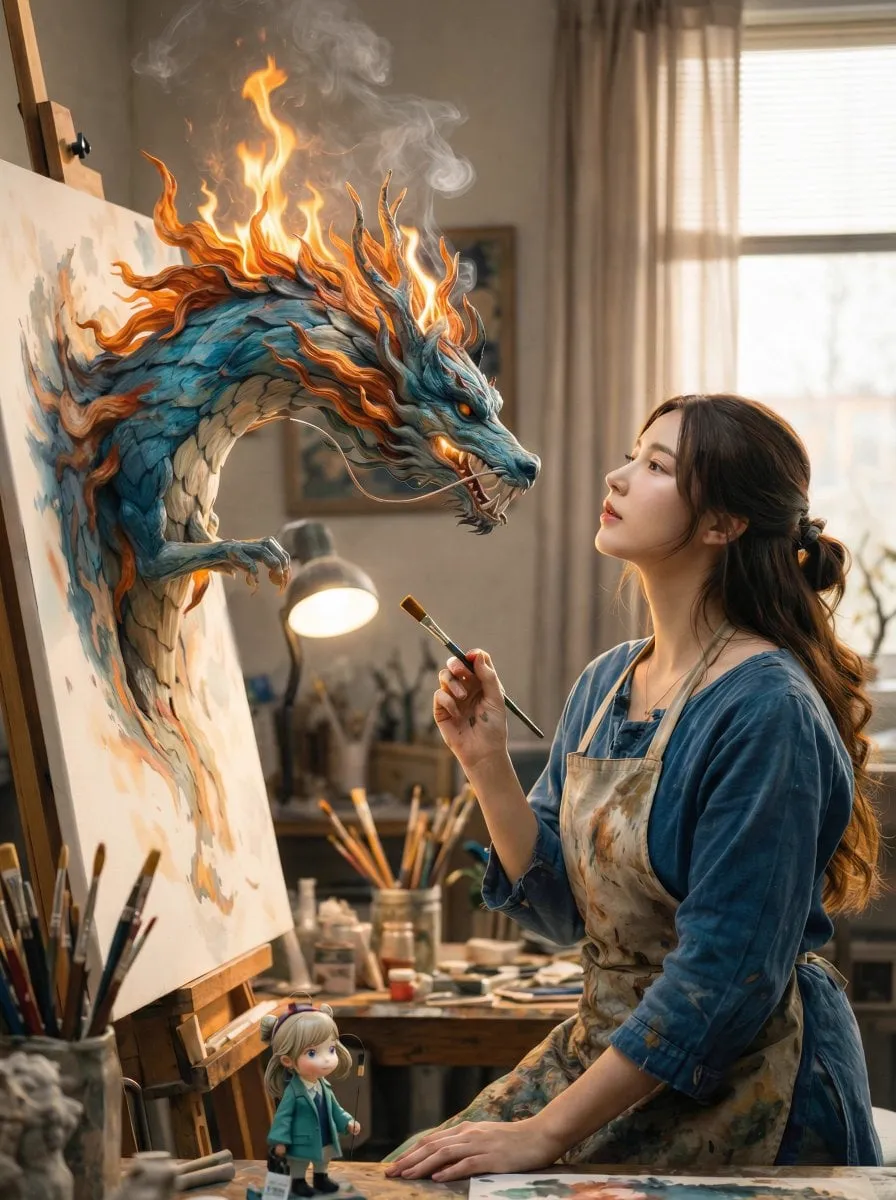
AI video generation has crossed a threshold. Tools that were experimental curiosities a couple of years ago are now daily production utilities used by creators, agencies, and studios around the world. Text-to-video is no longer a futuristic concept — it's a productivity tool that turns a paragraph into a watchable clip in minutes.
But with capability comes a new problem: choice. Three names dominate the conversation — PixVerse, Luma AI, and Sora — and each approaches video generation differently. Picking the right model for a project is now a real decision with real trade-offs. This guide compares the three across the dimensions that actually matter: realism, motion quality, camera control, speed, and workflow fit. You'll leave with a practical framework for choosing the right tool for your next video project.
How the leading models differ
The three models represent different philosophies. Sora, built by OpenAI, focuses on physical world understanding and narrative coherence. Luma AI has concentrated on natural motion and camera control. PixVerse emphasizes cinematic aesthetics and accessible workflows.
None is universally "best." Each wins in specific scenarios, and professionals increasingly use more than one — matching the model to the shot, the same way a director chooses lenses.
Sora: physical realism and narrative understanding
Sora has become the industry benchmark for a reason: it understands the physical world unusually well. When objects interact — a ball bouncing, water splashing, a door closing — the behavior looks governed by real physics rather than statistical approximation. This matters most for scenes where physical plausibility is the whole point.
The strengths show up in longer clips. Sora maintains object consistency across longer durations than most rivals, which makes it suitable for scenes with ongoing action rather than single short moments. Its narrative understanding also helps with prompts that describe a sequence of events rather than a single static image with motion.
The trade-offs are practical. Sora tends to be slower and heavier, and the access model is more constrained than the self-serve platforms. For quick experiments and high-volume iteration, it's often not the most convenient choice — but for hero shots where realism is critical, it earns its reputation.
Luma AI: natural motion and camera control
Luma AI's approach has centered on motion quality. Its models are known for producing movement that feels natural and physical, especially for human motion and for camera work that follows or orbits the subject.
The camera control story is where Luma stands out. The platform offers explicit control over camera behavior — pans, dollies, orbits, and zooms — which is essential for directors who think in terms of shots. Instead of hoping the model picks a good camera angle, you specify it, and the model executes it.
Luma also offers tiered options that trade quality against speed. The fast tiers are useful for testing ideas quickly before committing to a full-quality render. This two-pass approach — fast exploration, slow commitment — is a practical pattern that works with any platform but is especially well supported by Luma's lineup.
PixVerse: cinematic aesthetics and accessibility
PixVerse has positioned itself as the accessible, aesthetic-driven option. It emphasizes cinematic look — lens choices, depth of field, color grading — and offers fast tiers that keep iteration cheap.
Its strength is in the look of the output. For content where style matters more than perfect physical simulation — music videos, promotional clips, social content, stylized shorts — PixVerse delivers a polished aesthetic quickly. The emphasis on lens control and visual style makes it a favorite for creators who care about how the video looks rather than whether every physical detail is correct.
The accessibility angle matters too. The interface is designed for rapid work: generate, review, iterate. For teams producing content in volume, that speed advantage compounds across dozens of videos.
Comparing across the dimensions that matter
Realism and physics
Sora leads when the scene demands physical accuracy — objects, materials, and interactions. Luma is close behind, especially for human motion. PixVerse prioritizes aesthetic polish over strict physical simulation.
Motion quality
Luma's motion is its signature strength, particularly for natural human movement and camera motion. Sora produces strong motion with good physical grounding. PixVerse's motion is reliable and stylized, best for content where feel matters more than realism.
Camera control
Luma offers the most explicit camera controls. PixVerse provides strong lens and aesthetic controls. Sora has improved its camera handling but remains less direct about it — you shape the camera through prompt language more than through explicit controls.
Speed and iteration
PixVerse is built for fast iteration with its fast tiers. Luma offers a similar fast/slow split. Sora is the slowest of the three, which matters when you're testing many ideas quickly.
Workflow fit
All three accept text prompts, and the key ones support image-to-video. If you're building a pipeline around a consistent source image or character, check which platform handles image references best for your use case — this varies by release and is worth testing directly.
Choosing the right model for your project
The practical question is never "which is best" but "which fits this project." Here's a decision framework.
When to choose Sora
Choose Sora when physical realism is the core requirement: product demonstrations with real material behavior, nature scenes, complex object interactions, and anything where the audience will scrutinize how things move. Accept the slower iteration in exchange for the highest physical fidelity.
When to choose Luma AI
Choose Luma when motion quality and camera work matter most: character-driven scenes, dance and movement content, camera moves that follow the action, and projects where you want to direct the camera deliberately.
When to choose PixVerse
Choose PixVerse when the look is the priority: branded social content, promotional videos, stylized or cinematic aesthetics, and high-volume production where speed keeps the cost per video low.
When to combine them
The strongest workflows combine models. Use PixVerse or Luma fast tiers to explore ideas and establish the look. Commit to Sora for hero shots that need physical realism. Use Luma for camera-driven sequences. The cost of learning multiple platforms is real, but so is the quality gain.
Building a practical video workflow
Whatever model you choose, the surrounding workflow determines your results. Here's the pattern that works.
Start with a strong script and brief
Video generation is not a replacement for planning. Write the hook, the action, and the payoff before generating. A clear brief produces a clear prompt, and a clear prompt produces a usable clip.
Use image-to-video for control
When you need consistency, start from an image rather than text alone. Generate or select a strong key frame, then animate it. This gives you control over composition and character that pure text prompts cannot.
Iterate in fast tiers first
Test your ideas on the fastest tier available. Only commit to the slow, high-quality render once the concept is proven. This two-pass approach is the single biggest cost saver in AI video production.
Assemble and polish
AI-generated clips are raw material, not finished content. Edit them together, add sound, color grade, and caption for the platform. The final pass is where a collection of clips becomes a video that feels intentional.
Building for consistency across shots
The challenge that separates hobby projects from professional ones is consistency across shots. Here's how to maintain it.
Define your world once: characters, style, color palette, and lighting approach. Create reference images for the main elements and reuse them across every generation. Keep a consistent post-production grade. When a shot drifts, fix it at the source — regenerate with stronger references rather than patching in post.
For characters that appear repeatedly, invest the time to establish them properly: generate a reference sheet, test it across scenes, and lock it in. Consistency is a system, not an afterthought.
The future: what to watch
The field is moving fast, and the current leaders will not hold their positions forever. Three trends are worth following.
First, specialization. The market is splitting into specialist models — some focused on specific aesthetics, some on speed, some on physical accuracy. The generalist model that does everything well is becoming rarer.
Second, integration. Video models are being embedded into editing tools and production pipelines rather than standing alone. The future is less about visiting a generation website and more about video generation as a native feature of your editing environment.
Third, control. Every generation of models adds more control: better camera handling, better reference support, better consistency. The direction is clear — toward tools that behave like a controllable camera rather than a slot machine.
Access, speed, and team fit
Beyond raw quality, practical factors decide which platform fits your situation: how you access it, how fast it returns results, and how well it fits your team's size.
Access models differ meaningfully. Some platforms are self-serve and open to everyone, with immediate signup and per-use billing. Others are more restricted, with limited availability or application processes. If you need to start today, the self-serve platforms win by default; restricted access can delay a project by weeks.
Speed is the second factor. Fast tiers return clips in a minute or two — ideal for exploring ideas, testing hooks, and iterating on motion. Full-quality generations take longer but deliver the polish. The right pattern is to use fast tiers aggressively and reserve full-quality renders for shots that have already proven themselves. Teams that skip this discipline waste hours waiting on premium generations for ideas that get rejected anyway.
Team fit is the third factor. A solo creator needs a tool they can learn in an afternoon and operate without documentation. An agency needs collaboration features, asset libraries, and predictable costs. A studio building its own pipeline needs APIs and integration options. The best platform for a team of one may be the wrong choice for a team of twenty.
A practical way to evaluate: run one real project end to end on each candidate platform — the same script, the same shots, the same deadline. Compare total time, quality of the best output, and how much hand-holding the process needed. The platform that wins that test is the one to adopt.
Do I need to commit to one platform?
No, and you probably shouldn't. The models are moving targets — today's leader may be surpassed in a few months. The smart approach is to build your workflow around formats and files, not around a single vendor. Keep your source images, briefs, and style references portable. Then you can switch or combine platforms as the quality landscape shifts, without rebuilding your pipeline. The workflow is the investment; the platform is just the current best tool.
Frequently asked questions
Which AI video model is best for beginners?
Start with the platform that offers the fastest iteration and the most accessible interface — for most people, that's PixVerse or Luma's fast tiers. Learn the workflow first; graduate to premium models once you understand what you're optimizing for.
Do these models support image-to-video?
Yes, the major models support image input, though implementation varies. If image-to-video is central to your workflow, test how each platform handles your specific kind of source image — results differ.
How long does generating a clip take?
It varies widely. Fast tiers can produce short clips in a minute or two; premium generations on heavy models can take ten minutes or more. Always plan for iteration time — first generations are rarely final.
Can I use AI video for commercial projects?
Yes, AI-generated video is widely used in commercial production. Check the specific terms of the platform you use, especially regarding commercial use and content ownership, and keep records of your generations.
Final thoughts
The future of AI video creation is already here, and it's more practical than most people expect. Sora, Luma AI, and PixVerse represent three different answers to the same question — how to turn text into moving pictures — and each answer is right for a different job.
The winning approach is not loyalty to one tool. It's fluency across the ecosystem: know which model handles physics, which handles motion, which handles style, and assemble them like a director assembles a crew. Build a workflow that iterates fast and commits slow, maintain consistency with references, and the quality of your output will keep rising with every project.
