
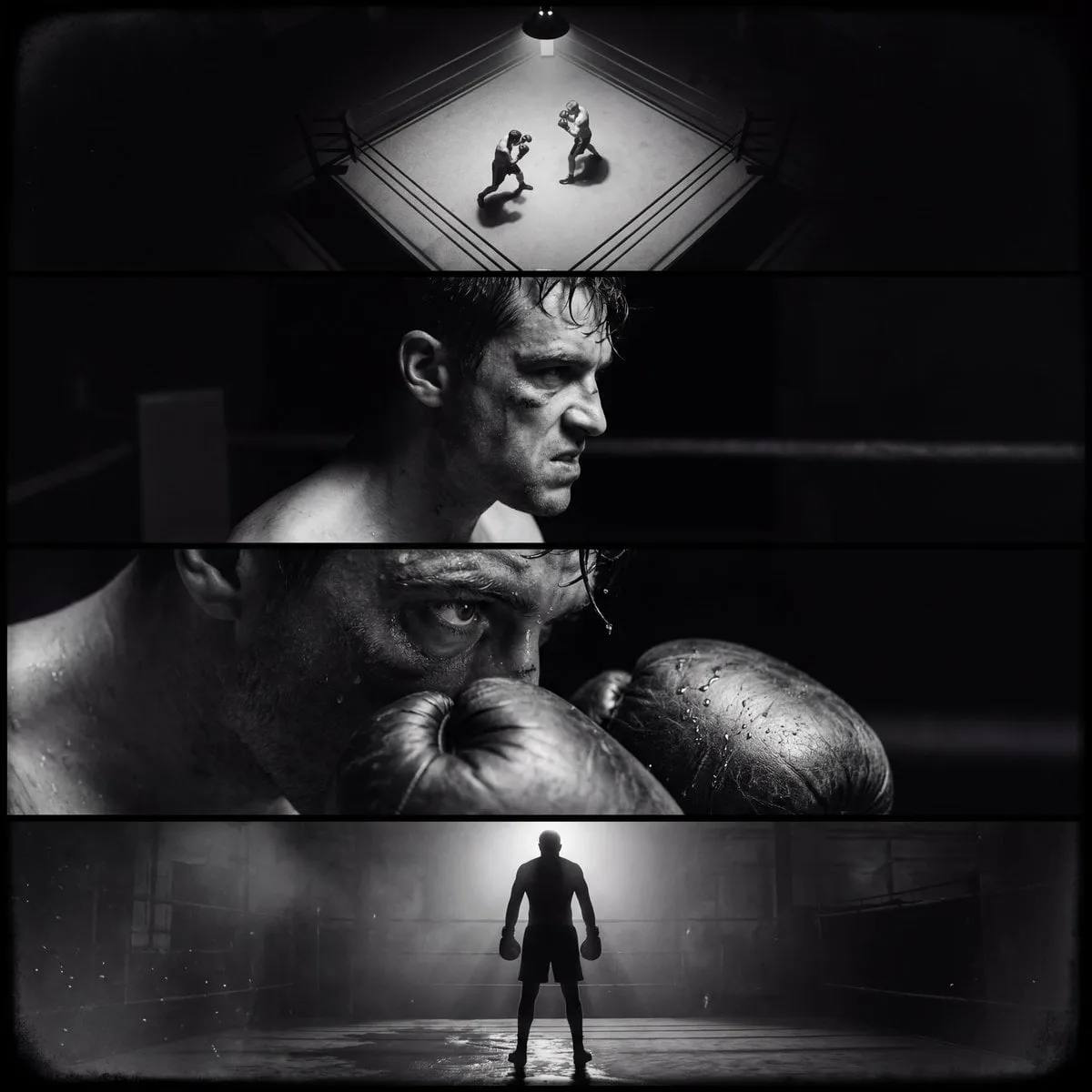

The media and entertainment industry is going through a seismic transformation driven by rapid advances in generative AI. Audience expectations around visual quality have climbed dramatically. On short-form platforms especially, viewers judge whether a clip is worth watching within the very first seconds, and cinematic quality is what keeps them engaged. This guide is about turning that demand into practical skill: how to create videos that feel genuinely cinematic rather than merely machine-made.
The difficulty is not in pressing the generate button anymore; it is in consistency, direction, and craft. A cinematic AI video needs coherent characters, deliberate framing, believable motion, and a clear narrative thread. None of that comes automatically. What follows is a step-by-step method for producing better results, drawn from the way professional editors and directors actually think about their work.
Why cinematic quality matters more than ever
Short-form content has rewired how attention works. The first impression decides almost everything. A clip with smooth camera motion, careful lighting, and coherent characters holds attention far better than a technically impressive but disjointed sequence. GenAI Projections suggest that a growing share of short digital content will carry generative components, which means the bar for looking professional is rising at the same time the tools are widening access.
The opportunity and the trap
The opportunity is clear: solo creators can now attempt looks that once required a studio. The trap is subtle. Because the tools are easy to run, everyone runs them, and mediocre results multiply. Cinematic quality becomes a differentiator precisely because most output is average. If you learn to direct the tools with intention, you stand out immediately.
Building a model foundation
No single model is right for every shot. The strongest workflow treats models as a toolbox and matches each one to the job.
Premium models for maximum quality
When a shot needs to sell a product, carry a hero moment, or anchor a campaign, use a top-tier model. These handle detail, resolution, and realistic lighting best. They cost more and take longer, so reserve them for the moments that matter instead of spending them on experiments.
Specialist and Asian models for variety
Specialist models bring their own strengths to style transfer, character consistency, and specific aesthetics. Asian platforms in particular have improved quickly and often excel at certain semi-realistic and stylized looks, sometimes at a friendlier cost. A multilingual creator can tap a global ecosystem to find exactly the right flavor for a scene.
Fast models for iteration
Before you commit to premium generations, test with a fast, cheap model. These validate direction, timing, and composition at near-zero risk. Most professionals build up toward the final shot through a series of cheap first passes.
Building consistency into every project
Consistency is the single most reliable predictor of whether a set of AI clips reads as intentional. Here is a practical routine.
- Create a reference sheet showing the main character from several angles.
- Reuse one anchor image across every scene of that character.
- Keep the written description of costume and props identical across prompts.
- Compare adjacent shots before accepting the final cut.
Following this routine is what separates a collection of clips from a mini-film.
The role of keyframes
Keyframes help you control the major beats of a clip. By defining the opening and closing frames, you tell the model where the motion should begin and end. This is the practical equivalent of storyboarding, and it is one of the strongest tools for turning vague requests into deliberate shots.
Understanding the tools behind the scenes
A polished result is built on infrastructure you rarely see. Reliable platforms manage heavy generation loads through queues and resource scheduling, which means steadier wait times and fewer failures under real production pressure. When choosing where to work, look beyond the headline model and consider the whole pipeline.
Task management for batch work
When you move from a single video to a series, task queues become important. Submit a batch, let the system schedule resources, and spend your time reviewing output rather than waiting on renders. Team-friendly platforms let several people collaborate on the same project without losing track of versions.
A workflow for cinematic output
Here is the sequence I recommend, from idea to final cut.
Step one: write a clear brief
Express the shot as one or two sentences: the subject, the action, the environment, and the mood. Anchor every later decision to this brief so the project keeps its identity.
Step two: craft a precise prompt
A good prompt names the subject, the action, the setting, the lighting, and the style. Describe consistently, without contradictions, and keep one clear subject at the center.
Step three: iterate cheaply
Generate short, low-cost versions to validate the direction. Refine the prompt between attempts based on what the model returned. Only escalate to premium quality once the direction feels right.
Step four: guard consistency
Apply the reference routine from above to every scene. Check adjacent shots for continuity of character, wardrobe, and lighting.
Step five: add audio and final polish
Cinematic feel depends heavily on sound. Pair the visuals with fitting music and any dialogue or narration, then do a final review pass before publishing.
Common mistakes and how to avoid them
- Jumping to maximum quality too early, which burns budget on unproven ideas.
- Skipping reference images, which guarantees inconsistent characters.
- Writing one prompt and giving up after the first weak result.
- Pulp-fiction style: generating many clips but never reviewing how they sit together.
- Forgetting licensing, which is a real risk once content is used commercially.
Real-world application
Imagine a brand campaign that needs a hero product shot, a supporting lifestyle scene, and a logo moment. Use a premium model for the hero shot with real product photos as reference, a specialist stylized model for the lifestyle scene to give it a distinct look, and a fast model to iterate logo variations quickly before locking the final. By matching each piece to the right tool, the whole set lands coherently without overwhelming the budget.
Frequently asked questions
How long are AI-generated clips? Usually a few seconds to around a minute; longer videos are built by stitching sequences together.
Do I need editing skills? Basic editing instincts help a lot, especially for ordering shots and pacing, but you can produce single strong clips without them.
Can I generate videos in my own language? Yes, most platforms support multiple languages for prompts and often link to multilingual voice tools.
Is it all right to use real people? Only with clear consent, which every reputable service requires.
Final thoughts
Cinematic AI video is within reach for anyone willing to treat it as a craft rather than a shortcut. The fundamentals are the same as in any film work: a clear brief, deliberate framing, consistent characters, and a disciplined process. Add the right model to each task and review your output honestly, and you can produce clips that look intentional, professional, and genuinely cinematic.
The landscape will keep shifting, but the skills that matter — direction, consistency, and workflow discipline — will serve you regardless of which tool dominates next.
Choosing the platform that fits your workflow
Platforms come and go, and the newest release rarely stays top forever. What deserves your loyalty is an environment that supports your working style over the long run. Evaluate more carefully than marketing lets on.
Breadth of models in one place
Your workflow already depends on mixing models for different jobs. A platform that lets you do that without switching tools saves enormous time and keeps a project coherent. Check whether it also stores prompts, reuses reference images, and keeps versions organized — the features that compound into real savings.
Ease of iteration
Never judge a tool by its showcase clips. Judge it by how smoothly you can run many small attempts. If iteration feels slow or cluttered, you will iterate less, and your ceiling will be lower. Take a real task through two or three candidates before you commit.
Cost predictability
Know your realistic iteration budget and verify the platform fits it. Nothing stalls a learning curve faster than a tool whose pricing punishes experimentation. A plan with a sensible balance between cost and generation count is often the decisive factor in how quickly you improve.
Advanced prompt techniques
By now you have the basics. The following techniques translate into visibly better output, so they are worth building into your routine.
Lead with the element that matters most
The order of a prompt influences what the model emphasizes. If a scene is primarily about a mood — say, quiet tension in a rainy street — put that mood first, then build the setting around it. What you emphasize first tends to dominate the result.
Use negatives only for real problems
When a model supports negative prompts, reserve them for a specific, recurring flaw such as "no text" or "no lens flare." A pile of vague prohibitions usually confuses the model and weakens the frame. Precision beats volume.
Refine in small steps
When a result is close but off, change one variable at a time — lighting first, then camera angle, then style. Rebuilding from scratch throws away the context that brought you close. Incremental refinement is how professional-looking output is actually made.
Building assets you can reuse
A little organization at the start repays itself many times over. Create a folder structure and naming convention early, and keep every successful prompt, reference, and final clip together. Over months of work, this archive becomes the backbone of your production, turning every future project into a faster version of an old one.
Capturing a style that travels
When a look works, document it precisely: the style keywords, the reference images, and the compatible models. Over time you assemble a personal visual vocabulary that keeps your output consistent and recognizable. That recognition is what helps an audience trust and follow you.
Learning from misses
Keep records of failed attempts too, with a note on what may have gone wrong. Successes show you what to repeat; failures show you what to avoid. Together they sharpen your judgment faster than any single tool upgrade.
Licensing, ethics, and staying out of trouble
Creative freedom has boundaries you should understand from the start. Before publishing or selling work, review the platform's terms — especially around commercial use and derived works. It is the kind of diligence that is cheap on day one and expensive to retroactively correct.
People and transparency
Never generate real people without explicit consent, and label AI content where your market or audience expects it. These two habits protect both your reputation and your legal position. Made routine, they cost almost nothing while preventing costly problems.
Your compliance baseline
If you plan to work with brands, they will ask about the provenance and rights of your assets. A tidy archive of prompts, sources, and licenses answers those questions instantly and positions you as a professional who understands the business side of the craft.
Sustaining your creative practice
The creators who stand out treat AI video as a craft to maintain, not a novelty to consume. Set aside regular time to experiment, keep a log of what works, and review your own output with the same honesty you would apply to someone else's reel. Consistency of practice is the real differentiator.
Speed as a deliberate choice
Learn when to move fast and when to slow down. Explore broadly in the cheap iteration phase, then deliberately slow down to review and refine before committing to expensive renders. Judgment about timing is a skill in itself, and it compounds every time you apply it.
Final thoughts
Crafting cinematic AI videos is now a matter of method, not magic. A clear brief, a coherent visual vocabulary, consistent characters, and disciplined iteration will take you further than any single model could. Add honest self-review and attention to licensing, and your output will look professional to the people who matter most: your audience.
The tools will keep changing names and shapes, but the underlying craft is yours to keep. Invest in the process, and you stay ahead of whatever comes next.
