

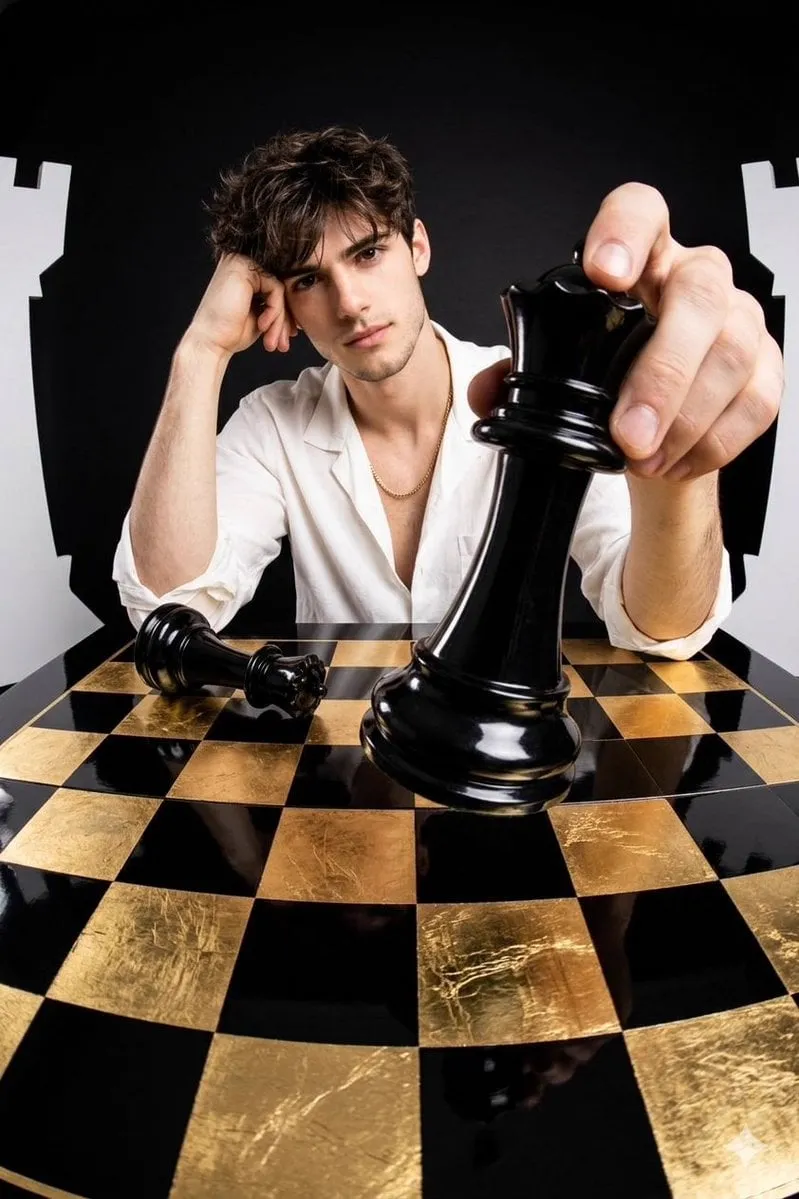
Telegram has quietly become one of the most interesting places to create AI-generated images. It is no longer just a messaging app; thousands of bots and channels now run powerful image-generation models right inside a chat. You type a description, press send, and moments later the bot returns an image — no web dashboards, no complicated interfaces, no usage allowance to hunt down on a separate site.
This guide shows you how to get started, how to write prompts that actually produce good results, how to choose the right model for your needs, and how to manage an AI image bot responsibly if you run one for a group or community. Whether you are a hobbyist making fun images for friends or a creator producing content at speed, everything you need to begin is here.
Why Telegram is a great place for AI images
Telegram's architecture makes it uniquely suited to AI image generation. Its bots provide an official, scriptable way to talk to a service, and its channels and groups give that service an instant audience. The result is a low-friction experience: you can be inside an active bot in under a minute, generating images without leaving your favorite messaging app.
There is also a social dimension. Creating alongside other people, sharing prompt ideas, and seeing what the community generates turns a technical tool into a collaborative hobby. For those new to AI art, this gentle, conversational environment is far less intimidating than a blank prompt box on a specialist website.
How the bot architecture works
At its heart, an AI image bot is a middleman. When you send a message or typing command to the bot, its servers receive your request, contact an AI image-generation model, wait for the result, and then deliver the finished image back to your chat. From your point of view, it looks like magic; behind the scenes there is a straightforward request/response loop.
Some bots also handle payment and usage limits internally. Many are free within a daily allowance, while others use a paid or subscription model for extra usage or advanced features. It is worth checking a bot's description or help menu before you start, so you know what your limits are.
Setting up your first bot
Starting is easy, but the exact steps depend on the bot you choose. Here is the general flow that works for most of them.
Find a reputable bot
Search within Telegram for image bots, or follow a recommendation from a community you trust. Look at how many members a bot's channel has and read recent comments to get a sense of whether it is reliable. A good bot should clearly state its capabilities, its limits, and any cost.
Start a chat and read the instructions
Open the bot and send a simple help command such as /help or /start. Most bots list their supported commands, example prompts, and usage limits right there. Taking sixty seconds to read this saves you from many confused attempts later.
Run your first simple prompt
Send something basic like a faithful-cat illustration or a neon city landscape at night. Keep your first test simple so you can observe how the bot interprets a plain description before you start layering on detail. When the image arrives, you know everything is wired correctly.
Writing prompts that get results
Prompt engineering is the craft of describing an image so the model fulfills it faithfully, and it is by far the most important skill to develop. In Telegram's chat environment, prompts are usually just short lines of descriptive text — but the quality of that text drives the quality of the picture.
Structure your description
A strong prompt has three parts: a clear subject, a setting or context, and a style direction. Instead of a vague "a dog," try "a fluffy corgi sitting in a sunny kitchen, watercolor illustration, warm colors." Giving the model a visual anchor and a mood yields far better and more consistent results.
Use modifiers deliberately
Words like "photorealistic," "3D render," "cartoon," "cyberpunk," or "minimalist" shift the style quickly. Add a few that match your goal, but avoid cramming in ten conflicting styles at once — that tends to confuse the model and produce muddled art.
Iterate on your failures
When a result misses the mark, adjust just one thing and try again. Was the subject right but the mood wrong? Change the style word. Was the style good but the composition off? Refine the description. Small, single-step changes teach you far more about a model's behavior than wholesale rewrites.
Choosing the right model
Not every bot uses the same underlying model, and different models have different strengths.
For photorealistic results
If you need realistic portraits, product shots, or believable scenes, look for a bot that advertises high-fidelity or photorealistic generation. These models are usually slower and may cost more, but the realism is worth it when accuracy matters.
For creative and stylized art
For illustrations, concept art, character designs, and playful styles, a creative general-purpose model is a great fit. These tend to produce bolder, more imaginative imagery and are often faster and cheaper.
For editing and fusing images
Modern bots increasingly support more than fresh generation. Some let you give it a reference image and ask it to keep a subject consistent in a new scene, or fuse two images into one. These features are transforming what people can do inside a simple chat — turning Telegram into a real editing tool, not just a generator.
Comparing bots before you commit
With so many bots available, a little comparison saves frustration. Check what models a bot supports, how many images you can generate per day, whether it keeps a history of your earlier generations, and whether it lets you tweak advanced settings such as aspect ratio or detail level. Read the descriptions, ask the bot a few basic questions, and test the lowest-cost option first. A small amount of initial research prevents you from building a workflow around a bot that you soon outgrow.
Advanced techniques worth learning
Once you are comfortable with basic prompts, a few techniques dramatically widen what you can create.
Keep a subject consistent across many images
Give the bot a reference image of your character or object, and ask it to place the same subject in new scenes. This is the secret to building a coherent series, an illustrated story, or a brand mascot that stays recognizable. It turns the bot from a one-shot generator into a tool for building a whole visual world.
Experiment with style blending
Some bots accept a style reference alongside a subject. Blend a realistic portrait with a painterly style, or a modern scene with a retro palette. Combining references this way produces results that feel intentional and unique rather than generic.
Lean on negative descriptions
Many models respond to what you ask them to avoid. If a result keeps adding unwanted elements, describe what you do not want explicitly. This level of control makes the difference between usable and unusable output on tricky prompts.
Set quality parameters deliberately
Higher resolution and more detail come at the cost of time and possibly usage. Use modest settings for drafts and iterations, then run your final image at full quality. This keeps experimentation cheap while reserving the best quality for the image you actually publish or print.
Generating your first image step by step
Let us put it all together with a simple run-through.
- Open your chosen bot and send the help command to confirm your usage allowance.
- Type a structured prompt: subject plus setting plus style.
- Send the message and wait for the bot to return the image.
- Review the result. If it is close but not perfect, tweak one detail and resubmit.
- Once satisfied, save or share the image directly, or add it to a personal saved-messages collection.
For more control, explore the bot's advanced options: some let you set aspect ratio, quality, or number of variations before generating, which saves time when you know exactly what you want.
Managing a bot for a group or community
Running an AI image bot for your own Telegram group is popular and rewarding, but it takes some care.
Content and safety rules
Agree on clear rules about what kinds of images are acceptable to generate and share. Set expectations for respectful behavior and decide how to handle requests that fall outside what the bot is designed for. Many group admins use the bot's built-in moderation or restrict usage via user roles.
Managing usage limits
If the bot sets its own limits, decide whether members share the entire allowance or whether admins control access. Clear communication prevents arguments about who used how much.
Organizing the creative output
Encourage members to share their prompts alongside the images. Because prompt quality drives results, a group that shares good prompts collectively gets better at generating art. Some communities even run themed challenges to keep the creative energy flowing.
Privacy and responsible use
Before you add a face photo or any private image to a bot, think about where it goes. Some bots process images on remote servers, so sharing sensitive or personal pictures carries a real privacy consideration. Check the bot's privacy policy if this matters to you, and avoid uploading anything you would not want handled by a third party. Using a fresh, fictional subject or a generated mockup is often a safer route for experimentation.
It is also worth being thoughtful about what you generate and share. Public figures, trademarked characters, and real people's likenesses can raise legal and ethical questions. When in doubt, keep requests in the realm of original or clearly fictional subject matter. For anyone running a community, setting these expectations early keeps the space healthy, creative, and within bounds of reputable use.
Common problems and fixes
A few issues come up often. If the bot does not respond, check that you sent a command or prompt in a supported format and that you have not hit a daily limit. If the image quality is poor, tighten your prompt with a clearer subject and a single strong style direction. If the bot feels slow, remember that premium models simply take longer — run simpler prompts for quick tests and save the heavy models for final pieces.
Frequently asked questions
Are Telegram AI image bots free?
Many offer a free daily allowance, while others charge a subscription for extra usage or advanced models. Always check the bot's help or description so you know what your limits are before generating a lot.
Do I need technical knowledge to use one?
No. The whole point of a bot is that it works through simple chat messages. You only need to know how to write a clear description. Learning prompt techniques just makes your results better over time.
What kind of images can I create?
Virtually anything you can describe: portraits, landscapes, product mockups, concept art, memes, and more. Some bots also support editing and image fusion, letting you keep a subject while changing its scene or merging two pictures.
Can I use the images commercially?
It depends on the bot and the model behind it. Most allow personal use freely, but rights vary when you want to sell prints or use images in advertising. Check the terms before you build a commercial project, and confirm that the model's license covers your intended use.
Conclusion
Using an AI image creator on Telegram combines the power of modern generation models with the simplicity of a chat interface. By finding a good bot, learning to write structured prompts, selecting the right model for the job, and using advanced features like image fusion, you can produce impressive images in minutes — no technical setup required.
Start with a simple prompt, observe how the bot responds, and iterate one change at a time. Before long, what felt like experimenting becomes a dependable creative workflow. Whether for fun, for content, or for driving a thriving community, the images you can make from a single chat message are only limited by the clarity of your descriptions.
