
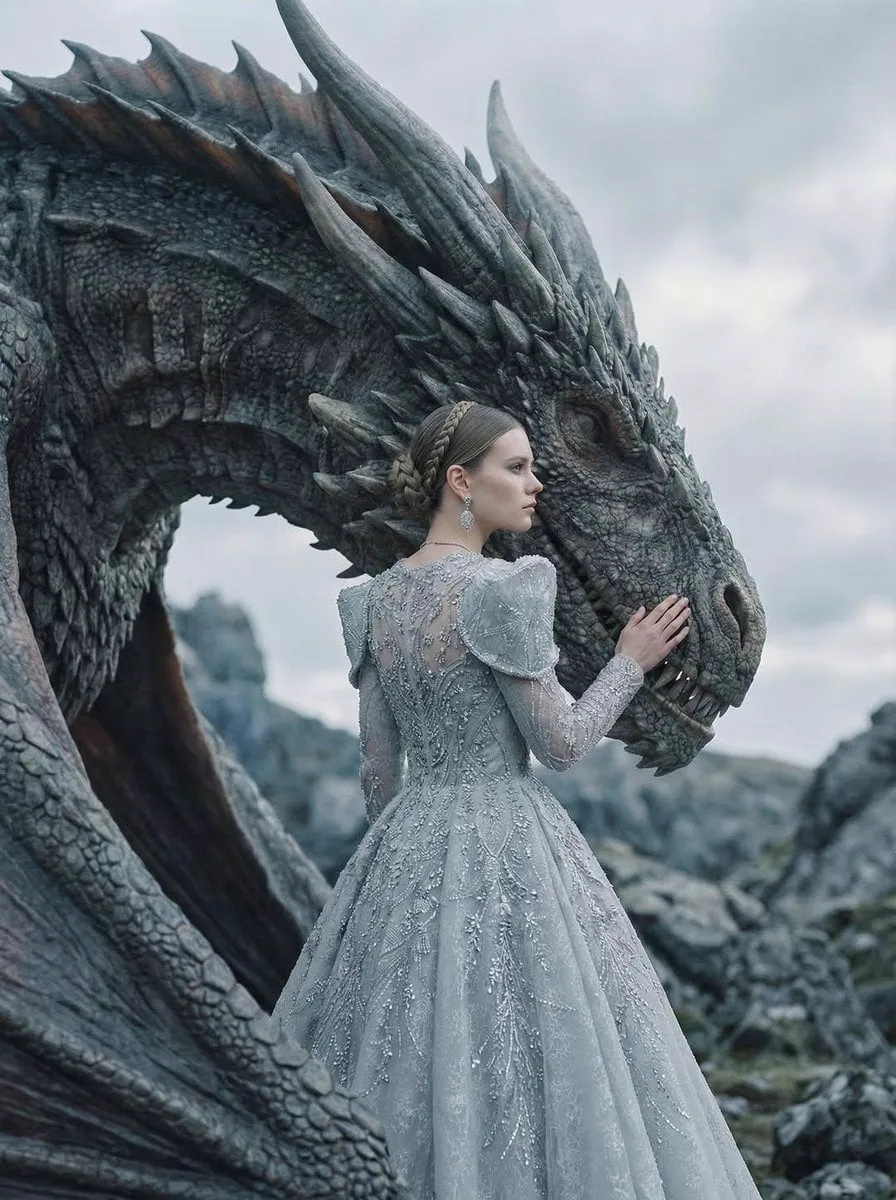
Hyper-realistic style transfer sounds like a contradiction. A style is, by definition, a departure from plain reality — so how can a stylized treatment look hyper-realistic at the same time? The answer is that the best style transfer does not replace the realism of a scene; it adds a coherent visual layer on top of it. A photograph turned into an oil painting still feels like a photograph in its light, its geometry, and its spatial logic, but it also feels painted. The same principle applies to pixel art, clay, Lego-like blocks, watercolor, and dozens of other treatments. This article explains how modern AI style transfer works, where it creates real value, and how to build a practical workflow for producing consistent, hyper-realistic style transfers across stills and video.
What Style Transfer Means Today
Style transfer has a long history. The early approach used generative adversarial networks to copy the texture of a style image onto a target photo, with results that were often impressive for a single image but unstable across a series. The modern generation of diffusion models changed the game. Instead of painting texture over a photo, they learn to reimagine the entire image within a style while preserving the underlying structure, light, and detail.
The practical consequence is twofold. First, the results are dramatically more realistic within the chosen style: a pixel-art version of a face still looks like that face, not like a generic pixel blob. Second, the technique extends naturally to video, where each frame carries the same style, and the model keeps temporal coherence so the scene does not shimmer or drift between frames.
That shift matters for brands and creators because style is identity. A consistent treatment across an entire campaign, a film, or a product line is what makes work recognizable. Style transfer is no longer a filter applied to a single image; it is a production system for applying a visual identity at scale.
Where Hyper-Realistic Style Transfer Creates Real Value
The most immediate value is in advertising and product marketing. Brands constantly chase a distinctive look, and style transfer lets them apply one visual language to photos, renders, and video alike. A cosmetics brand can show its product as a glossy clay sculpture, a watercolor sketch, or a chrome render, all with the same lighting and composition as the original studio photography. The audience gets the art direction; the brand gets consistency.
In entertainment and independent film, style transfer offers a way to build a whole world without building physical sets. An indie production can shoot or generate simple footage and then transfer it into an illustrated or hyper-stylized look that would have required expensive post-production before. Pixel art and miniature-style treatments are especially popular for shorts, music videos, and social content because they are instantly distinctive.
In education and training, style transfer makes complex subjects clearer. Technical diagrams can be rendered in a consistent illustrative style that emphasizes the important structures. Medical, engineering, and safety content all benefit from a uniform visual language that students learn to read quickly. Personalization is the fourth pillar: the same base image can be restyled for different regions, seasons, or campaigns without a new shoot.
Core Techniques Behind Consistent Style Transfer
Several techniques combine to produce reliable results. The foundation is the diffusion model itself, which reimagines images guided by a text prompt and, optionally, a style reference. The style reference is the most important control: a strong reference image that shows exactly the treatment you want — the material, the palette, the brushwork, the lighting — teaches the model the target far better than words alone.
Multi-image fusion extends this idea. Instead of one style reference, you provide several: a material reference, a color reference, a lighting reference, and a subject reference. The model combines them into a single coherent output, which lets you control the style precisely without sacrificing the identity of the original subject.
Control techniques such as depth, edge, and pose guidance keep the structure of the original image intact. They tell the model where objects are, where the edges run, and how the subject is posed, so the style transforms appearance without warping geometry. This is what separates a true style transfer from a generic regen that happens to look similar.
For video, temporal consistency is the central challenge. The workflow is to process the first frame, establish the definitive style on that frame, then use it as the reference for subsequent frames. Some tools also allow first-frame and last-frame control, which anchors the whole clip between two approved images. The result is footage where the style holds from the first frame to the last.
A Practical Workflow for Hyper-Realistic Style Transfer
A dependable workflow has six steps. First, prepare the source: clean, high-resolution images or video with good lighting, because style transfer cannot fix a bad original. Second, collect references: gather two to five images that show the target style clearly — different examples, not near-copies. Third, establish the style lock: transfer your chosen reference onto a single hero image, iterate until it is exactly right, and save it as the project master.
Fourth, generate the series: apply the master to the rest of the stills, using the control techniques to preserve structure. Review at full resolution, because artifacts hide at thumbnail size. Fifth, handle video: transfer the first frame of each clip, approve it, then propagate the style through the clip using frame references. Sixth, deliver with a consistent grade: color-grade the finished set as one unit so every frame shares the same light and tone.
Throughout the process, keep a log of which references and prompts produced which looks. Style transfer is iterative, and a documented history of what worked is the fastest path to repeating a successful look on the next project.
Choosing the Right Tools
The tool landscape for style transfer is healthy, and the right choice depends on the project. For high-detail stills, Midjourney and Flux Pro both handle style prompts and references exceptionally well, and they are strong starting points for establishing a style lock. Stable Diffusion and its ecosystem offer the most control, especially for precise control of structure and for local, private processing. Dedicated upscalers such as Magnific and Topaz Video AI add resolution and detail after the transfer, which is essential for hyper-realistic treatments where texture matters.
For video, Runway Gen-4 and Kling both support consistent, reference-driven generation that works well for style transfer across clips, while Luma Dream Machine is a fast option for exploration. PixVerse and Hailuo offer many style presets that can serve as quick references. The common pattern is to use a stills tool to establish the style, then a video tool to animate it. Whatever you choose, test on one frame before committing to a full project.
Creative Applications: From Pixel Art to Clay and Beyond
The most visible creative wave is the pixel and miniature aesthetic. Pixel art style transfer turns footage into crisp, blocky, game-like images that feel both nostalgic and current; the trick is consistent pixel resolution and a limited palette so the treatment reads as deliberate rather than broken. Clay and stop-motion looks simulate soft materials, fingerprints, and craft imperfections, which charm audiences precisely because they are imperfect. Lego-like block treatments construct scenes from visible bricks and studs, a playful look that works exceptionally well for products and explainers.
Watercolor and oil styles suit editorial, fashion, and storytelling, where the texture of the medium carries emotion. Chrome, glass, and liquid metal treatments give products a premium, futuristic finish. The discipline in every case is the same: lock the style on a master, apply it consistently, and protect the structure of the original so the result stays recognizable and hyper-realistic rather than abstract.
Optimizing Performance and Cost
Style transfer at scale has real compute costs, but they are manageable with the right strategy. Generate at working resolution first and upscale selectively: most projects need only the hero assets at full resolution. Batch similar jobs together, because models often handle related requests more efficiently and you can reuse the same style lock and references. Cache successful prompts and reference sets in a library, so every new project starts from proven material instead of a blank prompt.
For teams, standardize the style guide. Write down the palette, the reference images, the prompt template, and the accepted output parameters. That documentation turns an individual's skill into a repeatable team capability, and it protects the visual identity when people change projects or leave the team.
FAQ
Is style transfer the same as a filter? No. A filter applies a fixed transformation to pixels; style transfer reimagines the image within a style while preserving structure, light, and detail. The results are far more coherent and realistic.
Can I transfer a style to video without flicker? Yes, with the right workflow: lock the style on the first frame, propagate it with frame references, and use temporal controls. Expect to iterate on problem clips.
How many reference images do I need? Two to five good ones. More references do not automatically mean better results; clarity and variety matter more than quantity.
Will style transfer work on poor source material? Poorly. The style cannot fix bad light, soft focus, or heavy compression. Invest in clean sources first.
A Worked Example: Rebranding a Product Line in One Style
Theory becomes concrete with an example. Imagine a small skincare brand with forty product photos shot on a white background. The founders want a distinctive campaign look: every product rendered as a glossy clay sculpture with soft studio lighting, warm beige tones, and the original label design preserved. This is a classic style-transfer project, and the workflow maps directly onto the six steps.
First, the source: the forty photos are already clean, high-resolution, and consistently lit, so the brand fixes the couple of images with harsh shadows. Second, references: the team collects four images that show the clay look they want — one showing the material texture, one showing the color palette, one showing the lighting, and one product close-up as a composition guide. Third, the style lock: they transfer the treatment onto the hero product, iterate through three rounds, and approve a master image that defines the look for everything else.
Fourth, the series: they apply the master to the remaining products, using structure controls so the label text stays sharp and the product shape stays true. They review at full resolution and fix the three images where the clay texture overwhelmed the label. Fifth, video: for the campaign film, they transfer the first frame of each product shot, approve it, and propagate the style through the clip with frame references. The bottles rotate, the light moves, and the clay treatment holds across every frame. Sixth, delivery: the final set is graded as one unit, and the brand exports stills, vertical clips, and a hero video — all in the same visual identity.
The campaign ships in a week instead of a month. The brand gets a distinctive look without a physical shoot, and the style lock is saved, so the next campaign can reuse it with one click. This is the realistic shape of style transfer at production scale: a strong master, disciplined propagation, and a documented system that makes the look repeatable.
The same pattern scales beyond products. A film studio can establish the visual language of a series before a single episode is written; an educator can build a consistent illustrative style across an entire course library; a social media team can keep every post in one recognizable look without hiring a full-time designer. The effort concentrates once, in the style lock, and the propagation is mostly mechanical. That is the economic argument for treating style transfer as a system rather than a filter: the upfront investment pays dividends on every subsequent asset.
Conclusion
Hyper-realistic style transfer has matured from a novelty into a production system. Modern diffusion models preserve the reality of a scene while applying a coherent, deliberate style, and multi-image fusion, structure control, and temporal techniques make the results consistent across images and video. The value is practical: distinctive brand identity, affordable world-building, clearer education, and faster personalization. Build a workflow around a style lock, test on a master, propagate consistently, and document what works. The style is the surface; the system underneath is what makes it reliable.
