
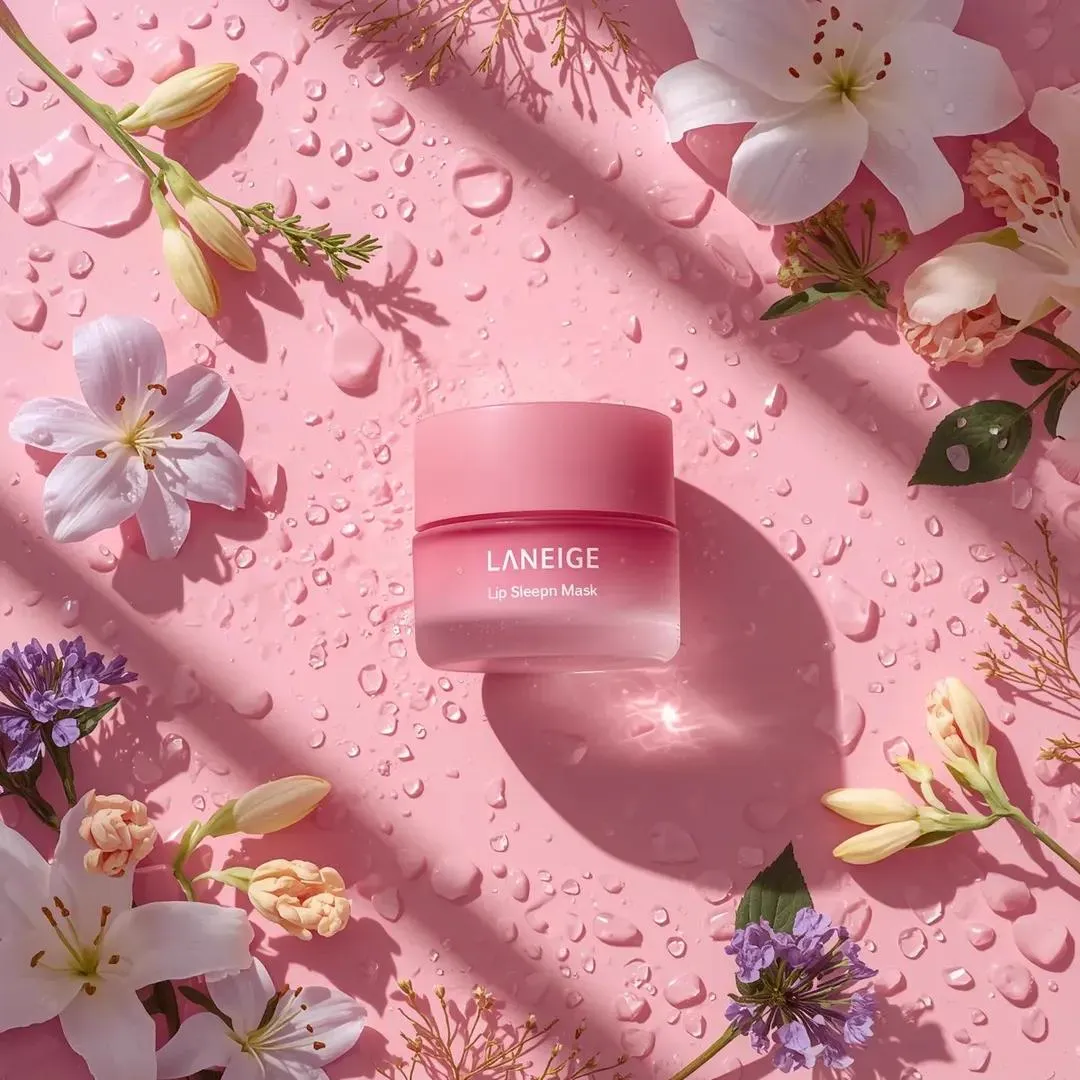

Introduction: The Leap From Static Image to Moving Picture
It is one of the quickest mental leaps in modern content creation: take a single, beautifully composed image and bring it to life as a video that holds the same mood, lighting and subject. For years this was the domain of animators and motion graphic artists with deep software skills. Today it is a prompt away, powered by a new generation of AI models that understand both images and motion.
This guide looks under the hood of that transformation. We will explain how AI video generation has evolved from text-only prompts to image-driven workflows, why reference images are the key to consistency, how models compare, and how professionals turn a single concept image into a polished, ongoing series. If you have ever stared at a great still image and wished it could move, this is written for you.
The Current Landscape: AI Video Is Core Infrastructure
By now, AI-based video generation is not science fiction or a novelty. It is core infrastructure for digital content production. Creators, marketing teams and film-adjacent studios use these tools every day to turn still images and written descriptions into coherent, high-quality footage.
What makes the current moment different is the convergence of several forces:
- Prompt engineering meets powerful models. The craft of describing a scene has matured into a repeatable skill. Clear prompts plus a capable model produce reliable, near-real-time results.
- Growing market expectations. Audiences want personalized, hyper-realistic and visually consistent content. Static pages read as less engaging than motion, so the pressure to produce video grows every quarter.
- Explosive market growth. Industry estimates routinely put year-over-year growth for the AI video generation market in the tens of percent, which means the tools, and the talent that uses them, are improving quickly.
For a business, this all adds up to one conclusion: the ability to turn an idea or a single image into usable video is now a strategic capability, not an optional tool.
How AI Video Models Learned to Move
Text-to-video: the breakthrough baseline
At the core of modern AI video generation is the ability to turn a text prompt into a physically consistent sequence of frames. Leading models such as OpenAI's Sora series and Kling AI currently set the tone in this category. They translate language into camera movement, object behavior and environmental lighting that follows real-world logic well enough to feel believable.
Text-to-video is powerful because it requires almost no input beyond your idea. Its limitation is control: describe too loosely and the model makes independent creative choices you did not ask for. That is precisely why image-based generation has become so important.
Image-to-video and multi-reference inputs
Generating from a single image changes the relationship between you and the model. Instead of hoping the output matches your mental picture, you hand the model a concrete anchor. It preserves the composition, subject and lighting of your image and adds plausible motion on top. This dramatically improves predictability.
Even better is multi-reference support. By feeding several images of the same subject or scene, the model can extract shared traits—the character's face, a product's design, a location's atmosphere—and carry that identity into every generated frame. This is the technique that takes video from one-off clips to ongoing, consistent series.
Redefining the director's role
A notable trend is the rise of AI "agent directors." Instead of manually building dozens of prompts and stitching them together, you describe what the whole video should achieve, and the agent breaks it into shots, chooses suitable models and keeps style consistent. This does not replace creative judgement; it removes the tedious, repeatable work so you can focus on direction and story.
Building a Toolkit: Models That Deliver
No single model wins every scenario. Professionals keep a short list and pick per job.
Premium engines for hero content
For marketing videos where quality is non-negotiable, premium models matter. The Flux family of models—especially the Pro and Dev variants—are renowned for photorealistic output with careful attention to texture and lighting. When your deliverable will be seen on a large screen or as a flagship brand video, this is the category to bet on.
Runway is another pillar, distinguished by strong temporal control and steady camera motion. Its models generally maintain scene coherence well, which makes them a reference point for filmmakers who care about intentional, controlled shots.
Asian models keep rising
Kling and MiniMax deserve attention for a different strength: speed and instruction adherence. Kling responds precisely to detailed descriptions and iterates quickly, which makes it excellent for testing many versions of a scene or for localized content in East Asian markets. MiniMax complements this with strong, cost-effective options that fit high-volume workflows.
Innovative control-focused models
When the goal is stylized looks or precise camera control, models like PixVerse and Luma Ray add value. PixVerse is a strong pick for visual effects and dynamic action shots, blending keyframe control with fluid motion. Luma Ray is valued for stable framing and natural transitions, handy when you want an image to flow smoothly into the next. These tools shine in creative and design-heavy work where live-action realism is not the primary goal.
Premium vs. cost efficiency
A common mistake is using an expensive premium model for every attempt. It is far more cost-effective to prototype composition with fast, cheaper models and reserve flagship engines for the final pass. This "cheap sketches, expensive polish" pattern keeps quality high while respecting budgets.
Advanced Control: Consistency and Professionalism
The hardest part of video production is not generating a single good clip; it is generating many clips that feel like one work. Two techniques carry most of the weight.
Multi-image fusion for character consistency
Multi-image fusion is the practice of analyzing several reference images and distilling their shared visual traits into a single, reusable "concept" of a subject. Whether the subject is a character, a product or a place, the model learns what is essential about it and applies that identity every time it is asked to render that subject in a new scene.
This is the secret behind modern serialized content. A brand mascot, an animated protagonist or a recurring product shot can be regenerated scene after scene without the drudgery of redrawing, and without the visual "drift" that ruins continuity.
Practical tips for stable results
- Prepare solid references. Two or three well-lit, multi-angle images beat a dozen mediocre ones. Quality in, consistency out.
- Lock the style early. Decide on art direction—color grade, lighting mood, focal length—and encode it in every prompt so scenes feel cohesive.
- Prototype before finalizing. Test a new shot on a fast model before spending on the premium render.
- Keep a footage library. Store your best generations and references; reuse assets rather than regenerating from scratch.
A Workflow to Move From Image to Finished Video
Here is a straightforward pipeline that will take a single concept image to a finished, professional clip:
- Choose your anchor image. Curate the strongest still that captures the mood and subject.
- Gather references. If a character or product will recur, collect 2–3 high-quality views.
- Write a motion prompt. Describe the action, camera movement, duration and the specific changes you want relative to the still.
- Generate and iterate. Use a fast model to try several motion directions; pick the best.
- Finalize with a premium engine. Re-render the chosen concept at higher quality.
- Edit, sound and export. Assemble the cut, add audio and captions, and export in the right format for your platform.
Repeat this loop and you will naturally build a library of assets you can combine into longer pieces.
Common Pitfalls and How to Avoid Them
Even experienced creators trip over the same issues. Knowing them in advance saves you hours.
- Drifting features. The biggest complaint is a character changing appearance between shots. The fix is almost always better references plus fusion, not better prompting.
- Broken anatomy. Hands, fingers and fast limb movement are still weak points for many models. Plan shots to minimize extreme poses, or accept retries on the toughest frames.
- Inconsistent lighting. If you do not specify a light source, the model may invent lighting scene by scene. State the lighting mood in every prompt so all shots feel lit in the same world.
- Overreaching scope. Trying to generate a complex multi-actor narrative in one prompt rarely works. Break it into smaller shots and build them systematically.
- No reference in the loop. Generating every scene from scratch wastes time and money. Reuse your established concept and references wherever a subject repeats.
Choosing the Right Model for Your Use Case
Because no single engine wins everything, picking a toolkit requires knowing your priorities. Here is guidance by scenario.
Marketing and product videos
If you need a clean, on-brand hero video of a product, prioritize photorealistic generation and careful lighting. The Flux family of models is a strong starting point, with its attention to texture and light. Complement it with a fast model for testing angles and messaging before the expensive final render.
Brand mascots and serialized characters
When a character appears repeatedly, consistency is the prime directive. Lean on image-to-video with multi-image fusion and keep a disciplined reference library. You may mix engines freely because the concept layer keeps the character locked; choose each model for the specific shot.
Social and short-form content
Speed and expressiveness matter more than photorealism. Models known for strong instruction following and fast iteration—such as Kling—let you test trend-based concepts quickly. Reserve expressive, stylized engines like PixVerse for shots that need an eye-catching look.
Style-driven and creative work
When the goal is a distinctive visual language rather than realism, expressive engines that emphasize camera control, transitions and stylization excel. Luma Ray, with its stable framing and natural transitions, is useful whenever you want one image to flow into the next elegantly.
Estimating Effort and Budget
Before you start, it helps to think in units of work rather than units of "video." A useful mental model:
- A simple, single-shot clip may need only a handful of attempts and a modest budget.
- A character-focused scene requires reference preparation plus prototyping, so multiply your early cost and time.
- A multi-scene narrative multiplies effort again, because each shot needs its own planning and it all must remain coherent.
By estimating effort this way, you set realistic expectations, allocate budget sensibly and avoid the frustration of underestimating a complex piece.
Frequently Asked Questions
Can I really turn one photo into a video?
Yes. Image-to-video models preserve your composition and subject and add motion. The better your source image, the more control you keep over the final result.
How do I keep a character consistent across many scenes?
Use multi-image fusion with good reference images. The model learns the essential traits and reapplies them, preventing the visual drift you get from prompting alone.
Which model should I start with?
Start with the one that matches your primary goal—photorealism, stylized looks, or speed. A model library lets you compare on real projects before you commit.
Is image-to-video more expensive than text-to-video?
Not necessarily. It is often more efficient because good references produce usable results in fewer attempts, which can actually lower your overall spend.
Do I need to understand how the technology works?
No, not deeply. A practical grasp of references, fusion and prompting is enough to produce great results. Understanding the concepts simply makes you more consistent and quicker to troubleshoot.
Conclusion
The jump from a static image to a high-quality video is no longer a technical mystery. It is a repeatable process built on strong models, well-prepared references and disciplined workflows. Text-to-video remains a fast starting point, but image-to-video—especially with multi-image fusion—is what turns one-off clips into consistent, professional content.
Whether you are marketing a product, building a brand mascot or producing a short animated series, the same principles apply: choose the right engine for the job, lock your visual identity, and iterate cheaply before finalizing. Do that, and a single image can become the foundation of an entire moving-image universe.
