

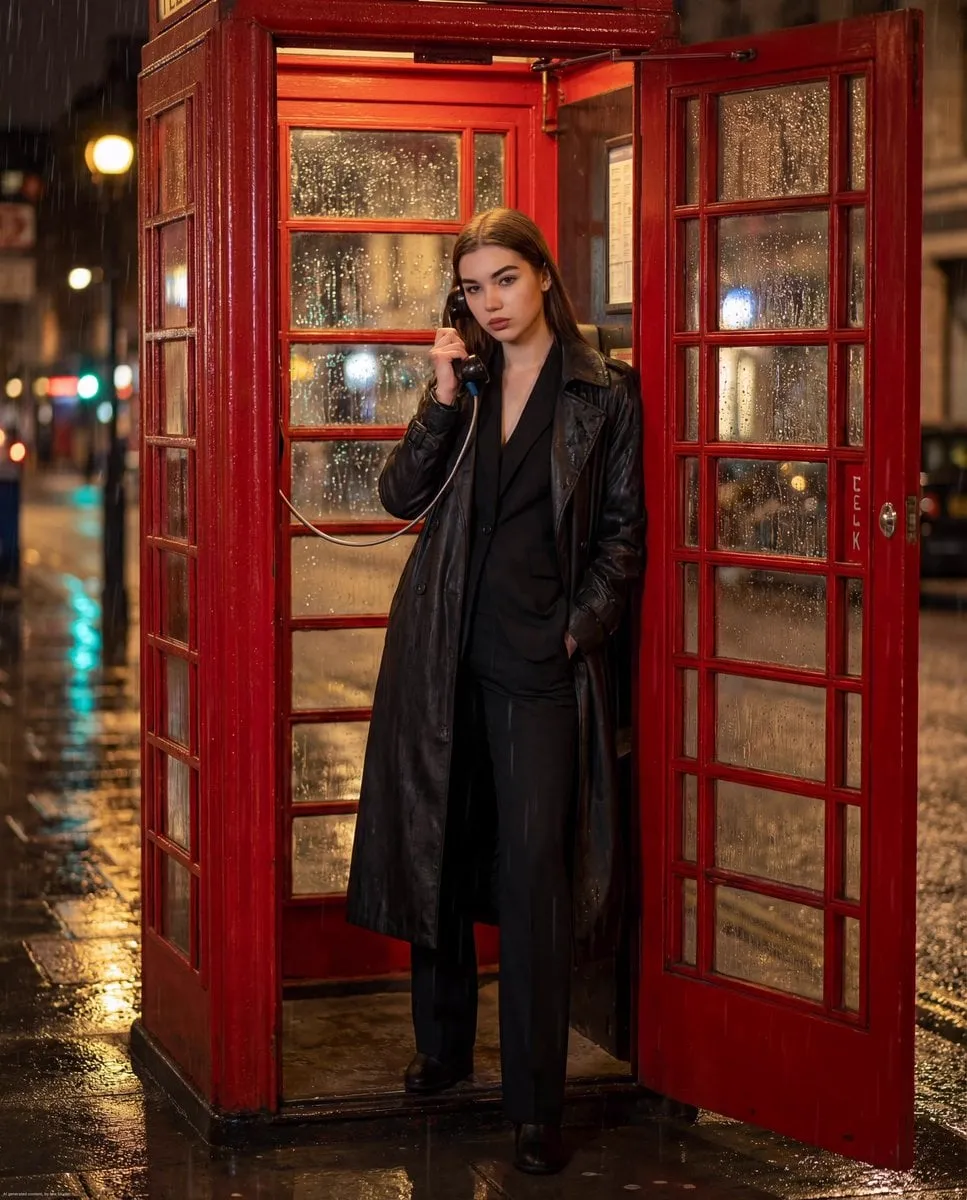
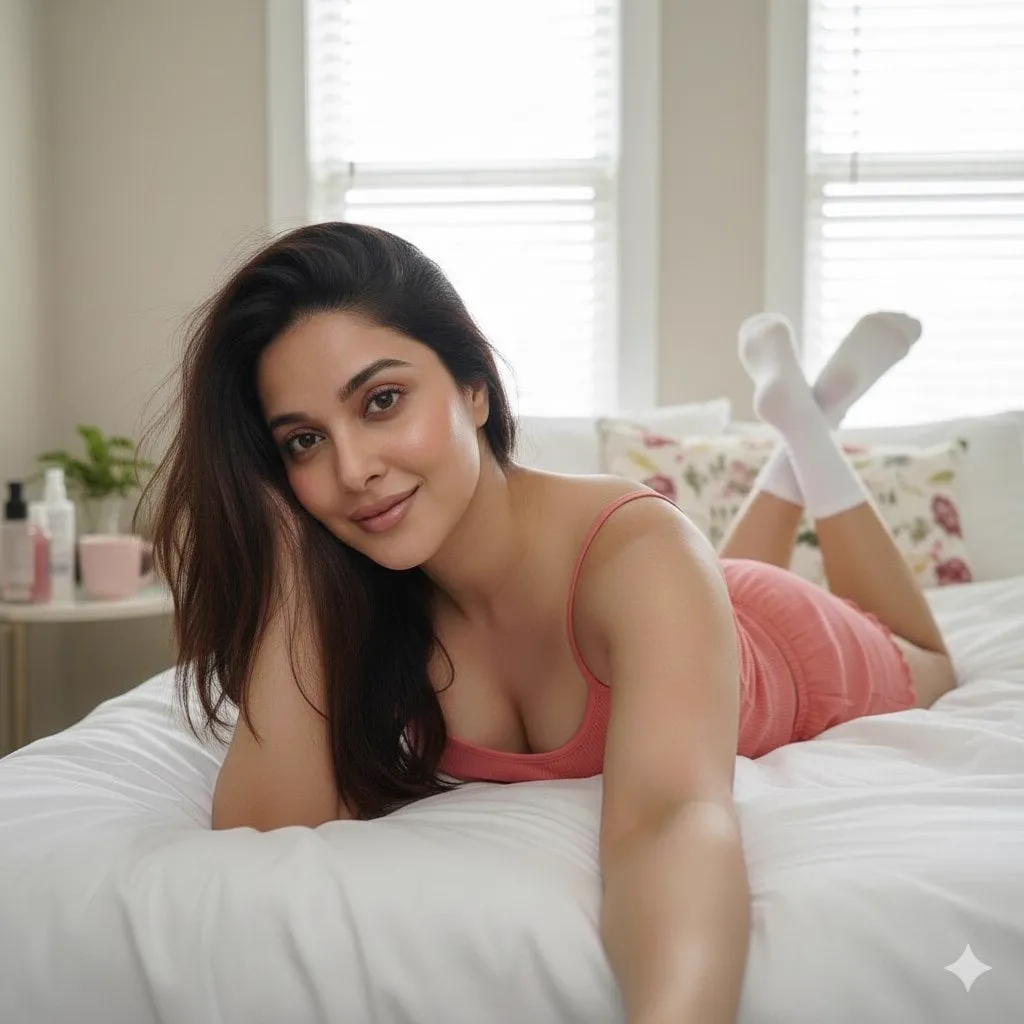
The rise of generative AI has completely redrawn the content creation industry, and nowhere is the shift more visible than in the move from static to moving images. The ability to create an image on demand was already powerful; now the ability to turn that image into a convincing video has become one of the fastest-moving frontiers in the field. The shift from text-to-video methods toward more controlled approaches like image-to-video, where you begin with a base image and animate it, has given creators far more influence over the final result.
By 2026 the market is crowded and evolving quickly. A steady stream of new and updated models arrives throughout the year, each claiming improvements in realism, physics accuracy, motion control, or cost efficiency. For anyone trying to keep up, the challenge is not finding a tool but making sense of a noisy landscape. This guide surveys the newest image-to-video models, groups them by what they do best, explains the control features that matter, and lays out a practical workflow for choosing the right model for the right job.
Why on-demand AI image and video creation matters
The core value of on-demand generation is that it removes the cost and latency that used to gate creative work. Ideas no longer need a budget, a shoot, or specialized talent to become prototype visuals. You can describe a scene, see an image, animate it, and judge whether the direction is worth pursuing, all in a matter of minutes. That speed changes how teams operate, because it makes iteration cheap and experimentation continuous.
For creators, the shift toward image-to-video is particularly meaningful because it restores control. Starting from a curated image means the look, composition, and subject are already decided before motion is added. In contrast, pure text-to-video leaves more of the visual outcome to chance. The newest models recognize this and have invested heavily in tools that let you steer exactly what moves and how, turning generation from a lucky draw into a craft.
The range of modern image-to-video architectures
Image-to-video models hide a lot of engineering behind a simple interface. Most are built on diffusion architectures extended to generate a sequence of frames, and they differ in how they handle temporal consistency, motion inference, and adherence to the input image. Some models prioritize hyperrealistic output with cinematic lighting, while others focus on speed and throughput so creators can generate many candidates quickly.
The practical consequence is that there is no single best model. Each one represents a trade-off among resolution, realism, motion quality, cost, and generation time. A filmmaker needing a hero shot for a campaign will weigh these differently than a social media manager producing volume. Understanding the categories rather than memorizing a single favorite is the more robust skill, since the landscape changes monthly and a model's ranking today may not hold tomorrow.
Premium models and the pursuit of hyperrealism
At the high end of the market sit the premium generation models, the ones that deliver the most impressive visual quality. These are the tools to reach for when the result has to carry real weight: cinematic product shots, emotional character moments, or anything where visual fidelity directly affects the reaction it earns. They tend to render skin, fabric, and light with uncommon smoothness and to handle complex camera motion gracefully.
The cost of this quality is usually slower generation and a higher price per clip. That makes premium models a strategic resource rather than a default. Use them where quality is the difference between a video that lands and one that looks cheap, and rely on faster, cheaper options for the exploratory passes that precede the final masterpiece. Coding your choices by task, instead of by tool loyalty, is what keeps a premium budget from evaporating on throwaway tests.
The rising influence of Asian model labs
The global image-to-video conversation is no longer dominated by a single region. Asian model labs have emerged as major players, and their contributions have shifted the competitive landscape. Tools such as Kling AI and the platform PixVerse have earned attention for distinct strengths, from strong motion believability to sophisticated handling of specific cultural and stylistic requests.
For global creators, this regional diversity is a practical advantage. Different teams emphasize different strengths, whether that is raw realism, physics accuracy, anime-style output, or cost efficiency, so the best choice for a project may come from a part of the world you had not expected. Keeping an eye on the full global field, rather than the most heavily marketed names, tends to surface models that fit niche needs particularly well.
Budget-friendly models and physical realism
Not every project needs a premium budget, and the market now offers genuinely capable options at lower cost. Two directions are worth distinguishing: models optimized for practical realism in everyday scenes, and models optimized for throughput. The former excel at rendering scenes where physical behavior matters, such as objects landing, liquid pouring, or fabric settling, which greatly increases believability in product and lifestyle content.
The latter prioritize speed and volume, so you can produce many clips quickly and cheaply, ideal for testing directions and populating social feeds. The smart play is to let these budget models handle the high-volume, low-stakes work while you reserve premium tools for the few clips that define the campaign. A model that is fast, cheap, and good enough for a short story clip is often the financially correct choice even when a premium option also exists.
Contrast control and consistency features that change the game
The most useful trend in image-to-video is not raw quality but control. Creators increasingly need to verify that the animated result stays true to the input image, and models now offer features that support this. Character and scene consistency tools keep the subject recognizable across motion, drawing on reference images to stabilize the identity. These matter enormously for anything featuring people, products, or consistent brand visuals.
Another powerful feature is first-to-last frame control. Instead of animating freely from a single image, you can specify both the starting frame and the ending frame, and the model fills in a believable transition between them. This gives you a clear way to script a narrative arc in a single clip, since you control precisely where the action begins and where it lands. Combined with keyframe thinking, this feature turns image-to-video from a toy into a deliberate storytelling instrument.
These control features are most valuable when combined. A project that needs a consistent character across a short sequence can pair reference-based consistency with first-to-last frame control, anchoring both who is in the scene and where the action travels. The result is a level of creative ownership that used to require extensive manual editing. As you experiment, you learn which combinations suit which narratives, and that judgement becomes part of the craft of working with these tools.
Building a balanced and efficient workflow
With so many models available, the practical question is how to integrate them without wasting time or budget. A balanced workflow treats models as specialized tools in a pipeline rather than rivals. It typically looks like this: first define the visual goal and the single action each clip must convey, then prepare a strong base image, then select a model based on whether the task demands realism, speed, or cost efficiency, and finally review the output critically before moving on.
Segmentation of tasks is the core habit. A fast, cheap model is perfect for exploring ideas and generating test variants. A premium model earns its place on the few shots that must shine. A consistency-focused model is right for anything featuring a recurring character or product. By matching the tool to the stage, you protect your budget and get better results without doubling your effort. Reviewing each clip immediately, rather than after a whole batch, prevents mistakes from compounding.
It also helps to standardize the way you name and organize your outputs. A clear convention that records the model used, the base image, and the version makes it easy to compare results and to return to a promising approach later. Recreating a lucky result becomes much harder when you cannot tell which combination produced it, so a little bookkeeping at generation time saves a great deal of guesswork. Treating your experiments as a small, searchable library turns scattered attempts into a reusable source of lessons.
Common pitfalls when exploring new models
It is easy to be seduced by demo reels, which show only the best possible output. The reality is that domain quality varies: a model that renders landscapes beautifully may struggle with hands or fast action. Before adopting a tool for a project, run your own test on the exact kind of content you intend to produce. This small investment prevents unpleasant surprises later.
Another common pitfall is ignoring the technical requirements and limits of a model. Resolution ceilings, clip length limits, and generation quotas all shape how you can use a tool, and understanding them up front keeps expectations realistic. Finally, avoid over-relying on a single tool's default aesthetic. Because these models share training methods, many produce a recognizable default look, and resisting that sameness with your own references and editing choices is what keeps your content distinct.
A practical checklist for your image-to-video project
Before generating, run through this checklist. Define the message and the single motion each clip must land. Build or choose a strong, clean base image that gives the model a solid foundation. Group your candidate models by strength, and map each task in your plan to the model best suited for it. Test a few variations on real content before committing budget. Use first-to-last frame control where you want a defined narrative arc, and consistency features where a character or product must stay identical. Review each output immediately, and keep your own stylistic references to avoid a generic look. If you do this, you will get reliably better results and spend your budget where it counts.
Frequently asked questions
What is the difference between text-to-video and image-to-video?
Text-to-video generates a clip entirely from a written description. Image-to-video starts from an existing image and animates it, giving you much more control over the subject, composition, and look before motion is added.
Which image-to-video model is the best?
There is no single best model; it depends on the task. Premium models offer the highest realism, Asian labs like Kling and PixVerse bring strong motion and global styles, and budget models trade some quality for speed and cost. Match the model to the job.
How do I keep the subject consistent during animation?
Use models with consistency or reference-based features that stabilize the subject's identity, and start from a clean, well-composed base image. Generate a test clip first and adjust before committing to a full sequence.
How does first-to-last frame control help?
It lets you define both the starting and the ending frame, so you can script exactly where a clip begins and where it ends. The model then fills in a believable arc between them, giving you narrative control instead of a random result.
Are budget models good enough for professional work?
For high-volume, low-stakes clips, tests, and social content, budget models are often perfectly adequate. Save premium models for the few hero shots that need maximum realism. A balanced pipeline uses both, and it is the combination of speed and polish that keeps a workflow both fast and affordable.
The image-to-video landscape is rich, fast-moving, and genuinely diverse. The creators who thrive are not those who pick one tool and defend it, but those who understand what each category does best and combine them into a disciplined workflow. Define your goal, prepare a strong base image, choose the right model for the stage, and keep your own taste in control. That is how on-demand AI creation stops being a novelty and becomes a reliable, repeatable part of how you make work that stands out and performs.
