
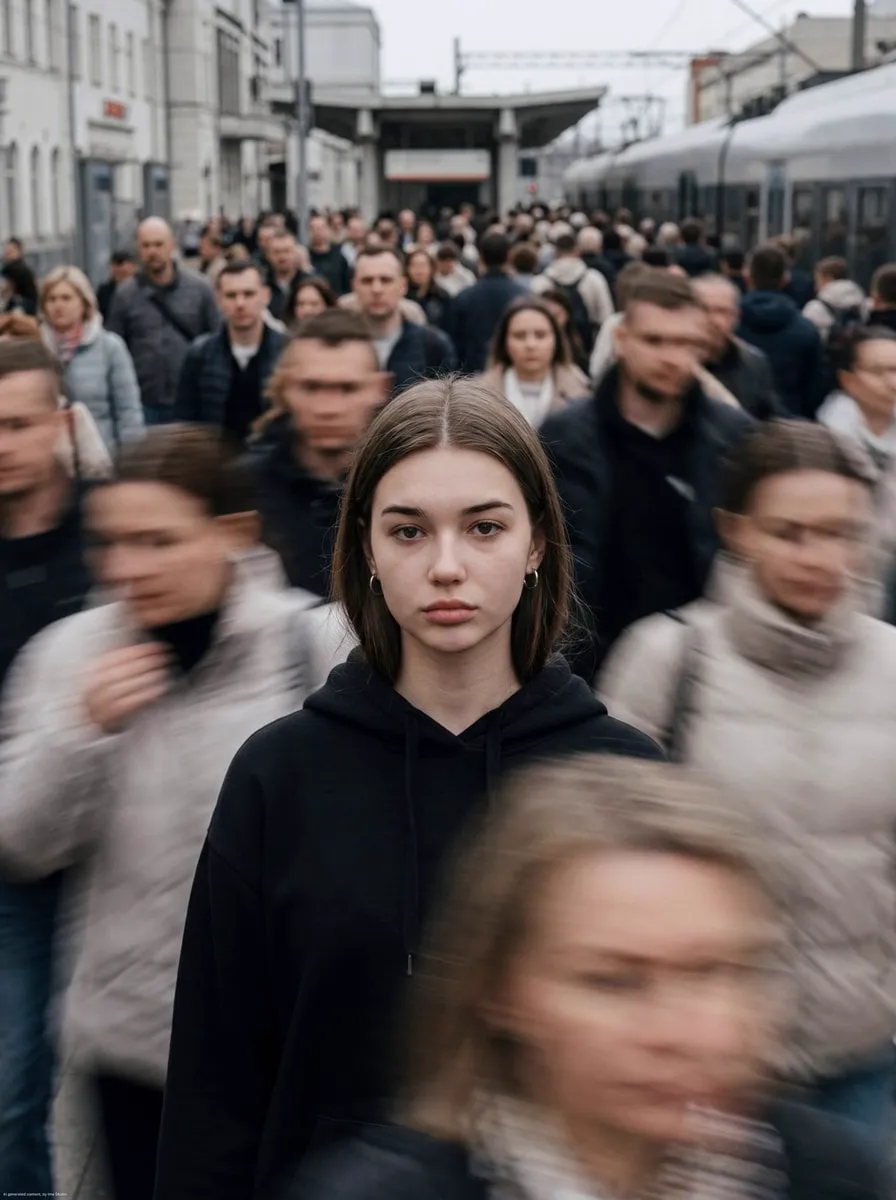

Making video used to demand cameras, crews, studios, and a budget to match. That is no longer the rule. In the current phase of digital content, the tools that turn a written prompt or a single still image into moving footage have matured to the point where a lone creator on a laptop can produce video that looks considered, coherent, and professional. AI-generated video sits at the centre of that change, and the market for it is growing rapidly because so many people now depend on fast, high-quality visual content.
This guide walks through the whole journey, from the idea in your head to a finished piece, covering how the models work, how to choose between them, and the practical steps that separate good AI-made video from generic output.
How Modern Video Generation Actually Works
Behind the magic is a technology known as latent diffusion, among other approaches. A model learns a description of a huge amount of visual material and uses that knowledge to turn a text description, or an image, into new frames.
Text-to-Video
In text-to-video, you describe the scene you want: the subject, the setting, the lighting, the camera movement, the mood. The model interprets that description and generates footage. The quality of the output tracks closely with the specificity of the description. A vague prompt produces unfocused results; a concrete one, with clear subject and camera direction, produces dependable footage.
Image-to-Video
Image-to-video starts differently. You supply a still image, often something you generated or designed yourself, and the model brings it to life. This is the more controllable path, because the hardest creative decisions, composition, character design, colour, and mood, are locked in at the still frame before any motion is spent. Professionals lean on this heavily for narrative and brand work.
The Prompt Is a Direction, Not a Spell
It is worth repeating because it changes expectations: prompts steer, they do not command. You iterate. You describe, generate, review, and refine. The creators who get good results are the ones who treat generation as a dialogue, correcting and steering rather than hoping the first attempt lands.
Choosing the Right Model for the Job
Modern platforms host many models, and their differences are your toolkit, not a confusing wall of choices.
- Photorealistic models shine when you need believable motion, realistic physics, and lifelike subjects. Ideal for product and live-action-style work.
- Stylized and animated models suit explainers, motion design, and branding with a bold, distinctive look.
- Quality-versus-speed tradeoffs matter at volume. Hero shots deserve your best, most elaborate model; supporting material can use a faster, lighter one.
- Consistency specialists are worth knowing when you must keep a character or style stable across many shots, often by starting from a fixed asset rather than a description.
Matching the model to the moment is an editorial decision, like choosing a lens. Defaulting to one model for everything is the easiest way to produce flat, interchangeable work.
A Reliable Step-by-Step Workflow
To go from an idea to a finished video repeatedly, use a repeatable process.
1. Start with structure, not tools
Before writing prompts, know the story. What is the message, who is it for, and what should they feel at each point? A short outline or shot list makes the next steps far more effective and keeps a multi-shot piece coherent.
2. Build your stills first
For narrative work, generate or design the key frames before animating. Refine composition, character, and mood at rest, where you have full control. Then animate those strong stills. This is the single most reliable way to get video that matches what you envisioned.
3. Write concrete prompts, then iterate
When you do use text, be specific about the subject, the setting, the lighting, and the camera. Generate a candidate, review it honestly, and refine your description. Iteration is a feature, not a sign of failure.
4. Generate, then curate
Produce a few takes of each shot and select the ones that serve the piece. Do not hoard volume. Keep the strong options, drop the rest, and move on.
5. Assemble and direct the whole
Bring the selected shots together and shape the pacing, order, and rhythm. Keep an eye on coherence across cuts, so characters and style do not drift. Structure is where the money is made; a collection of good clips is only a start.
6. Finish for the platform
Add music, sound, colour, subtitles where they help, and export in the format and resolution your target platform expects. Review on a real screen before sharing.
Getting Character and Style to Stay Consistent
Consistency is the hardest problem in AI video, and it is solved mostly by workflow, not by luck.
Lock the Asset, Then Animate It
The most reliable technique is to fix a single still of your character or your style, and animate from that same image on every shot. Describing the character anew each time invites drift; starting from the same asset prevents it.
Reuse the Same References
Keep a reference set, character sheet, colour grade, and style frame, and apply it across the whole project. Shared references keep every shot in the same visual world.
Keep Shot Direction Consistent
Repeated camera language, similar lighting language, and a consistent view of how much each scene shows, all help the piece feel unified rather than stitched together from different sources.
The Technical Foundation That Keeps It Reliable
Enough reliability matters that it is worth knowing roughly what is happening behind the scenes.
A Scalable Backend and Data Layer
Serious platforms build on a structured application layer, often using TypeScript and a mature runtime, with a relational database handling projects and assets. This structured foundation is what allows thousands of generation jobs to run without data loss or confusion.
The Task Queue
Generation is compute-heavy, so requests become jobs in an asynchronous queue. Workers run models and report progress. This design is why you can submit work and continue, and why many jobs can run in parallel. For volume creators, understanding that work is processed asynchronously helps you trust the pipeline and plan around it.
Security and Asset Management
Reliable platforms also protect your work, managing user data, permissions, and storage securely. For any serious creative use, knowing your assets are safe and consistently reachable is part of what makes the tool usable at all.
Using the Technology to Build a Creative Business
Because AI video removes so much cost and time, it changes more than the technical process. It changes the economics.
- One person can act like a small studio, producing a coherent body of work that would once have needed a team.
- Iteration is cheap, so you can test more ideas, react to trends faster, and refine before shipping.
- Good output is still good output, but the recognizability of a distinctive style is what earns trust and loyalty. Protect the look that makes your work unmistakably yours.
- Repurposing multiplies value. A finished video can spawn clips, stills, and posts, extending its life across every channel.
Common Mistakes and How to Avoid Them
- Skipping the plan. Opening a generator without a clear idea wastes the tool's power. Structure first.
- Trusting a single prompt. Treat the first generation as a draft and iterate. Great results rarely arrive unedited.
- Forcing one model for everything. Match the model to the shot, stylized for explainers, photorealistic for product, and balance quality against speed.
- Ignoring coherence. Start from locked assets and shared references so characters and style stay stable across the piece.
- Skipping the final review. Read pacing, sound, and clarity with fresh eyes before you publish, and view on a real screen where your audience will see it.
Working Responsibly With AI-Generated Video
The same power that makes AI video fast also carries responsibility, especially when work is shared or sold.
Be Transparent About AI Use
Audiences and clients increasingly want to know when and how AI tools were used. Being clear about your workflow builds trust and avoids awkward surprises. Honesty about your process is now a reputation asset, not an admission.
Respect People and Their Likeness
Avoid generating realistic images of real people without consent, and steer clear of placing recognizable individuals in situations they did not endorse. For character and product work, prefer obviously created or clearly licensed subjects.
Check Usage and License Terms
Before publishing or selling AI-generated work, understand the tool's terms about commercial use and ownership. Some platforms grant broad rights; others restrict selling or place limits on certain uses. Knowing your rights in advance protects both your clients and your own business.
Keep a Record of Your Process
For client work, keep notes on the models, prompts, and assets used. This helps you reproduce and refine results, answer client questions, and stay consistent, all of which professional clients value and payment depends on.
Frequently Asked Questions
What is the difference between text-to-video and image-to-video?
Text-to-video describes the whole scene in words. Image-to-video starts from a still image and animates it. The image route gives you much more control over characters, composition, and mood, which is why it suits narrative and brand work.
Do I need expensive hardware to use these tools?
Usually not. Generation runs in the cloud through a task queue, so your local device only manages requests and review. A good internet connection is the main requirement.
How do I keep a character looking the same across shots?
Lock a single character still and animate from it for every shot. Avoid re-describing the character, which invites drift. Reuse a shared reference set across the whole project.
Is AI video good enough for professional or client work?
Increasingly yes, for a broad range of projects, when it is directed well, built on strong assets, and finished with a human pass on pacing and polish. Judgment and craft still carry the work.
Can I sell content I create with these tools?
Usually yes, but check the specific terms of the tool you use, because commercial-use rights vary by platform. When in doubt, review the terms or confirm with the provider before selling, licensing, or using work for clients.
How much time should iteration take?
That is the beauty of the pipeline: iteration is cheap and fast. Expect several passes on a hero shot, fewer on supporting material. The discipline is to stop when a shot serves the piece, not to polish endlessly; the final human review exists precisely to make that call.
How do I avoid results that look generic?
Generic output comes from generic direction. Give every project a clear point of view: a distinctive subject, an unusual angle, a strong style reference, or a surprising combination. Build your own reference set and character choices, and use models the way an editor uses lenses, to serve that point of view, not to chase whatever looks smooth. Specificity and your own taste are what make the footage unmistakably yours.
What should I include in my first test project?
Keep it small but complete: one idea, one hero still animated into a short clip, then assembled with captions and sound for a chosen platform. Running the entire pipeline end to end, from idea to a shareable export, teaches you which steps take longest and where quality can slip. Completing one finished piece beats endlessly polishing an unfinished one.
Conclusion
The ability to turn text and images into video has rewritten what it means to be a creator. Modern models, chosen well and directed deliberately, let you produce coherent, professional footage at a fraction of the time and cost traditional production demanded. The technology does the heavy lifting, but the craft remains yours: the plan, the direction, the consistency, and the final judgment. Master the workflow, protect the look that is yours, and the same tools that made everyone a producer will let you stand out.
