
![[BRAND NAME] Act as a Senior Vector Graphic Designer specializing in Y2K...](https://storage.brightvectorlabs.com/prompts/bright/product-and-brand/2040769988466733167-0.webp)
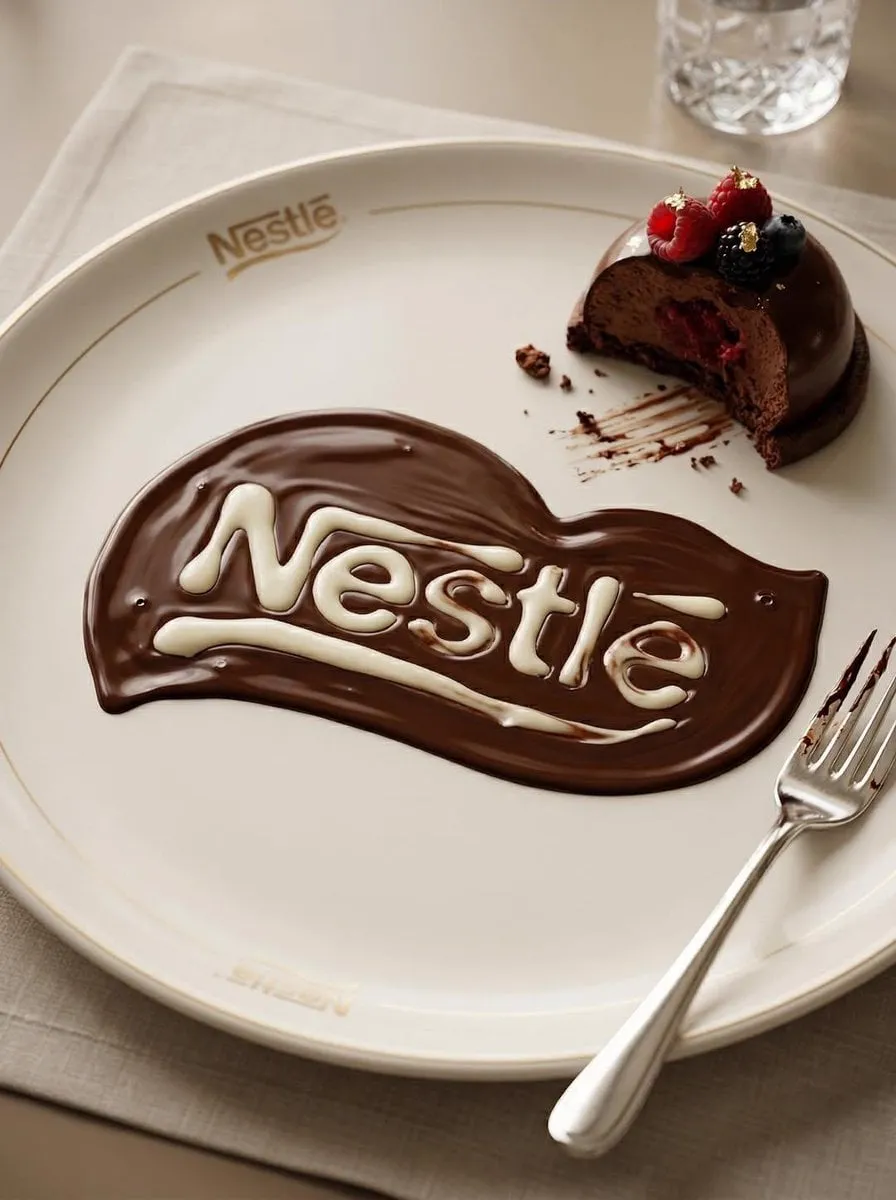

There is a useful way to think about modern AI image tools: as a box of building blocks. Instead of one giant, unpredictable machine that does everything, the most effective workflows treat generative features as interchangeable units that snap together. Each block handles a specific job - refine a face, preserve a texture, lock a color mood - and you assemble them to match the result you want. This modular mindset is quietly reshaping image processing and style transfer, making creative output more predictable. This article explores that idea, how it works under the hood, and how you can use it to get repeatable, polished visuals.
What the modular mindset means in practice
A traditional image tool gives you a fixed pipeline: you adjust a handful of sliders and hope for the best. The modular approach is different. You build the final image by combining smaller, well-defined steps, each of which you can test and reuse. Because each step does one thing clearly, you know what it will change, and you can swap it out without affecting the rest of the process.
This is similar to how you would edit with layers or nodes in a graphics program. The value is control. When an output looks almost right but the lighting is slightly off, you address just the lighting step instead of regenerating everything. This reusability is why modularity appeals so strongly to professionals who need consistent outputs across a series of assets.
Pixel-level control in diffusion models
Underlying many modern generators are diffusion models, which build an image from noise by refining it step by step. The key advance in recent years is fine-grained control over that process. You can influence not just the whole image but specific regions or attributes, guiding the model so certain pixels follow a given instruction while others remain free.
This opens the door to precise editing: change a background without disturbing the subject, or adjust a texture without touching the composition. For style work, it means you can apply a style to part of an image rather than the entire frame, which is far more flexible than a blunt global filter. The practical result is that the model feels less like a magician and more like a precise tool you direct.
Style transfer as a system of modules
Style transfer - the ability to take the look of one image and apply it to another - is a natural fit for modular thinking. Instead of treating style as a one-color overlay, modern approaches break it into components: color palette, brush texture, subject rendering, and lighting feel. Each component can be handled by a different step and adjusted independently.
This modular decomposition is what produces convincing results. A watercolor look, for instance, is not one effect but a combination of soft-edged color, paper texture, and gentle edges. If you can control those pieces separately, you can tune a look until it is exactly right, then reuse it across an entire project for consistency. For branding, where a signature visual style matters, this repeatability is extremely valuable.
Multi-image fusion for consistent subjects
When you generate images involving a recognizable person or character, keeping their identity consistent is a common challenge. Multi-image fusion addresses this by letting several reference images influence the result at once. The model anchors the face, outfit, or key features to the references, so the subject stays recognizable even as the scene changes.
This is especially useful for stories and series where the same character appears in different settings. By composing a small reference set at the start, you give the model enough information to keep the identity stable. Combined with the modular view of the pipeline, you can then treat "identity lock" as a reusable step that you attach to whichever scenes need it, rather than re-solving the problem each time.
Reusable style libraries and trained models
Another benefit of the modular mindset is the growing support for reusable style libraries. Instead of describing an effect from scratch in every prompt, you can save a style or a trained model once and call it up whenever you need it. Some tools even let you train a small custom model on your own images, then reuse that model across many generation runs.
This shifts the work from describing to collecting. A designer can build a private library of signature looks and character references that guarantee a consistent visual language across campaigns and projects. It also means the time invested in one good style pays off repeatedly, which changes how teams budget creative production. The tools stop being single-use and start behaving like a studio you own.
A workflow built on reusable steps
Putting modularity to work is straightforward. Begin by identifying the recurring needs of your project: a character, a palette, a film-grain texture, a specific camera look. Prepare small, reusable assets for each of these up front. Then assemble each image from these pieces, testing the result and refining individual steps as needed.
Keep a note of which step produces which effect. Over time this becomes a personal playbook that lets you produce consistent work much faster. Because each step is validated in isolation, you avoid the frustration of a random overhaul when only one element was off. This is where the modular mindset pays off most: iteration becomes surgical instead of destructive.
Avoiding common pitfalls
Modularity is powerful, but a few mistakes are common. One is overloading a single image with too many conflicting modules, which muddles the result. Keep the assembly focused on the essential steps. Another is ignoring resolution and aspect ratio across a series, which creates inconsistency at delivery time. Decide these early and keep them fixed.
It is also easy to forget that generating a great result still depends on good source material. Strong reference images and clear style definitions make every downstream step easier. Finally, remember to check licensing when you reuse a trained model or a style library, especially for commercial work. With these basics handled, the modular approach becomes a reliable way to turn AI image tools into a consistent creative partner.
Frequently asked questions
Do I need technical knowledge to use modular image tools? Not necessarily for basic use. Many interfaces keep the modules visual and approachable. A little understanding of the steps, however, greatly improves your results and your control.
Can I keep the same character across many images? Yes. Multi-image fusion anchored to a small reference set helps keep identity stable across scenes and runs.
Is style transfer ready for professional branding? Increasingly, yes. By decomposing style into reusable components, creators can apply a consistent look to an entire campaign and refine it predictably.
How do I start using a modular approach today? Begin small: identify one recurring need, build a reusable asset for it, and wire it into your existing workflow. Expand as you become comfortable.
Looking ahead
The modular mindset turns AI image processing and style transfer from a lottery into a craft. By breaking generation into focused, reusable steps, you gain control, consistency, and speed. Whether you are building a character library, a signature brand style, or simply trying to get the same look twice, thinking in building blocks makes the result far more predictable. Start with a single module, learn how it behaves, and grow your own box of creative tools from there.
Choosing the modular tools that fit your work
The market now offers many ways to work with reusable generative steps, and choosing can feel overwhelming. Start from your actual need rather than features. If you mainly produce characters, focus on tools with strong identity and reference support. If you mostly restyle photos, favor ones with flexible style presets and regional editing. A single piece of advice helps: pick one tool and go deep before collecting many. When you know one ecosystem well, you learn what your requirements really are, and that clarity makes every later choice easier.
Also consider how a tool fits your existing pipeline. Whether you export layers, plug into a node editor, or just copy results into your regular software, the integration matters more than any single filter. A tool that disrupts your workflow will be abandoned, however clever it is. The modular mindset should reduce friction, not add it. Choose a small core, master it, and only then branch out.
Practical techniques for a vivid signature style
Building a signature look is where modular control really shines. Begin by collecting reference images that represent the mood, palette, and texture you want. Rather than applying everything at once, isolate the components one at a time. Test a palette change first, then a texture, then a treatment for edges or highlights. Because each step is independent, you can see exactly what contributes to the finished feel, and you can remove what fights it.
Keep a record of your experiments. Write down the palette, the model, and the key settings that produced a look you like. This becomes a template you can reproduce and adapt for future projects. A recognizable style is a business asset in many creative fields, and protecting it with reusable, documented steps turns an occasional lucky result into a dependable brand.
Common failure points and how to recover
Even with a solid modular setup, results can disappoint. A frequent cause is a weak or inconsistent source image; if the input is low quality, no amount of processing fixes it. Reshoot or regenerate the reference before adding more steps. Another cause is stacking too many modules, which produces a muddy, over-styled image. Strip back to the essentials and add one thing at a time. A third is applying a strong style at full strength everywhere; favoring a moderate blend with areas at reduced intensity usually preserves more detail.
When a step underperforms, change it in isolation rather than rebuilding the whole stack. This is the real payoff of modularity and exactly where beginners often get lost. By keeping each variable testable on its own, you turn troubleshooting into a structured, predictable process instead of a blind scramble.
Integrating generated images into finished work
The value of a great render is only realized when it lands in your final product. Before delivery, check that your image holds up at the actual size and format you will use. A texture that looked crisp in a preview can soften during compression, and a palette can shift between color spaces. Confirm your black point, white point, and highlights read correctly. Small calibrations here prevent a subtractive difference between the file you love and the one you ship.
Maintain consistent naming and a version trail as your work develops. When a client or collaborator asks for a tweak, knowing exactly which step and version produced the current result lets you respond quickly and precisely. This organization is another benefit of the modular approach: because your process is split into tracked pieces, it is easy to reproduce and alter.
Keeping creative control while relying on AI
Some creators worry that reusable modules make the work feel automatic. In practice, the opposite is true. Automation handles the repetitive parts, freeing your attention for the judgment that machines cannot supply: choosing an angle, deciding a mood, curating a variation. The most effective users see the tool as a well-organized workshop rather than a substitute for taste.
The discipline of testing each module also sharpens your eye. Noticing why one treatment works and another does not is a skill that transfers to every form of visual work. Over time, the people who use this approach thoughtfully develop faster, more confident instincts than those who accept whatever a prompt returns. The modular mindset is ultimately a way of learning through structure.
A simple modular workflow to try this week
You can start small and immediately. Pick one recurring element in your work, whether a product shot, a character, or a background. Design a tiny reusable module for that element, using the tools you already have, and apply it to two or three images. Compare the results with and without the module, note what it consistently improves, and document the settings. This single hour of practice teaches the core of the whole method far better than reading about it.
As you grow comfortable, add one more module per project: first a palette, then a texture, then a consistent character reference. Keep every module isolated so you can test and adjust it alone. Within a few projects, you will have assembled a modest but reliable library, and each new image becomes a matter of composing known steps rather than gambling on a fresh prompt. That shift in mindset is where the real gains begin.
