
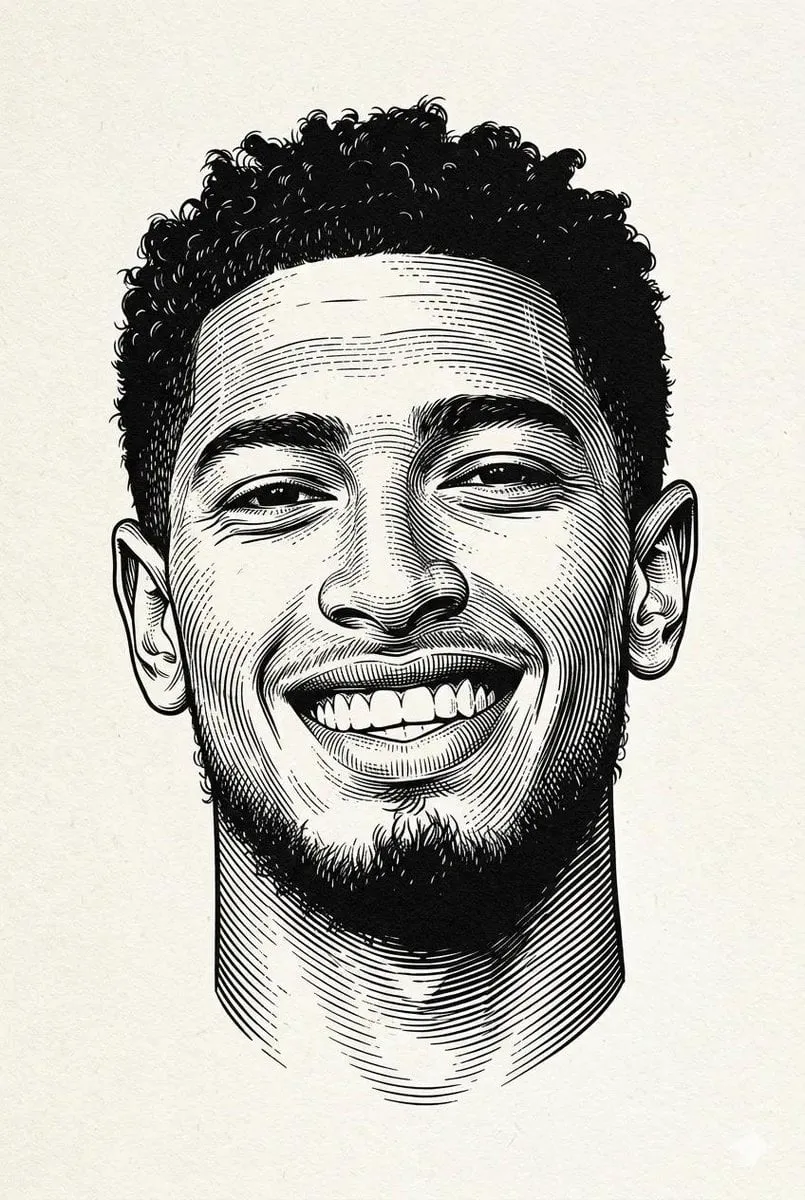
Every AI filmmaker hits the same wall: the character looks perfect in the first scene, then subtly wrong in the second, and by the third scene they might as well be a different person. Character consistency is the hardest problem in AI-generated video, and it is the difference between a demo reel and a watchable short film. The most effective answer so far is a family of techniques grouped under multi-image fusion, which feeds a model multiple views of a character so it can hold their identity steady across every shot. This guide explains how the technique works and how to build a production workflow around it.
Why Character Consistency Is the Hardest Problem in AI Video
General-purpose video models are trained on the internet, where characters do not need to survive multiple scenes. Give such a model a prompt for a knight in armor, and it will produce a perfectly good knight, but a different one each time. The model has no memory of the knight from the previous scene; every generation starts from scratch.
That lack of memory is not a bug, it is the architecture. Diffusion models sample a new image from noise each time, guided only by the prompt and whatever reference material you supply. Without a strong reference, the identity of a character is determined by chance: hairstyle, face shape, wardrobe details, even the color of the eyes, all drift. For a short film, where the audience follows a character across many scenes, that drift breaks the story. Multi-image fusion exists specifically to replace that chance with a fixed identity.
Identity Embeddings: The Core Concept
The first ingredient of multi-image fusion is the identity embedding, a numerical representation of everything that makes a character themselves: the shape of the face, the bone structure, the hairstyle, the clothing, the skin texture. Think of it as a mathematical fingerprint that stays constant no matter how the character is placed in a scene.
Modern systems build this embedding by analyzing multiple images of the character rather than one. A single reference image can be ambiguous, especially if it is a three-quarter view or has unusual lighting. Several views, a front shot, a profile, a different expression, a different outfit, let the model separate what is essential about the identity from what is incidental to a single photo.
The embedding is what gets injected into the generation process. When you prompt the model for the character in a new scene, it uses the embedding as a fixed anchor, and the output stays close to that anchor instead of wandering toward the average of every knight the model has ever seen.
How Fusion Guides the Diffusion Process
The second ingredient is the fusion mechanism, the way the embedding steers the generation itself. During diffusion, the model builds the image step by step, from pure noise to the final frame. The embedding acts as a guide at every step, pulling the emerging image toward the character's identity.
This is more powerful than simple image prompting. If you only paste a reference image into the prompt, the model might copy its composition or lighting rather than its identity. Fusion, by contrast, isolates the identity signal and lets the rest of the prompt, the scene, the action, the style, operate freely. The character stays the same while the world around them changes, which is exactly what a filmmaker needs.
In practice, this means you can take the same character into a medieval castle, a rain-soaked street, or a neon-lit studio, and the face, build, and key wardrobe details remain consistent. It also means the technique works across different models: the embedding carries the identity, so a scene generated with one model can be followed by a scene generated with another, without the character transforming between them.
Building a Character Database
The foundation of any production using multi-image fusion is the character database, a controlled set of reference images and their associated embeddings. Building it well determines the quality of everything that follows.
Start with the character sheet. Generate or photograph the character in a neutral pose, full body and close-up, with consistent lighting and a plain background if possible. Capture several angles and several expressions. For a real actor, a photo session with a consistent setup works; for a generated character, create the reference set with a model known for stable output, then validate that every image actually shows the same person.
Organize the database by character and by state. A character may have multiple outfits, moods, or ages, and each state should have its own mini-set of references. Name everything clearly, because a production with several characters and dozens of scenes will test your organization. The database is a living asset: when you discover that the model drifts in a particular lighting condition, add a reference that covers it.
Training a Dedicated Model for Your Hero
For lead characters, reference sets and embeddings may not be enough. The strongest consistency comes from training a dedicated model, a small fine-tuned model whose only job is to reproduce that one character. This is the step that takes a short film from "good AI video" to "this character is clearly the same person throughout."
Training a character model follows the same discipline as any fine-tune. Curate a clean dataset of the character across many views, remove any image where the identity is ambiguous, and train on a solid base model. The result is a model that produces the character reliably, without needing the embedding machinery on every generation.
The cost is the trade-off: a dedicated model takes training time and storage, and it locks you to the character it knows. Most productions use a hybrid approach: a dedicated model for the protagonist, who appears in most scenes, and embedding-based fusion for supporting characters, who appear less often. Reserve dedicated training for the characters that carry the story.
Running Fusion in a Production Pipeline
A real production does not generate one scene; it generates dozens, and each scene may take several attempts. Fusion needs to be woven into a repeatable pipeline, not applied ad hoc.
The pipeline starts with a shot list, the same document a live-action director would write: scene number, location, action, character states, and the framing for each shot. For every shot, the pipeline assembles the inputs automatically: the prompt, the character database references, the embedding, and the model choice. Generating without the shot list produces chaos; generating from the list produces a consistent asset set.
Review is part of the pipeline. After each render, check identity first: is this the same character? Then check scene and action. If identity drifted, do not tweak the prompt, fix the reference or the embedding, because prompt tweaks address the scene, not the identity. Track failed renders and their causes; over time, this log tells you which characters and which conditions your pipeline handles reliably.
Automation belongs in the pipeline too. The shot list can be read by a script that assembles prompts, references, and settings for each shot, so a human never types a prompt by hand and never forgets the anchor. Batch generation, where several shots of the same scene run in parallel, makes retakes cheap, because the pipeline keeps every output organized by shot. The goal is a system where consistency is the default and creativity is reserved for the decisions that matter: what the character does, how the camera moves, and what the scene means.
Multi-Style Production Without Losing the Face
Short films often want stylistic variety, an animated segment here, a photoreal segment there, a stylized dream sequence somewhere else. Multi-image fusion makes this feasible, because the identity embedding survives style changes.
The technique is to change the style parameters while keeping the embedding fixed. The face stays the same person, but rendered as a cartoon, as a watercolor, as a cinematic still. This is how filmmakers create sequences that feel like a different visual world without breaking the audience's connection to the character.
The practical advice is to test the style shift early. Generate one test frame of the character in each style before committing to full sequences, and adjust the style description until the identity remains recognizable. Some style gaps, such as between realistic and heavily abstracted art, are too wide for even strong embeddings; for those, consider a stylistic in-between scene to ease the transition.
Handling Cross-Model Differences
No single model is best at everything. A production may use one model for realistic environments, another for character close-ups, and a third for motion sequences. Each model interprets prompts and embeddings differently, and without care, the character changes when the model changes.
The mitigation is the same principle used throughout: give every model the same identity anchor. Use the same reference images and the same embedding across models, and standardize the descriptive language in the prompts. If model A and model B still produce visibly different versions of the character, generate calibration frames with each and adjust until they converge. Document the working configuration, because cross-model consistency is fragile and must be reproducible.
In practice, most productions find a small set of models that they trust for a given character, often one workhorse model plus one specialist for a specific style or effect. Adding a new model to the rotation requires the same calibration as the first one, so keep the documented configuration close at hand. The more deliberate you are about model selection, the less cleanup you will do later.
Measuring Consistency with a QA Routine
Consistency feels subjective, but it can be checked systematically. Build a simple QA routine that runs on every render before the clip enters the edit.
First, side-by-side comparison: place the new frame next to the reference sheet and check the five identity markers you chose when building the database, such as face shape, hair, eye color, build, and signature clothing. Second, sequence check: play the scene's frames in order and look for jumps in identity, not just within one clip but across the cut. Third, spot-check close-ups, because faces reveal drift that wide shots hide.
When a render fails QA, record the failure and route it back through the pipeline with a corrected reference or embedding. A short film can survive a few retakes; it cannot survive inconsistent characters, because the audience loses trust in the very first minute.
One final piece of advice for anyone starting out: make a two-scene test before committing to a full film. Build the character database, generate one dialogue scene and one action scene, and check whether the character survives the cut. This test takes an afternoon, reveals your pipeline's weak points, and tells you whether your workflow is ready for the real production. Most filmmakers who skip it discover their inconsistency problem on scene thirty instead of scene two.
Frequently Asked Questions
How many reference images do I need for one character? At least five to ten clean views across angles and expressions for a supporting character; a lead character who carries the film deserves a dedicated trained model on top of that.
Does multi-image fusion work with any video model? Support varies. Many current models accept reference images or embeddings, but the quality of the result depends on the model. Test your character on the model you plan to use before committing.
Why does my character drift in fast motion scenes? Motion compresses the identity signal across frames. Shorten the motion, keep the camera steadier, and consider generating the shot with more reference views of the character in motion.
Can I use the same character across different projects? Yes, and it is a good habit. Keep a character library separate from any single project, and reuse it when a character returns. This also builds a reusable asset base for your production work.
What is the fastest way to improve consistency today? Build a rigorous character database before generating anything. Most inconsistency problems trace back to weak or inconsistent references, not to the model.
