
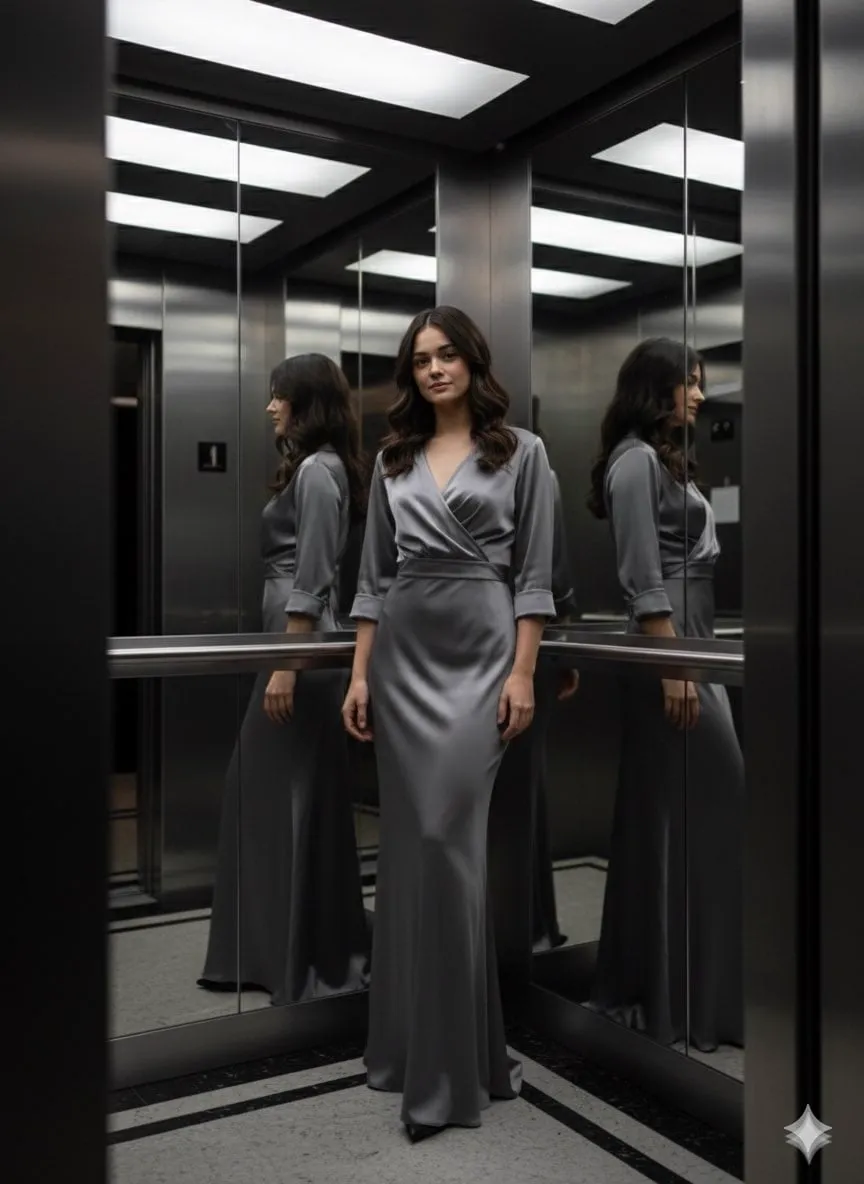
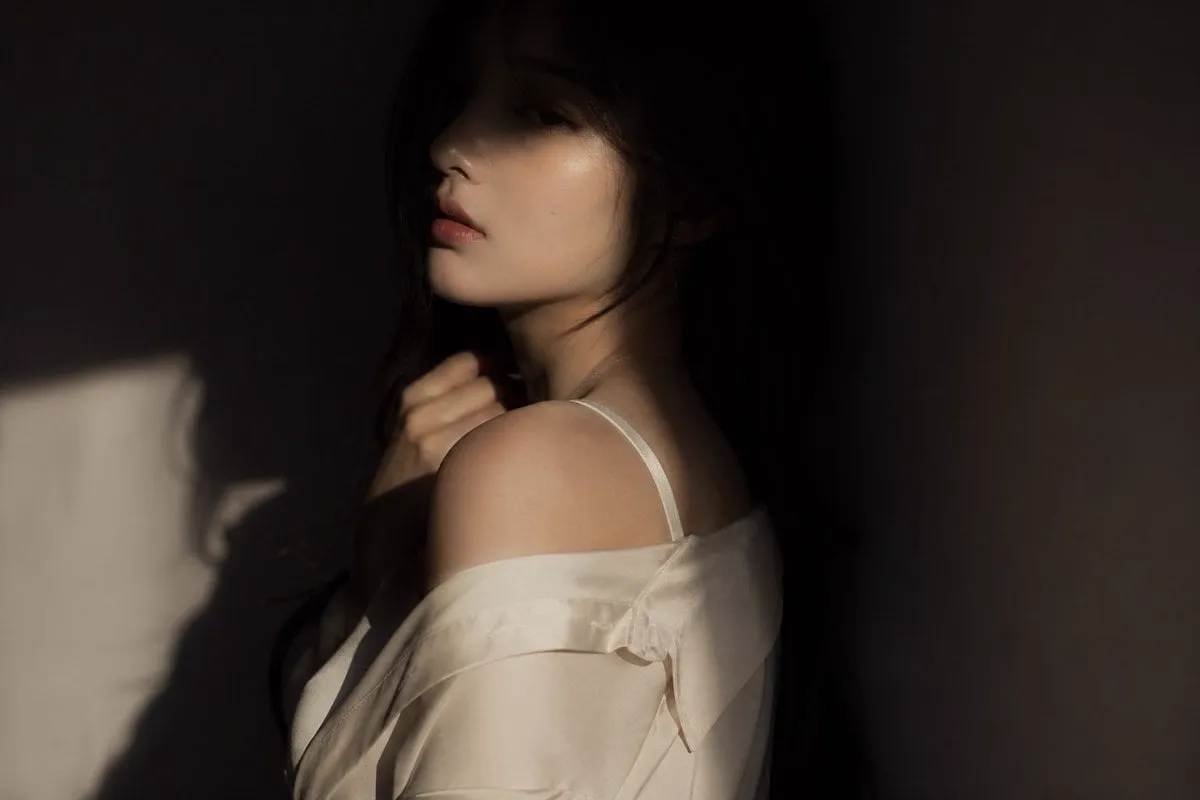
The single most frustrating problem in AI video generation is not quality. It is consistency. You generate a beautiful shot of your protagonist, move to the next scene, and suddenly they have a different face, different clothes, a different vibe. The technical name for this is character drift, and it is the main reason why so many AI videos feel like a collection of impressive clips rather than an actual story.
Multi-image fusion is the technique that solves this problem. Instead of feeding a model a single image and hoping for the best, you give it a set of reference images that define the character from multiple angles, in different expressions, under different lighting. The model extracts the stable identity features and carries them through every generation. The result is a character who stays recognizably the same person across scenes, shots, and even different generation models.
This guide explains how multi-image fusion works under the hood, why it matters more than ever in 2025, how to use it in your own workflow, and how to combine it with an AI director agent for genuinely cinematic results.
Why character consistency is the new battleground
The first generation of AI video tools sold speed. Type a prompt, get a clip, publish it. Audiences were impressed, then quickly spoiled. Once people saw what Sora and Runway Gen-4 could do, the bar moved. It is no longer enough to generate a convincing clip; the content has to hold together as a coherent piece, especially for long-form work and short series.
The economics follow the same direction. Long-form content and episodic series are where the real value is: brand stories, educational series, animated shorts with recurring characters. Every one of those formats depends on visual credibility. If the protagonist changes appearance between episodes, the audience checks out and the whole project collapses.
Character consistency is therefore not a nice-to-have. It is the difference between a demo and a deliverable. And multi-image fusion is the most reliable way to achieve it.
How multi-image fusion works
At its core, multi-image fusion is a process of extraction and combination. You provide several images of the same subject, and the system identifies what is stable about them: the structure of the face, the hairstyle, the skin tone, the characteristic clothing. It then builds a unified representation that keeps those stable features fixed while allowing the parts that should vary, like pose, expression, and lighting, to change naturally.
Identity feature extraction
The first step is identity feature extraction. The system analyzes your reference images and separates the invariant elements from the variable ones. The shape of the jaw, the distance between the eyes, the hairline, the color palette of the costume: these are the features that make a character recognizable. The goal is to build a compact, high-quality identity model that can be injected into any generation.
The quality of this extraction depends heavily on the input. Clean, well-lit, front-facing images produce much better identity models than blurry, dark, or heavily filtered photos. If your references are inconsistent with each other, the extraction will be confused, and the character will drift.
Building a consistent keyframe pool
Once the identity is extracted, the next step is to build a keyframe pool: a library of still images showing the character in different poses, expressions, and lighting conditions, all consistent with the identity model. This pool acts as a constraint set for the video generation model. When the model needs to render a new frame, it can anchor to the nearest keyframes, which keeps the character on-model even during complex motion.
Think of the keyframe pool as the animator's model sheet. Traditional animation studios draw the character from every angle before production starts, so every frame stays consistent. The keyframe pool does the same thing for AI generation.
Integration with video generation models
The final piece is integration. The identity model and keyframe pool have to be injected into the video generation model in a way that guides every frame without fighting the model's own capabilities. This is where the engineering gets subtle: too much constraint and the motion becomes stiff; too little and the character drifts.
Modern pipelines handle this with layered conditioning. The identity features steer the appearance, while the motion and scene descriptions steer the action. The two signals are balanced so that the character moves naturally while staying recognizably themselves.
The technical challenges
Multi-image fusion sounds elegant in theory. In practice, there are three challenges that determine whether it works in production.
Input data variability
Your reference images will never be perfect. They will come from different sources, different cameras, different lighting. Some will be sharp, some soft, some oddly cropped. The fusion system has to extract a stable identity from this noisy input, which means the quality of your curation matters enormously. Garbage in, garbage out applies here with a vengeance: inconsistent references produce a confused identity and drift in the output.
The fix is discipline at the input stage. Standardize your references: consistent framing, consistent lighting, consistent resolution. Generate or shoot a dedicated reference set for each character instead of scraping whatever images you have.
Latency and parallel processing
Video generation is compute-heavy, and multi-image fusion adds extra passes: extraction, keyframe pool construction, and per-frame conditioning. On a naive pipeline, this multiplies the latency. Production systems handle it with parallel processing: identity extraction runs once, the keyframe pool is built once, and then multiple generation jobs can share the same prepared context. The fusion cost is paid up front, not per frame.
For creators, the practical lesson is to prepare character assets once and reuse them across all scenes. Do not re-upload and re-analyze references for every shot. Build the library, then generate.
Identity persistence across models and styles
The hardest challenge is keeping the identity when you switch models or change styles. A character defined for a photorealistic render may collapse when you ask for an anime style or a different model family. The identity features extracted in one representation do not always transfer cleanly to another.
The solution is to keep the identity model independent of the renderer. Define the character at the level of stable semantic features, not pixel statistics, so that the same identity can be rendered in multiple styles. This is an active research area, but the practical takeaway is clear: choose your style early and stay consistent, or invest in identity models that are style-agnostic.
The AI director agent in the fusion workflow
Multi-image fusion solves the consistency problem at the pixel level. The AI director agent solves it at the creative level: deciding which scenes to shoot, how to frame them, and how the character should feel from moment to moment. The two work together beautifully.
Cinematic directing
A director agent understands film language. It can take your script, break it into shots, and suggest camera moves, blocking, and pacing. When combined with a fused character, it plans the shots so that the character's consistency is preserved across the sequence: same costume, same lighting rules, same emotional trajectory. You are not just generating clips; you are directing a scene.
Emotional expression profiling
One of the most powerful applications is emotional expression profiling. Define the character's emotional range in advance: how they look when they are happy, angry, surprised, or sad. Store those expressions as keyframes in the pool. Then the director agent can call on the right expression at the right moment, giving the character a performance arc instead of a flat, neutral face.
This turns a consistent character into a believable one. Consistency keeps the audience oriented; emotion keeps them invested.
Creator workflow and monetization
For professional creators, the fusion workflow also changes the economics. A well-built character asset is reusable: it can star in many videos, many series, many campaigns. Building a library of characters is an investment that compounds. Some platforms even let creators share trained models and monetize them, turning a character library into a revenue stream. The workflow value and the business value reinforce each other.
Practical guidance: building your fusion workflow
Here is a step-by-step process you can use today.
1. Design the character first
Write a character sheet: name, age, personality, wardrobe, signature features. The more concrete the design, the easier it is to keep consistent.
2. Create a dedicated reference set
Generate or shoot 8 to 12 reference images: front view, three-quarter view, profile, a few expressions, two or three outfits, varied lighting. Keep framing and quality consistent across the set.
3. Curate ruthlessly
Review the references and remove anything that is off-model, blurry, or inconsistent with the rest. Ten clean references beat fifty messy ones.
4. Extract and verify the identity
Run the extraction and generate a test scene. Check that the character looks like the reference set in a neutral shot before you build the whole video.
5. Build the keyframe pool
Add expression keyframes and action poses to the pool so the director agent has a full palette to work with.
6. Generate with consistent conditioning
Use the same identity model and keyframe pool for every scene in the project. Resist the temptation to improvise mid-production.
7. Review on-model
Before publishing, review the whole sequence for drift: face, clothes, proportions, color. Fix any scene that falls off-model.
A quick checklist for reference images
- Consistent framing and camera distance
- Consistent lighting direction
- High resolution and sharp focus
- Full face visible in most references
- Minimal heavy filters or effects
- Clear separation between foreground and background
- Consistent costume across the core set
Common mistakes to avoid
Relying on a single reference image
One image is not enough to define an identity. You need multiple angles and expressions, or the character will drift the moment the pose changes.
Mixing inconsistent references
References that disagree with each other produce a confused identity. Keep the set internally consistent.
Skipping the test scene
Always generate a neutral test shot before committing to full production. It is the cheapest way to catch drift early.
Changing style mid-project
Style changes destabilize identity. Choose the style at the start and stick with it, or accept the risk of rework.
Ignoring expressions
A consistent character with a single blank expression is still flat. Build the emotional palette into the keyframe pool.
Troubleshooting common fusion problems
Even with a clean workflow, problems will appear. Here is how to diagnose the most common ones.
The character drifts anyway
If the character still changes between scenes, the identity model is probably weak. Go back to the reference set: are the images internally consistent? Are the angles and lighting varied enough? Is one dominant reference overpowering the others? Rebuild the set with tighter curation, and re-extract the identity from scratch.
The motion looks stiff
When the fusion constraints are too strong, the character stays on-model but moves like a mannequin. The balance between identity conditioning and motion freedom is off. Reduce the constraint weight slightly, or add more motion keyframes so the model has clearer guidance on what the character is doing, not just how it looks.
Style changes between shots
If the look shifts even when the character stays the same, the problem is usually the scene descriptions, not the identity. Standardize the lighting and palette language in your prompts, and define the style once in the project settings rather than rewriting it in every scene.
The character looks wrong only in profile
Profile views expose the parts of the identity model that are weakest. If the reference set lacks profile images, the model guesses and often guesses wrong. Add profile and three-quarter views to the set, and regenerate the identity.
Changes fail to persist across models
If you switch model families mid-project, the identity may not transfer. Either standardize on one model for the whole project, or use an identity representation that is model-agnostic, which usually means keeping the references and keyframes consistent and re-extracting per model.
Keep a log of what you changed and what the result was. Fusion workflows are iterative, and the fastest path to reliability is a record of your own experiments.
Frequently asked questions
How many reference images do I need?
Eight to twelve is a good starting point. Quality matters more than quantity, and consistency across the set matters most.
Can I use photos of real people?
For public or commercial use, you need the rights to those images and appropriate consent. For original characters, generate or commission the references.
Does multi-image fusion work across different models?
It works best when the identity is stored as stable semantic features. Even so, test across the models you plan to use, and standardize on one style.
How long does the setup take?
The first character takes the longest, typically an hour or two including curation and testing. Reusing the identity for new scenes is then fast.
Is this only for animated characters?
No. The technique works for live-action-style video, product mascots, presenters, and any recurring visual subject.
Conclusion
Character consistency is the feature that turns AI video from a toy into a production tool, and multi-image fusion is the technique that makes it possible. By defining the identity up front, building a keyframe pool, and conditioning every generation on the same assets, you can create characters that survive contact with multiple scenes, multiple models, and multiple styles.
The discipline is the same as in traditional animation: prepare the model sheet before you start shooting. Do that, and your AI characters will stop drifting, your stories will hold together, and your work will move from impressive clips to real productions.
