
![[SUBJECT], ultra realistic 3D render, smooth inflated glossy plastic...](https://storage.brightvectorlabs.com/prompts/bright/illustration-and-3d/2020134464349958346-0.webp)
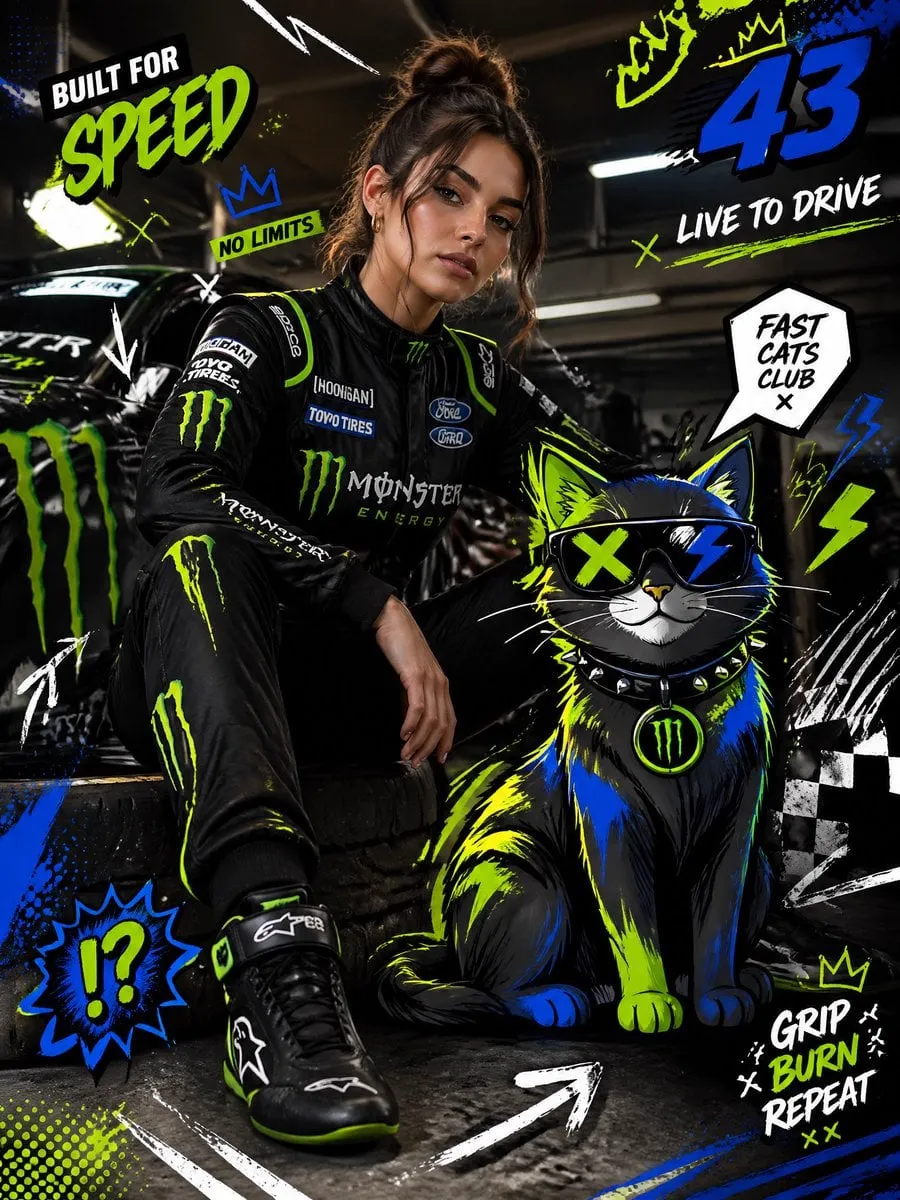
The era of generative video grew faster than almost anyone expected, but it hit one stubborn wall: keeping a character consistent. Anyone who has generated video with AI knows the feeling — the first shot looks perfect, and then the hero's face subtly changes in the next scene, the costume shifts color, or the proportions drift between cuts. For short one-off clips this is tolerable. For serialized content, branded campaigns, or anything with a story, inconsistent characters break the illusion completely. This guide explains how multimodal video pipelines solve character consistency: the core principles, the practical techniques, and a workflow you can actually use to produce characters that stay the same person from the first frame to the last.
Why Character Consistency Is the Hard Problem
Generative models create images and video from statistical patterns, not from a memory of who a character is. Every frame is sampled anew, and without strong constraints, the same prompt produces a slightly different face, body, or outfit each time. The problem is fundamental: the model does not know your character exists. It only knows how to draw a plausible person matching your words.
That is why consistency is a pipeline problem, not a prompt problem. You cannot fix it by writing a longer description, because text alone cannot pin down the thousands of small decisions — bone structure, skin texture, scar placement, jacket wrinkles — that make a character recognizable. The solution is to give the pipeline stable anchors: reference images, fixed keyframes, controlled motion, and consistent multimodal inputs.
The Core Principles of Identity Preservation
Before touching tools, internalize the three principles that every working character pipeline follows:
- Anchoring. The character's identity must be attached to a fixed reference that survives across scenes — a character sheet, a set of reference images, a locked visual description.
- Keyframing. The pipeline should define critical frames explicitly (face, full body, costume details) and let the model interpolate between them, instead of generating each frame independently.
- Constraint stacking. Every layer of the pipeline — image references, style notes, motion direction, camera setup — reinforces the same identity. One weak layer is enough to break the chain.
When all three are in place, consistency stops being a coin flip and becomes a reproducible property of the workflow.
Keyframe Control: The Backbone of Continuity
Keyframe control is the single most effective technique for character consistency. Instead of describing the whole video and hoping, you define the important frames yourself:
- A neutral face close-up: this locks the facial identity.
- A full-body shot: this locks proportions, costume, and accessories.
- A costume detail frame: this locks colors, materials, and distinguishing marks.
- An action frame: this locks how the character moves and behaves.
The generation engine then fills the motion between these anchors. The result is a character that travels through the video without drifting, because every critical decision was made in advance.
For dialogue scenes, add expression anchors: one frame per major emotion the character needs. For action scenes, add pose anchors at the start and end of each movement. The more anchors you place, the tighter the consistency — at the cost of more work per shot, so balance detail against volume.
Multi-Image Fusion: Turning References into a Character
The technique that made character sheets practical is multi-image fusion: the ability to load several images of the same character — different angles, lighting conditions, outfits — and have the model merge them into a single stable identity profile. The model learns which features are constant (the face, the build) and which vary (pose, lighting, expression).
To get the most out of fusion:
- Provide variety. Three images of the same person from the same angle teach the model almost nothing. Mix front, three-quarter, and profile shots; mix lighting; mix expressions.
- Keep features consistent. The images must show the same character — same hair, same costume design, same distinguishing details. If you change the outfit, the model may merge two different looks into one unstable identity.
- Label what changes. When the tool supports it, note what should vary between shots (pose, emotion, camera distance) so the model does not freeze the character into a single static look.
Used well, fusion is what allows a character to appear in completely different scenes — a forest, a city, a space station — while remaining recognizably the same person.
Choosing Models for Identity Retention
Not all generation models are equal at keeping identities stable. When character consistency matters, evaluate models on four axes:
- Identity retention: does the face and body stay consistent across shots and scenes? Test with the same character prompt across five different scenes.
- Prompt adherence: does the model follow detailed costume, setting, and action instructions, or does it drift toward generic output?
- Motion coherence: does the character move with believable physics — limbs that bend correctly, weight that shifts — or does it morph between frames?
- Style transfer: can the model apply a consistent art style (pixel art, anime, photorealistic) on top of the stable character?
Current leaders for character work tend to combine strong identity retention with good keyframe support; the specific best choice changes quickly, so build a small test set and compare before committing to a model for a series. Run the same three test scenes across candidates and score them on the axes above.
Multimodal Inputs: Text, Images, and Video References
Multimodal video means the pipeline accepts more than text. The practical input stack for character consistency is:
- Text: the story, the dialogue, the action beats, and the locked visual description.
- Images: the character sheet, scene references, style references, and product references.
- Video references: short clips that demonstrate a desired motion — a walk cycle, a camera move, a fight sequence — which the model can imitate while preserving the character.
The value of video references is often underestimated. A five-second clip of a specific camera movement or action can communicate more than a paragraph of description. Use them for anything physically specific: martial arts, dancing, object interactions, or unusual camera behavior.
Directing the Sequence: Camera and Movement
Consistency is not only about how the character looks — it is about how the camera treats them. Erratic camera behavior makes a consistent character feel inconsistent, because the viewer cannot anchor the visual identity.
Establish a camera language for your project: wide establishing shots, medium dialogue coverage, close-ups for emotion. Keep the same framing vocabulary across scenes so the character is presented the same way. Then add motion direction: describe camera moves explicitly ("slow push-in", "handheld tracking shot", "static wide") and keep the character's movement direction consistent with the story geography — if the hero walks left in one scene, they should not teleport to the right side of the frame without a transition.
The Serialized Content Workflow
For series and recurring characters, build a repeatable production loop:
- Lock the character sheet. Create the reference set once: neutral face, full body, costume details, expression range. Store it where every generation run can access it.
- Write the scene script with anchors. For each scene, define which keyframes you need and what the character does.
- Generate with the same profile. Every scene uses the same character references, the same style notes, and the same camera language.
- Audit identity between scenes. Before editing, compare the new scene's stills against the character sheet. Catch drift early — it is far cheaper to regenerate one scene than to reshoot a whole episode.
- Archive approved frames. Build a growing library of approved frames per character. Future scenes can reference them, improving consistency over time.
This loop turns character consistency from a per-shot gamble into a managed asset that improves with every episode.
Building a Character Bible
The difference between a one-off project and a repeatable production is documentation. A character bible centralizes everything the pipeline needs to keep a character stable:
- The locked visual description: height, build, skin tone, hair, eye color, distinguishing marks.
- The costume sheet: every outfit the character wears, with exact colors and materials.
- The expression range: reference frames for the emotions the character will actually need.
- The voice and movement notes: how the character speaks, walks, and gestures.
- The do-not-cross list: what must never change — face structure, signature clothing item, silhouette.
Keep the bible in the same place as your reference images so every generation run pulls from one source of truth. When a scene works, add its approved frames to the bible; the document grows into an increasingly precise definition of the character.
Automating the Pipeline: Templates and Batch Workflow
Once the character bible and the scene workflow are stable, the next step is removing repetitive work. The typical automation layers are:
- Prompt templates. Store the locked style block, the camera language, and the character description as reusable template fragments. Assembling a new scene becomes filling in the action slot instead of writing from scratch.
- Batch generation. Generate all scenes of an episode in one pass with the same references and style settings, then audit the results as a batch.
- Quality gates in the loop. Automated checks — frame count, resolution, reference similarity — can flag likely drift before a human ever looks at the footage. Keep the human review for the final artistic call.
Automation is worth it only when the workflow is already producing consistent results. Do not automate chaos: lock the creative process first, then compress it.
Common Failure Modes and Fixes
- Face drifts between scenes. Fix: strengthen the face anchor — add a neutral face close-up to the reference set and use it in every scene.
- Costume colors shift. Fix: add a costume detail frame with exact colors and materials, and repeat the color names in the prompt.
- Character changes scale. Fix: add a full-body anchor and describe relative size against known objects in the scene.
- Motion looks unnatural. Fix: provide a short video reference of the desired movement, or break the action into pose-anchored steps.
- Style wobbles between shots. Fix: keep one style reference across all scenes and lock the style vocabulary in the prompt.
FAQ
How many reference images do I need? A practical minimum is three to five: face, full body, and two or three varied shots. More helps, but quality and feature consistency matter more than quantity.
Can I create consistent characters for photorealistic video? Yes, the same techniques work, but photorealism is less forgiving. Invest more in reference quality and keyframes.
Does consistency work across different art styles? A character can be re-expressed in a new style, but it is a separate step. First lock the identity, then apply the style transfer; do not try to do both in one pass.
How do I keep a character consistent in a long video? Generate the video as a sequence of scenes with shared anchors, not as one long continuous generation. Then enforce the same references at each scene boundary.
What about licensing my character's look? If your character is based on a real person or an existing IP, secure the appropriate rights. For original characters, keep your reference sheets and generation records as documentation.
How long does a consistent character take to set up? The first character is the expensive one — expect a few hours to build the reference set and validate the first scenes. Once the bible and templates exist, each additional character is dramatically faster.
What if the model I use does not support reference images? Then build consistency through text alone: lock a detailed visual description, reuse the exact same phrasing in every prompt, and rely on keyframes where the model supports them. Results will be weaker than with image references, but a disciplined text workflow still beats random generation.
Can I use this workflow for real people? Only with their explicit consent and the appropriate rights. Many platforms have specific policies about generating likenesses of real people — check them before starting.
Conclusion
Character consistency is the difference between generative video as a toy and generative video as a production tool. It is not magic and it is not solved by a single model release — it is engineered through anchored references, disciplined keyframing, multimodal inputs, and a repeatable workflow. Start with one character and one short scene, build the reference set, place your anchors, and audit the result against the sheet. Once that loop is tight, scale it to a full cast and a full series. The characters your audience remembers are the ones who look the same in every scene — and with the right pipeline, that is a standard you can meet consistently.
