

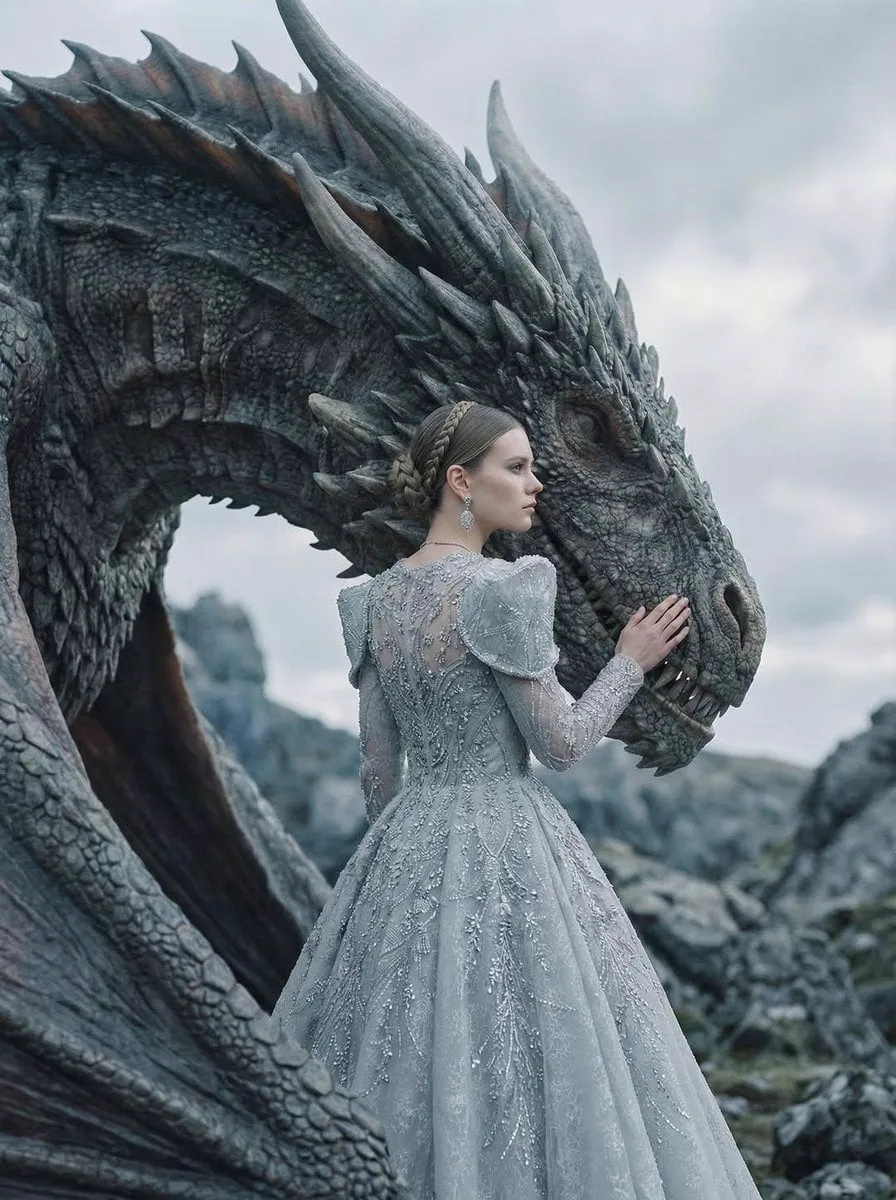

Animation and video used to sit at opposite ends of the production spectrum. Pixel art was the language of indie games and retro aesthetics, while photorealistic video demanded cameras, sets, and large budgets. Generative AI has collapsed that distance: the same tools that produce stylized pixel animations can now generate footage that looks like it was shot on a cinema camera.
This article looks at how AI animation moved from pixel art to photorealism, what technical challenges remain, and what creators should understand about style, consistency, and cost before jumping in.
The Arc of Visual Style: From Pixels to Photorealism
The history of AI image and video generation is a march toward realism, but the interesting part is that the march never left the old styles behind. Pixel art, low-poly, watercolor, anime, and film grain all remain one prompt away. What changed is the range: the same pipeline that can render a photorealistic street scene can also produce a deliberately retro pixel loop with full control over palette and resolution.
For creators, this range is the real opportunity. A brand can now own a distinctive style — not because it is cheaper than realism, but because the style is memorable. The trend is not only "more realistic"; it is "more stylistically deliberate". Knowing which style fits your message is becoming a core creative skill.
The Technical Wall: Spatio-Temporal Consistency
The hardest technical problem in AI video is not resolution; it is spatio-temporal consistency. A model can generate a beautiful single frame, but keeping the same object, lighting, and motion believable across many frames is a different challenge. Details drift, reflections flicker, and physics occasionally breaks.
Progress is real but uneven. Modern models understand motion and physics far better than their predecessors, especially for short sequences. For longer narratives, the safest strategy is still modular production: generate scenes separately with stable references, then assemble and edit. Fighting the model for a single ten-second continuous take is usually a waste of time when a well-cut sequence looks better anyway.
Style Transfer and the Rise of Multi-Reference Inputs
Traditional AI video generation relied on a single prompt or a single reference image. The current trend is different: creators feed multiple references — a character image, a style image, an environment shot — and the model fuses them into a coherent result. This multi-reference approach gives unprecedented control over the final look.
The practical payoff is brand consistency. Instead of describing your style in words and hoping the model understands, you show it: here is the color palette, here is the character, here is the mood. Style transfer stops being a lucky accident and becomes a repeatable process.
AI Director Tools: Solving Choice Fatigue
With hundreds of models and endless settings available, the biggest bottleneck is no longer capability; it is decision-making. Which model suits this scene? What prompt gives the intended mood? How should the shots be ordered? That is where AI director tools enter: they sit on top of the generators, turning a script into a structured shot plan and recommending the right model and settings for each beat.
These tools do not replace the creative lead; they absorb the logistics. A director agent can propose the shot list, the pacing, and the technical parameters, while the human decides what the story means. For solo creators, this is the difference between making one video a week and making one a day.
Narrative Consistency and Character Continuity
Style is only half of consistency; the other half is narrative. Viewers forgive a slightly imperfect animation, but they do not forgive a character whose face changes every scene. Character continuity is the quality bar for anything with a recurring cast, and it is now achievable with reference-anchored generation.
The workflow is simple in principle: define the character visually once, lock the anchors, and reuse them everywhere. In practice, it requires discipline — consistent lighting, consistent wardrobe, consistent proportions across the reference set. The teams that master this can produce serialized content, branded mascots, and multi-scene stories that feel like real productions.
Workflow Integration: Text-to-Image Meets Image-to-Video
The most productive pipeline today combines two stages: text-to-image to design the key frames, then image-to-video to bring them to life. The first stage gives full control over composition and style; the second stage provides motion. This two-stage approach is more reliable than jumping straight from text to video, because every frame of the final clip inherits the quality of a carefully designed image.
Adopt this as a standard flow: concept and prompt, key frame generation, review and selection, motion generation, edit and sound. Each stage has clear checkpoints, so problems are caught early instead of compounding.
Creative Control Versus Automation
There is a productive balance between letting AI run and keeping control. Full automation produces volume but generic results; full manual control produces craft but at unsustainable cost. The winning position is automation of the repetitive parts — variations, resizing, background cleanup, caption generation — and human judgment for the meaningful decisions: which idea, which style, which moment.
Set your quality bar before you automate. Once you know what "good enough to publish" looks like, you can safely delegate the rest of the pipeline to tooling and spend your energy on the next idea.
The Economics of AI Animation
Cost is the quiet revolution. Where a photorealistic animated commercial used to require a production house, the same asset can now be generated for a fraction of the cost, often in minutes. This changes the math of experimentation: failing is cheap, so trying more ideas is rational.
The economic skill is matching model cost to asset value. Premium models are worth it for hero assets — the main video, the ad, the product demo. Budget models are fine for variants, tests, and social filler. Track your cost per published asset, not per generation, and you will quickly find where quality actually pays.
Building a Style System for Your Channel
The most successful AI animation channels share one habit: they build a style system instead of chasing random looks. A style system has four components: a defined palette, a consistent subject approach, a signature treatment, and a quality bar.
The palette is the set of colors your content uses, chosen to be recognizable even in a thumbnail. The subject approach is how you frame your characters and scenes — the angles, the scale, the level of detail. The signature treatment is the one element that makes your content identifiable: a specific transition, a recurring character, a particular lighting style. The quality bar is the minimum standard every piece must meet before publishing.
Document these four components and apply them to every project. The style system does not reduce creativity; it concentrates it. Instead of deciding everything from scratch each time, you decide what is new and let the system handle the rest.
Common Mistakes in AI Animation
The first mistake is style chaos: a different look for every video, which makes the channel feel like a random collection rather than a body of work. The second is ignoring motion consistency — great stills ruined by jerky or unnatural movement. The third is over-generating and under-selecting: publishing everything the model produces instead of the best 20 percent. The fourth is neglecting audio, which turns even impressive animation into content people scroll past. And the fifth is giving up too early: the first attempts at a new style are usually weak, but the learning curve is steep if you keep a log of what you tried.
Every mistake has the same antidote: process. Define the style, review against a bar, select ruthlessly, and treat each project as an iteration.
Tools and Habits of Fast Teams
Speed in AI animation comes from workflow, not hardware. Fast teams use templates for prompts, reference sets, and editing presets, so a new video starts from a known base instead of a blank page. They generate in batches, review together, and regenerate only the shots that fail the bar. They keep a decision log — what worked, what failed, what to try next — which turns experience into a compounding asset.
They also protect their attention: instead of following every new model release, they schedule short evaluation windows and move production only when a tool clearly beats the current stack. The result is that fast teams are not the ones moving constantly; they are the ones moving in the right direction.
Keeping Up Without Chasing Everything
The AI landscape changes weekly, and the fear of falling behind is real. The antidote is a simple policy: learn continuously, but switch deliberately. Subscribe to a few reliable sources in your niche, spend a fixed amount of time each week on discovery, and evaluate new tools against your actual workflow rather than against demos.
The models will keep improving, but the fundamentals — style, consistency, story, sound — remain the same. Creators who master the fundamentals and treat new tools as upgrades to a stable system will outperform those who restart their process every time a new model appears.
Reading Your Analytics Like a Producer
Data turns taste into a repeatable advantage. In AI animation, the numbers to watch are audience retention — where viewers drop off — and completion rate, because they tell you whether the style and pacing are working, not just whether the thumbnail was clicked. Compare videos within a style family rather than across different formats: a 30-second loop and a 2-minute explainer will never have the same retention curve.
Look for patterns across at least five videos before concluding anything. Did the style change improve hold? Did the faster pacing hurt comprehension? Did the new character anchor keep viewers watching longer? Write the conclusions into your style system. The best producers treat every published piece as a test with a result, and the log of those results is what separates consistent growth from random luck.
Practical First Steps This Week
If this is your first week with AI animation, resist the urge to build a complex pipeline. Start with one small, finished piece: pick a single image, choose one style model, and animate a short loop. Publish it, or at least show it to someone whose opinion you trust. The goal is to complete the whole cycle — image, motion, edit, sound — at least once, because completion teaches more than theory.
Then repeat with variation: change one element at a time, and note the difference. After three or four pieces, define your style system from what actually worked, not from what you planned. That practical foundation will make every later tool and technique easier to absorb.
A Simple Decision Framework
When you face a choice — which model, which style, which format — a short framework keeps decisions fast and consistent. Ask: what does this asset need to achieve? Who is it for? What is the quality bar? What is the budget in time and money? If two options are close on these answers, pick the one you already know; the familiarity is worth more than the marginal improvement.
Write the answers down for important decisions. A one-line note explaining why you chose a model or style becomes invaluable when you review results weeks later, and it trains your judgment faster than intuition alone.
Frequently Asked Questions
Is pixel art still relevant in the age of photorealism? More than ever. Distinctive styles stand out in saturated feeds, and pixel art is one of the most recognizable aesthetics available.
How do I keep a character consistent across videos? Build a reference set of three to five images with stable lighting, wardrobe, and proportions, and use it in every generation.
Do I need to be an artist to use these tools? No, but you need taste. Knowing what looks right is more important than knowing how to draw it.
Which is better: text-to-video or image-to-video? For control and consistency, image-to-video wins because it starts from a frame you designed. Use text-to-video for exploration, image-to-video for production.
Is AI animation expensive? It depends on the model and volume. For solo creators, the cost of experimenting is low enough that the main investment is time and judgment, not money.
The distance from pixel art to photorealism turned out to be not a gap but a spectrum — and AI lets you stand anywhere on it. The creators who win are not the ones chasing the most realistic output; they are the ones who pick a style with intent and execute it consistently.
