

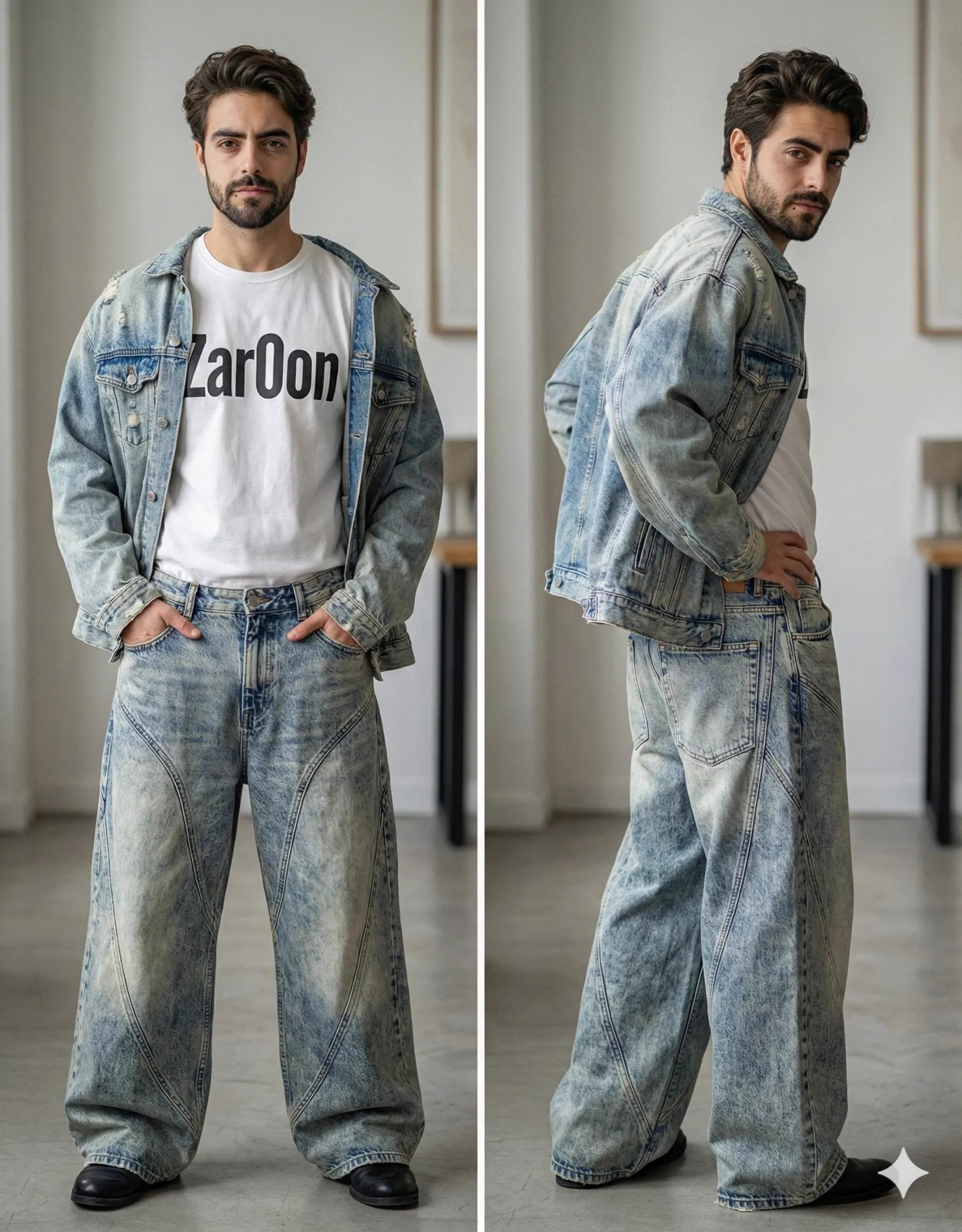

Every video creator who has worked with generative models has felt the same frustration: the first shot looks incredible, and the fifth shot looks like a different movie. Characters change, styles drift, and the visual language falls apart. The industry calls this the consistency problem, and most solutions treat it as an afterthought. A different approach treats it as the core design principle: instead of asking a model to imagine an entire video from scratch, you build the video from reusable visual pieces, the way you would build with bricks. That is the idea behind the "pixel brick" approach, and it changes how creators think about style, characters, and production speed.
What "Pixel Brick" Actually Means
The name is a metaphor, but it describes something very concrete: compositional image generation. Instead of generating one monolithic image or clip, the system generates and reuses smaller visual units — a face, a costume, a background, a texture — and assembles them into the final frame. Each unit is like a brick: independent, reusable, and combinable.
In practice, this works through a shared visual space of keyframes. You define the important frames of a sequence once, with their style and identity locked, and then reuse those definitions across every shot. The model never has to reinvent the character or the environment, because the pieces are already defined. This is a fundamentally different mental model from prompting, where you describe everything from scratch and hope the model remembers it in the next shot. With pixel bricks, you describe each piece once, and assembly does the rest.
The Core Problem: Character Drift
Character drift is the enemy of every multi-shot generative project. A character appears in the first frame with black hair and a blue jacket, and by the third frame the hair is brown and the jacket is green. It happens because video models are probabilistic: every generation starts from noise, and nothing guarantees that the character description in one clip matches the character description in the next.
The pixel brick approach solves this by decoupling identity from generation. The character's visual identity is extracted once, from a set of reference images, and stored as a reusable feature representation. From then on, every shot that includes the character uses that same representation as an anchor. The model can still animate, change the camera angle, and vary the action, but the core visual identity stays fixed. The result is a character who actually looks like the same person across scenes — not just a character who is described the same way.
Building a Reference Library for Your Project
The quality of the pixel brick system depends entirely on the quality of your reference material. For each character in your project, gather three to five high-quality images: a front view, a profile, a different expression, and one in the lighting you plan to use. Consistency across these images matters more than any single image being beautiful — the system needs to find what is stable about the character, and that stability only exists if the references agree with each other.
For environments, the same logic applies. A city street, a forest, a product studio: each deserves a reference set that captures its essential visual identity. When you have a library of these references, you can mix and match. The same character can visit three different environments without changing identity, and the same environment can host three different characters. This is the real payoff of the brick approach: it turns assets into a toolbox instead of one-off generations.
Multi-Image Fusion and Style Transfer
The technical heart of the system is multi-image fusion: the ability to combine several reference images into a single coherent identity or style. This is what lets you say "this face, this costume, this lighting" and have the model respect all three at once.
The practical consequence is non-destructive style transfer. You can apply a new visual style to a scene without destroying its underlying structure. Want to see how your character looks in a painterly style, or an anime style, or a photorealistic style? You do not regenerate the character from scratch each time. You keep the identity bricks and swap the style brick. This is enormously useful in production, because style exploration becomes cheap. You can test three art directions for a campaign in an afternoon instead of committing to one style on day one and living with it.
Style transfer works best when the style reference and the identity reference are kept separate. Mixing them into a single prompt usually confuses the model. Keep the character images, the environment images, and the style examples as distinct inputs, and the model can preserve each dimension independently.
Matching the Right Model to the Right Brick
No single model handles every style equally well. Some are exceptional at photorealism, some at anime, some at painterly illustration, some at physics-heavy motion. A brick-based workflow is naturally model-agnostic, because the bricks are model-agnostic: the identity representation is extracted once and can be injected into whatever generation engine you choose for a particular shot.
This is where a broad model library becomes a strategic advantage rather than a luxury. When a new shot requires a specific look, you route it to the model that is strongest at that look, while keeping the identity anchored to the same bricks. The character remains consistent even though the model changed, because consistency comes from the reference system, not from the model.
The practical rule is simple: standardize identity, diversify engines. Decide which visual elements must stay constant (face, costume, core palette) and which can vary per shot (rendering style, camera language, atmosphere). Then use the model library to explore the variable dimension freely without ever touching the constant one.
Directing with a Virtual Assistant
A brick-based pipeline creates a lot of metadata: references, anchors, style definitions, and keyframe decisions. Managing all of it by hand becomes the bottleneck. This is where an AI director assistant earns its place in the workflow. Think of it as a production coordinator that understands both your references and your script.
The assistant reads the sequence of shots you want, checks which references apply to each one, and proposes composition, camera movement, and the right model settings for each shot. When a scene requires the character to move from a tense close-up to a relaxed wide shot, the assistant adjusts which aspects of the identity to emphasize: face details in the close-up, silhouette and costume in the wide shot. This is not automation for its own sake; it is the difference between managing twenty moving parts manually and letting a coordinator keep them straight.
The director layer also enforces the narrative logic of the project. It knows the emotional curve of the scene and can bias generation toward shots that support it. The result is a workflow where creative decisions stay with the human, while the operational complexity of keeping everything consistent is handled systematically.
Managing Production Resources Wisely
Brick-based workflows have a subtle resource advantage: they reduce wasted generation. Because identity and style are anchored, fewer attempts fail on consistency grounds. You spend your generation budget on exploring motion and composition instead of fighting the model to keep the character's hair the right color.
That said, the workflow can still be resource-hungry if you are not careful. The reference extraction step is expensive, and doing it for every character in every project adds up. The fix is to treat your reference library as a persistent asset. A character you developed for one project can be reused in the next, and a well-built environment library serves every project that visits that world. Build once, reuse many times: this is where the brick metaphor pays off financially as well as creatively.
Task queues and generation scheduling also deserve attention. In a production with many shots, group the generations by model and by reference set, so the system can cache and reuse intermediate results. Reusing the extracted identity representation across multiple shots of the same character is far cheaper than re-extracting it every time.
Real-World Applications
The most obvious application is series content: any project where the same characters appear across episodes. A web series, a branded storytelling campaign, an explainer franchise with a recurring mascot: these all live or die by character consistency, and brick-based workflows make them feasible at small-team scale.
Product visualization is another strong fit. A product has a fixed visual identity, and the brick approach lets you place that product in endless scenarios — different environments, different angles, different moods — without the product changing shape or color between shots. For e-commerce and marketing teams, this turns a single product photoshoot into a reusable asset that can be animated indefinitely.
The approach also shines in adaptation work: taking an existing asset, like a logo or a piece of concept art, and building an entire video world around it. Because the asset's identity is anchored, the generated world stays visually consistent with the original material, which is exactly what brands need when they expand a static identity into motion.
Troubleshooting Common Failures
When things go wrong in a brick-based workflow, the problem is almost always in the references. If the character still drifts, check the reference set: are the images consistent with each other? Are they the same face, same costume, same lighting direction? A single inconsistent reference can poison the whole extraction.
If the style is wrong, check whether the style reference is separate from the identity reference. Models that see style and identity mixed into one image often average the two instead of keeping them distinct. If the motion looks wrong, simplify the action description: the brick system handles identity, but motion still needs to be specified clearly, with one main action per shot.
If the environment changes between shots, the environment reference is not being applied consistently. Re-anchor the scene by re-supplying the environment reference alongside the character reference, and verify that the environment is described as fixed in the prompt.
Frequently Asked Questions
Does this replace traditional storyboarding?
No, it complements it. Storyboarding is about the visual plan; the brick system is about keeping that plan consistent through generation. A good storyboard actually improves the brick workflow, because it defines which references matter in which shots.
How many reference images do I need per character?
Three to five well-chosen images is the sweet spot for most cases. More than that adds marginal benefit; fewer than three leaves the model guessing. Quality and mutual consistency matter far more than quantity.
Can I mix characters from different projects?
Yes, if you keep a clean library. Each character's reference set is independent, so you can assemble casts from existing assets. Just make sure the style references match across characters, or they will look like they belong to different productions.
Is the pixel brick approach worth it for single-shot videos?
For a single clip, the overhead is usually not worth it. The approach pays off when you have multiple shots, recurring characters, or a need for style exploration. For one-off clips, direct prompting is simpler and fast enough.
What is the biggest mistake beginners make?
Trying to hold everything in a single prompt. The entire point of the brick approach is to stop describing the character, the environment, and the style in every prompt, and instead define them once as reusable assets. Beginners who skip the asset step end up with the drift problem the approach was designed to solve.
Building a Reusable Visual System
The pixel brick approach is ultimately a shift in mindset: from one-off generation to asset-based production. It asks you to invest a little extra time up front, building references and defining identity, and it returns that investment many times over in consistency, speed, and creative flexibility.
The creators who will thrive in the next phase of generative video are not necessarily the best prompt writers. They are the ones who treat their visual assets as a library, who keep identity separate from style, who let a director layer coordinate the chaos, and who route each shot to the model that serves it best. That is a system, not a trick. And like any good system, it can be built once, reused often, and improved continuously.
