
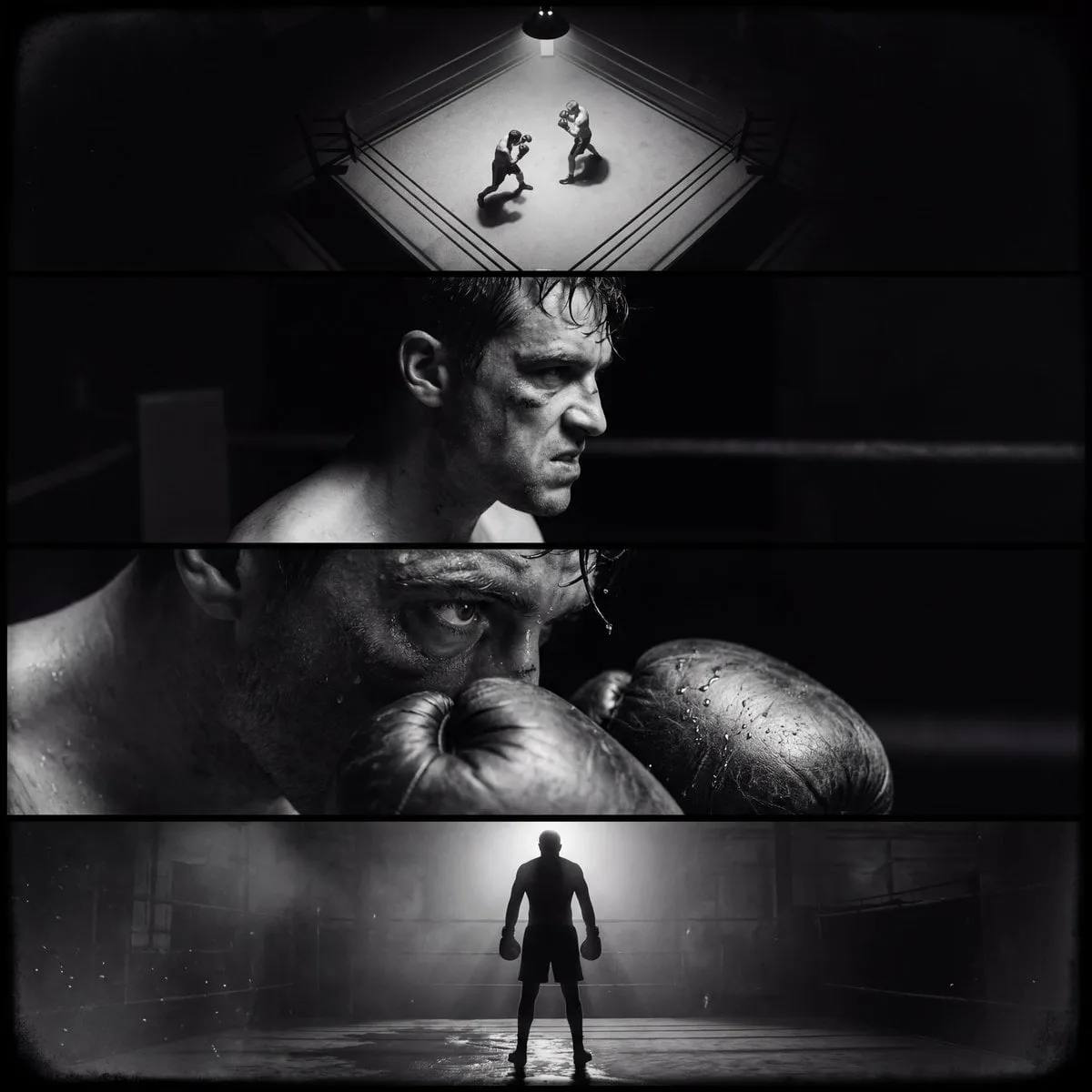

Video has become the default answer to almost every marketing question, and the newest twist is that the brief is now typed rather than filmed. Prompt-to-video tools turn a sentence into a usable clip in minutes, which changes the economics of content production. But with the barrier to entry gone, the competitive edge has moved upstream: the teams that win are the ones who know how to write prompts that produce consistent, on-brand, repeatable video at scale.
This guide walks through the practical side of prompt-to-video marketing: how video models interpret language, which keyword layers matter, how to build a reusable prompt library, and how to keep a campaign visually consistent when every asset is generated separately.
Why Prompt-to-Video Changes the Content Game
The old content model was linear: brief, shoot, edit, review, approve. A single polished video took weeks and a team. Prompt-to-video compresses that pipeline into a loop of draft, review, regenerate. That changes not just speed but strategy.
First, it makes testing affordable. You can generate five creative directions in an afternoon and put two of them in front of a real audience, which is something only large brands could afford with traditional production. Second, it shifts spend from production to iteration. The budget that used to go to crews now goes to prompt development, reference assets, and testing volume. Third, it removes the bottleneck of physical logistics. Location, weather, talent availability, and permits stop mattering when the scene exists in the model.
The result is a different kind of marketer: less a producer who manages a shoot, more an editor and director of experiments. The skill that separates good from average in this world is prompt literacy, and keyword strategy is its foundation.
How Video Models Turn Words into Frames
To write effective prompts you need a mental model of what the model actually does. A video model does not understand your campaign goals; it predicts pixels from a compressed representation of your text. Words act as anchors that guide that prediction.
Two properties of that process matter in practice. First, the model attends to the whole prompt, not word by word, which is why clashing concepts produce mush. "A cozy cabin" plus "neon cyberpunk" rarely yields a coherent hybrid; it usually yields neither. Second, models have strong priors about common phrases. "A woman walking down a street" produces a default street, default lighting, and default camera angle. If you want something specific, you must override those defaults explicitly.
That is the core insight of prompt keyword strategy: you are not describing reality, you are steering probability. Every keyword you add narrows the space of possible outputs, and every vague phrase hands control back to the model's defaults. The discipline is deciding which dimensions to pin down and which to leave open.
The Five Keyword Layers of a Strong Prompt
A strong prompt-to-video prompt works in layers. Build them in order and you get predictable, editable results.
Subject Layer
Who or what is in the frame. Be specific about identity, appearance, and action. "A barista in a green apron pouring latte art" beats "a person making coffee." If you need consistency across a series, keep the subject phrasing identical in every prompt.
Style Layer
The visual world of the clip. This is where brand identity lives. Lock a style sentence early and reuse it everywhere: "soft natural light, warm earthy tones, shallow depth of field, documentary feel." The style layer is the cheapest place to build a recognizable look, because it transfers across every prompt.
Motion Layer
What moves and how. Video models default to gentle, obvious motion, which is fine for background content but weak for engagement. Describe the action and the camera explicitly: "the camera slowly pushes in while the barista pours, steam rising, slow motion." Motion language is underused by most marketers and is the fastest way to stand out.
Camera Layer
Shot size, angle, and movement. "Close-up, low angle, handheld" produces a completely different clip than "wide shot, aerial, locked-off." If you want a series to feel cohesive, define a small set of approved camera moves and cycle through them.
Mood and Light Layer
Time of day, weather, color grade, and emotional tone. "Golden hour, soft haze, hopeful mood" or "overcast, desaturated, tense" changes the feeling of identical subject matter. This layer also does heavy lifting for brand alignment.
A complete prompt reads like a tiny production brief: "A barista in a green apron pouring latte art, soft natural light, warm earthy tones, shallow depth of field, camera slowly pushes in, steam rising, golden hour, hopeful mood." Every layer is explicit, every layer is replaceable, and every layer can be A/B tested independently.
Building a Reusable Prompt Library
Teams that generate video well do not write prompts from scratch every time. They maintain a library with three tiers.
Base templates are complete prompts that work reliably for a given content type: product demo, testimonial, explainer, social teaser. Each template has slots, not free text. The barista prompt above is a template with a subject slot and a motion slot.
Style tokens are small, reusable phrase blocks for the style, camera, and mood layers. "Warm earthy tones, shallow depth of field" and "overcast, desaturated, tense" are style tokens. Storing them separately means you can mix and match across templates without rewriting.
Tested variants are the prompts that performed well in previous campaigns, with performance notes attached. Over a few months this becomes a genuine asset: your team's institutional knowledge about what this brand looks like in this model, in machine-readable form.
The library should also record the model version, seed, and settings for every winning prompt. Video models change quickly; a prompt that worked in one version may drift in the next, and the only way to debug that is knowing what produced the original result.
Keeping a Brand Consistent Across Generations
Consistency is the difference between a library of clips and a campaign. Audiences forgive individual imperfections; they do not forgive a brand that looks different in every asset.
The strongest lever is a locked reference image. Most video platforms accept an image or character reference and use it to anchor identity across generations. Build one master reference set for the campaign: the product hero shot, the brand palette, and a style frame. Feed the same references into every generation.
The second lever is prompt reuse. Identical style tokens and camera tokens across all assets guarantee a baseline of coherence even when subjects change. The third lever is post-production. A single color grade applied to every exported clip unifies output from different models or generations. Do not skip this step; it is the cheapest insurance you have.
Finally, resist the temptation to chase the newest model mid-campaign. Every model has its own priors, and switching mid-flight will introduce visible style shifts. Finish the campaign on one model, then migrate deliberately with a full re-test.
Testing and Scaling What Works
Prompt-to-video turns creative testing into a statistical exercise. Define the metric before you generate: click-through, completion, or conversion. Generate three to five variants per concept, keeping the layers you want to compare constant. Run them as a proper test with adequate sample size, and promote only the winners.
Scaling follows from the library. Once a winning prompt exists, scale by varying the subject layer for different products or markets while holding everything else constant. This is how a team produces a hundred coherent videos without a hundred creative decisions.
Watch for regression after model updates. When the underlying model version changes, re-run your ten most important prompts and compare the output against archived reference frames. Prompt drift is real, and a proactive re-test saves a campaign from a sudden, unexplained style change.
From Keywords to Campaign: A Worked Example
A skincare brand wants a launch campaign for a new moisturizer. The team sets one metric: product-page conversion from a social ad.
They define the style layer first: "clean studio lighting, soft pastel palette, macro textures, minimal, premium." Then the camera layer: "close-up and macro shots, gentle push-in." Then the mood: "calm, fresh, morning light." Those tokens become the campaign's DNA.
Test week generates four directions: a texture macro, a before-and-after transition, a lifestyle application shot, and an ingredient storytelling piece. Each is produced with the same style and camera tokens, differing only in the subject and motion layers. The texture macro wins on click-through; the application shot wins on conversion.
The winning prompt becomes a template. For the next product in the line, the team swaps the subject layer only, keeps the reference images, and ships a matching asset in hours instead of weeks. The campaign is consistent because the system is consistent, and the next launch starts with a library instead of a blank page.
Common Prompt Mistakes and How to Avoid Them
Even with a strong library, most teams waste generations on the same handful of errors. Knowing them by name makes them fixable.
Overstuffing the Prompt
A prompt that lists every possible adjective sounds specific but behaves like noise. The model averages competing signals, and the result is a clip that has a bit of everything and commits to nothing. If your prompt runs past forty words, cut it down to the layer that matters most and move the rest into a second test variant. One explicit layer beats five vague ones.
Clashing Concepts
"Cozy cabin" plus "neon cyberpunk" rarely produces a coherent world; it produces a compromise that looks like neither. When you need a hybrid, decide which concept leads and which follows. "A cozy cabin with subtle neon accent lighting" keeps the primary world intact and treats the second concept as decoration. The model needs a hierarchy, not a tie.
Accepting the Default Composition
Video models default to center-weighted, eye-level, medium shots, which is why so many AI clips feel interchangeable. If you never specify the camera, you are publishing the model's default taste. Add a camera token to every template, even a simple one like "low angle" or "over-the-shoulder", and the entire catalog starts to feel intentional.
Ignoring the Reference Image
The reference image is a promise about identity and world. When the prompt contradicts the reference, the model resolves the conflict unpredictably. Before generating, check your prompt against the reference: if the prompt describes a different color palette, a different era, or a different character, the reference loses. Align prompt and reference on every generation.
Copy-Paste Drift
Prompts rot. A template that performed brilliantly in March can produce mediocre clips in June because the model version changed or the audience moved on. Schedule a monthly prompt review: re-run your top ten templates, compare against archived winners, and archive any that no longer hold up. The library is a living asset, and it needs maintenance.
Building prompt discipline is not glamorous, but it is the highest-leverage skill in prompt-to-video marketing. The teams that ship consistent work do not have better taste; they have better systems for capturing, testing, and maintaining what works.
FAQ
Do I need to be a prompt engineer to do this well? No. You need a structured approach: layers, tokens, references, and testing. The structure matters more than clever wording.
How many videos should I generate before choosing? Three to five per concept is a good testing budget. Beyond that, diminishing returns set in unless you are varying a specific layer.
Why do my videos look different from the reference image? Reference adherence varies by model and by how much the prompt contradicts the reference. Keep the prompt aligned with the reference, and consider raising the reference weight if your tool exposes it.
Can prompt-to-video replace my existing production? For many asset types, yes. For hero brand films and anything requiring real people or real locations, hybrid production usually wins: AI for exploration and scale, traditional production for signature moments.
How do I measure prompt quality? You do not measure prompts; you measure outcomes. Track the metric that matters, keep notes on which prompt produced which asset, and let results, not aesthetics, drive the library.
