


Why Sound Is Half of Every Viral Short
Creators obsess over visuals, but audiences feel sound first. Scroll through any short-form feed with the volume off and you will notice something strange: the videos that still hold your attention are usually the ones built on rhythm. Sound is not decoration in short-form video — it is the skeleton. Music sets the pace, voiceover carries the story, and sound effects create the punchlines. Get the audio wrong and even stunning visuals will feel empty; get it right and a simple clip can feel like a film.
The numbers back this up. Engagement with vertical video consistently outpaces traditional formats by a wide margin, and the first three seconds decide whether a viewer stays or swipes. In those three seconds, sound does more work than image: a strong beat, a distinctive voice, or an unexpected sound effect stops the thumb instantly. This guide breaks down how to integrate sound and video into short-form content that holds attention, stays consistent, and actually converts.
The First Three Seconds: Attention Is an Audio Problem
Think about how people actually consume short video. They scroll fast, often with one eye on something else. The visual hook matters, but the audio hook is what makes them stop. A rhythmic drop, a vocal phrase that sounds like it is about to say something interesting, a recognizable sound cue — these trigger an almost physical reaction.
Plan the first three seconds as an audio event, not just a visual one. If the video opens with a voiceover, start mid-thought rather than with a greeting. If it opens with music, choose a track whose first beat has energy. If it relies on a sound effect, place that effect at the exact moment the visual changes. The goal is a single, synchronous moment where audio and image arrive together — that is what reads as "well made" to a viewer's brain.
Building Visual Consistency Across Every Cut
Why Characters Drift Between Shots
Short-form content is often assembled from many small clips, and here a familiar problem appears: the same character looks different from shot to shot. Skin tone shifts, clothing details change, facial features subtly morph. Audiences rarely name this problem, but they feel it — it breaks the illusion and lowers trust. The technical term is character drift, and it is the enemy of series content, where the same cast appears across dozens of posts.
Using Reference Images to Lock the Look
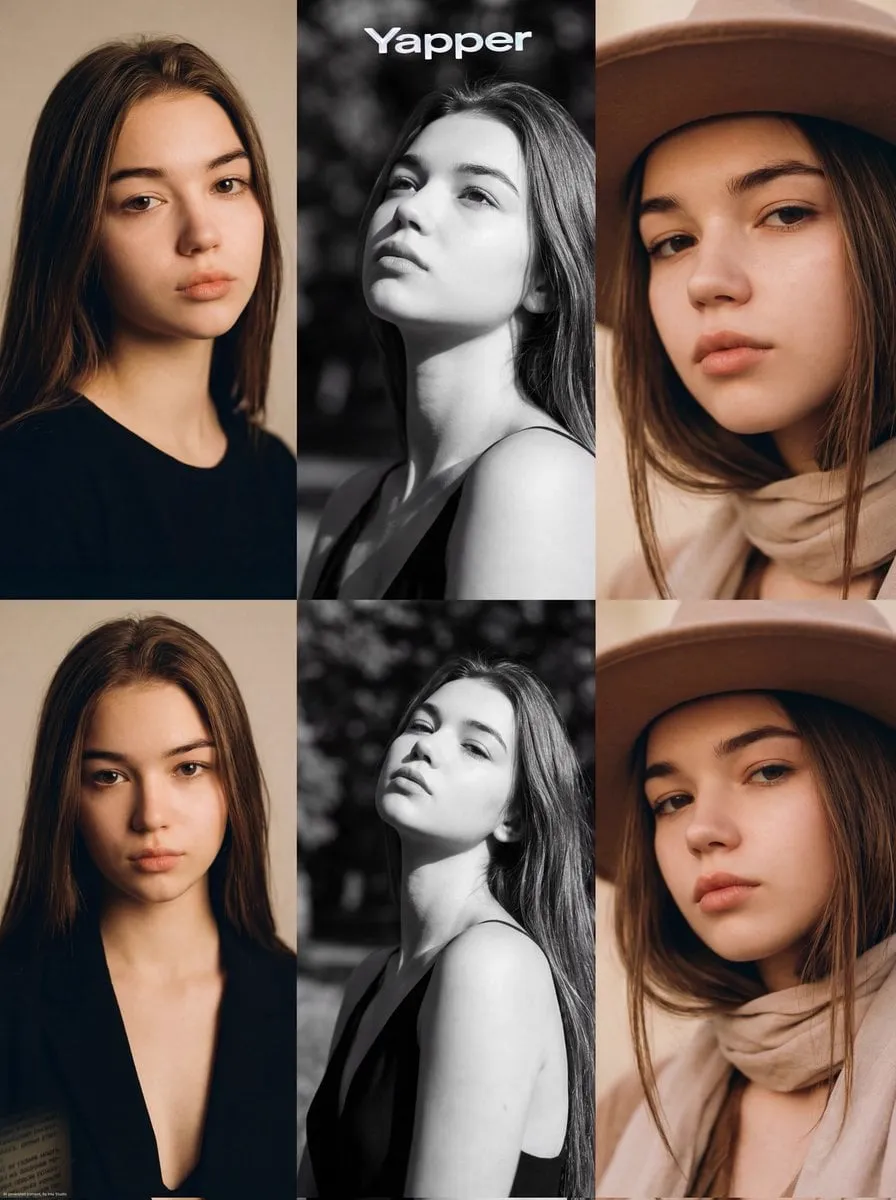
The practical fix is reference-based generation. Feed the tool several reference images of the same character — different angles, different lighting, different emotional states — before generating. The model extracts a visual fingerprint and tries to keep face, clothing, and proportions stable across shots. For branded content, this matters even more: a mascot, an influencer alter ego, or a recurring host is a visual asset, and assets have to be consistent. Set up a reference library for every recurring character and reuse it in every generation.
Sound Design Layers: Music, Voice, Atmosphere
Professional short-form audio is built in layers. The bottom layer is the music bed — the track that sets tempo and mood. The middle layer is the voice: voiceover, dialogue, or a synthesized narration. The top layer is atmosphere and effects: room tone, whooshes, impacts, little details that make the world feel alive.
Each layer has a job. Music drives momentum; voice carries meaning; effects create texture and comedy. A common amateur mistake is treating audio as a single track — one song, full volume, on top of a video. Instead, mix with intent: keep the music bed low enough that the voice sits clearly on top, and let effects cut through at key moments. Even a rough balance done in a few minutes transforms the perceived quality of a video more than any visual filter.
How an AI Director Agent Keeps Audio and Video in Sync
The hardest part of sound-and-video integration is timing. A cut that lands a frame after the beat feels off, even if the viewer cannot say why. This is where an AI director agent earns its keep. Instead of just generating frames, it plans the sequence around a script, an emotional curve, and a rhythmic pattern. It can decide that the beat drop should land exactly on a cut, that the voiceover pause should coincide with a close-up, or that a whoosh should mask a transition.
For solo creators, this kind of agent acts like an assistant director who handles the boring coordination work: mapping scene beats to audio cues, suggesting where transitions belong, and keeping the rhythm consistent across a batch of videos. The output is not a finished edit — it is a blueprint that makes the actual edit dramatically faster and more intentional.
Transitions That Use Sound to Hide the Cuts
Short-form editing lives on transitions, and the best transitions are invisible because sound masks them. A whoosh covers a whip pan. A riser builds tension into a reveal. A hard beat drop lands exactly on a hard cut. When audio and video change at the same instant, the brain reads it as one continuous gesture rather than two stitched clips.
Build transitions into the plan from the start. Decide where the cuts will be, then choose or design the sound that will bridge them. Standard building blocks: whooshes for speed, impacts for punch, risers for build-up, and silence for dramatic tension. The subtle trick is that sound does not have to be loud to be effective — a well-placed half-second of silence before a beat drop creates more impact than any visual effect.
A Practical Workflow for Short-Form Audio-Visual Production
Here is a repeatable workflow for a single short:
- Define the core message and the emotional target. Write one sentence: what does the viewer feel at the end?
- Pick the music bed first. The track defines the pacing, so everything else follows its tempo.
- Write the voiceover or narration against the beat structure, marking where each sentence should land.
- Generate or source visuals shot by shot, using reference images for any recurring character.
- Assemble with transitions planned around the audio: whoosh in, beat drop on the cut, pause before the punchline.
- Balance the mix: music low, voice clear, effects at key moments.
- Watch the result muted, then again with sound. Both versions should work — but for different reasons.
Monetization and Community: Turning Recipes into Assets
Consistent audio-visual style is also a business asset. When a channel has a recognizable sound identity — the same voice, the same music taste, the same editing rhythm — audiences start to recognize the creator before they see the name. That recognition compounds. Series content built on consistent characters and consistent audio turns one-off viewers into subscribers.
Many creators go further and share their recipes: prompt packs, sound presets, workflow templates. Communities form around these shared assets, which feeds both engagement and revenue. The practical takeaway is simple: treat your audio-visual system as a product. Document it, refine it, and let it become the signature that sets your content apart.
Choosing the Right Tools for Short-Form Audio
The toolset matters less than the workflow, but a few categories are worth knowing. For voiceover, modern text-to-speech platforms offer natural voices with emotion controls — pick one, learn its parameters, and standardize on it for your channel so your sound identity stays consistent. For music, generative music tools create original royalty-free tracks from text descriptions, which is ideal for shorts that cannot afford licensed catalogs. For effects, most video editors ship with a library of whooshes, impacts, and risers; a small collection of your own favorites is often better than the defaults.
The one tool you should invest in is the editor. Everything else can be swapped, but the editor is where sound and picture actually meet. Learn its audio tools first: how to adjust clip volume, add keyframes for volume automation, and duck music under voice. These three skills cover most short-form mixing needs.
Batch Production: Building a Shorts Engine
Consistency at volume is the real business of short-form content, and that demands a batch workflow. The mistake is treating every short as a one-off project. Instead, design a system: one core concept, one music bed, one voice identity, and a pipeline that produces many variations from the same ingredients.
A practical batch template looks like this. Write five scripts that share a format — same opening hook pattern, same structure, same call to action. Generate the voiceover for all five in one session with identical voice settings. Produce or select one or two music beds that fit the series. Then assemble each short by slotting script, voice, music, and visuals into the template, adjusting transitions and effects only where the content demands it. The first short of a batch takes the longest; every following short gets dramatically faster. This is how channels sustain daily posting without burning out, and it is also how they build the recognizable sound-and-style signature that audiences follow.
Common Mistakes and How to Fix Them
Several mistakes recur across short-form productions. The first is treating audio as an afterthought — adding music at the end and hoping for the best. Fix it by planning audio first, as described above. The second is overloading the mix: too many effects, music too loud, voice buried. Fix it by building layers with intent and checking the balance at every stage. The third is ignoring the platform's audio norms: a video that starts too quietly gets skipped in a loud feed. Fix it by designing a strong first beat, and by testing your mix on phone speakers, where most short-form content is actually consumed.
The fourth mistake is inconsistency between videos in a series: a different voice, a different music style, a different volume level every post. Fix it with the batch template — lock the voice identity, the music palette, and a loudness target, and reuse them. The fifth is chasing trends at the cost of identity: adopting a trending audio style that has nothing to do with your channel. Trends can be a hook, but the sound of your channel is the asset that compounds; trends fade, identity lasts.
Measuring Short-Form Audio Performance
Audio choices are measurable. Watch the retention curve of your shorts: the points where viewers drop are often the points where the audio fails — a slow opening, a long pause, a transition without a sound cue. Compare versions of the same video with different audio treatments: a different opening hook, a different music bed, a different voice pace. Small tests like these reveal what your specific audience responds to, and they cost almost nothing to run.
Track a simple set of signals: completion rate for retention, saves and shares for resonance, and comment sentiment for emotional reaction. Review them together with the audio decisions that produced them. Over time, you will build a practical playbook — this opening beat pattern holds attention, this voice pace works for tutorials, this music style flops with your audience — that is worth more than generic best practices.
FAQ
Do I need professional audio tools for short-form video?
No. Most phone editors handle music beds, voiceover, and effects well enough. The skill is in the choices — which track, which voice, which effects — not in the software.
How do I stop AI characters from changing between shots?
Use multiple reference images of the character from different angles and lighting conditions, and reuse the same character description in every generation. Test key shots before committing to a full batch.
What if I have no voiceover talent?
Modern text-to-speech voices are good enough for most short-form content, especially with emotion controls. Use a clear, natural voice preset, and keep sentences short and rhythmic.
How important is lip-sync?
Less important than people think. Most shorts use voiceover or music rather than synchronized dialogue. If you need dialogue, plan close-ups carefully and choose a model that handles audio-visual alignment well.
Can I use copyrighted music in shorts?
Check the platform's music library first — most platforms offer licensed tracks for commercial use. For original or risk-free audio, use generative music tools that produce royalty-free tracks from text prompts.
