
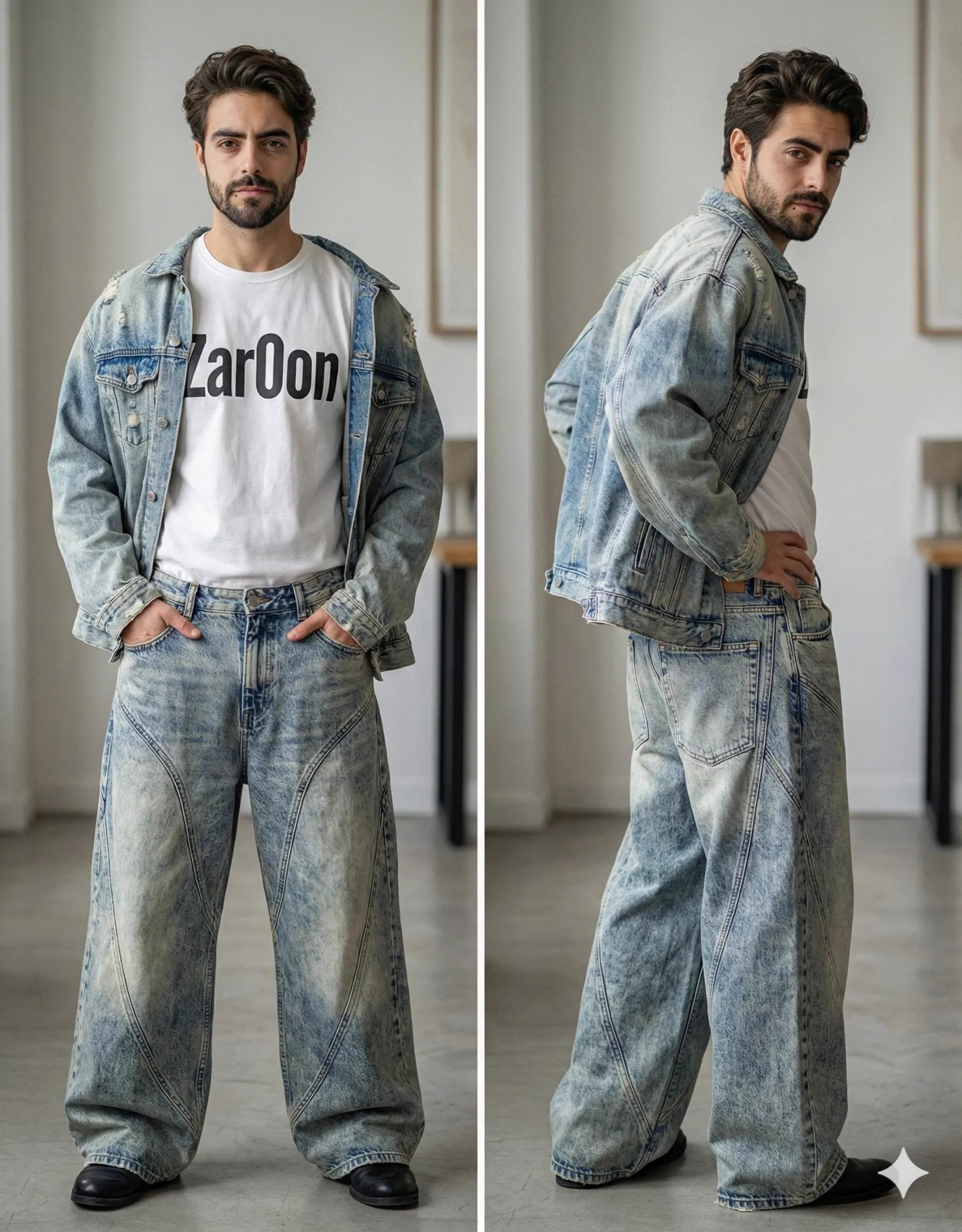
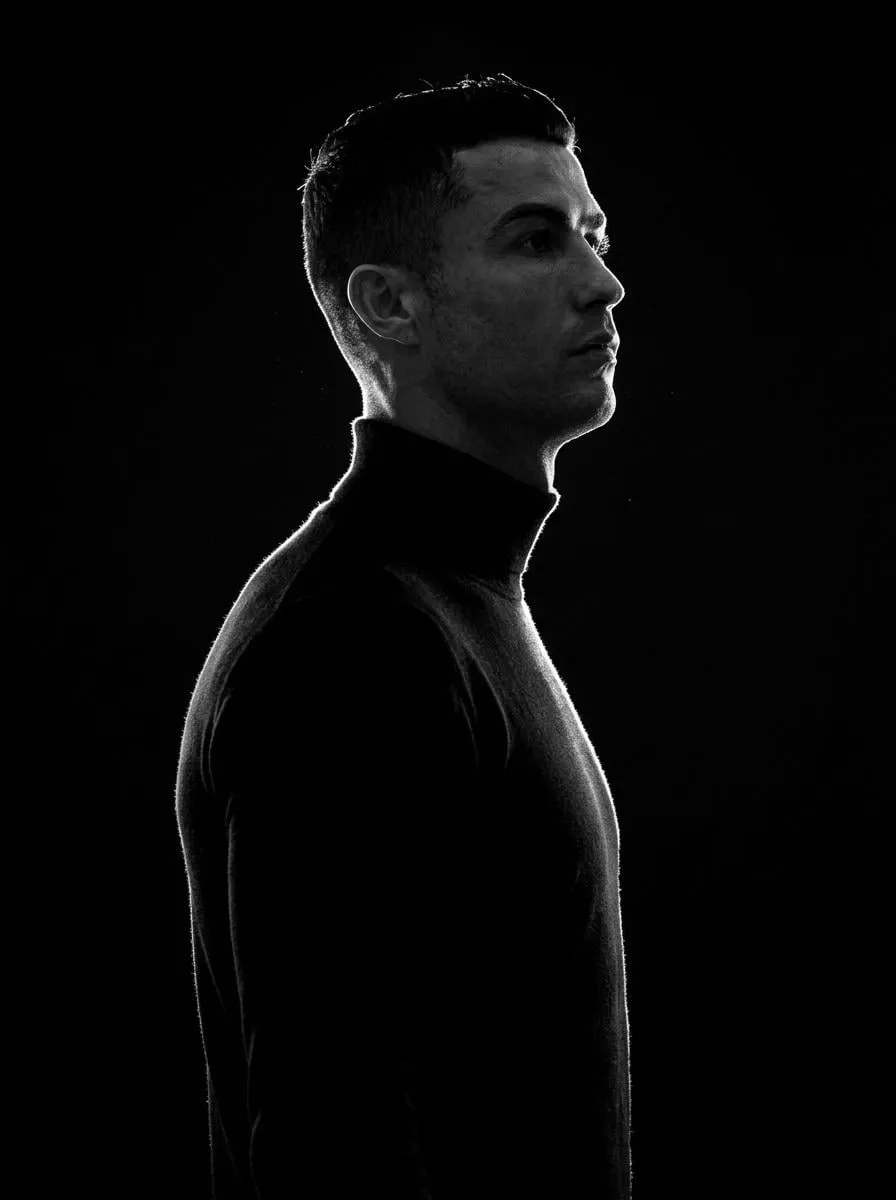
There was a time when making a video meant renting cameras, hiring a crew, and spending weeks in editing. Today a single person can write a script, gather a handful of images, and produce a professional-looking clip in an afternoon. The breakthrough that makes this possible is not just text-to-video but multi-image fusion: the ability to feed several reference images so that a generated video stays true to the characters, places, and style you actually want.
This guide walks through how multi-image fusion works, why character consistency was the barrier holding back AI video, and how to combine text prompting with image references to build a dependable production workflow. You will finish with a clear, repeatable process you can apply to your next piece of content, whether it is a brand story, an explainer, an animated series, or a one-off experimental piece.
Why character consistency matters so much
Early AI video systems were impressive but unreliable. Give them a text prompt describing a specific character, and the result often drifted: the face changed from shot to shot, the outfit shifted color, and the environment jumped around. For anyone trying to tell a story across multiple scenes, this was a wall.
Viewers are sensitive to inconsistency, even when they cannot name it. When a character morphs between scenes, the brain registers something wrong, and the immersion breaks. The defining trait of professional AI work is that a story feels like one continuous world. Multi-image fusion attacks this problem at its source by anchoring generation to images rather than words alone.
The stakes grow with the length of the project. A single clip can hide minor inconsistencies, but a ten-shot narrative exposes them mercilessly. Audiences who have watched polished, consistent content from major studios now hold every creator to a similar standard. As viewers become more sophisticated, character consistency shifts from a nice-to-have finish to a fundamental requirement of credible storytelling.
Text describes, images define
Language is great at conveying an idea but poor at pinning down a face. The phrase "a woman in a red coat" leaves enormous room for interpretation. A reference image removes that ambiguity. By combining flexible text with precise images, creators get the best of both: the imagination of language and the grounding of a picture. The text drives the action and the mood; the images hold the identity steady.
How multi-image fusion works in practice
Multi-image fusion takes several reference images and extracts a consistent identity from them. Rather than treating each image as a one-off style cue, the system builds a stable representation of the character and reuses it across every generated scene.
From references to a reusable identity
When you upload multiple photos of the same character, the system learns which features are stable: the face, the hair, the signature outfit. That identity becomes a reusable anchor. Subsequent text prompts can vary the action, the setting, and the mood, while the character itself remains recognizably the same. Instead of re-describing who the character is every time, you simply point the system at the anchor and tell it what should happen.
The role of camera and motion
Modern tools add a second layer of control by letting you specify camera moves and motion. You can keep the character frozen in identity while changing the angle, the zoom, or the movement. This separation — identity from motion — is exactly what filmmakers get from a casting call and a storyboard. When you understand it, you can make deliberate creative choices: hold the camera still for a serious moment, or push in for tension, all while the same face reads clearly.
Building a professional workflow step by step
Success with multi-image fusion is less about any single tool and more about good process. A clear workflow reduces wasted generations and keeps your story coherent.
Start with a solid script and shot list
Before generating a single clip, write the script and break it into shots. Knowing what each shot needs — an establishing wide, a character close-up, an action move — lets you prepare the right references and prompts instead of improvising scene by scene. A simple table with shot number, brief description, reference images, and the desired camera move keeps the whole project organized and doubles as a note for your future self.
Prepare consistent reference images
Choose reference images that match the look you want. Use clear, well-lit shots of the character with a stable outfit, and keep the same set across the whole project. The more consistent your references, the less the output drifts. This is the single highest-leverage step in the process. Spend the extra time here and the rest of the workflow runs smoother.
Alternate text and image as needed
Not every shot needs an image reference. Scenes that just show scenery or a mood can run from text alone, while shots featuring the main character should reference its images. Mixing modes intentionally keeps the workflow fast and the identity stable. Reserve your references for the moments where identity matters, and use efficient text prompts everywhere else.
Choosing the right models for the job
Different tasks suit different models. Some excel at realistic footage, others at stylized or animated looks. Multi-image fusion becomes most valuable when you can route each shot to the right model while keeping a consistent identity across all of them.
Speed, quality, and cost
A frequent trade-off is speed versus polish. For drafts and internal reviews, use faster models to explore options cheaply. Reserve the strongest models for final hero shots. Because identity is locked by references, switching models between rough and final passes does not break the character. Make a habit of routing shots by the level of care they deserve: quick variants cheaply, money shots with the best quality.
Batch generation and selection
Generate several candidate clips for each shot and pick the best. This is the same instinct as shooting more takes on set. With references holding the identity steady, the candidates differ in performance and composition rather than in who the character is, which makes selection easy. Compare the candidates side by side and note what each does well; those notes become useful references for your future batches.
Handling multiple references for complex scenes
Some shots need more than one character or a specific setting to persist. Multi-reference support lets you feed several images at once, telling the model exactly who and what should appear and how they relate.
Staying organized
As projects grow, organization matters. Use clear file names and keep a reference sheet per character and per location. A messy library leads to grabbing the wrong image and drifting output. Strong organization is invisible but essential to reliability. A naming convention like "character-lead-front", "character-lead-side", and "location-office-desk" keeps your library scannable even mid-project.
Integrating fusion into ongoing content production
Multi-image fusion shines for serialized content, where the same cast and world appear week after week. Establish characters once and reuse them across episodes, saving time and guaranteeing continuity.
Build a reusable character library
Treat your reference sets as reusable assets. Maintain a small library of your recurring characters, each with consistent reference images. When you start a new piece, pull from the library instead of starting from scratch. Over time this becomes a powerful studio shorthand, and consistency across episodes becomes effortless rather than a daily struggle.
Keep a quality bar for every addition
When you add a new character or a new location to the library, vet it carefully. A weak reference poisons every future project that uses it. Quality control at the library level prevents a surprising amount of downstream rework. Ask whether the reference is clear, well lit, and representative before you commit it to your library.
Common pitfalls and how to avoid them
Even experienced creators trip over a few recurring problems. Knowing them in advance keeps your workflow smooth.
Inconsistent references
If your reference images of a character disagree with each other, the model cannot learn a stable identity. Fix this first: all references should show the same person, roughly the same outfit and look. If your source images contradict each other, reshoot or find cleaner ones before generating anything.
Overloading text
Prompting with everything at once often muddies the result. Keep prompts focused, put the stable elements in the references, and use text only for the action and the mood. Less contradiction between text and images means cleaner output.
Ignoring camera control
Character identity is only half the story; how the camera moves shapes the professional feel. Learn to direct camera moves — pushes, pulls, tilts, orbits — so your footage has purpose instead of randomly framed shots. Watch how each camera decision affects the mood, and apply that direction deliberately.
Craft tips that lift the final result
A few refinements separate good fusion work from great fusion work. First, treat lighting as a character property, not an afterthought. If your references show stable lighting across shots, the audience reads the world as unified; if each shot has different light, the same face can still feel like a different person. Second, keep costumes consistent unless the story demands a change. A character in a recognizable, repeating outfit holds identity far more reliably than someone whose wardrobe changes scene to scene.
Third, use negative prompts thoughtfully to steer the model away from unwanted drift. If you repeatedly see the hair style collapse into a generic look, describe that look as something to avoid. Finally, review clips in sequence, not one at a time. Isolated frames can look fine while the story still fractures; a sequential review catches the emotional and visual gaps that single stills hide.
Building toward a signature style
Once your workflow is solid, you can push toward a personal style. Reuse the same palette, lighting language, and camera vocabulary across projects. As your library of characters and locations grows, your identity system becomes a competitive advantage: it lets you produce consistent content quickly and gives your audience a recognizable world to return to. Style is not a single effect; it is the sum of the many small, consistent choices you make.
A measure of long-form production
As you grow more comfortable, measure your output across several projects, not just one. Track how often a shot passes on the first try, how often you restarted because of drift, and how much time the finishing pass takes. These simple numbers reveal where your workflow is strongest and where it needs attention. A slow improvement in first-pass pass rate is the clearest sign that your references and process are getting better.
Frequently asked questions
How many reference images should I provide?
A minimum of one solid, clear image per character usually works. For a complex character, three to five shots covering the front, side, and a signature pose give the model more to learn from.
Can I preserve a consistent style across different models?
Yes, if you rely on references rather than on each model's default style. Provide style cues in your images and keep the same character references, and the identity will follow even when you switch models for speed or quality.
Does multi-image fusion work for non-human subjects?
Absolutely. It works for animals, robots, or mascots as well as people. The principle is the same: give consistent references for anything that must stay recognizable from shot to shot.
Is this suitable for a complete beginner?
Yes, but start simple. Master one character and one scene, then expand. The underlying concepts are easy, and the tools hide most of the complexity.
From concept to consistent production
Multi-image fusion turns AI video from a novelty into a craft. It gives you the control that was previously reserved for full production teams — the power to tell a longer, more cohesive story with characters that never forget who they are.
Start with a clear script, prepare clean references, and build a repeatable workflow. Keep character libraries organized and vet each addition carefully. If you give the system good anchors and clear intentions, the result stops depending on luck and starts depending on your decisions. Before long, producing professional video from text and a few images stops being a trick and becomes a dependable part of how you create.
