

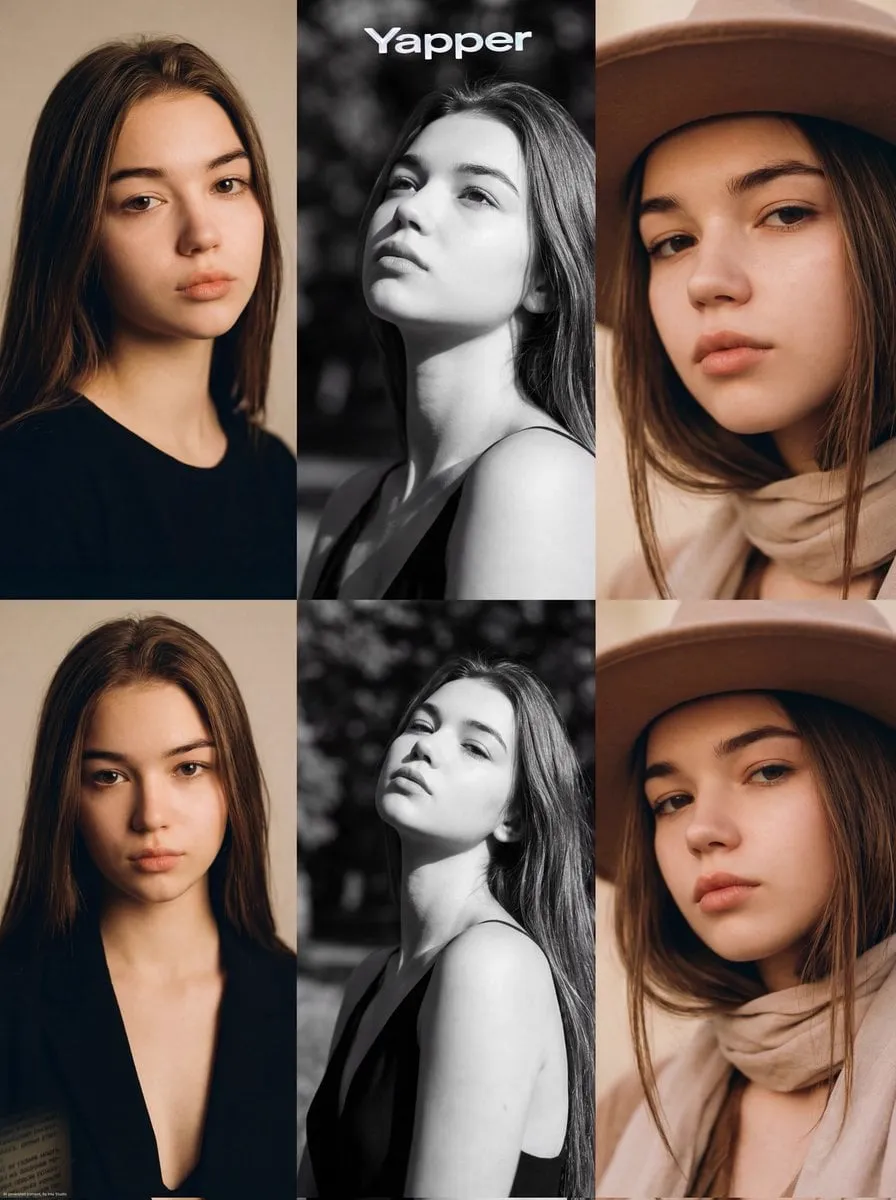
Video Production Without a Camera Crew
There was a time when making a video meant booking equipment, hiring people, and spending days on a shoot. The barrier to entry was so high that most ideas never became footage at all. Text-to-video AI has removed that barrier, and in doing so it has changed what it means to be a creator.
Today, a person with a laptop and a clear description can produce video that would have required a small studio a decade ago. But the new technology brings a new skill: prompt craft. The model is not a vending machine that turns words into perfect footage; it is a powerful but literal-minded collaborator that rewards clarity, structure, and intent. This guide walks through everything you need to know to turn text into video that looks deliberate, from choosing the right model to building a repeatable production workflow.
How Text-to-Video Models Actually Work
Understanding the machine makes you a better operator. Text-to-video models learn from vast amounts of footage, pairing visual content with text descriptions until they can predict what a scene should look like from a written prompt.
The practical implication is that the model has no real understanding of your intent. It has statistical knowledge of what words usually accompany what images. When your prompt is vague, the model fills the gaps with its own statistical guesses, and those guesses are generic. When your prompt is specific, the model has less room to guess, and the output reflects your intent more precisely.
This explains the most common frustration with AI video: the first result is rarely what you imagined. The gap between imagination and output is usually a gap in the prompt. The model did not fail to understand you; it understood exactly what you wrote, and what you wrote was not specific enough.
Prompting is therefore a skill of translation. You are translating a picture in your head into words the model can map back to pixels. The better the translation, the closer the result.
Choosing the Right Model for Your Project
The model landscape is broad, and the choice matters more than any other single decision in the workflow.
The first axis is realism versus style. Some models specialize in photorealistic output, trained to reproduce the world with high fidelity. Others are built for stylized and animated looks, and they excel within their aesthetic lane. Decide the visual identity of your project first, then choose a model that lives in that lane. Forcing a realism-focused model to produce a hand-drawn look is fighting the tool.
The second axis is motion quality. A model can render beautiful stills and still fail at natural movement. Test your candidates with motion-heavy prompts before committing: running figures, flowing cloth, camera moves. Motion is where AI video most often breaks, and the differences between models are dramatic.
The third axis is control. Models differ in how much they let you steer the output: camera movement, subject placement, composition, and style strength. If your project needs precise direction, choose a model with strong controls even if its raw quality is slightly lower. Control beats raw quality for professional work, because controlled output is reusable while lucky output is not.
Writing Prompts That Produce What You Mean
Prompt structure is the difference between rolling dice and directing a scene. A good prompt has four parts, and each part has a job.
The subject is the core: what is in the frame, who is the character, what is the object. Be specific about appearance, but trust reference images when you have them. The setting describes where the scene happens, and it should include environmental details that set the mood: time of day, weather, location type. The action describes what is happening, and it should be concrete: a person walking through a market, not a person in an interesting situation. The style block sets the visual language: cinematic, documentary, painterly, futuristic, and any technical markers like lens type or lighting quality.
Order matters less than completeness, but consistency matters more than either. Use the same style markers across every prompt in a project. If you describe lighting one way in one scene and differently in the next, you are telling the model the project has no visual identity.
Write prompts as instructions to a very talented but very literal cinematographer. Would that person know exactly what to film from your words? If not, the model will not know either.
From Text to Image: The Two-Step Advantage
Most creators get better results by splitting the process: generate a strong image first, then animate it.
The text-to-image step is far more controllable than text-to-video. You can iterate on a single frame cheaply and quickly, refining the composition, the character, and the mood until it is exactly right. The text-to-video step then has a clear visual anchor to work from, which is dramatically more reliable than asking the model to invent both the image and the motion from scratch.
This two-step approach also solves the consistency problem. If every scene starts from a coherent set of images, the characters and settings stay aligned across the project. You are no longer asking the model to remember what a character looked like in an earlier prompt; you are showing it every time.
Adopt the habit even for projects that could be done in one step. The small extra effort in the image stage saves large amounts of retrying in the video stage.
Controlling Motion and Camera Movement
Motion control is the frontier of AI video, and the results improve steadily. The techniques available depend on your platform, but the principles are stable.
Camera language should be chosen deliberately. A slow push-in creates intimacy, a wide shot establishes the world, a tracking shot adds energy. Specify the camera move in the prompt when the model supports it, and keep the camera language consistent with the mood of the scene. Random camera behavior is one of the clearest signs of undirected footage.
Subject motion needs the same care. Describe the action with enough detail that the model knows what to move and how. Break complex actions into simpler stages when the model struggles: rather than demanding a full fight sequence, generate individual moves and cut them together.
When motion fails, reduce scope. Long and complex motions accumulate errors; short and simple motions compound successfully. Professional AI video is often assembled from many small successful generations rather than a few heroic ones.
Keeping Scenes and Characters Consistent
Consistency is the quality that separates AI video projects from AI video clips, and it is achievable with the right habits.
Build a reference set for every recurring element. For characters, gather several images showing the same person from different angles in the same outfit. For settings, establish a reference image of the location. Feed these references into every relevant generation so the model anchors to the same identity each time.
Stabilize your language. Use the same descriptive phrases for the same elements in every prompt. The model treats repeated language as a constant, and constants are what keep the world coherent.
Review as a sequence, not as single shots. Place the best take of each scene side by side and check that the character, the outfit, the lighting, and the style hold across the cuts. Fix inconsistencies before editing, because they compound in the final cut.
Building a Repeatable Production Workflow
A single good video is a win; a repeatable workflow is a business. The difference is systemization.
Start with a template for your project type. A social media clip, a product demo, and a narrative short have different structures, and each deserves a reusable pipeline: prompt templates, reference sets, and review checkpoints. Build the pipeline once and refine it with every project.
Manage your assets deliberately. Store reference images, stable prompts, successful takes, and the settings that produced them in a project structure you can navigate. The ability to reproduce a past success is worth more than any single lucky generation.
Set quality gates before you start. Define what a usable take looks like: resolution, length, consistency, motion quality. Enforce the gate at review time instead of letting imperfect footage slide into the edit. A clear standard speeds up production because it removes decisions from every individual generation.
Common Mistakes and How to Avoid Them
Even experienced creators fall into predictable traps, and naming them saves time.
The vagueness trap is the most common: short prompts that describe a mood instead of a scene. Fix it by writing every prompt with subject, setting, action, and style. The model cannot read your mind, and it will not fill in the gaps the way you hope.
The consistency trap appears mid-project: a prompt improves one scene by changing a detail, and the change silently breaks continuity with every other scene. Fix it by locking the project's canonical descriptions and never improvising variations casually.
The scale trap is subtler: demanding too much from a single generation. Long complex scenes fail more than they succeed. Fix it by breaking the work into smaller generations and assembling the final sequence in the edit.
The novelty trap strikes after the first successes: chasing the newest model for every project and rebuilding workflows constantly. Fix it by evaluating new models on a schedule and only switching when the new tool measurably beats your current pipeline for your actual use case.
Build a Style Guide and Prompt Library
The fastest way to raise the quality floor of your work is to stop reinventing prompts. A style guide and a prompt library are the two assets that make consistency effortless and give every new project a running start.
A style guide defines the visual language you use by default. It captures the descriptors you trust: the lighting keywords, the lens language, the color palettes, the mood markers that consistently produce output you like. When you discover a phrasing that works, it goes into the guide. When a project needs a particular look, you start from the guide instead of from a blank prompt. Over time the guide becomes a personal vocabulary that makes your work recognizable, which is how audiences and clients start to identify your style.
A prompt library is the operational version of the same idea. Save every prompt that produced a usable result, tagged with the model, the settings, and the project it came from. When you need a similar scene, you start from a proven prompt and adapt it rather than guessing from scratch. The library is also your record of failure: note what did not work and why, so you do not pay for the same lesson twice.
Keep both assets organized and versioned. A disorganized library is worse than no library, because you cannot trust what you find in it. Review your style guide and library on a schedule, pruning what no longer serves you and promoting new discoveries. The discipline of maintaining these assets pays back every time you start a project, because starting from proven material is dramatically faster and more reliable than starting from nothing.
Frequently Asked Questions
How long does it take to learn text-to-video prompting?
You can produce usable results on day one, but the skill develops over weeks. Expect the first dozen projects to teach you more than any guide, and keep a personal log of what works.
What hardware do I need?
Most platforms run in the browser, so a modern laptop with a stable connection is enough. Your time and prompt quality matter far more than your GPU.
Why do my videos look AI-generated?
Usually because of generic composition, inconsistent lighting, or unnatural motion. Fix the prompt specificity, add style markers, use the image-first workflow, and review motion quality before accepting a take.
Can I make money with text-to-video content?
Yes: social media content, client work, product demos, and narrative projects all have markets. The creators who earn consistently are the ones with repeatable workflows and reliable quality, not the ones with occasional viral hits.
Is text-to-video going to replace traditional video production?
It replaces certain kinds of production entirely, and it augments the rest. Traditional shoots still win when real locations, real people, and physical interaction matter. The best teams combine both: AI for speed and iteration, traditional production for authenticity.
