
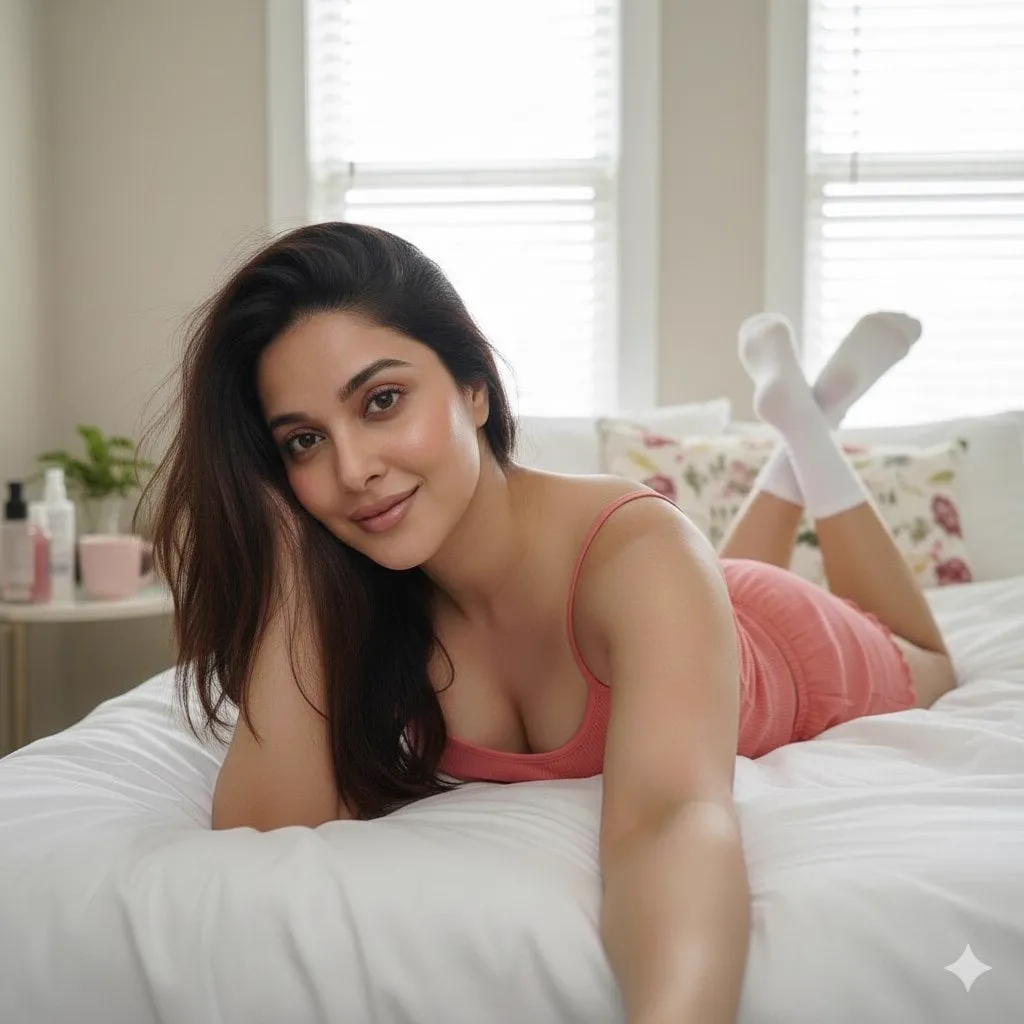
Text-to-video generation has moved from demo to daily driver. The tools that were producing wobbly five-second clips a couple of years ago now generate coherent scenes with real lighting, real motion, and real emotional weight. For creators, marketers, and small production teams, this is a genuine shift: a one-person studio can now storyboard, shoot, and deliver footage that once required a crew and a budget.
This guide covers the whole craft, not just the button to press. It explains how video generation actually works under the hood, why video prompts are different from image prompts, how to choose the right model for each job, how to keep characters and style consistent across shots, and how to run a complete project from script to finished video. Whether you are making a brand spot, a tutorial, or a short narrative, the workflow here will save you hours of failed generations.
What Text-to-Video Generation Can Do Today
The capabilities of current systems are broad enough to be genuinely useful in production. They generate footage from a text description, animate a still image, extend a clip, and in many cases combine reference images to keep characters and props consistent. Resolution and duration vary by model, but a realistic baseline is high-definition output of several seconds per generation, with longer coherent shots available from the strongest models.
The style range is wide. Photorealistic scenes, animated and stylized looks, cinematic color grades, and product-focused visuals are all reachable, provided you choose the model that matches the goal. The systems also understand camera language to a useful degree: terms like slow push-in, orbit, and handheld tracking produce visible, repeatable effects.
The limits are just as important as the capabilities. Hands and small text still break under pressure. Fast, complex motion can blur or morph. Long narratives require more than a single prompt, because the model has no memory of previous shots. And the quality of the output is directly tied to the quality of the input: vague prompts produce generic footage, while precise prompts produce footage that looks intentional.
How a Modern Video Generation Platform Works
Understanding the machinery helps you use it well. A serious video generation platform is not a single model; it is a system. The front end takes your prompt and your choices. The backend orchestrates the heavy work: it schedules the generation task, allocates GPU capacity, runs the model, stores the result, and makes it available in your library.
The orchestration layer matters more than most users realize. Generation tasks are computationally expensive, so platforms run them through a queue that balances load across GPUs. When the platform is busy, your task waits; when it is quiet, the same task starts instantly. This is why the same prompt can feel fast in the morning and slow at peak hours. For production work, plan around the queue: submit batches, do not sit and wait.
The data layer matters too. Platforms store your prompts, your generations, your reference images, and your project metadata in a structured way, which is what makes libraries, reuse, and consistency features possible. When you save a style reference or reuse an old prompt, you are working with that data layer, and keeping it organized is a real productivity habit, not bureaucracy.
Prompt Engineering for Video: What Changes
Image prompts describe a moment. Video prompts describe a change over time, and that changes the craft. The most important addition is motion: what moves, how it moves, and what stays still. A prompt that names the subject and the camera but not the action leaves the model to invent motion, and its invention may not serve the story.
Build video prompts in layers. The subject layer names who or what is on screen, with a fixed descriptor block for recurring characters. The action layer states what happens, in simple, physical language. The environment layer sets the place and the time. The camera layer controls movement and framing. The lighting and mood layer sets the grade and the feeling. Finally, a style block anchors the visual world, and you reuse it across every shot in a project.
Specificity is the lever. Instead of a dramatic scene, write a man in a grey suit stands at a rain-streaked window, city lights out of focus behind him, slow push-in, cold blue lighting, somber mood. The model turns the details into pixels, and the details are what make the shot feel directed rather than generated.
Choosing the Right Model for the Job
The model choice should follow the content, not the habit. For photorealistic product and lifestyle footage, models in the Flux and Runway families deliver the polish that makes objects look expensive. For narrative scenes that need coherent action over several seconds, the Sora and Kling families are known for stronger continuity. For stylized and anime work, PixVerse and Vidu are comfortable homes for vibrant palettes and expressive motion.
For speed and volume, the efficiency-first models such as Luma and Hailuo let you explore concepts quickly, and they are the right choice for hook testing and draft rounds. For batch production with predictable costs, the Wan and Hunyuan families offer open and cost-efficient paths, which matter when you are generating dozens of variations for the same brief.
Treat the lineup as a kit, not a ladder. The professional move is to draft on a fast model and commit on a premium one. The draft stage explores the concept space cheaply; the commit stage renders the approved idea at the quality the final asset needs.
Keeping Characters and Style Consistent
Consistency is where projects live or die. If the protagonist changes face between shots, the audience loses trust in the footage, and no amount of polish on the individual shots repairs it. The defenses are the same ones used in professional production, adapted for AI.
Write a character sheet: one paragraph of appearance and one of wardrobe, copied verbatim into every prompt that includes the character. Generate an approved reference still for the character and use image-to-video or fusion features to anchor every scene to it. Keep a project style block, a few fixed words describing the palette, the lighting, and the lens language, and append it to every prompt so the whole project shares one visual world.
When a scene still drifts, fix the reference rather than the prompt. If the character looks wrong, regenerate the reference still and fuse it again. If the grade shifts, re-render with the exact style block. The principle is simple: decide the look once, encode it, and let the system carry it.
From Script to Screen: A Step-by-Step Workflow
A reliable project workflow keeps the craft under control. Start with a one-sentence brief that names the audience, the message, and the desired feeling. Expand it into three to five story beats, one sentence each. Every beat becomes a shot, and every shot becomes a prompt assembled from your character sheets, style block, and camera language.
Generate the drafts on your fastest model and review them as a sequence. Judge the sequence, not the individual shots, because the story is the deliverable. Reject the beats that fail, note why, and re-render the survivors on the premium model for the final pass. Add captions, sound, and any grade in your editing tool, export in the platform's ratio, and archive the prompts and references that worked.
The workflow has one non-negotiable step: the storyboard. Skipping it feels faster and always costs more time, because you end up iterating on a weak idea instead of producing a strong one. The storyboard is where the creative decisions happen; the generation is just execution.
Advanced Controls: Camera, Motion, and Lighting
Once the basics are reliable, the camera is your main directing tool. Use push-ins for emphasis, pull-backs for context, and static frames for stillness. Keep the camera grammar consistent within a project, because mixed grammar reads as amateur even when each shot is beautiful.
Motion quality follows the same rules as real cinematography: describe weight and contact. A character running should feel their feet hitting the ground; a product rotating should feel physical. Models respond to physical language, and physical language is the difference between footage that moves and footage that moves convincingly.
Lighting is the fastest route to a cinematic look. Name the light source, the quality of the light, and the shadows. Soft key light with deep shadows creates a different mood than harsh overhead light with no shadows, and naming the difference is free. The style block is where the lighting lives, which is why it must be identical across the project.
Managing Time and Budget
Generation time and cost are real constraints, and the discipline is to spend them where they matter. Explore on the fast tier, commit on the premium tier, and never premium-render an idea that has not survived review. Set a retry budget per shot, and change the prompt instead of the seed when a generation fails, because a failing prompt rarely fixes itself.
Batch the work. Queue the whole storyboard at once, review in a single session, and iterate once. The queue changes the feel of production: instead of waiting on individual renders, you produce drafts overnight and review in the morning. For teams, the same discipline applies at a larger scale: batch, review, and re-render only the approved subset.
Aspect Ratios and Platform Formats
The same video serves different platforms poorly when you ignore format. A vertical story needs 9:16, a feed post works at 1:1, and a cinema-style narrative wants 16:9 or wider. Most generation platforms let you set the aspect ratio, and setting it at the prompt stage is much cheaper than cropping in the edit.
Design for the ratio before you generate. Vertical formats reward tall compositions: the subject fills the frame, the background reads in layers, and text has room at the top or bottom. Wide formats reward horizontal movement: the camera can track across a landscape, and the composition breathes side to side. Describe the composition in the prompt when the ratio demands it, because a vertical shot of a wide composition wastes most of the frame.
When one video must serve several platforms, generate at the primary ratio and produce the others deliberately. Do not auto-crop a wide hero into a vertical story without checking the composition; you will often cut off the subject's face. Either re-generate the key scenes at the target ratio, or export with safe margins that leave room for the crop.
Keep a format checklist in your project notes: the primary ratio, the safe zones for platform UI, the text placement rules, and the export settings. The checklist turns a recurring decision into a habit, and habits are what let a one-person studio ship across every platform without losing quality. The platforms change their rules often enough that the checklist should be reviewed every few months, not memorized forever.
Frequently Asked Questions
How long should my first prompt be? One to three sentences is a good range. Add detail where it matters and cut everything that does not affect the shot, because extra words dilute the ones that do.
Why do my hands and text look broken? Small, detailed structures are the known weak point of most video models. Keep text out of the scene when you can, and avoid close-ups on hands unless the model is strong at them.
Can I reuse the same character in a different project? Yes, if you keep the character sheet and reference stills. The approved stills from the first project are the strongest anchor for the second.
How much footage do I need for a one-minute video? With several seconds per generation, expect ten to twenty usable shots, and plan for a generation-to-usable ratio of two or three to one at first.
What is the fastest way to improve my results? Keep a prompt library and a reference library, log what works and what fails, and let the libraries drive the next project. The system compounds; isolated attempts do not.
