

From idea to moving image: what text-to-video can do today
The era of traditional video production, which depended on large crews, budgets, and time, is ending. In its place, generative AI has made it possible to describe a scene in text and watch it become a moving image in minutes. Text-to-video technology has moved from a curiosity to the heart of digital marketing, education, entertainment, and product communication.
The speed is the most obvious advantage. A concept that once required a shoot can now be prototyped in a single session. But speed is not the only benefit. Modern video models bring narrative understanding and photorealism that were unthinkable a few years ago. They can hold a scene together over time, follow a described sequence of events, and produce images with the quality of a professional shoot.
For creators, the practical question is no longer whether AI video is viable. It is how to use it well: when to start from text, when to start from images, how to keep characters consistent, how to add sound, and how to build a workflow that produces reliable results.
The practical consequence for creators is a steep learning curve followed by rapid compounding. The first projects teach the fundamentals: prompting, references, iteration, and editing. From the tenth project onward, the same skills produce better results in less time, because the playbook, the references, and the library of tested settings are already built.
Text-to-video vs image-to-video: which to use when
Text-to-video and image-to-video are two sides of the same capability, and each is better suited to different situations.
Text-to-video starts from nothing but a description. It is the fastest way to explore ideas: describe a scene, a mood, a camera move, and the model builds the images from scratch. Use it when you have a strong concept and no visual assets, when you want to test many variations quickly, or when the scene does not need to match an existing look.
The distinction matters for budgeting your time. Text-only exploration is cheap and fast, perfect for generating twenty ideas in an afternoon. Image-anchored production is slower but far more predictable, which is exactly what you want when the deadline is real and the look is locked. Allocate your time by predictability: explore cheaply, commit expensively.
Image-to-video starts from a picture and animates it. The model takes your image as the first frame, or as a style reference, and generates motion around it. Use it when you already have a character, a product shot, or a specific composition that must stay intact. Image-to-video is the foundation of consistency work: because the starting image is fixed, the result is much more predictable.
The professional workflow uses both. Start with text to explore and settle the concept, then switch to image references to lock the look, then use image-to-video to produce the final scenes. Knowing which mode to use at each stage saves hours.
The model landscape in plain terms
The video AI ecosystem can be understood in three tiers, and most creators need tools from more than one.
Photorealistic generalists
Models in this tier, like the Sora series, Runway, and Kling, aim for realism and physical plausibility. They handle complex prompts, natural movement, and long coherent scenes. Use them for hero content: product launches, cinematic brand pieces, anything where the visual quality is the message.
Style specialists
Some models specialize in particular looks: animation, painting, pixel art, specific aesthetics. They are often less flexible but dramatically better within their specialty. If your brand has a defined visual style, a specialist model will serve it better than a generalist.
Efficient everyday models
The third tier optimizes for speed and cost. The quality is good but not flagship; the generation is fast and cheap. Use these for volume content, testing, social posts, and internal iterations. A healthy stack pairs one generalist for hero work with one or two efficient models for the rest.
The tiers are not quality rankings; they are fit rankings. A style specialist can produce a better result for your specific aesthetic than a generalist with more raw capability, and an efficient model is the right choice for content that will be watched for seconds on a phone screen. Match the tier to the job, and the sum of your work will be better than any single model alone.
Setting up for success: prompts and reference images
The quality of the output is determined upstream: by the prompt, the references, and the settings. Learn to write prompts that describe the scene in concrete terms: subject, action, environment, lighting, camera angle, and mood. Avoid vague adjectives and contradictory instructions. A prompt that reads like a storyboard is worth more than a prompt that reads like a wish.
Reference images multiply the reliability of generation. If you want a specific character, product, or environment to appear in the video, provide a reference image and let the model copy from it. This is especially important for brands: the product in the video should look exactly like the product in the catalog.
Set your expectations about iteration. The first generation is rarely the final one. Plan for two or three passes: a first pass to see the direction, a second to refine, and a final pass for the details that matter.
Keeping characters consistent across scenes
Character consistency is the difference between a series and a pile of clips. If the same character appears in multiple scenes, the audience must be able to recognize them instantly.
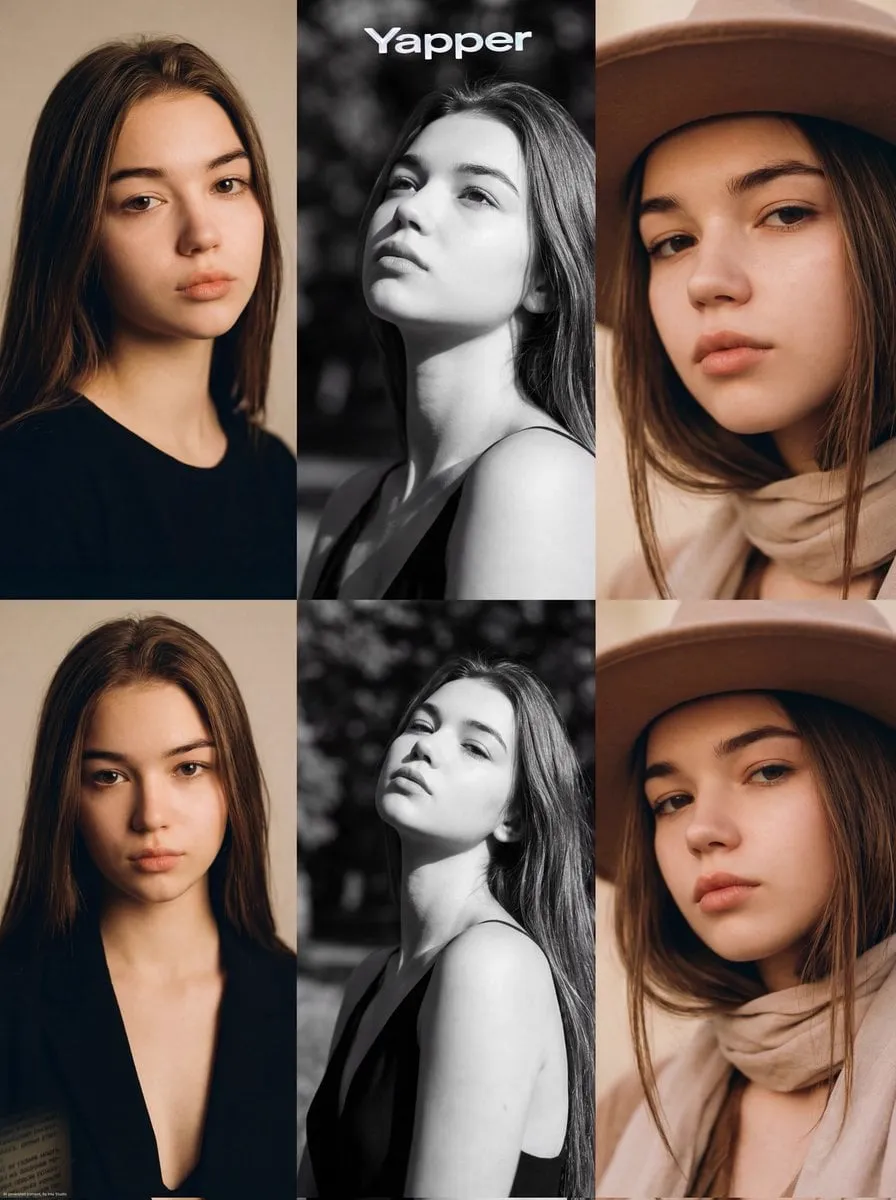
The reliable method is multi-image reference: provide several images of the character from different angles and with different expressions, and use those same references for every scene. Define the character once, in a written sheet plus reference images, and do not change the references mid-project.
Check each scene against the character sheet, not just against the previous scene. Drift is cumulative: small changes in the nose, the hair, or the clothing add up over a series. Keep an approved gallery and compare new generations against it. Consistency is a discipline, not a feature of any single model.
Consistency also applies to the environment. If the same location appears in multiple scenes, the location must look the same: same architecture, same lighting, same palette. Treat every persistent element, character, product, place, as an asset with its own reference set, and the whole project will hold together.
Adding sound: voice and music that match the picture
A video without sound is half a story. Modern tools let you synthesize a voiceover from your script and generate music that matches the mood and duration of the scene. The voice should fit the character and remain the same across the series. The music should follow the structure: build with the story, drop at the key moment, and never overpower the voice.
Subtitles are non-negotiable. Most social video is watched without audio, and accurate subtitles are the difference between being understood and being skipped. They also reinforce the words when the sound is on, which helps retention.
A practical end-to-end workflow
Here is a workflow that works for a single video or a whole series.
Step 1: concept and script
Write the concept as a short script or storyboard: what happens, in what order, with what mood. Keep it to the essential beats. The script is the plan for everything that follows.
Step 2: visual references
Create or gather the visual assets you need: character sheets, product shots, environment references. If the project has a defined style, collect examples of that style. Lock the references before generating.
Step 3: generation passes
Generate a first pass from text to establish the direction. Review, adjust, and generate a second pass using image references for the elements that must be consistent. Reserve the final pass for fixes: specific frames, motion details, and anything the audience will notice.
A common refinement is to separate the creative pass from the technical pass. In the creative pass, you evaluate direction, mood, and story, ignoring small glitches. In the technical pass, you fix the glitches: motion artifacts, wrong details, inconsistent elements. Mixing the two passes leads to either accepting technical flaws or killing good ideas over minor details.
Step 4: edit, sound, and export
Assemble the clips in your editor, add the voiceover, music, effects, and subtitles, and export with consistent settings. Keep the same export profile, resolution, and audio levels for every piece of the series so the catalog feels uniform.
Handling common failures
Generation fails are normal; the skill is in fixing them fast. If the characters change between scenes, strengthen the reference weight and check your reference set. If the motion looks unnatural, simplify the action or use a model with better physics. If the style drifts, lock your style parameters and stop changing them between runs. If the text on screen is garbled, remember that most models still struggle with typography, so plan for clean, simple text or add it in editing.
Keep a log of what worked: the prompts, references, and settings that produced good results become your personal playbook. Over time, the log replaces trial and error with a repeatable process.
One more failure mode deserves attention: scope creep. Because generation is fast, it is tempting to keep adding shots and scenes. Finished beats perfect, and a tight video that ships beats an ambitious one that never does. Define the scope at the start, protect it during production, and let the next video carry the ideas you cut.
The creative director's mindset
The technology handles generation; you handle judgment. The creators who produce great work with AI video share a mindset that has little to do with the tools.
First, they think in shots, not prompts. Before generating, they know what each shot must communicate: the establishing shot, the close-up, the action beat, the reaction. The prompt is a means of expressing a shot, not the creative act itself. Second, they edit ruthlessly. Generating is cheap, so they generate many options and keep only the best, which means the finished piece is a selection, not a single lucky output. Third, they protect the story. Every technical decision, model choice, style setting, and audio track, is made in service of the narrative, and anything that distracts from it is removed.
This mindset is what separates content that shows off the technology from content that uses the technology. The audience does not care how the video was made; they care how it makes them feel. Direct every decision toward that feeling, and the tools become invisible.
FAQ
Do I need to learn prompting before starting? A basic understanding helps, but the fastest way to learn is to generate, review, and iterate on real projects. Your first videos will be rough; the tenth will not be.
How long does a text-to-video clip take? From seconds to minutes for short clips, depending on the model and the platform. Complex, high-resolution generations take longer.
Can I use my own images as starting points? Yes, and you should. Image references are the most reliable way to control what appears in the video.
What hardware do I need? Most creators use cloud platforms and need nothing beyond a browser. Running local models is possible but requires a powerful GPU.
Is AI video good enough for professional use? Yes, for a growing range of use cases. The professional skill is knowing which projects suit the current tools and which still need traditional production.
Can text-to-video replace traditional production entirely? Not yet, and not for everything. Live action, real products, and genuine human performances still require traditional methods. The smart approach is hybrid: use AI where it excels and traditional production where it is necessary.
The path from text to video is no longer the preserve of studios. Any creator can describe an idea and watch it move. The tools will keep improving, but the skills that matter are durable: clear concepts, disciplined references, consistent quality, and sound that completes the image. Master those, and the technology becomes what it should be: a way to turn imagination into something the audience can see.
