
Domer AI News & Updates
What’s New at Domer AI
Stay inspired with the latest creative trends, AI breakthroughs, and events from our global community.
Video Transcription API Workflows for Global Content Teams
Learn how video transcription APIs automate captions, multilingual publishing, search, and accessibility across global content workflows.
Mastering Video Transition Contacts for Seamless AI Edits
Learn how to design seamless video transition contacts across AI-generated clips, fix motion and color jumps, and build a repeatable editing workflow.
AI Video Workflow for High-Standard Educational Content
Build a reliable AI video workflow for educational content: plan, generate, review, caption, and publish polished lessons at scale.
Building an AI Video Generation Pipeline in NestJS Backends
Design a resilient NestJS backend for AI video generation: async queues, provider adapters, storage lineage, GPU workers, observability, and failure recovery.
Keyframe Consistency Workflows for AI Video Production
Build a repeatable AI video workflow with reference keyframes, image editing passes, and QC checks that keep characters and scenes visually consistent.
Synthesia Video Workflow: A Practical Optimization Guide
Learn how to plan, produce, and scale AI avatar videos with a repeatable workflow, from scripts and assets to review, localization, and QA.
AI Avatar Video Platforms: A Practical Workflow Guide
Learn how to evaluate AI avatar video platforms, write natural scripts, localize training content, and run a reliable review workflow.
Building a Smooth AI Video Workflow in Microsoft 365
Learn how to connect AI video creation, SharePoint metadata, Teams distribution, and secure cloud content management into one reliable production workflow.
Building a Resilient AI Video Job Pipeline in NestJS
Design a reliable NestJS backend for long-running AI video jobs: module boundaries, queues, storage, webhooks, state machines, and cost guards.
Copy Video Effects Between Clips in Premiere Pro Efficiently
Learn how to copy video effects between clips in Premiere Pro, build reusable presets, batch-apply looks, and troubleshoot attribute conflicts fast.
Cloud Video Post-Production Workflows on Google Cloud
Build a scalable cloud video post-production workflow on Google Cloud: storage tiers, batch rendering, AI-assisted editing, QC, and delivery.
A Practical Guide to AI Cell Biology Video Workflows
Learn how to build reliable AI video workflows for cell biology education, from transcription and translation to dubbing, review, and accessible publishing.
Text Effects in Legacy Video Editors: What Still Works
A practical guide to text effects in legacy video editors, what still works, and how to build modern AI-assisted typography workflows with control.
Platform-Specific Video Automation: A Creator's Workflow Guide
Learn how to automate aspect ratios, safe zones, captions, loudness, and metadata for every social platform, plus QA checks, tool criteria, and fixes.
After Effects Thumbnail Embedding for Smoother Video Packaging
Learn how to embed thumbnails in After Effects, automate packaging, keep metadata consistent, and build a repeatable review workflow for video.
Scale Video Transitions with Automated Editing Workflows
Learn how to scale video transitions with automated editing workflows: template systems, semantic pacing, tool comparisons, and QA checks.
Custom Video Transitions: Effects, Timing, and Workflow
Learn how to design custom video transitions, tune timing and color, mask AI artifacts, and build a repeatable editing workflow that feels intentional.
Debug AI Video Workflows With Transcript-Level Logs
Learn how to capture, read, and act on AI video transcripts so you can debug prompts, preserve scene consistency, and ship reliable creative workflows.
How to Keep Cartoon Video Effects Consistent Across Scenes
Learn a repeatable workflow for applying cartoon stylization across an entire video project, from style bibles and shot planning to QA and batch rendering.
Premiere Pro Dissolve Presets: A Faster Editing Workflow
Build reusable dissolve presets in Premiere Pro, organize them for fast edits, and troubleshoot timing, curves, and render issues.
From Transcript to Final Cut: A Unified AI Video Workflow
Learn a practical AI video workflow that moves from clean transcripts and story structure to visual generation, sound design, and a polished final cut.
Creating Cool Video Effects in Blender Without Extra Software
Learn a practical Blender workflow for cool video effects without external software, from planning and compositing to motion tracking and rendering.
From AI Script to Storyboard: A Film Pre-Production Workflow
Learn how to turn an AI-generated film script into a clear visual storyboard, with shot lists, character consistency, scene continuity, and review workflows.
A Practical Guide to Turning AI Scripts into Storyboards
Learn how to convert AI-generated scripts into clear visual storyboards with shot lists, character consistency, frame control, and review workflows.
Building a Reliable AI Video Workflow from Script to Screen
A practical guide to planning, generating, and editing AI video with consistent characters, reusable assets, and a review process that scales.
Isolate Visual Edits: Removing Audio in AI Video Workflows
Learn how to strip audio from AI-generated video safely, preserve visual quality, organize assets, and build repeatable post-production workflows.
Video Match Caching for Faster, More Consistent AI Workflows
Learn how video match caching speeds up AI video pipelines, improves character consistency, and reduces redundant GPU work with practical workflow tips.
AI Video Editing Workflow for Influencers: A Practical Guide
Learn how creators combine mobile editing, desktop timelines, and AI generation into a repeatable video workflow that protects quality and speeds up output.
High-End Corporate Film Workflows With AI Assistance
Learn how to build a polished corporate film workflow with AI: previsualization, character consistency, shot planning, review, and delivery.
How AI Workflows Accelerate Corporate Video Production
Learn how to plan, generate, edit, and govern corporate video with AI workflows. Practical steps for faster production without losing brand quality.
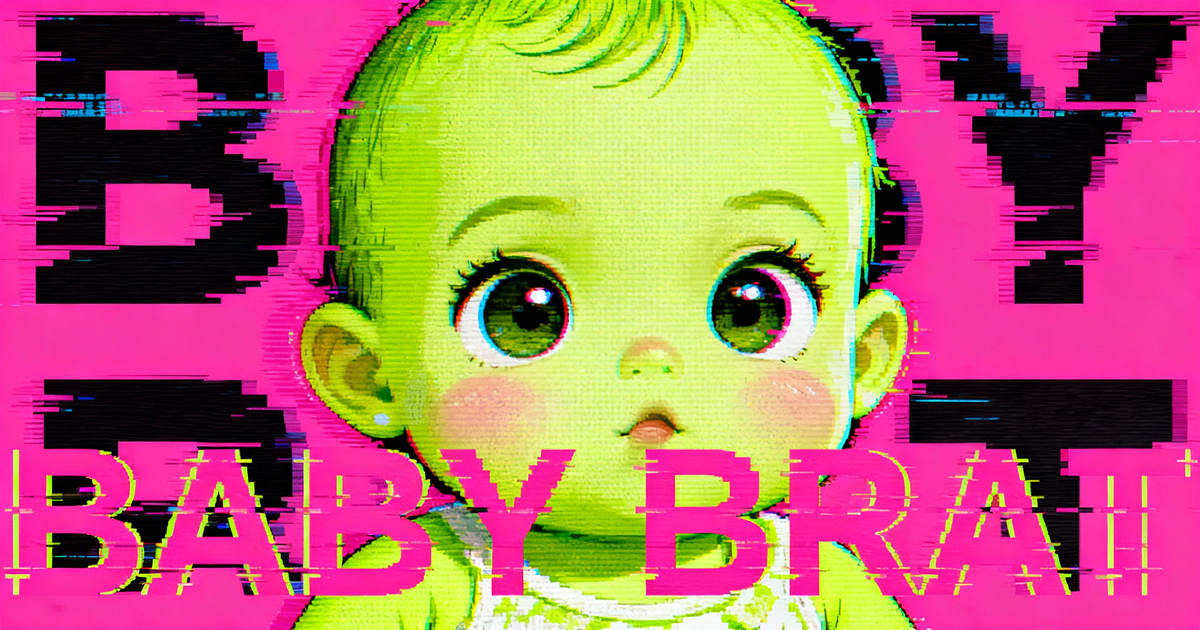
Baby Brat Meme Generator: How to Create Cursed-Cute AI Images
Complete guide to creating Baby Brat memes—the cursed-cute trend combining baby filters with brat aesthetics. Get the best AI prompts, tools, and tips for viral-worthy images.
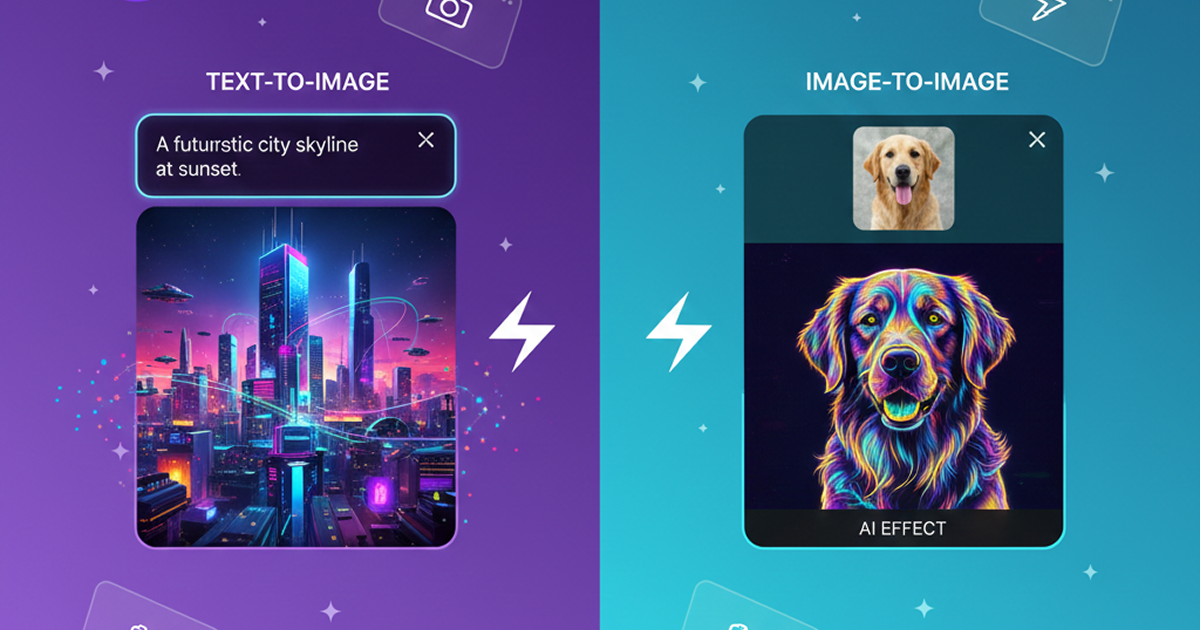
Domer: Free AI Image Generator - Complete Features & Guide
Everything you need to know about Domer AI—a fast, free image generator for creating memes, art, and transformations. Get 10 free credits to start.
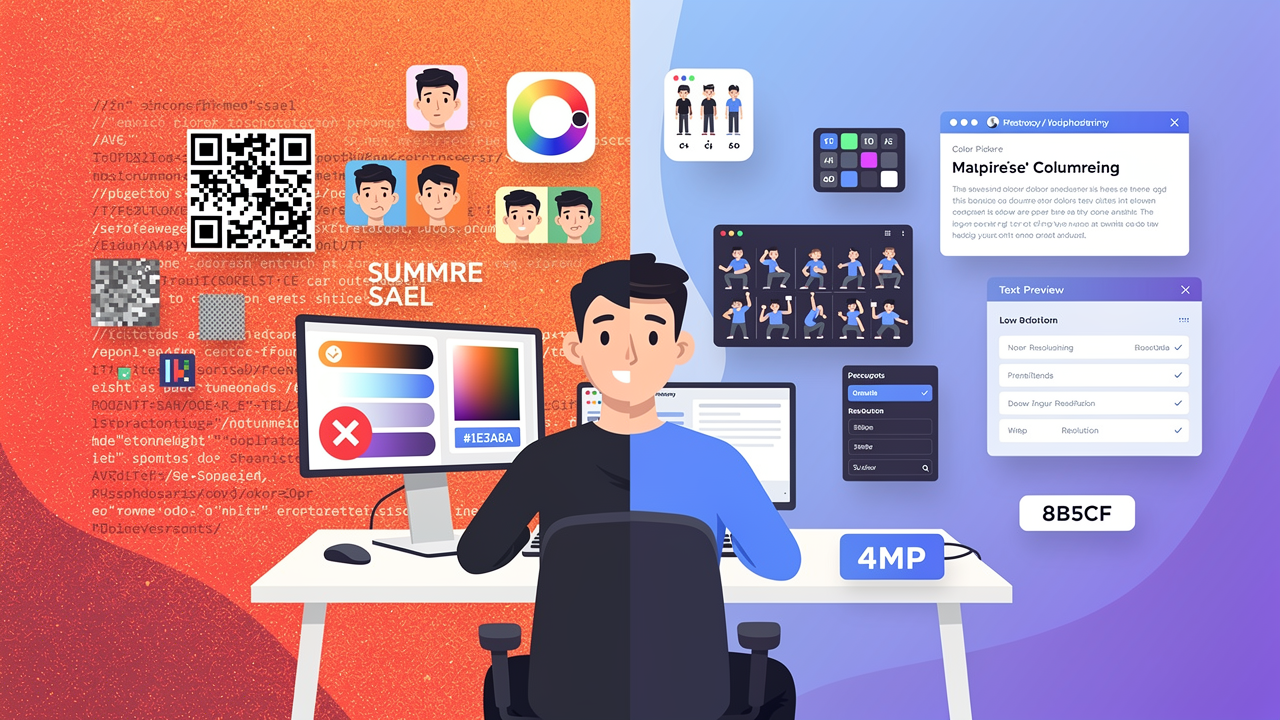
FLUX.2: The End of Five Designer Nightmares
FLUX.2 solves the problems that made AI image tools frustrating—exact colors, consistent characters, readable text, print quality, and efficient workflows. Here's what actually changed.
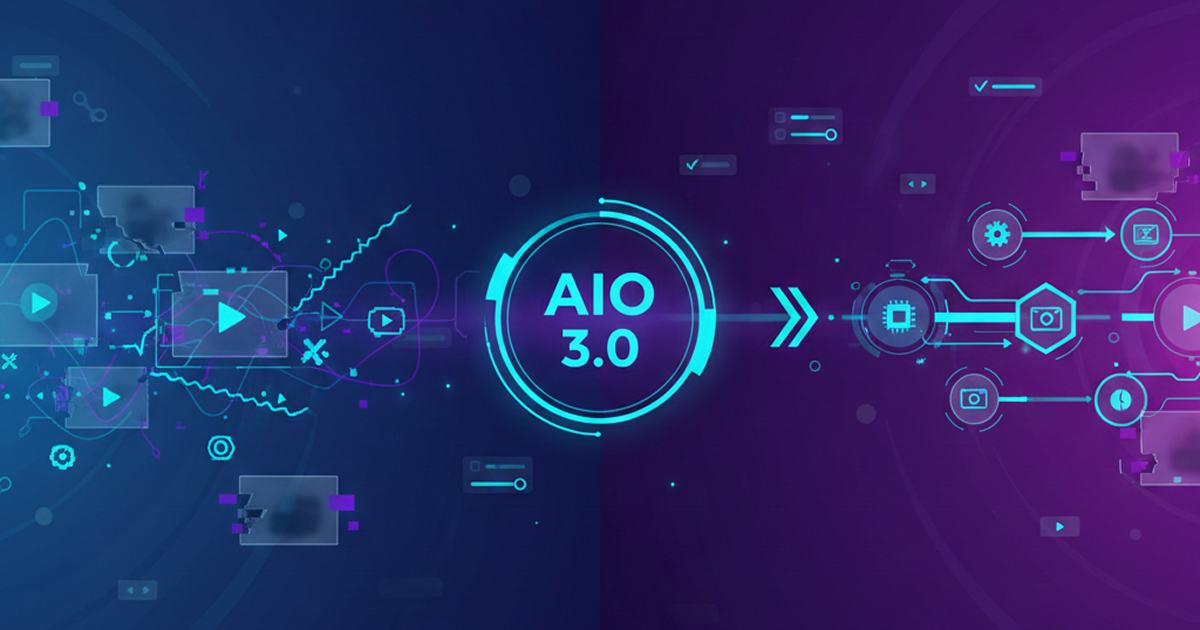
From Kling 2.6 to 3.0: How One AI Video Platform Is Rethinking the Entire Workflow
While competitors race for longer videos and higher resolution, Kling is betting on something different with its AIO model—and it might just work. A deep dive into Kling 3.0's unified approach.
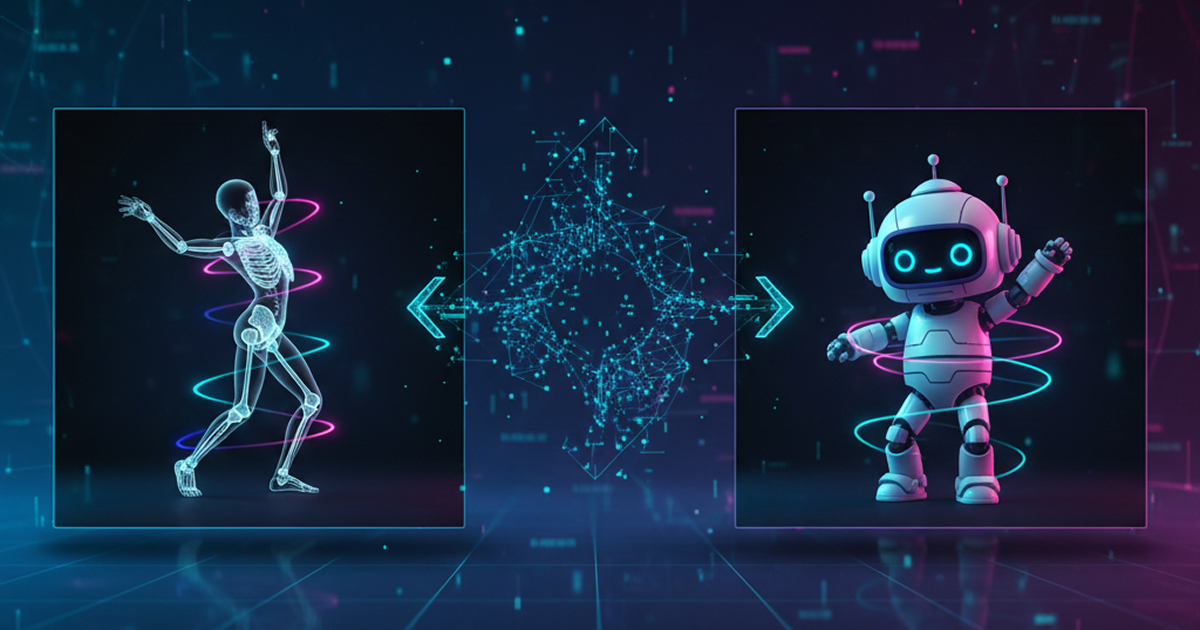
Kling Motion Control: Transfer Motion from Video to Image with AI
Learn how Kling Motion Control works - upload a reference video and static image to create videos with transferred motion. Complete guide with examples and tips.
Orelon — AI Video Generator for Cinematic Video Creation
Create cinematic videos from text or images with Orelon. Compare 23 video models, apply effects, and direct camera motion in one workspace — no installs.
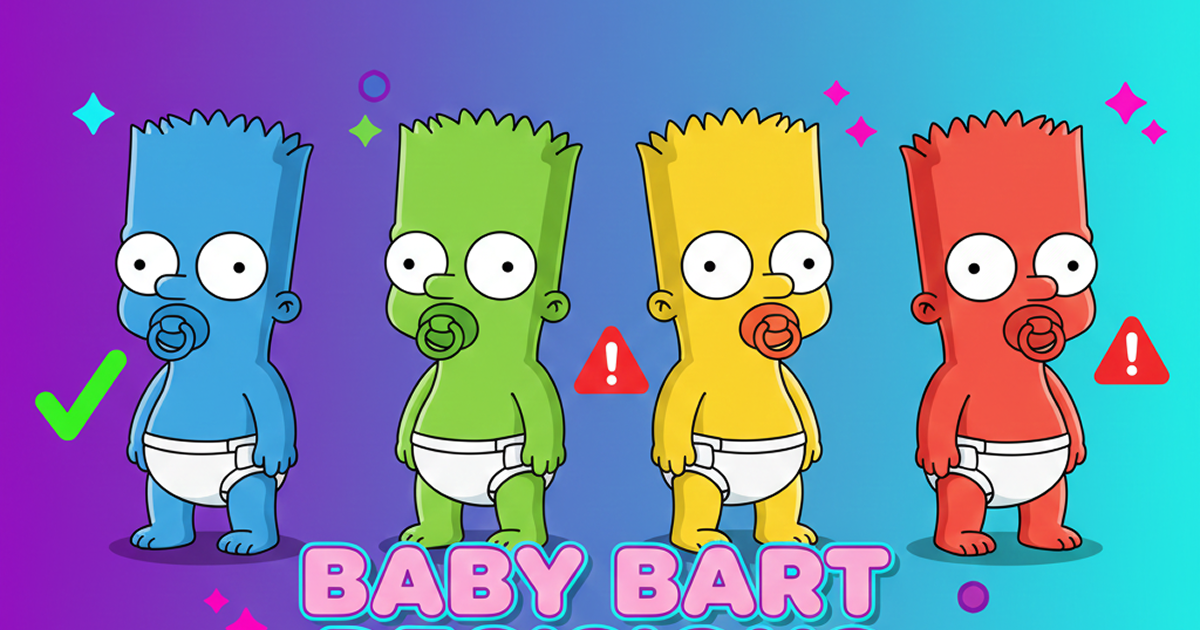
What Is Domer Meme? The Baby Bart Simpson Phenomenon Explained
A deep dive into the Domer meme that took over TikTok in late 2025. Learn what 'Domer' means, why it went viral, and how to create your own Domer-style images with AI.
Frequently Asked Questions
Everything you need to know about the Domer AI blog and platform.
Start Creating with Domer AI Today
Generate professional videos and images in seconds with AI. No credit card required to start.