
Domer AI News & Updates
What’s New at Domer AI
Stay inspired with the latest creative trends, AI breakthroughs, and events from our global community.
AI Video Storytelling Workflow: A Practical Research Guide
Learn a repeatable AI video storytelling workflow, from research questions and shot planning to model selection, consistency checks, and review.
How to Track AI Video Performance Without Vanity Metrics
Build a practical analytics workflow for AI-generated video: retention, completion, shares, sentiment, attribution, dashboards, and testing.
Black Screen Video Effects: Using Contrast as a Style Tool
Learn how to use black screen video effects and deliberate blackouts in AI video generation to control pacing, build tension, and direct audience attention.
Advanced Prompt Engineering for Realistic AI Video Workflows
Build a repeatable AI video workflow with advanced prompt engineering, character consistency, camera control, and QC checks for realistic results.
How to Remove Video Sound in After Effects: Clean Audio Workflow
Learn a reliable After Effects workflow for removing audio from video, cleaning artifacts, restoring sync, and exporting silent masters ready for any edit.
Mobile Photo-to-Video Transition Apps: A Practical Guide
Learn how to evaluate mobile photo-to-video transition apps: effect quality, AI cut detection, rendering speed, and workflow tips for fast, clean edits.
Audio and Video Track Integration for AI Post-Production
Learn how to integrate audio and video tracks in an AI post-production workflow, from timeline structure and sync to AI-assisted sound design and delivery.
Live Video vs AI-Edited Clips: A Responsible Workflow Guide
Learn when live streaming beats polished AI-assisted video, how to build a hybrid production workflow, and how to review risky clips before publishing.
DSLR Video Workflow: Faster AI Post-Production Guide
Learn a practical DSLR video workflow using AI for ingest, scene logging, rough cuts, color, audio cleanup, VFX, and delivery while keeping creative control.
Corporate Video Efficiency: Building Lean AI Workflows
Learn how to design lean AI video workflows for corporate teams, cut production waste, improve consistency, and scale output without losing brand quality.
Game Developer to Software Engineer: Skills That Transfer
A practical guide for game developers moving into software engineering, covering transferable skills, portfolio projects, interviews, and common pitfalls.
How AI Workflows Cut Corporate Video Production Costs
Learn how AI-assisted scripting, storyboarding, generation, editing, and review workflows reduce corporate video production costs without sacrificing quality.
How to Resize Video in After Effects Without Losing Quality
Learn practical After Effects workflows for scaling compositions, swapping aspect ratios, and keeping footage sharp across every delivery format.
3ds Max to AI Video: A Photorealistic Asset Workflow
Turn 3ds Max scenes into clean, photorealistic AI video inputs with practical steps for geometry, materials, cameras, export, and prompt design.
YouTube Transcript Retrieval: A Creator Workflow Guide
Build a reliable YouTube transcript workflow: accurate retrieval, cleanup passes, structured storage, repurposing, automation, and quality checks that scale.
How to Fix Audio Out of Sync During Video Transitions
Learn how to diagnose and fix audio out of sync during video transitions, from frame-rate mismatches to export latency and AI-generated clips.
Cinematic Transition Trails: Emulating Movie Effects in AI Edits
Learn how to recreate cinematic transition trails with AI video tools: match cuts, whip pans, motion blur, and style-consistent editing workflows.
Photorealistic Character Skin: A Complete PBR Workflow Guide
Build believable digital human skin with a practical PBR workflow covering sub-dermal scattering, micro-detail, lighting tests, and AI video handoff.
Automated Video Workflow: From Transcript to Final Cut
Build a reliable AI-assisted video pipeline that converts transcripts into structured scenes, consistent visuals, automated assembly, and polished final edits.
Automated Video Transcription for Compliance and SEO
Build a reliable video-to-text workflow that improves accessibility, search visibility, caption quality, and review speed without adding operational chaos.
Data Storytelling for AI Video: Turn Metrics Into Narrative
Learn a practical workflow for turning datasets into compelling AI video stories, from narrative framing and visuals to voiceover, pacing, and review.
Designing an AI Film Curriculum That Teaches Real Workflow
Build an AI film curriculum around real production decisions: module maps, shot design, continuity control, assessment, tool choices, and common mistakes to avoid.
Cinematic Drone Post-Production with AI: A Practical Workflow
Learn a repeatable AI-assisted workflow for cinematic drone post-production, from stabilization and relighting to compositing, sound, and delivery.
Lesson Transcripts for Organizational Communication Video
Build a reliable workflow for generating, checking, and publishing transcripts for organizational communication lessons and training videos.
GDPR-Safe AI Video Production: A Practical Workflow Guide
Learn how to build a GDPR-aware AI video workflow, from consent and data minimization to vendor reviews, retention, and incident response.
Modular AI Video Backend Architecture with NestJS and Supabase
Design a modular AI video backend with NestJS and Supabase: schema, task queues, provider adapters, character consistency, and failure testing.
Multi-Agent AI Video Production Workflow: A Practical Guide
Learn how to design a reliable multi-agent AI video production workflow, from task routing and state management to consistency, QA, and cost control.
Future-Proofing AI Video Workflows Without Vendor Lock-In
Build a durable AI video workflow with interchangeable tools, clear quality gates, reusable assets, and practical safeguards against vendor lock-in.
Short-Form Video Strategy for Evolving Platform Algorithms
Build a durable short-form video workflow that earns algorithmic reach: cohesive characters, smarter hooks, AI-assisted production, and testing.
Fast-Turnaround Football Highlights: AI Video Workflow Guide
Build a reliable fast-turnaround highlights workflow for football coverage, from live logging and clip selection to AI editing, audio, QA, and publishing.
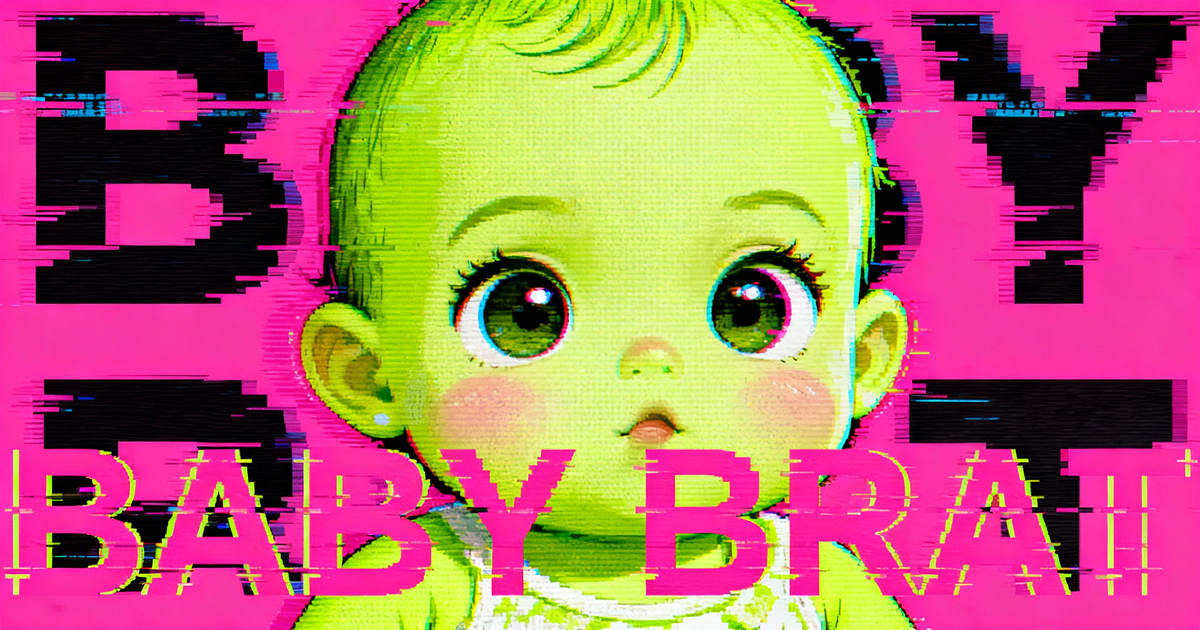
Baby Brat Meme Generator: How to Create Cursed-Cute AI Images
Complete guide to creating Baby Brat memes—the cursed-cute trend combining baby filters with brat aesthetics. Get the best AI prompts, tools, and tips for viral-worthy images.
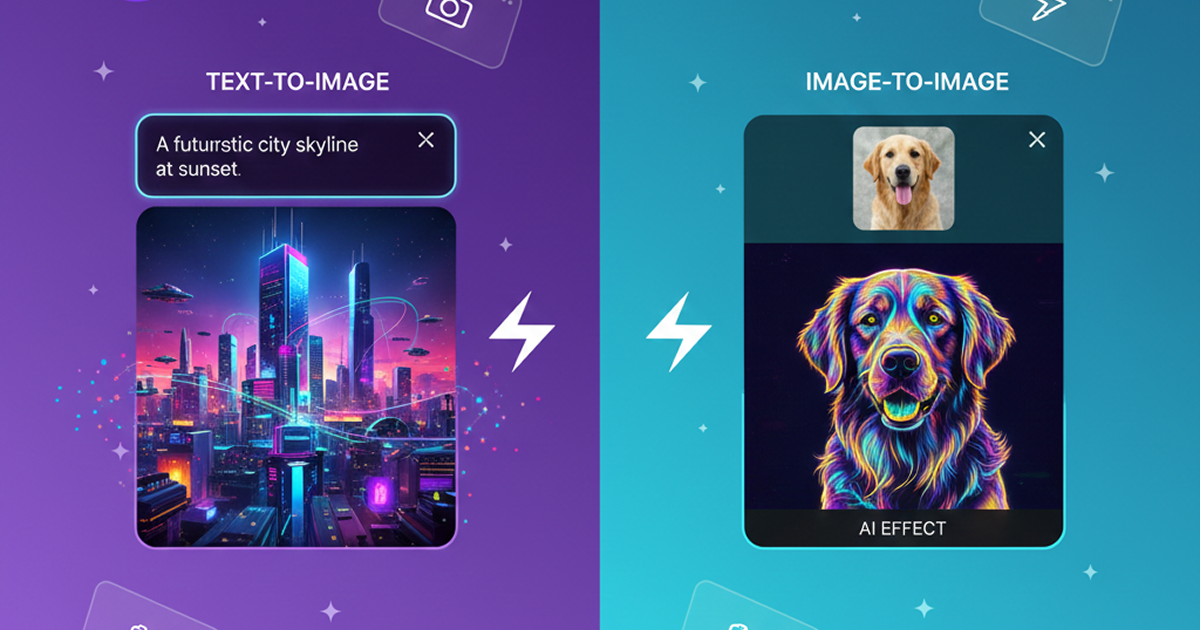
Domer: Free AI Image Generator - Complete Features & Guide
Everything you need to know about Domer AI—a fast, free image generator for creating memes, art, and transformations. Get 10 free credits to start.
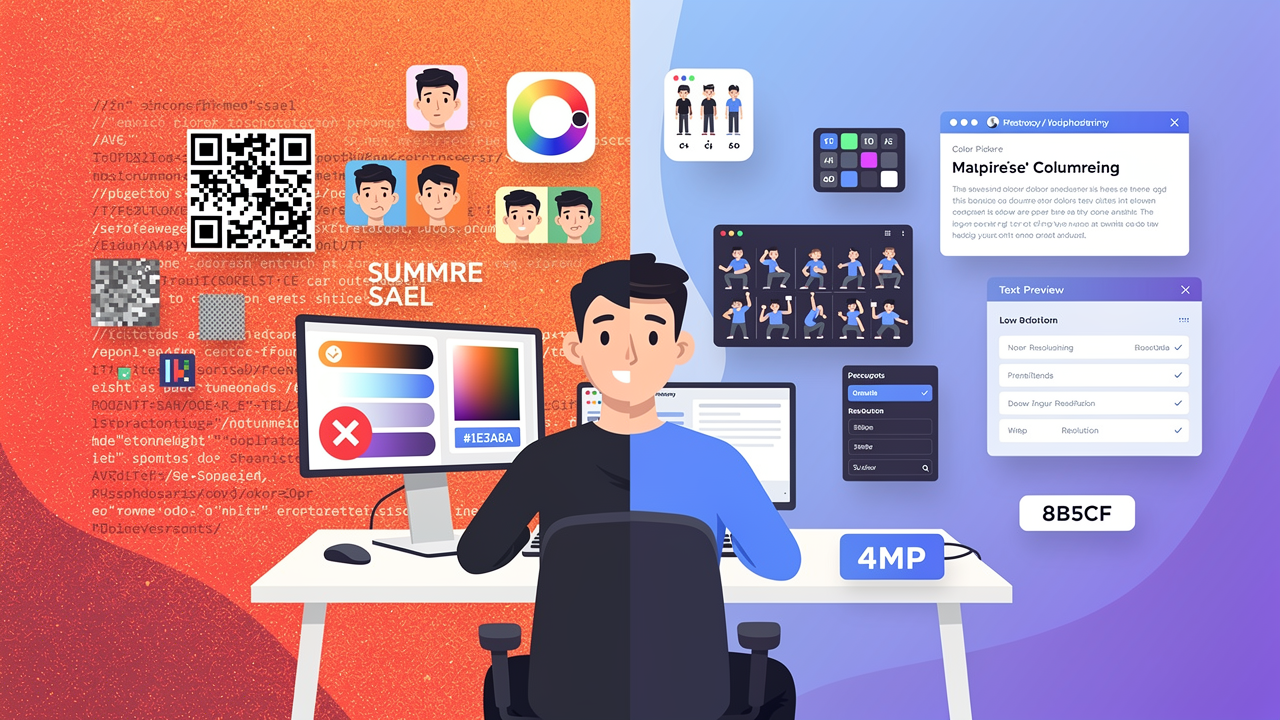
FLUX.2: The End of Five Designer Nightmares
FLUX.2 solves the problems that made AI image tools frustrating—exact colors, consistent characters, readable text, print quality, and efficient workflows. Here's what actually changed.
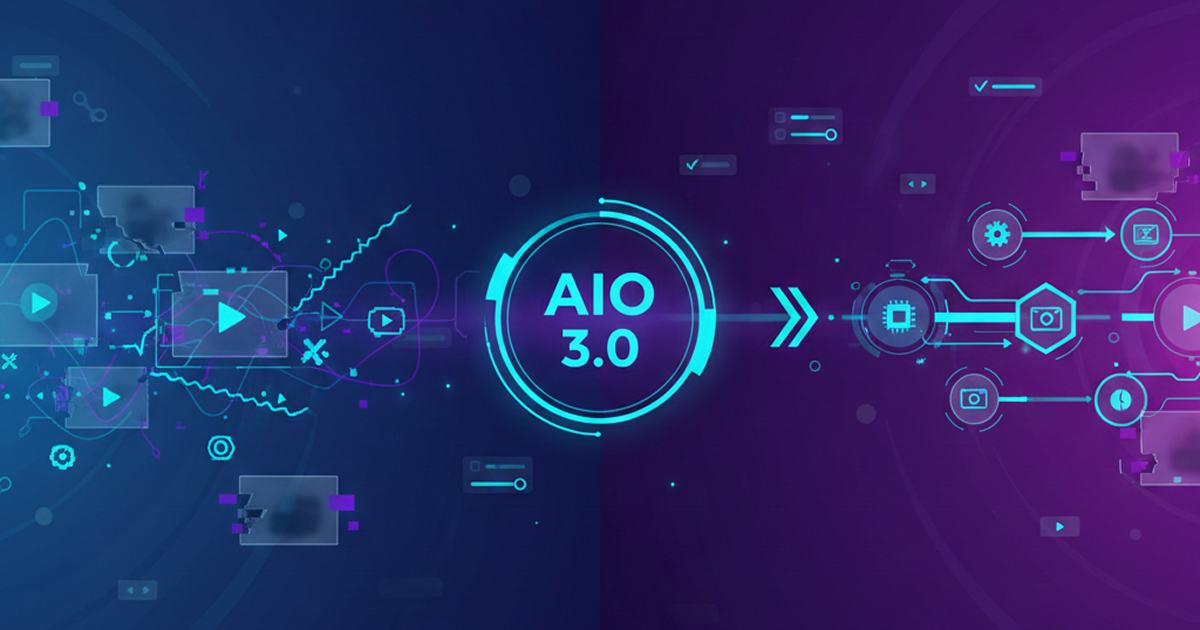
From Kling 2.6 to 3.0: How One AI Video Platform Is Rethinking the Entire Workflow
While competitors race for longer videos and higher resolution, Kling is betting on something different with its AIO model—and it might just work. A deep dive into Kling 3.0's unified approach.
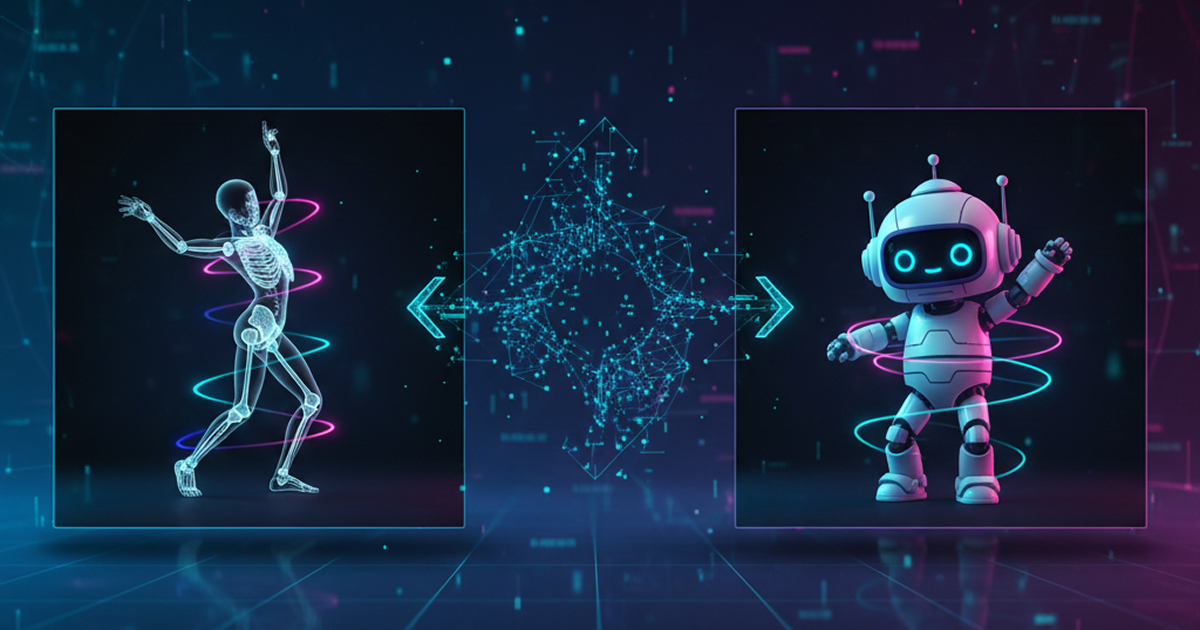
Kling Motion Control: Transfer Motion from Video to Image with AI
Learn how Kling Motion Control works - upload a reference video and static image to create videos with transferred motion. Complete guide with examples and tips.
Orelon — AI Video Generator for Cinematic Video Creation
Create cinematic videos from text or images with Orelon. Compare 23 video models, apply effects, and direct camera motion in one workspace — no installs.
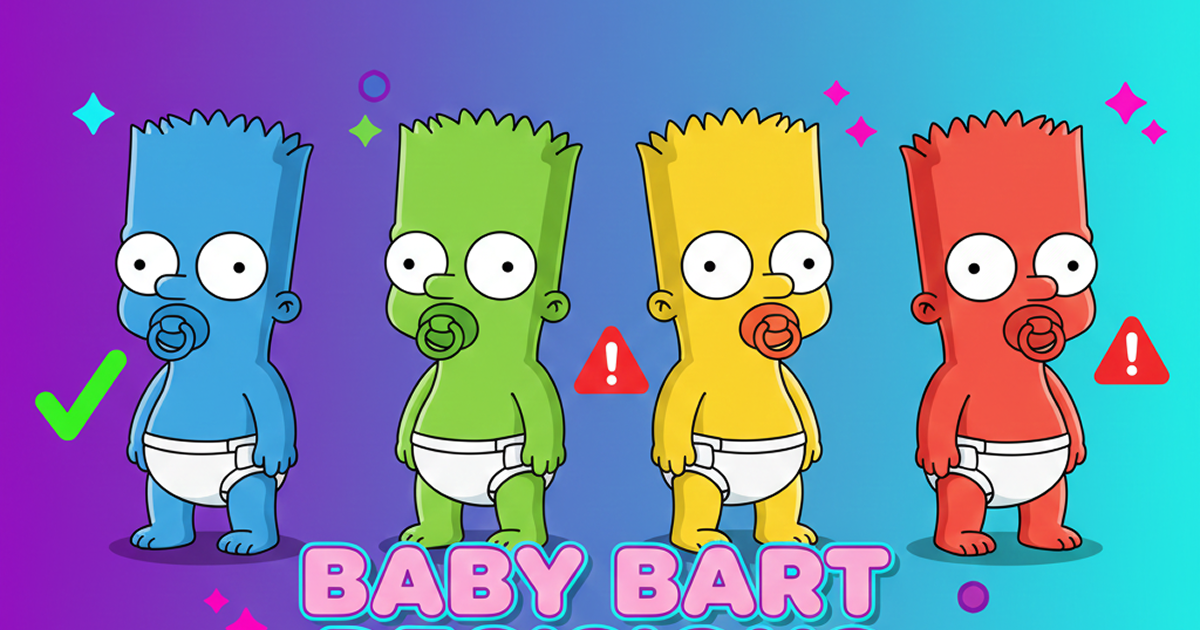
What Is Domer Meme? The Baby Bart Simpson Phenomenon Explained
A deep dive into the Domer meme that took over TikTok in late 2025. Learn what 'Domer' means, why it went viral, and how to create your own Domer-style images with AI.
Frequently Asked Questions
Everything you need to know about the Domer AI blog and platform.
Start Creating with Domer AI Today
Generate professional videos and images in seconds with AI. No credit card required to start.