
Domer AI News & Updates
What’s New at Domer AI
Stay inspired with the latest creative trends, AI breakthroughs, and events from our global community.
From Transcript to Final Cut: A Unified AI Video Workflow
Learn a practical AI video workflow that moves from clean transcripts and story structure to visual generation, sound design, and a polished final cut.
Creating Cool Video Effects in Blender Without Extra Software
Learn a practical Blender workflow for cool video effects without external software, from planning and compositing to motion tracking and rendering.
From AI Script to Storyboard: A Film Pre-Production Workflow
Learn how to turn an AI-generated film script into a clear visual storyboard, with shot lists, character consistency, scene continuity, and review workflows.
A Practical Guide to Turning AI Scripts into Storyboards
Learn how to convert AI-generated scripts into clear visual storyboards with shot lists, character consistency, frame control, and review workflows.
Building a Reliable AI Video Workflow from Script to Screen
A practical guide to planning, generating, and editing AI video with consistent characters, reusable assets, and a review process that scales.
Isolate Visual Edits: Removing Audio in AI Video Workflows
Learn how to strip audio from AI-generated video safely, preserve visual quality, organize assets, and build repeatable post-production workflows.
Video Match Caching for Faster, More Consistent AI Workflows
Learn how video match caching speeds up AI video pipelines, improves character consistency, and reduces redundant GPU work with practical workflow tips.
AI Video Editing Workflow for Influencers: A Practical Guide
Learn how creators combine mobile editing, desktop timelines, and AI generation into a repeatable video workflow that protects quality and speeds up output.
High-End Corporate Film Workflows With AI Assistance
Learn how to build a polished corporate film workflow with AI: previsualization, character consistency, shot planning, review, and delivery.
How AI Workflows Accelerate Corporate Video Production
Learn how to plan, generate, edit, and govern corporate video with AI workflows. Practical steps for faster production without losing brand quality.
AI Video Captions: A Practical Workflow for Instant Transcription
Learn how to build a reliable AI caption workflow, from transcription and timing to accessibility, multilingual review, and publishing.
Build a Multi-Agent AI Video Workflow: Planner to Final Render
Learn how to design a reliable multi-agent AI video pipeline, from planning and shot generation to continuity checks, audio, and final rendering.
Import Video Footage Into After Effects: A Faster Workflow
Learn a repeatable After Effects workflow for importing footage, matching frame rates, organizing bins, and building clean compositions without slowdowns.
Integrating Unreal Engine Renders into AI Video Workflows
A practical guide to exporting Unreal Engine renders, passes, and camera data, then integrating them into AI video pipelines for consistent cinematic results.
Long-Form Video Transcription: A Practical Workflow Guide
A practical guide to transcribing long videos: chunking, speaker labels, timestamps, quality checks, accessibility, and repurposing transcripts into assets.
Embedded Video Playback: Effects, Branding, and Streaming
Build a better viewing experience with embedded video player effects, brand controls, adaptive streaming, interactive overlays, and practical analytics.
Iterative AI Video Workflows With Integrated Feedback
Build a repeatable AI video workflow with integrated feedback, review loops, model selection, prompt versioning, and quality checks.
Track Competitor Video Strategies with AI: A Practical Guide
Learn how to monitor competitor video output, identify AI workflows, and turn patterns into a repeatable creative strategy without guesswork.
Integrating Lexware Video Guides Into Outlook Workflows
Learn how to connect Lexware video guides to Outlook workflows with contextual triggers, searchable transcripts, secure access, and practical adoption metrics.
Planner to Video Designer: A Repeatable AI Film Workflow
Learn a practical AI filmmaking pipeline that moves from story plan to shot design, model selection, review loops, and polished delivery.
How to Build a Multi-Agent AIGC Video Production Pipeline
Learn how to design a reliable multi-agent AIGC video pipeline, from script and storyboard agents to generation, consistency checks, editing, and delivery.
Remove Sound in After Effects: Advanced Audio Cleanup
Learn how to remove unwanted sound in After Effects with spectral editing, noise profiles, phase cancellation, replacement audio, and a reliable review workflow.
Open Source Video Transcription: Accessible Workflow Guide
Build a reliable open source video transcription workflow with practical accuracy, accessibility, privacy, and integration tips for modern video teams.
Smooth Video Transitions Without Professional Editing Software
Learn how to create polished video transitions in accessible editors using timing, motion, color, audio, and AI-assisted workflows that hide cuts.
IDM and Chrome Video Download Workflow for AI Asset Curation
Learn how to connect IDM with Chrome, organize bulk video downloads, and build a reliable asset pipeline for AI video editing and generation.
A Practical Guide to AI Video Workflows with NestJS
Design a dependable AI video production pipeline with NestJS: queueing, provider routing, continuity, review states, security, and staged rollout.
Fast Video Effects Workflows: AI Tools for Quick Edits
Learn how to build a fast, repeatable AI video effects workflow using templates, generative tools, audio treatment, and smart quality control.
Replicating Retro Video Effects: An AI Workflow Guide
Learn how to recreate VHS, film grain, and CRT looks in AI video tools with a practical workflow covering prompts, passes, and fixes.
Bali Video Production: AI Location Scouting Workflow
Plan a Bali video shoot with AI-assisted location scouting, previsualization, shot lists, permits, and a reliable cinematic production workflow.
AI Sound Effect Generators for Custom Foley in Video Scenes
Learn how to use AI sound effect generators to build custom Foley for video scenes, from prompt design and layering to sync, mixing, and quality control.
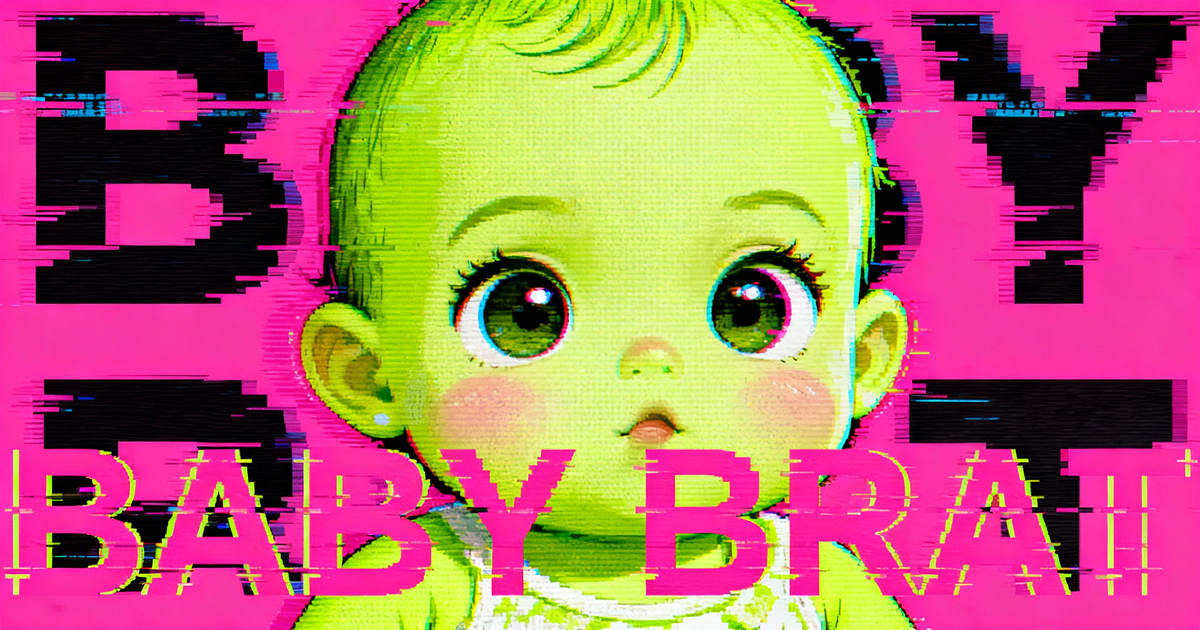
Baby Brat Meme Generator: How to Create Cursed-Cute AI Images
Complete guide to creating Baby Brat memes—the cursed-cute trend combining baby filters with brat aesthetics. Get the best AI prompts, tools, and tips for viral-worthy images.
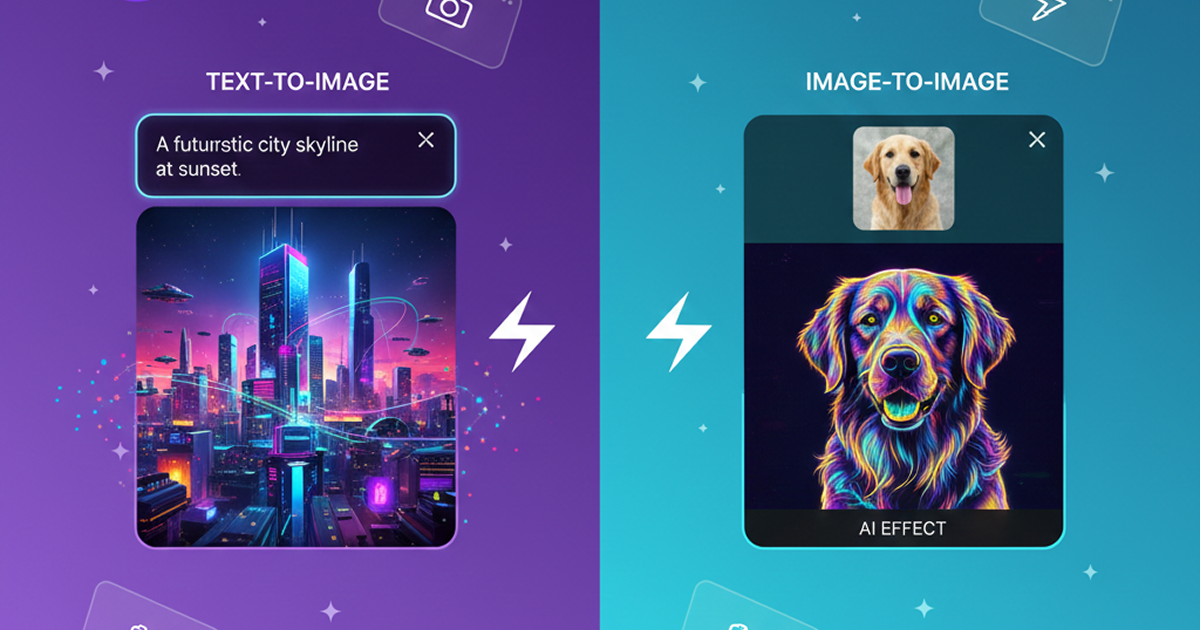
Domer: Free AI Image Generator - Complete Features & Guide
Everything you need to know about Domer AI—a fast, free image generator for creating memes, art, and transformations. Get 10 free credits to start.
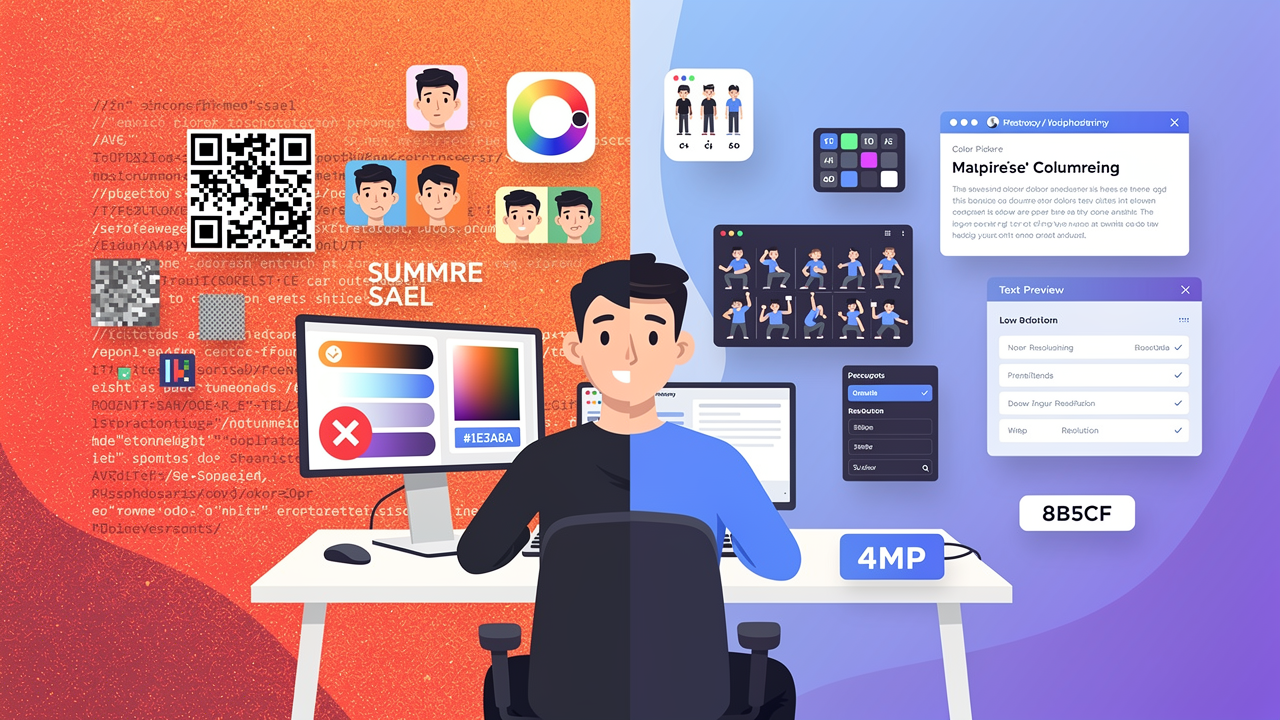
FLUX.2: The End of Five Designer Nightmares
FLUX.2 solves the problems that made AI image tools frustrating—exact colors, consistent characters, readable text, print quality, and efficient workflows. Here's what actually changed.
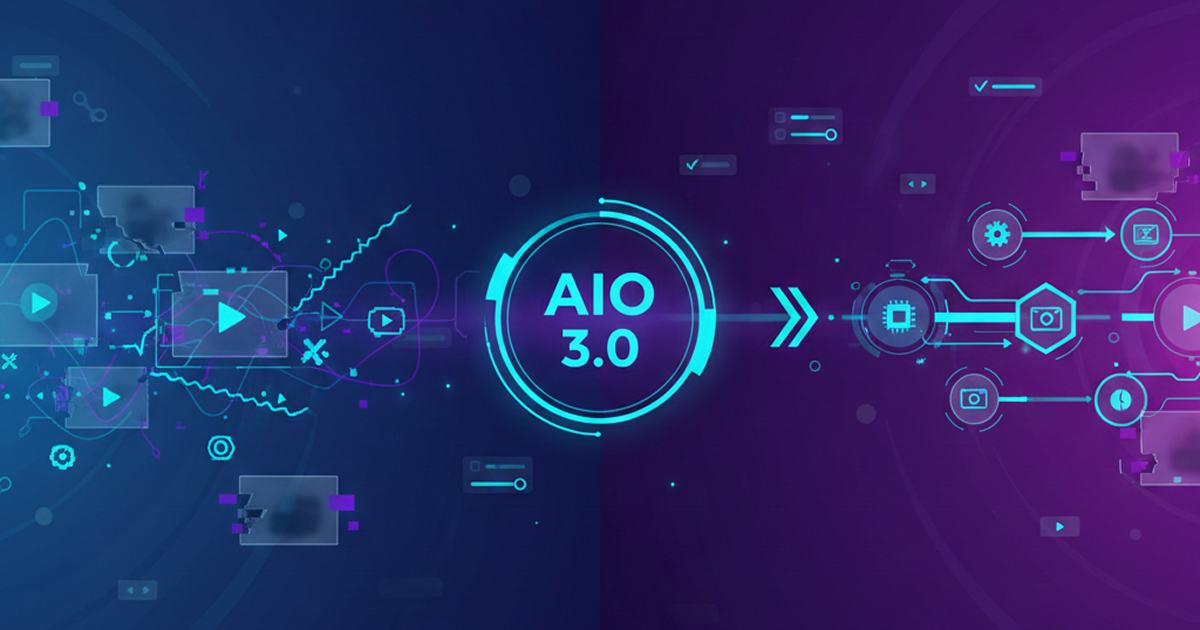
From Kling 2.6 to 3.0: How One AI Video Platform Is Rethinking the Entire Workflow
While competitors race for longer videos and higher resolution, Kling is betting on something different with its AIO model—and it might just work. A deep dive into Kling 3.0's unified approach.
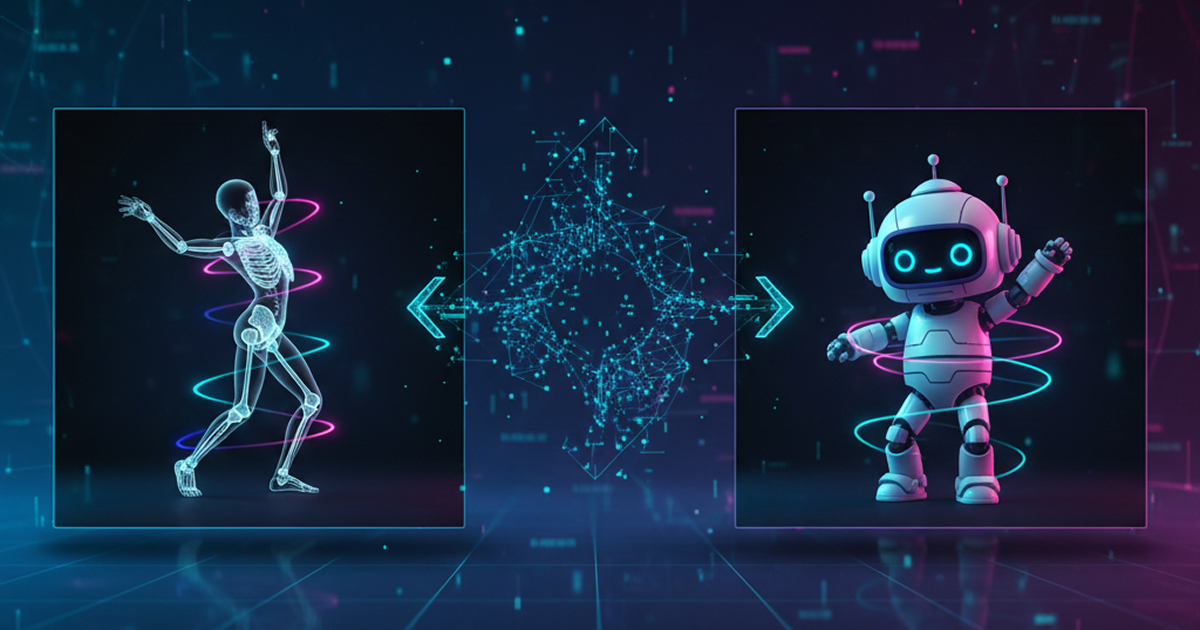
Kling Motion Control: Transfer Motion from Video to Image with AI
Learn how Kling Motion Control works - upload a reference video and static image to create videos with transferred motion. Complete guide with examples and tips.
Orelon — AI Video Generator for Cinematic Video Creation
Create cinematic videos from text or images with Orelon. Compare 23 video models, apply effects, and direct camera motion in one workspace — no installs.
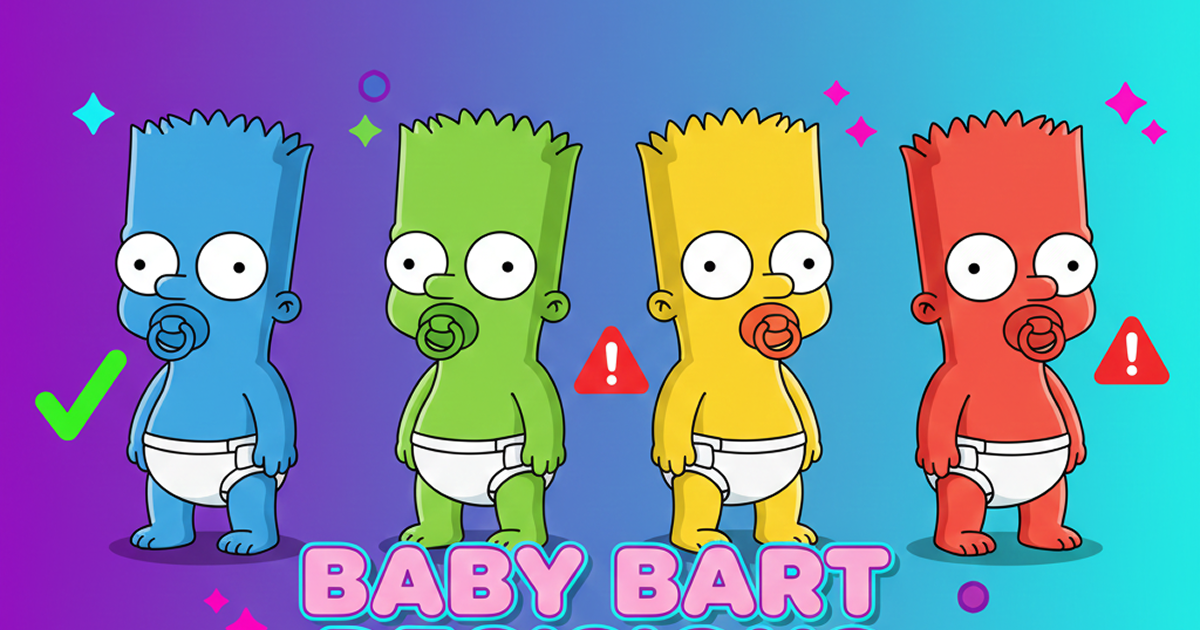
What Is Domer Meme? The Baby Bart Simpson Phenomenon Explained
A deep dive into the Domer meme that took over TikTok in late 2025. Learn what 'Domer' means, why it went viral, and how to create your own Domer-style images with AI.
Frequently Asked Questions
Everything you need to know about the Domer AI blog and platform.
Start Creating with Domer AI Today
Generate professional videos and images in seconds with AI. No credit card required to start.