
Loading...



![Create an infographic image of [FOOD], combining a realistic photograph or...](https://storage.brightvectorlabs.com/prompts/bright/food-and-drink/2015488786445082660-0.webp)


![studio shot of [PRODUCT], placed on a [background], surrounded by soft...](https://storage.brightvectorlabs.com/prompts/bright/product-and-brand/2035672892294451691-0.webp)
![A bitten realistic classic [brand] product on the dish, revealed inner...](https://storage.brightvectorlabs.com/prompts/bright/product-and-brand/2003072041889800346-0.webp)


















![A simple black-and-white illustration of a [subject] in [outfit], [doing...](https://storage.brightvectorlabs.com/prompts/bright/illustration-and-3d/2043284009116160473-0.webp)

![Mixed-media portrait of [SUBJECT], [EXPRESSION], [GAZE DIRECTION], with...](https://storage.brightvectorlabs.com/prompts/bright/poster-design/2036534946433736932-0.webp)

![Highly detailed caricature figurine of [SUBJECT] as a cute but intense...](https://storage.brightvectorlabs.com/prompts/bright/illustration-and-3d/2021519254151942239-0.webp)



![Create a stylized travel poster / graphic collage for [ALGERIA]. The main...](https://storage.brightvectorlabs.com/prompts/bright/poster-design/2048057470812074251-0.webp)



Creative Suite: AI Video Generator & AI Image Generator Tools
Power up your creative workflow with our AI-driven tools. Generate stunning videos, create images, and apply custom adjustments - our AI Video Generator and AI Image Generator offer a complete solution for all your creative needs.


GPT Image 2: 4K AI Image Generator for Text and Image Creation
Create breathtaking visuals up to 4K resolution with GPT Image 2. Turn text prompts into photorealistic images or transform existing pictures with powerful image-to-image editing — all in a single AI image generator built for professional results.
Ready to elevate your creative work? Tap into the advanced generation and editing capabilities of the GPT Image 2 AI image generator and start producing high-resolution images instantly.
- Up to 4K Resolution
- Text to Image
- Image to Image Editing
- Precise Text Rendering
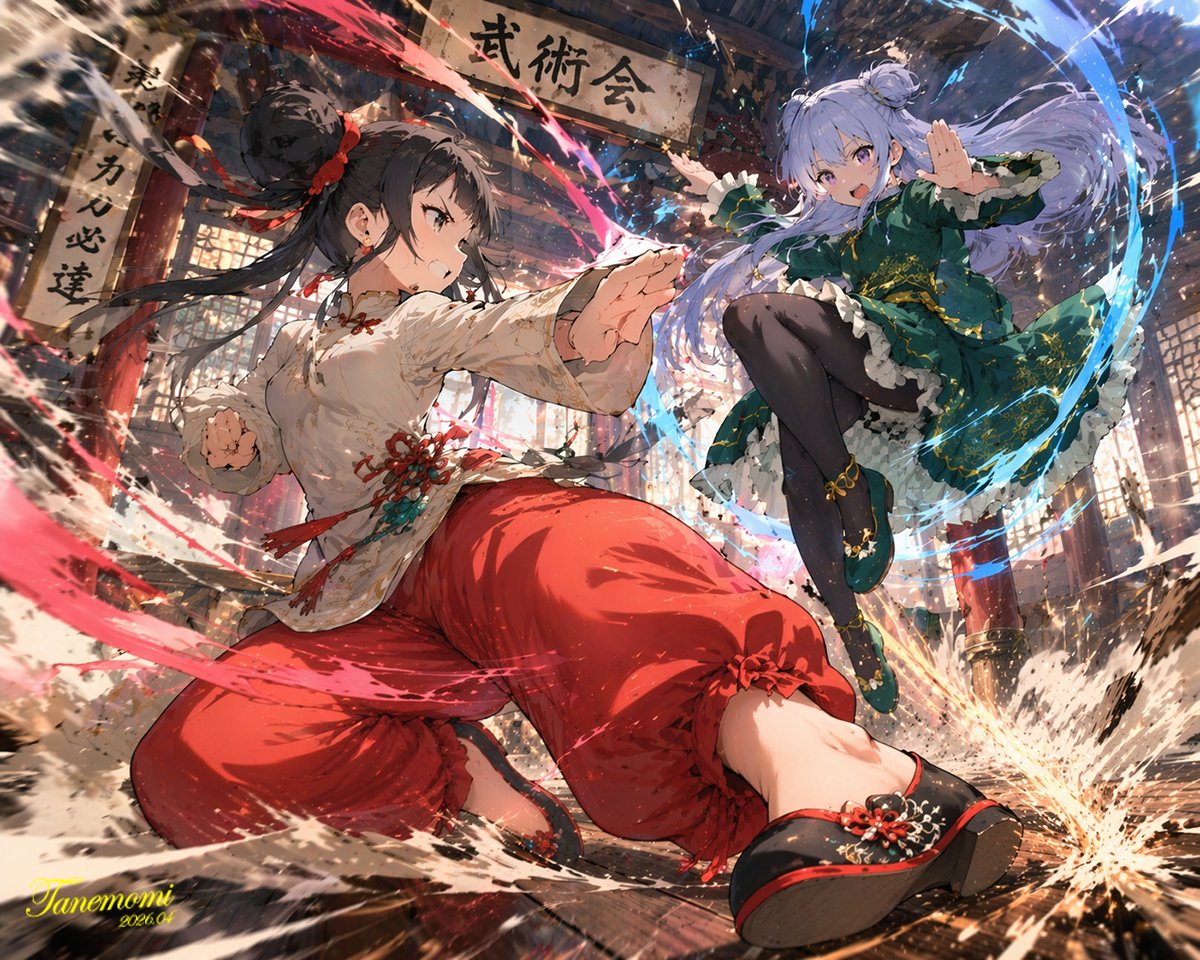
GPT Image 2: The 4K AI Image Generator for Photorealistic Results
Experience uncompromising visual fidelity with the GPT Image 2 AI image generator. Whether you are generating complex compositions, rendering crisp on-image text, or performing detailed image-to-image edits, GPT Image 2 delivers photorealistic, high-resolution results without the long wait.
Welcome to the next generation of visual creation. When you need to transform a text prompt into a stunning 4K image or precisely edit an existing photo, GPT Image 2 stands as a premier choice for professional creators and teams.
Try GPT Image 2 Free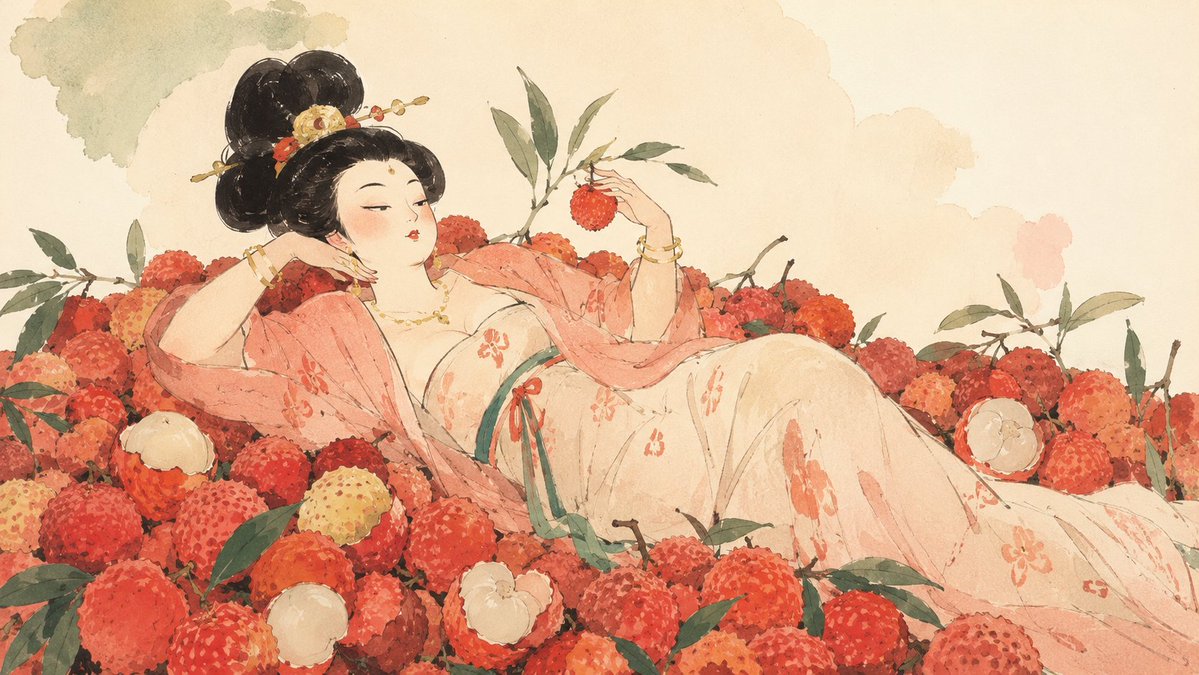
Crisp, Detailed Output Up to 4K with GPT Image 2
Resolution matters when quality is non-negotiable. GPT Image 2 generates images at 1K, 2K, and full 4K resolution, giving you the headroom to print large, crop freely, and publish anywhere without visible degradation. Where most generators stop at standard definition, GPT Image 2 preserves fine textures, skin tones, and intricate backgrounds so your work looks polished straight out of the tool.
Flawless Typography and Text Rendering with GPT Image 2
Accurate in-image text has long been the hardest problem in AI image generation. GPT Image 2 solves it, integrating legible, stylistically appropriate typography directly into your visuals. Whether you are designing a poster headline, a product label, or a social graphic, GPT Image 2 renders clean, correct text that is ready to ship without manual retouching.
Precise Image-to-Image Editing with Multiple References
GPT Image 2 is as powerful at editing as it is at creating. Upload up to 16 reference images and direct the model to restyle, recompose, or refine your visuals with remarkable accuracy. From targeted edits to complete reimaginings, the image-to-image mode lets you iterate on real assets and keep every frame on-brand across a campaign.
How to Use the GPT Image 2 AI Image Generator
Creating with GPT Image 2 is simple. Follow these four steps to turn your idea into a polished, high-resolution image.
Choose Text to Image or Image to Image
Start by selecting your mode. Use 'Text to Image' to create from a prompt, or 'Image to Image' to transform and edit existing visuals with up to 16 references.
Describe Your Idea
Type your vision into the prompt box and pick a resolution (1K, 2K, or 4K) plus an aspect ratio. Clear, detailed prompts help GPT Image 2 match your intent.
Click Generate
Hit generate and let GPT Image 2 do the work. In moments, the model delivers a high-quality, photorealistic result ready to review.
Download and Share
Review your image, download it watermark-free, and share it directly to your social channels, marketing campaigns, or client deck.
Why Choose GPT Image 2
Professional-grade generation and editing features for creators who demand resolution, accuracy, and control.
Up to 4K Resolution
Generate images at 1K, 2K, or 4K for print, web, and large-format use.
Accurate Text Rendering
Produce images with clean, legible, correctly spelled text every time.
Image-to-Image Editing
Restyle and refine existing images with precise, controlled edits.
Flexible Aspect Ratios
Choose from multiple aspect ratios for any platform or format.
No Watermarks
Every image is watermark-free and ready for commercial use.
Credit-Based Pricing
Pay only for what you generate with transparent, credit-based pricing.
What You Can Create with GPT Image 2
From marketing campaigns to product visuals, GPT Image 2 handles professional image generation and editing across every use case.
Marketing Materials
Create posters, banners, and ad creatives with accurate on-image text.
Product Mockups
Generate product visualizations and lifestyle imagery for e-commerce.
Social Media Content
Design scroll-stopping visuals for every platform and aspect ratio.
Creative Projects
Bring artistic concepts to life with photorealistic AI generation.
Presentations
Produce polished visuals for pitch decks and business slides.
Editorial Content
Generate illustrations and graphics for articles and publications.
Advanced Capabilities
Professional tools for serious creators.
Multiple Aspect Ratios
16:9, 9:16, 3:2, 2:3, and more — generate images in any format you need.
High Resolution Output
Produce images up to 4K for both print and digital use.
Image-to-Image Editing
Transform and refine existing images with precise AI editing.
Up to 16 References
Guide edits with multiple reference images for consistent results.
Fast Generation
Get high-quality results in moments and iterate quickly.
Custom Prompts
Fine-tune every result with detailed, descriptive prompts.
What Creators Say About GPT Image 2
Designers, marketers, and businesses use GPT Image 2 every day for professional image generation and editing.
GPT Image 2 is my go-to for client mockups. The 4K output and accurate text rendering let me ship work faster than ever.
Sarah Johnson, Graphic Designer
Sarah Johnson
Graphic Designer
We use image-to-image editing to restyle campaign visuals across every channel. The consistency is outstanding.
Mike Chen, Marketing Manager
Mike Chen
Marketing Manager
Product images with clean text labels used to take hours. With GPT Image 2 I generate them in minutes.
Emily Rodriguez, E-commerce Owner
Emily Rodriguez
E-commerce Owner
The 4K detail is unreal. I can crop and repurpose one image across an entire content calendar.
David Park, Content Creator
David Park
Content Creator
Feeding multiple reference images keeps our campaign visuals perfectly on-brand. GPT Image 2 saved us weeks.
Lisa Thompson, Brand Designer
Lisa Thompson
Brand Designer
Text rendering is finally professional-grade. I use GPT Image 2 for all my poster and label work now.
James Wilson, Freelance Illustrator
James Wilson
Freelance Illustrator
FAQs: Everything You Need to Know About GPT Image 2
Find clear answers to the most common questions about generating and editing images with GPT Image 2.
AI Sound Tools: High-Quality Voice-Over and Music for Your Videos
Discover how text-to-speech and AI music tools add professional audio to your videos — clear voice-overs, background music, and a complete sound workflow.
Fotorealistische Videos von bekannten Persönlichkeiten erstellen: Tipps für Prompts
So gelingt die fotorealistische Darstellung prominenter Persönlichkeiten mit KI-Video: von präzisen Gesichtsmerkmalen über Licht bis zur konsistenten Inszenierung.
How to Make Short-Form Videos with Free AI Tools
A practical guide to creating scroll-stopping short-form videos with free and budget-friendly AI tools — from choosing the right model to keeping character consistency.
Création vidéo avec l'IA : devenir créateur grâce aux outils texte-vers-vidéo
Guide pour produire des vidéos engageantes avec les outils texte-vers-vidéo : choix de modèles, cohérence des scènes, direction artistique et monétisation de vos créations.
シネマトグラフィー理論をAIで学ぶ実践ガイド
AI動画生成で映画的な映像表現を身につけるためのシネマトグラフィー入門。光源・構図・カメラワーク・一貫性の保ち方を実践例とともに解説します。
Musica AI e Sound Studio: come creare la colonna sonora perfetta per i tuoi video
Scopri come usare la musica AI e uno studio sonoro per progettare colonne sonore coinvolgenti per i tuoi contenuti video, con workflow pratici e consigli per il sound design.

Baby Brat Meme Generator: How to Create Cursed-Cute AI Images
Complete guide to creating Baby Brat memes—the cursed-cute trend combining baby filters with brat aesthetics. Get the best AI prompts, tools, and tips for viral-worthy images.

Domer: Free AI Image Generator - Complete Features & Guide
Everything you need to know about Domer AI—a fast, free image generator for creating memes, art, and transformations. Get 10 free credits to start.

FLUX.2: The End of Five Designer Nightmares
FLUX.2 solves the problems that made AI image tools frustrating—exact colors, consistent characters, readable text, print quality, and efficient workflows. Here's what actually changed.

From Kling 2.6 to 3.0: How One AI Video Platform Is Rethinking the Entire Workflow
While competitors race for longer videos and higher resolution, Kling is betting on something different with its AIO model—and it might just work. A deep dive into Kling 3.0's unified approach.

Kling Motion Control: Transfer Motion from Video to Image with AI
Learn how Kling Motion Control works - upload a reference video and static image to create videos with transferred motion. Complete guide with examples and tips.

What Is Domer Meme? The Baby Bart Simpson Phenomenon Explained
A deep dive into the Domer meme that took over TikTok in late 2025. Learn what 'Domer' means, why it went viral, and how to create your own Domer-style images with AI.
Explore More AI Features
Create Your First Image with GPT Image 2
Get 10 free credits to start. Write a prompt or upload an image and see what GPT Image 2 can create. No credit card required.