
Loading...





























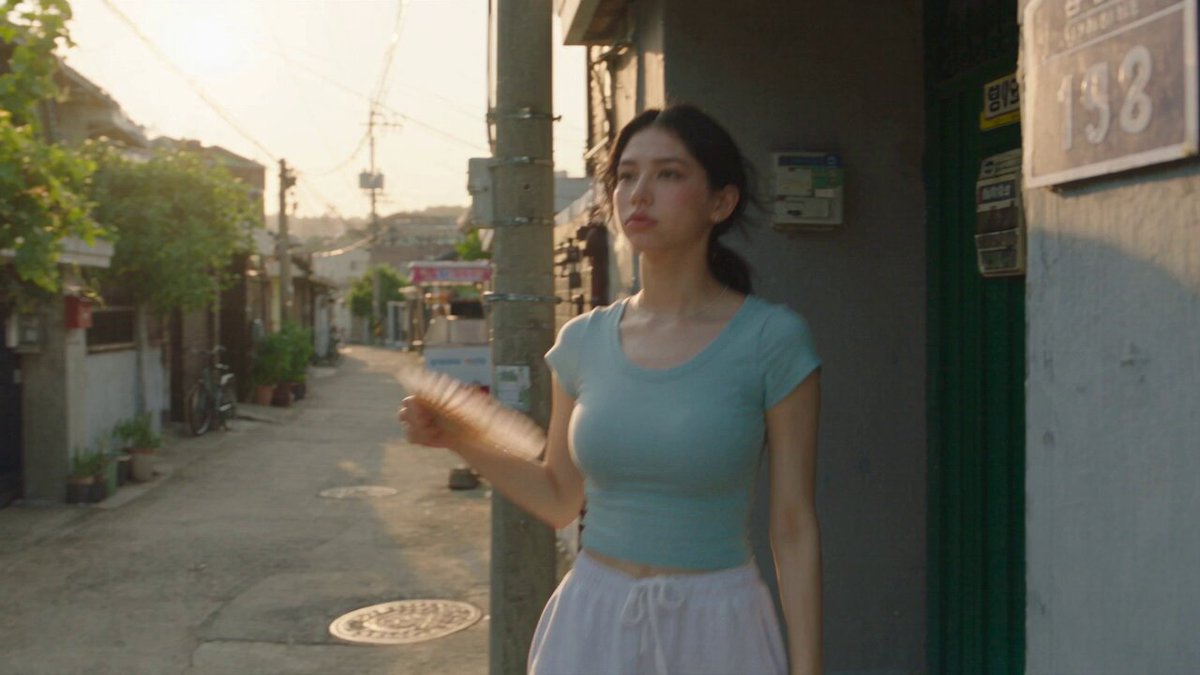


























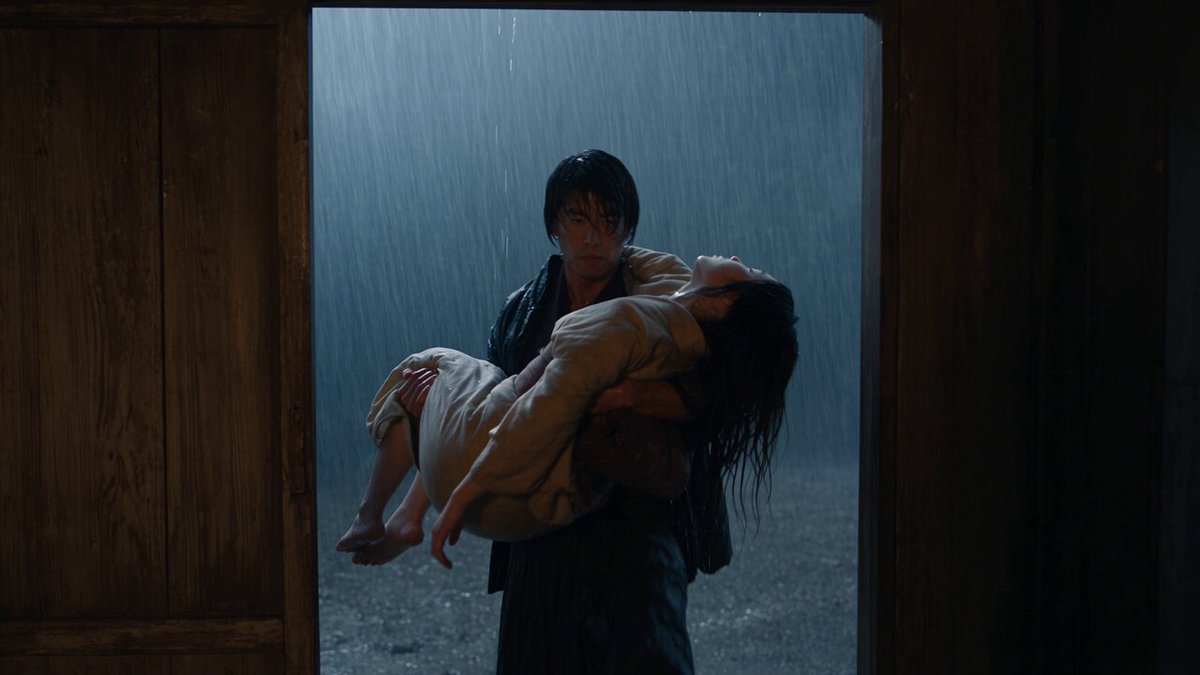

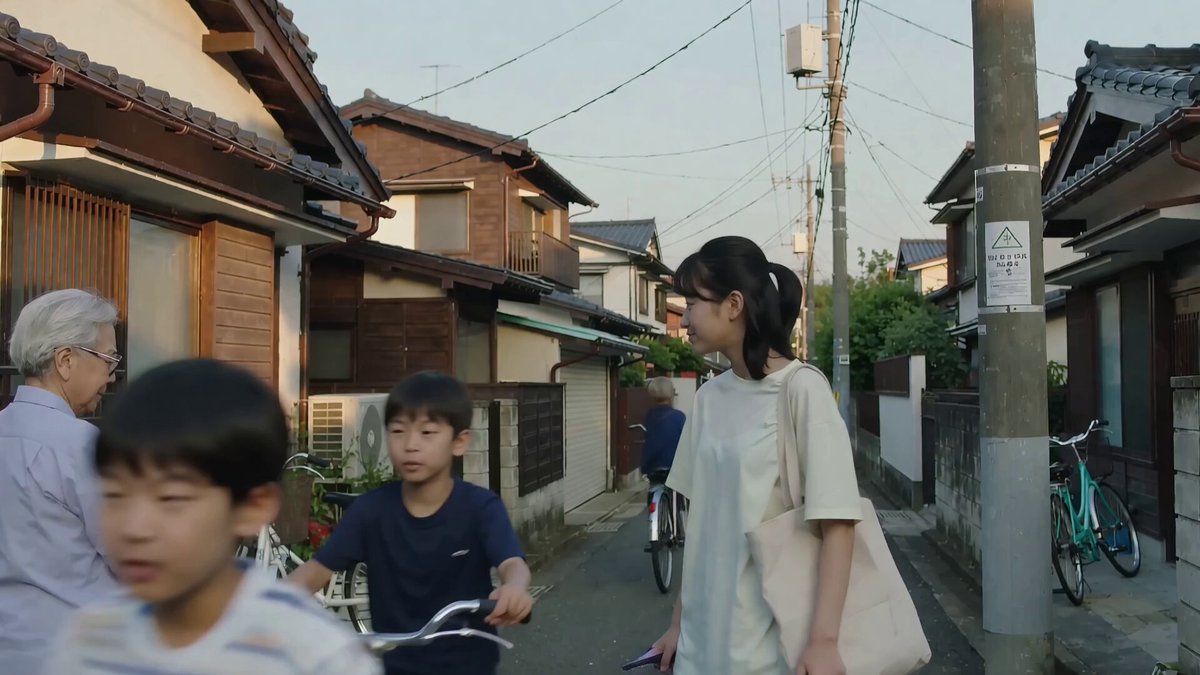



























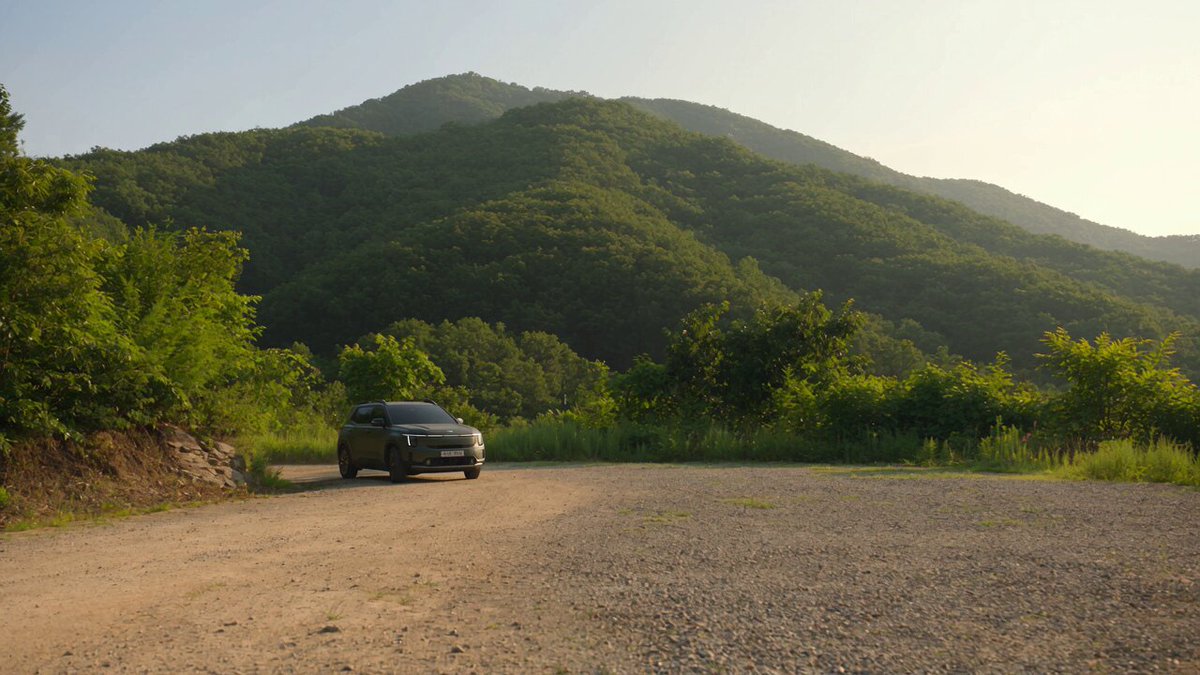


Creative Suite: AI Video Generator & AI Image Generator Tools
Power up your creative workflow with our AI-driven tools. Generate stunning videos, create images, and apply custom adjustments - our AI Video Generator and AI Image Generator offer a complete solution for all your creative needs.


Seedance 2.5: Longer, Reference-Driven AI Video in a Single Pass
Create native 30-second videos from a text prompt or reference media. Seedance 2.5 keeps characters, scenes, and camera moves consistent across long takes, with no clip stitching required.
Import up to 50 images and video clips to guide identity, motion, and composition, then render a continuous timeline in one generation.
- Up to 30s Native Video
- Up to 50 References
- Better Scene Consistency
- Up to 1080p
Reference-Friendly Cinematic Video, Made Simple
Seedance 2.5 turns reference images and clips into coherent, long-form video. Lock a product's look, a character's face, or a scene's mood without rebuilding shots one by one.
Built for commercial and storytelling work that needs continuity. One render covers an entire 30-second beat, end to end.
Try Seedance 2.5 Free30-Second Native Video in One Pass
Seedance 2.5 renders a full 30-second timeline in a single generation, so an action, reveal, or camera move plays out continuously, without the jump cuts you get from stitching short clips.
Reference-Friendly Creation with Up to 50 Assets
Bring in up to 50 images and clips to steer the result. Upload product shots to lock a look, portraits to hold a face, or motion clips to guide blocking and camera language.
Consistent Characters and Scenes Across Long Takes
Because longer clips need structural stability, Seedance 2.5 holds subject geometry, identity, and background detail steady across extended shots and multi-angle camera moves.
How to Create AI Videos with Seedance 2.5
A focused four-step workflow, from concept to a finished 30-second render.
Write the Scene
Describe your subject, setting, action, and camera move. For a longer sequence, outline a clear arc with a beginning, development, and resolution.
Add Reference Assets
Upload up to 50 images or clips when you need exact control over identity, product styling, layout, or lighting.
Choose Output Settings
Pick aspect ratio, duration up to 30 seconds, and resolution for your target platform, from vertical social to wide delivery.
Generate and Refine
Review the rendered timeline, then revise the prompt or adjust details without rebuilding the whole sequence.
Why Choose the Seedance 2.5 AI Video Generator
Built for longer, reference-driven, consistent video.
Up to 30-Second Native Video
Render complete actions and reveals in one continuous pass.
Up to 50 References
Guide identity, product, motion, and composition with reference media.
Better Scene Consistency
Hold subjects and backgrounds steady across long, complex shots.
Single-Pass Rendering
No clip stitching. One generation covers the whole timeline.
Sharper Output (Up to 1080p)
Cleaner edges and more distinct subjects for professional delivery.
Flexible Formats
Multiple aspect ratios and durations for any platform.
Who Uses the Seedance 2.5 AI Video Generator
Professional video creation with Seedance 2.5 across roles.
Commercial Directors
Pre-visualize and pitch long-form spots in a single render with Seedance 2.5.
E-commerce & Marketing
Hold product and brand consistency across every shot using reference assets in Seedance 2.5.
Short-Film Creators
Build continuous 30-second beats without stitching clips in Seedance 2.5.
Advertisers
Produce campaign cutdowns that stay on-brand from the first frame to the last with Seedance 2.5.
Motion Designers
Direct camera language and motion with reference-guided control in Seedance 2.5.
Content Creators
Plan whole scenes, not clip highlight reels, with Seedance 2.5's longer timelines.
Advanced Capabilities
Professional controls for longer, consistent video.
Scene & Character Consistency
Stable identity, geometry, and backgrounds across extended takes.
Reference Orchestration
Up to 50 multimodal assets to guide the full result.
Camera Language Control
Direct pans, pushes, and tracking moves over longer durations.
Long-Take Stability
Continuous 30-second timelines without jump cuts.
Sharper Detail
Cleaner edge separation and more distinct subjects up to 1080p.
Flexible Duration
Generate 5 to 30 seconds in a single pass.
What Creators Say
How professionals use Seedance 2.5 for longer, consistent video.
We used to stitch short clips and pray they matched. Seedance 2.5 gives us a clean 30-second take in one render, with no jump cuts to hide in post.
Marcus Vance, Commercial Director
Marcus Vance
Commercial Director
Uploading product references means the brand stays exact across every shot. Logos don't warp and colors don't drift. That's what used to kill AI video for us.
Elena Rostova, E-commerce Marketer
Elena Rostova
E-commerce Marketer
Continuity across a long tracking shot is the hard part. Here the background and the character's face both hold steady end to end.
Darius Thorne, Short-Film Creator
Darius Thorne
Short-Film Creator
Client feedback used to mean rebuilding a sequence. Now I revise the prompt and regenerate the section I need without starting over.
Sarah Jenkins, Advertising Producer
Sarah Jenkins
Advertising Producer
The detail holds up. Skin, reflections, fabric weave. Vertical cutdowns look like they came out of a real studio.
Kenji Sato, Motion Designer
Kenji Sato
Motion Designer
Thirty seconds in one pass changed how I plan a scene. I write the whole beat now, not a highlight reel of clips.
Alex Chen, Content Creator
Alex Chen
Content Creator
Seedance 2.5 Frequently Asked Questions
Everything you need to know about creating longer, reference-friendly AI videos with Seedance 2.5.
Character Consistency in AI Video: Multi-Image Fusion
Learn how multi-image fusion keeps characters consistent across AI video shots, with reference workflows, prompting tips, and QC checklists.
Image to Video AI Without Signup: A Creator Workflow Guide
Learn how to turn still images into motion with browser-based AI video tools, plus prompt tips, quality checks, and a workflow that scales for real projects.
AI Video Workflow for Creators: Produce Polished Clips Fast
A practical AI video workflow for creators: model selection, shot planning, consistency, audio, QA, and publishing cadence that keeps quality high.
No-Login AI Video Generators: Trends and Workflow Guide
Explore how no-login AI video generators work, where they fit in a real production workflow, and how to judge quality, speed, and risk before committing.
AI Video Workflow Guide: From Prompt to Polished Scene
A practical AI video workflow: script the shots, structure prompts, pick the right model, sync audio, and edit clips that actually hold together.
Deepfake e ética na geração de vídeo por IA: guia prático
Guia prático de ética em vídeo gerado por IA: consentimento, rotulagem, fluxo de produção, escolha de ferramentas, erros comuns e checklist final.

Baby Brat Meme Generator: How to Create Cursed-Cute AI Images
Complete guide to creating Baby Brat memes—the cursed-cute trend combining baby filters with brat aesthetics. Get the best AI prompts, tools, and tips for viral-worthy images.

Domer: Free AI Image Generator - Complete Features & Guide
Everything you need to know about Domer AI—a fast, free image generator for creating memes, art, and transformations. Get 10 free credits to start.

FLUX.2: The End of Five Designer Nightmares
FLUX.2 solves the problems that made AI image tools frustrating—exact colors, consistent characters, readable text, print quality, and efficient workflows. Here's what actually changed.

From Kling 2.6 to 3.0: How One AI Video Platform Is Rethinking the Entire Workflow
While competitors race for longer videos and higher resolution, Kling is betting on something different with its AIO model—and it might just work. A deep dive into Kling 3.0's unified approach.

Kling Motion Control: Transfer Motion from Video to Image with AI
Learn how Kling Motion Control works - upload a reference video and static image to create videos with transferred motion. Complete guide with examples and tips.
Orelon — AI Video Generator for Cinematic Video Creation
Create cinematic videos from text or images with Orelon. Compare 23 video models, apply effects, and direct camera motion in one workspace — no installs.

What Is Domer Meme? The Baby Bart Simpson Phenomenon Explained
A deep dive into the Domer meme that took over TikTok in late 2025. Learn what 'Domer' means, why it went viral, and how to create your own Domer-style images with AI.
Start Creating with Seedance 2.5 Today
Turn references and prompts into continuous 30-second video, with consistent characters, scenes, and camera moves in a single pass.