
Limited Time Sale: Get 40% OFF on Next-Gen AI Video Creation 🎉


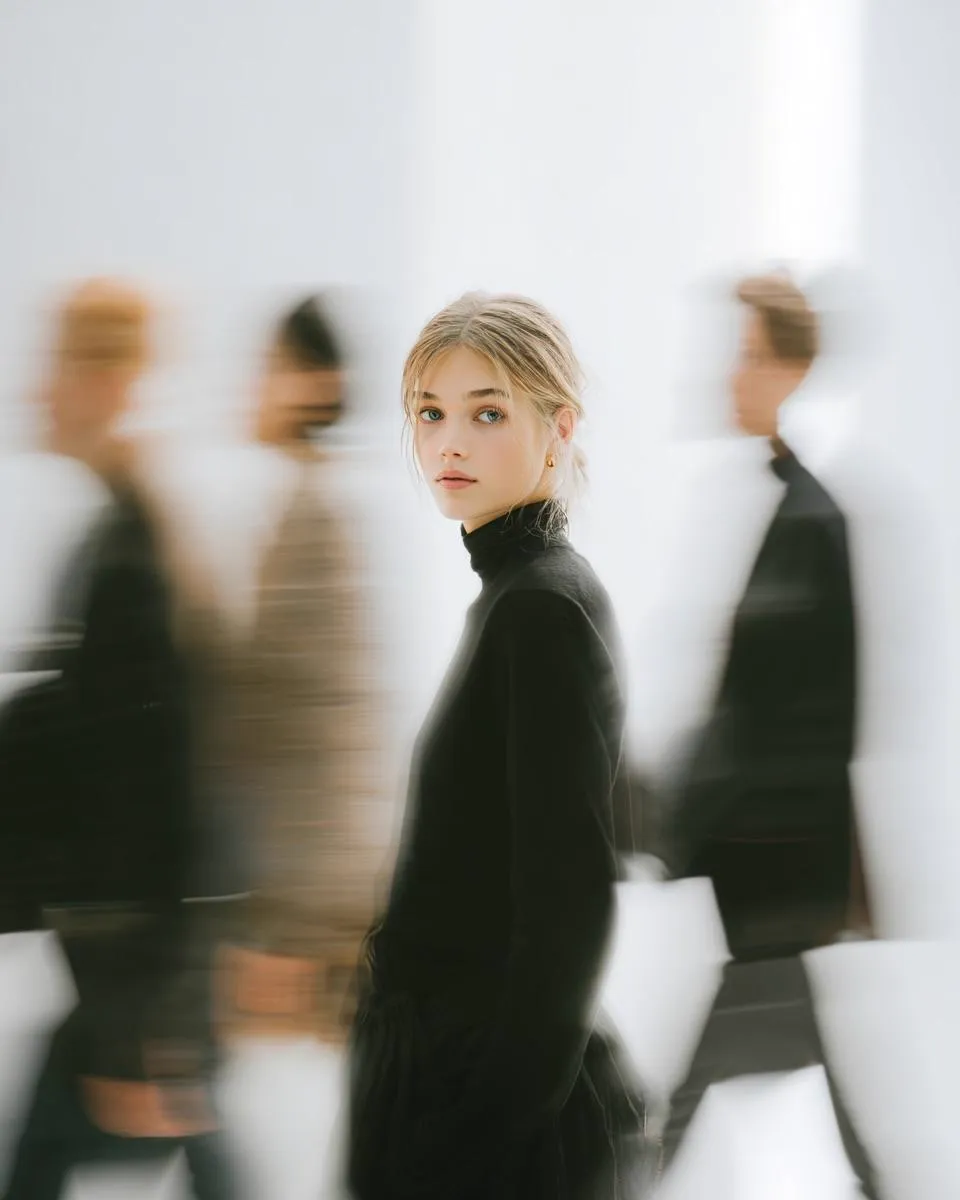
{ "task": "temporal_motion_echo_portrait_effect", "input": { "source_image":…
E
Ege@egeberkina
138 15,011 2/7/2026
Model Nano Banana 2
Nano Banana 2Categories
Share:
Prompt
{
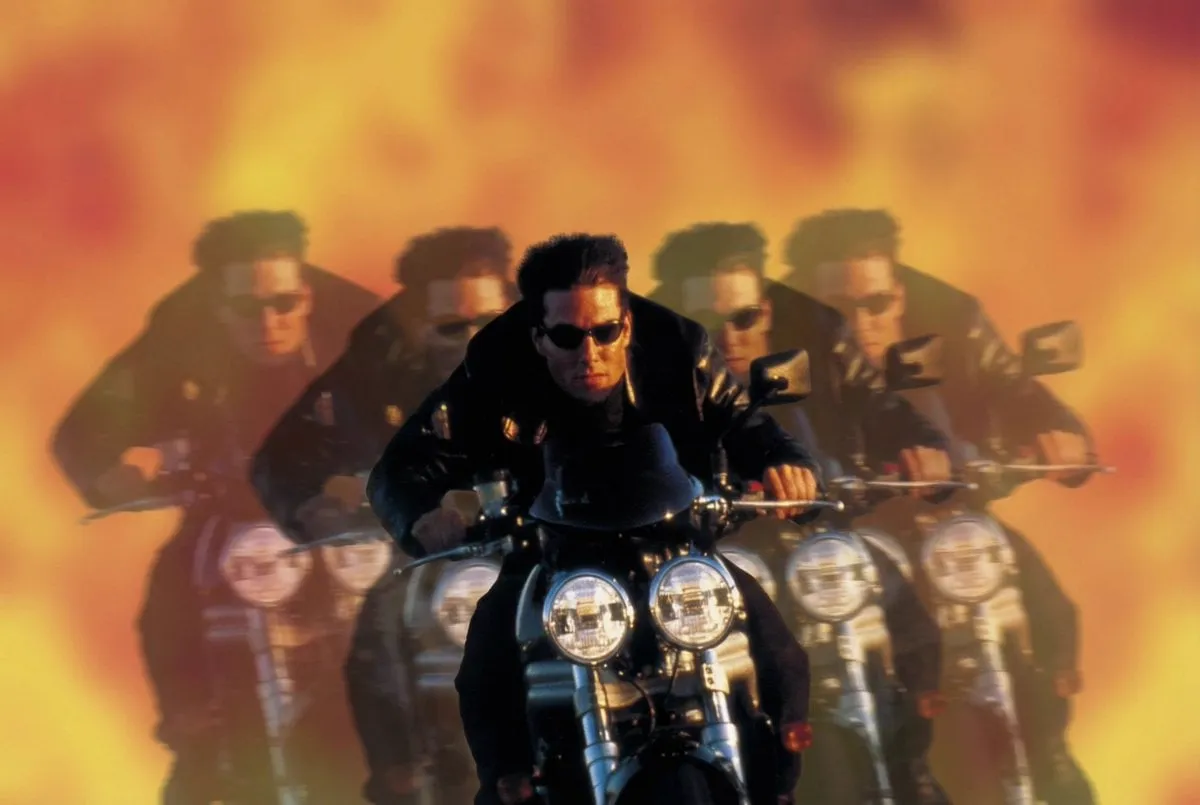
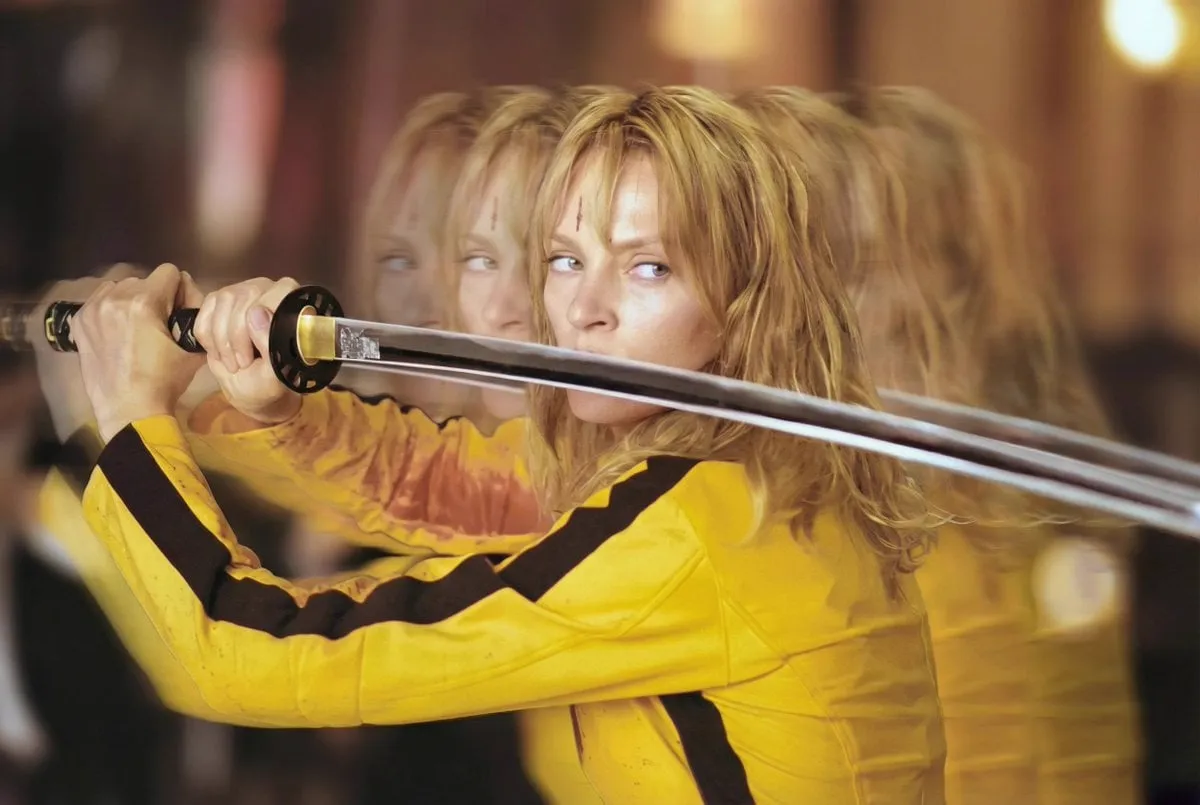
 "task": "temporal_motion_echo_portrait_effect",
 "input": {
 "source_image": "USER_UPLOADED_IMAGE",
 "preserve_identity": true,
 "preserve_pose": true,
 "preserve_outfit": true,
 "preserve_composition": true
 },
 "output": {
 "type": "single_image",
 "resolution": "ultra_high_resolution",
 "detail_preservation": "high",
 "ai_artifacts": "none"
 },
 "effect_design": {
 "core_effect": "motion_echo_time_displacement",
 "echo_direction": "horizontal",
 "echo_behavior": {
 "center_subject": "sharp_and_fully_in_focus",
 "echo_layers": "multiple_time_offset_duplicates",
 "blur_progression": "increasing_blur_with_distance_from_center",
 "opacity_falloff": "soft_fade_outward",
 "alignment": "perfectly_registered_with_original_subject"
 },
 "motion_style": {
 "type": "temporal_smear",
 "speed_feel": "slow_motion_time_stretch",
 "distortion": "none"
 }
 },
 "visual_style": {
 "background": {
 "treatment": "smooth_minimal_gradient",
 "blur": "subtle",
 "color_continuity": "match_original_background"
 },
 "lighting": {
 "preserve_original_lighting": true,
 "contrast": "controlled",
 "highlights": "soft",
 "shadows": "clean"
 },
 "color": {
 "grade": "cinematic_muted",
 "saturation": "natural",
 "skin_tones": "accurate"
 }
 },
 "restrictions": {
 "no_new_elements": true,
 "no_pose_change": true,
 "no_face_warping": true,
 "no_outfit_modification": true,
 "no_background_replacement": true
 }
}
How to Use This Prompt
Get started in three simple steps.
1
Copy or Use
Copy the prompt text, or click Use this Prompt to open the generator with it pre-filled.
2
Adjust Settings
Tweak the aspect ratio, resolution, or any other settings to fit your project.
3
Generate & Share
Hit generate and share your creation once it's ready.
Related Prompts





By Media Type


Create stunning images with this prompt
Open the generator and start creating in seconds