
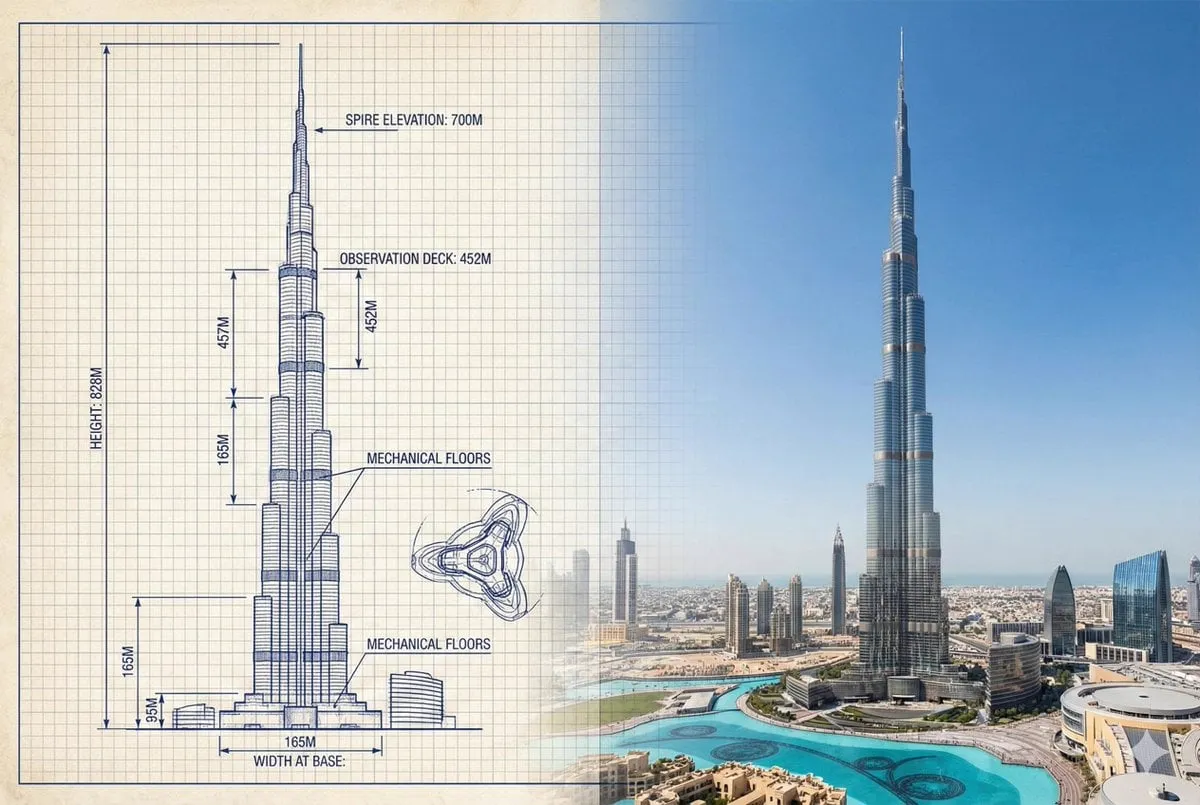
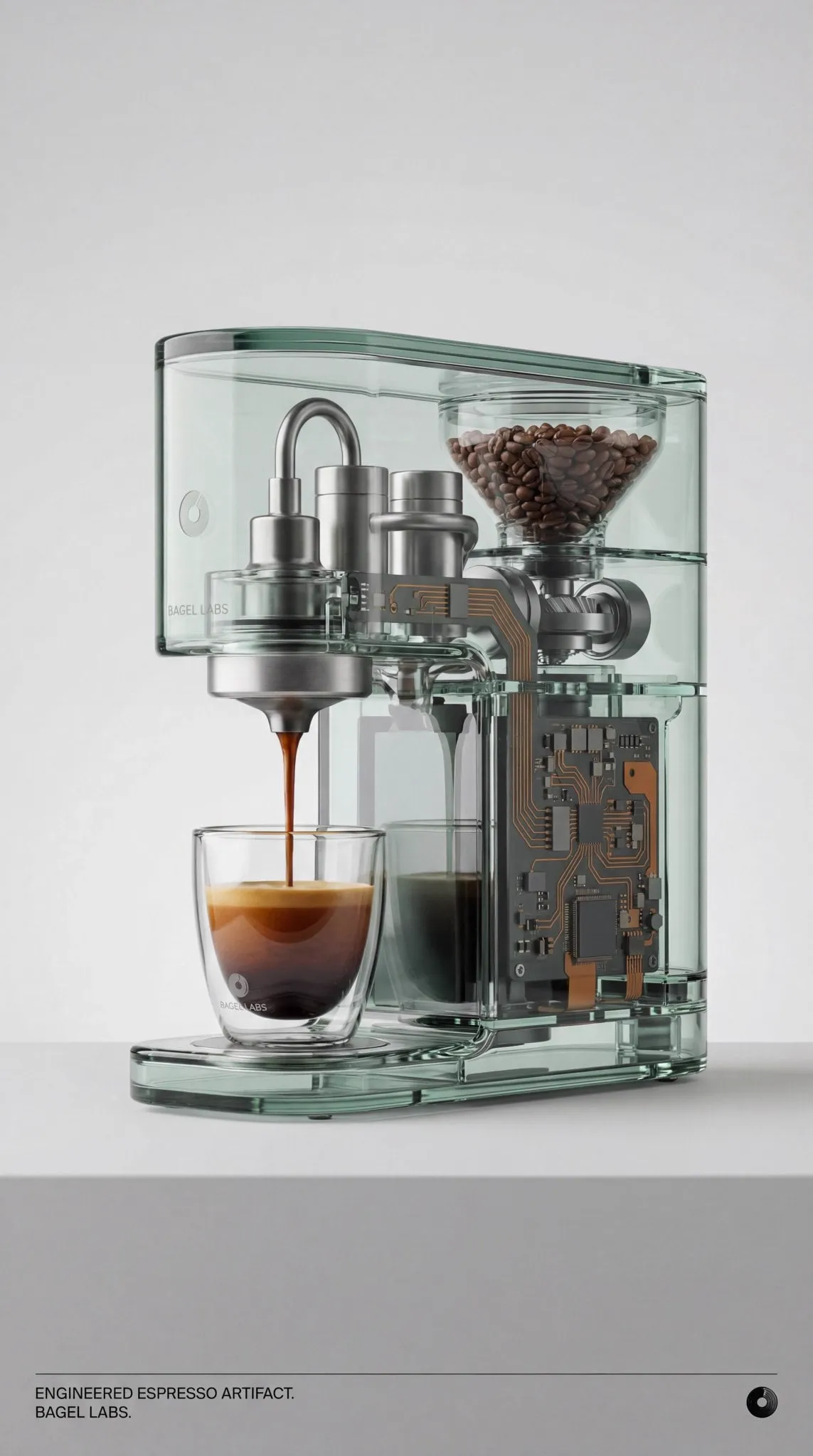
![Create an infographic image of [OBJECT], combining a realistic photograph or...](https://storage.brightvectorlabs.com/prompts/bright/illustration-and-3d/2041546763426009455-0.webp)
Great films are not just beautiful sequences of images. They are carefully orchestrated stories told through composition, light, sound, and timing. AI video generation has put powerful visual tools in everyone's hands, but a tool alone does not make a director. What separates a forgettable clip from one audiences can't stop watching is the storytelling craft underneath. This guide breaks down the cinematic techniques that matter most, and how you can apply them when generating video with AI.
Start with intention, not with a generator
The most common mistake in AI video is opening the generator before knowing what you want to say. A strong piece of storytelling begins with a clear intent: the feeling you want to evoke, the idea you want to land, and the story you want to tell.
Before you write a single prompt, answer three questions. What is the core emotion of the piece? What changes between the beginning and the end? And what should the viewer remember? These answers give every subsequent decision a direction, from the opening shot to the music.
Cinema is built on meaningful choice. When you generate images, every frame is a decision about what to show and how to show it. If you make those decisions deliberately and consistently, your clips will feel intentional even when the tool is generating the raw visuals.
Composition: directing the viewer's eye
Composition is how you arrange elements within the frame. It quietly tells the viewer where to look and how to feel. Master a few reliable techniques and your AI images will instantly feel more cinematic.
The rule of thirds is the simplest starting point. Place key subjects near the intersecting lines of the grid, rather than dead center, for a more dynamic and natural composition. Central framing can work too, but use it deliberately when you want power or symmetry.
Negative space is your ally. Leaving empty areas around a subject creates breathing room, emphasizes loneliness or scale, and gives the eye a moment to rest. Similarly, leading lines, like a road, railing, or shadow that points toward the subject, guide attention exactly where you want it.
When writing prompts, describe the framing explicitly: close-up, wide shot, or angle. Telling the model whether you want a tight, emotional close-up or an establishing wide shot is a quick way to control the emotional register of a scene.
Light as a storytelling instrument
Light and shadow are among the strongest emotion-shapers in cinema. In AI prompts, describing light is one of the most effective ways to set mood.
Hard light, with strong shadows, creates drama and tension, great for thrillers and mysteries. Soft, diffused light feels warm and safe, ideal for gentle or hopeful scenes. Silhouettes hide detail and create intrigue, while rim light separates a subject from the background for a heroic or ethereal feel.
Think about what the light says about the moment. A character stepping into a beam of light can signal a decision or a revelation. A dim room with a single lamp suggests isolation. By choosing light deliberately in your prompts, you add a layer of meaning that words alone would struggle to convey.
Pacing and rhythm through editing
Editing is where individual clips become a story. The rhythm of your cuts, the length of each shot, and the brief pauses you allow all shape how the audience feels.
A sequence with quick cuts generates energy and urgency, suitable for action or excitement. Longer, slower shots build tension and allow emotion to settle. Varying the pacing prevents monotony: a relentless fast edit exhausts, and an unbroken slow one saps energy. The classic approach is to alternate, using rhythm to reflect the story's changing stakes.
Transitions matter too. A hard cut is invisible and confident; a crossfade signals the passing of time or the softening of a moment. Cut on motion or on a beat of the music to make transitions feel effortless. When you assemble AI clips, treat the edit as a first-class creative step, not an afterthought.
Non-linear narrative and time
Not every story needs to be told chronologically. Many memorable films use non-linear structure, weaving together timelines, starting in the middle, or revealing information through flashbacks, to heighten curiosity and engagement.
AI gives you a powerful advantage here: you can generate any moment of a story independently, then assemble the pieces in whatever order serves the narrative. Start with the outcome, then reveal the causes. Intercut two storylines that eventually converge. The viewer does the satisfying work of connecting the dots.
The key is clarity. Non-linear stories still need a logic your audience can follow, otherwise they become confusing rather than intriguing. Use consistent visual markers, colors, or motifs to help viewers orient between timelines, and earn the structure by making the payoff worth the rearrangement.
Sound and atmosphere: the half of the film you don't see
Audio often gets treated as an afterthought, but it is responsible for a huge portion of a film's emotional impact. The same images feel completely different with tense music versus warm music.
Design sound with as much intention as visuals. Music sets the overall emotional temperature and its pace guides the edit. Ambient sound, like wind, distant traffic, or room tone, adds realism and immersion. Well-placed sound effects can even sell visual details that are implied but never shown.
Synchronization is the final touch. Match key moments, like a character's action or a reveal, to beats in the soundtrack. When image and sound land together, the moment hits much harder. Use integrated sound studios in your AI tools to build a layered audio bed rather than a single background track.
Applying techniques across genres
The same principles adapt to different genres, and adapting them keeps your work varied instead of formulaic.
For a thriller, lean on hard light, tight close-ups, quick cuts, and an unsettling or minimal score. For an emotional drama, prioritize soft light, slow pacing, negative space, and a gentle soundtrack. For a product showcase, use elegant camera motion, clean composition, and a confident but restrained edit.
The point is not to follow a template but to understand why each choice serves a feeling. When you know what a technique does emotionally, you can mix and match freely to create the response you intend. Your AI generated clips will feel directed rather than merely generated.
Practical workflow for cinematic results
Bring all these ideas together into a routine you can repeat.
First, write a short treatment: the story, the intended emotion, and the key moments. Second, define a visual language for the piece: light quality, color palette, framing preferences, and musical tone. Third, generate your clips scene by scene, checking each one against the plan before moving on. Fourth, assemble, edit, and lay in sound, then review the whole piece as one flow.
Throughout, keep a reference library of visual styles and techniques that work, so your next project starts from proven ground. Filmmaking is iterative, and each completed piece sharpens your instincts for the next.
Building a personal cinematic vocabulary
Over time, the most valuable thing you will develop is a personal sense of what looks and feels good. This is not something a tool gives you; it grows from attention and practice.
Watch films and clips with a critical eye, but instead of just enjoying them, ask why they work. What does the composition do? How does the light make you feel? Where does the music rise and fall? Actively naming these choices trains your eye and gives you a mental library of techniques to draw on in your own work.
Apply the same attention to your own output. Treat every generated clip not just as content but as a small experiment in technique. When one shot works unexpectedly well, study what made it work and try to reproduce it. Over time, you build a repertoire of moves that are genuinely yours, and your work develops a recognizable signature that no template can copy.
Working with reference material
Reference material is one of the most underused tools in AI video. A short reference clip, a set of stills, or even a couple of frames can tell the model far more about the look you want than any amount of text.
For example, if you want a very specific camera move or a particular style of scene, find a short clip that already does this and use it as a guide. The model can draw on it to match the pacing, the motion, and the overall feel. The same logic applies to stills for character or object consistency: a good reference image is worth a thousand words of prompt.
The key is to choose references that are close to what you actually want. The more the reference aligns with your intent, the less the model needs to interpret. Keep a small collection of trusted references organized by utility, whether it is a particular film look, a type of movement, or a lighting setup. Then inject the relevant one only when it genuinely helps, keeping every other scene distinct and intentional.
When to let go of control
Not every project needs maximum control. Sometimes the unexpected result is exactly what makes a piece special.
Freedom and control sit on a spectrum, and knowing where to place a given scene is a real skill. For exploratory or abstract content, you might loosen the prompts and rely on a few reference stills, letting the model surprise you. For scenes with strict narrative requirements, clamp down with clear composition, keyframes, and references.
A useful habit is to deliberately allocate part of a project as an experiment zone. Generate a handful of clips with fewer constraints, then pick out anything compelling and build it into the final piece. This way you invite happy accidents without giving up the structure your story needs.
Common pitfalls to avoid
The biggest pitfall is letting the tool choose your style. If you accept whatever the generator produces, your work will be generic. Take control through explicit prompts and reference images.
Another is ignoring composition details. A great subject in a careless frame feels amateur. Spend time on framing, negative space, and light even when it is tempting to just generate and go.
Rushing the edit is also costly. Even strong clips feel flat without good pacing and sound. Dedicate real time to assemblage and audio, and treat the final cut as the moment the story truly comes together.
Finally, don't let the story disappear in the search for spectacle. Cinema's power is in meaning. A clip that looks impressive but says nothing is quickly forgotten, while one that moves the viewer is remembered long after.
FAQ
Do I need filmmaking experience to benefit from this?
No, but learning the basics of composition, light, and pacing will dramatically improve your results. These techniques lift even simple clips.
Is cinematic style only for certain kinds of content?
No. Clear storytelling and strong visuals help any content stand out, from commercials to educational videos to personal experiments.
How do I make AI videos feel less generic?
Take control with specific prompts, consistent references, and deliberate editing and sound. The more choices you own, the more original the result.
Which matters more, the prompt or the edit?
Both, but editing and sound often get overlooked. A good edit can elevate average clips, while a poor edit can undermine excellent ones.
Do I need the most advanced tool to look cinematic?
No. The techniques in this guide work with any capable generator. Composition, light, pacing, and sound shape the result far more than the brand of the tool.
Final thoughts
Cinematic storytelling is a craft you can learn and apply at any scale, and AI video puts unprecedented tools in your hands. Master composition, use light with intention, shape pacing through the edit, weave narrative structure, and treat sound as a first-class layer. With these techniques, your AI-generated clips will feel directed, coherent, and genuinely moving, not just technically generated. The machine renders the images; you make them tell a story worth watching.
