

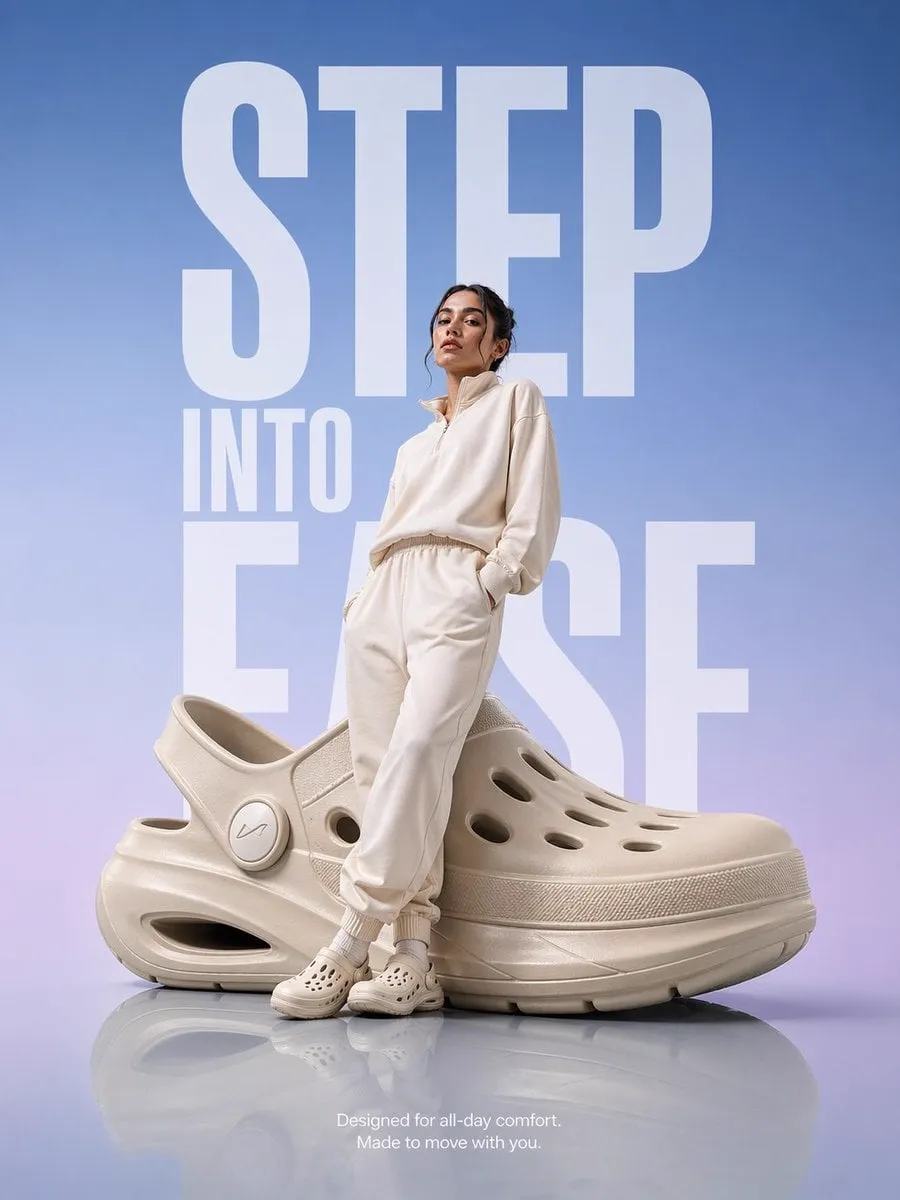
The fastest way to get a good AI video is to stop asking for one from scratch. Instead of describing an entire scene and hoping the model gets it right, you start with an image you already like and ask the model to make it move. That is image-to-video, or I2V, and it has quietly become the most practical tool in the generative video stack. A product photo becomes a slow dolly-in. A concept painting becomes an establishing shot. A character portrait becomes a scene. This guide explains what image-to-video actually does, how the models work, which tools are worth testing, and how to build a repeatable workflow around it.
What Image-to-Video Actually Does
Image-to-video takes a single image as input and generates a short video that continues from it. The output is not a slideshow of the same frame; the model invents motion — wind moving hair, water rippling, a camera pushing forward — while preserving the content of the original image.
The key word is preserve. I2V models are built to keep the starting frame recognizable, which makes them fundamentally more controllable than text-to-video. In text-to-video, every detail is invented from the prompt. In I2V, the composition, the character, the colors and the mood are already decided. The model's only job is to add believable motion.
That division of labor changes the creative process. You can spend your effort making one perfect image with a tool you know well, then hand it to an I2V model for the motion pass. This is why so many professional workflows combine an image generator with an I2V tool: the image generator gives you art direction, and the I2V tool gives you the shot.
The division of labor also affects how you plan a project. In a text-to-video workflow you describe everything and hope; in an I2V workflow you decide the composition up front, which means the expensive creative decisions are made deliberately instead of by chance. That is why I2V feels more like directing and less like gambling, and it is the reason many studios adopt it as the default for anything with a fixed script or storyboard.
How Modern I2V Models Work
Under the hood, modern I2V models are diffusion models trained on video. They learn the statistical relationship between frames — how objects move, how light changes, how a camera typically behaves. Given a starting frame, they sample from that learned distribution to produce plausible continuations.
Several advances made I2V genuinely useful. Motion prediction improved to the point where subtle, natural movement is the default rather than a lucky outcome. Prompt conditioning lets you steer the motion: describe a breeze, a camera pan or a specific action, and the model incorporates it. Longer generation windows allow shots with real narrative beats instead of a few jerky seconds.
The practical consequence is that the quality of your starting image matters enormously. A strong frame with clear subject, good lighting and a coherent composition produces dramatically better video than a weak one. In I2V, garbage in really does mean garbage out — the model faithfully animates whatever problems your image had.
Another practical consequence is the importance of motion budgets. Every model has limits on how much movement it can generate in a single pass, and exceeding that budget produces artifacts. A slow push-in on a still subject is a safe request; a fast camera whip with an action sequence and a crowd is a stretch. Learn to read the model's comfort zone by testing progressively more ambitious motion prompts on the same image, and keep your requests inside the range that produces clean results.
The Best Uses for I2V Today
I2V excels in specific situations, and knowing them saves you from using it where it is weak.
Product and brand content: a still product shot animated into a slow rotating or dolly move feels expensive and polished. Brands use this for social content, ads and website headers without a video shoot.
Character scenes: generate a consistent character still with reference-based tools, then animate it. Because the starting frame already has the correct face, I2V avoids the identity drift that plagues text-to-video.
Concept pitches: animate concept art for a game, a film or an architecture project. Clients understand motion faster than static images, and the turnaround is minutes.
Social content: turn a striking image into a 5-second motion loop for stories, reels or short-form feeds. Motion loops stop the scroll far more reliably than stills.
Restoration and archival: upscale and animate old photographs — a portrait that smiles, a street scene where traffic moves. The results are emotionally powerful and commercially in demand.
One use case deserves special attention: expanding a single asset into a family of content. A brand that invests in one excellent hero image can derive a dozen short videos from it — different crops, different motion, different captions — for a fraction of the cost of producing those videos from scratch. The image is the asset; I2V is the multiplier. Teams that think this way get dramatically more output from their best frames.
Tools Worth Testing
The I2V space is crowded, but a few names keep recurring for good reasons. Treat this as a starting list and evaluate against your own material.
Kling offers strong motion quality and good prompt conditioning, with reliable results across common use cases. Its start-to-end mode handles longer coherent sequences, which suits narrative scenes.
Runway is a long-standing creative favorite with deep editing integration. Its strength is control: you can refine the motion, adjust the camera and iterate quickly inside a production-oriented interface.
Luma produces smooth, natural motion and is a strong default for exploratory work. Its results often feel organic, which matters for lifestyle and atmospheric content.
PixVerse emphasizes creative control with a wide range of parameters and presets. If you want to dial in a specific look, its knobs are worth learning.
OpenAI Sora offers exceptional realism and physics, making it the choice when the shot must feel real. Its I2V workflows benefit from its strong world modeling.
Vidu specializes in multi-reference consistency, which makes it valuable when the starting image is part of a set — a character defined by several reference images that must stay identical.
The honest advice is to test two or three of these with the same set of images and compare. Tool quality shifts with every release, and your own material is the only valid benchmark.
A quick note on evaluation: do not compare tools on their best gallery shots. Run the same three test images through each tool, using the same motion prompt, and compare the full batch including the failures. The tool with the highest floor — the one whose worst results are still usable — is usually the better workhorse than the one with the highest ceiling and the deepest lows.
Building a Repeatable I2V Workflow
A consistent process removes most of the guesswork from image-to-video.
Choose the frame carefully. The starting image determines everything. Select an image with a clear subject, clean composition and good lighting. If the image has issues — blur, clutter, awkward crop — fix them before animating.
Write a motion prompt. Describe the movement you want: what moves, in which direction, at what speed, and what the camera does. "Slow push-in on the subject, leaves drifting left to right, soft natural light" produces a different shot than "quick handheld pan."
Generate and expand. Produce several versions of the animation. I2V models are stochastic — the same image and prompt yield different results — so generate a small batch and select the best.
Refine the winners. Take the strongest clip into your editor, adjust timing, add sound and grade color. Generation produces raw material; the edit produces the finished piece.
Log what worked. Save the image, the prompt and the settings with each successful result. Over time this library becomes the fastest way to start any new project.
If you work in a team, make the workflow a shared resource: a folder structure, a naming convention, a template for motion prompts and a short checklist for the review pass. Consistency in process is what makes consistency in output possible at volume. One person's good workflow is useful; a team's documented workflow is a production asset.
Keeping Characters and Style Consistent
I2V does not solve consistency by itself; it inherits the consistency of your starting frame. That is both the strength and the trap.
For a character that appears across scenes, build the identity once and reuse it. Generate the character with multi-reference tools so the face is stable, then animate different scenes from different stills of the same character. The identity lives in the images, not in the motion pass.
For style consistency across a series, standardize the images you feed into I2V. Use the same art style, the same color palette and the same framing conventions, and the resulting videos will feel like one body of work.
When a scene needs a character to move in a specific way, combine I2V with keyframe or reference tools that constrain the motion. The more you lock at the image stage, the less the motion stage can surprise you.
Common Failure Modes and Fixes
I2V fails in predictable ways, and most are fixable.
Morphing: the subject warps or melts during motion. Fix by choosing a simpler subject, reducing the motion complexity, or generating more versions and keeping the clean ones.
Flicker: lighting or texture shimmers between frames. This is a model limitation on complex scenes. Simplify the background and lighting, or use a model with stronger temporal coherence.
Unwanted motion: things move that should not — a logo vibrates, a face twitches. Reduce the motion prompt to the essential movement, and consider editing the final clip rather than regenerating forever.
Physics errors: objects behave impossibly — a cup floats, a shadow detaches. Choose images with physically simple scenes, and avoid asking for complex interactions that models still struggle with.
Drift from the source: the output stops resembling the starting frame. This happens with aggressive motion prompts. Tone the prompt down and let the image lead.
Finally, keep an archive of failures. The clip where the subject melted and the one where the lighting flickered are not just wasted generations; they are calibration data for future prompts. When you know which image types and motion prompts fail on your preferred model, you can route around them before spending budget. A failure log is a quiet competitive advantage.
FAQ
Do I need an image generator too? Not strictly, but it helps enormously. I2V preserves your starting frame, so the quality of your stills sets the ceiling for your videos. A good image generator gives you control over that ceiling.
How long can an I2V clip be? Most tools generate a handful of seconds per clip. Longer videos are built by generating several clips and editing them together, keeping the same character and style across the cuts.
Which is better for beginners, text-to-video or I2V? I2V is friendlier. You control the composition directly, and the results are more predictable. Start with I2V, then add text-to-video when you want to explore beyond what images can express.
Can I use I2V for commercial work? Yes, with the usual caveats: check the rights granted by your tools, especially for client work and resale. Clean rights are a feature, and you should pay for them when they matter.
Why do my results look different from the tool's gallery? Galleries show curated examples, usually with heavy iteration. Your early results will be rougher. Improve the starting frame, tighten the motion prompt, and iterate — the gap closes quickly.
Summary
Image-to-video is the reliable workhorse of generative video: it turns a frame you already love into a shot you can use, with more control and fewer surprises than text-to-video. Master the starting frame, learn to write motion prompts, build a small batch-and-select workflow, and keep your identity and style locked at the image stage. The tools will keep evolving, but the core discipline — good image in, good video out — will stay true for a long time.
